 ENEnglish
 LTLietuviškai
 DEDeutsch
 FRFrançais
 RUРусский
 ESEspañol
 PLPolski
 ITItaliano
 UKУкраїнська
 CSČeština
 PTPortuguês
 JA日本語
JA日本語 LVLatviešu valoda
 ETEesti
 HUMagyar
 IDBahasa Indonesia
 TRTürkçe
 HIहिन्दी
 ELΕλληνικά
 ARالعربية
 THไทย
THไทย VITiếng Việt
 RORomână
 MSBahasa Melayu
 BNবাংলা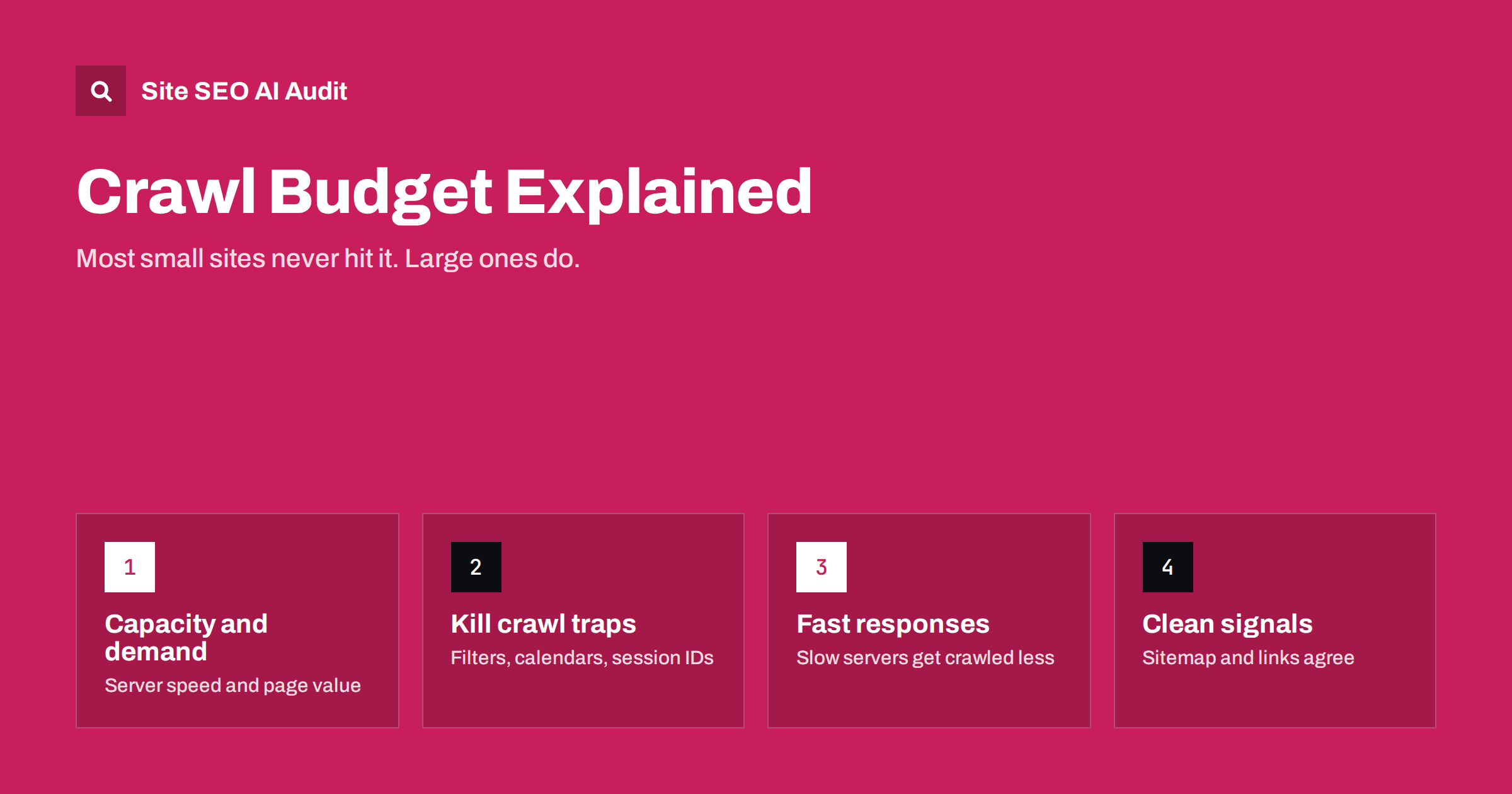
Short answer: crawl budget is the number of URLs a search engine is able and willing to crawl on your site in a given time. It depends on how much your server can handle and how much the search engine wants your content. Sites with a few thousand pages rarely need to worry about it; large shops, sites with faceted filters and sites that generate URLs automatically do, and the fix is almost always to remove low-value URLs and speed up server responses.
What crawl budget actually means
Search engines do not crawl every URL on the web all the time. For each site they balance two things, which Google describes in its guide to managing crawl budget for large sites:
- Crawl capacity limit. How many requests the crawler can make without overloading your server. If your server responds quickly and without errors, the limit goes up. If it slows down or returns 5xx errors, the crawler backs off.
- Crawl demand. How much the search engine wants to crawl your URLs. Popular pages, frequently updated pages and newly discovered URLs have higher demand. Stale, duplicate or low-quality URLs have lower demand.
Crawl budget is roughly the combination of the two: the URLs the search engine wants to crawl, limited by what your server can handle. It is not a fixed number you can look up, and it changes over time.
Does your site need to care?
Honestly, most sites do not. If your site has a few hundred or a few thousand pages, and new pages usually get crawled within a few days of publishing, crawl budget is not your problem. Spending time on it would be better spent on content and internal links.
It starts to matter when one or more of these is true:
- The site has tens of thousands of URLs or more, such as a large shop, marketplace, classifieds site or news archive.
- The site generates URLs automatically: faceted filters, sort orders, session IDs, calendar pages, search pages.
- New or updated pages take weeks to be crawled.
- Search Console shows many URLs as “Discovered – currently not indexed”, which often means the crawler knows about them but has not got around to fetching them.
- Server logs show crawlers spending most of their requests on parameter URLs or other junk rather than your real pages.
Where crawl budget gets wasted
Waste comes from URLs that cost a request but bring nothing to search. The usual suspects:
- Faceted navigation. Colour × size × brand × price × sort can create millions of URLs from a catalogue of a few thousand products.
- Infinite spaces. Calendars with “next month” links forever, or pagination that keeps returning pages beyond the last item.
- Session IDs and tracking parameters added to internal links, making every visit look like a new URL.
- Duplicate hosts and protocols: HTTP and HTTPS, www and non-www, all resolving without redirects.
- Soft 404s: pages that say “not found” but return 200, so crawlers keep coming back.
- Redirect chains, where each hop is a separate request.
- Internal search results linked from pages or listed in sitemaps.
- Low-value auto-generated pages like empty tag archives or attachment pages.
How to see how your site is being crawled
You do not have to guess. Three sources together give a clear picture:
- Search Console Crawl stats report. Found under Settings, it shows total crawl requests, average response time and a breakdown by response code, file type and purpose (discovery versus refresh). A rising response time or a high share of errors is a warning sign.
- Server access logs. Filter requests by verified search engine user agents and count which URL patterns they hit. If half of the requests go to
?sort=URLs, you have found your leak. - A full site crawl. Crawling the site yourself shows how many unique URLs your internal links expose. If a site with 5,000 products produces 300,000 crawlable URLs, the difference is the waste.
How to reduce crawl waste
Fixes fall into two groups: stop exposing useless URLs, and make the useful ones clearly more important.
- Block crawl traps in robots.txt. Disallow patterns for sort, view and low-value filter parameters, internal search and infinite calendars. This is one of the few jobs robots.txt does best.
- Stop linking to junk. Filter links that should not be crawled can be implemented without crawlable
hrefURLs, or pointed at clean URLs only for filter values worth indexing. - Consolidate duplicates. Redirect HTTP to HTTPS and one host to the other, and use canonicals for parameter variants that must stay accessible.
- Return proper status codes. Removed content should return 404 or 410, not a 200 page that says “not found”.
- Remove session IDs from URLs. Use cookies for sessions.
- Keep the sitemap clean. List only canonical, indexable URLs that return 200, with accurate
lastmoddates, so the crawler’s refresh effort goes to pages that changed. - Flatten redirect chains and update internal links to final URLs.
How to increase crawl capacity
The other half is making each request cheaper for your server:
- Speed up server response time. Page caching, a faster database, and efficient code all lower the time to first byte. Faster responses let the crawler make more requests without stressing the server.
- Fix 5xx errors and timeouts. Repeated server errors make crawlers slow down for everyone.
- Serve static assets efficiently with compression and long cache lifetimes, so rendering pages costs fewer requests.
- Do not rate-limit verified search engine crawlers too aggressively in your firewall or CDN. Blocking them with 429 or 403 responses reduces crawling.
- Use 304 Not Modified responses where your stack supports conditional requests, so unchanged pages cost less to recrawl.
If a crawler is overloading your server, the right short-term tool is returning 503 or 429 briefly, not blocking it in robots.txt, which has longer-lasting effects.
A quarterly crawl check for large sites
For a site where crawling really matters, a short routine every few months keeps problems from building up unnoticed:
- Compare three numbers: the pages you want indexed (from your database or CMS), the URLs a full crawl finds through internal links, and the pages Search Console reports as indexed. Large gaps between them show where to look.
- Review the Crawl stats trend. Check whether total requests, average response time and the share of 5xx errors have changed since the last review, and link any change to releases or hosting changes.
- Sample the logs. Take one week of verified crawler requests and group them by URL pattern. Any pattern that takes a large share of requests but has no search value is a candidate for blocking or removal.
- Test new features before launch. New filters, sorting options, search features and tracking parameters are the most common source of new crawl waste. Check whether they produce crawlable URLs before they go live.
- Check the time to crawl new pages. Note when a batch of new products or articles was published and when they were first crawled. If that delay grows, investigate before it becomes a traffic problem.
This routine takes an hour or two and usually catches issues months before they show up as lost traffic.
Crawl budget myths
A few ideas circulate that do not hold up:
| Myth | Reality |
|---|---|
| Every site should optimise crawl budget | Small and medium sites are usually crawled fully; it matters mainly for large or URL-heavy sites |
| Noindex saves crawl budget | Noindex pages still have to be crawled to see the tag; only reducing links or blocking saves requests |
| Nofollow on internal links saves crawl budget | The URLs may still be discovered elsewhere; fix the URLs themselves |
| More crawling means better rankings | Crawling is a precondition, not a ranking factor |
| You can set crawl rate in robots.txt for Google | Googlebot ignores the crawl-delay rule |
How Site SEO AI Audit helps with crawl efficiency
An audit crawl shows the same structure a search engine sees. SEOAuditBot follows your links and your sitemap, respects robots.txt, and reports the issues that waste crawling: redirect chains, broken links, soft errors, duplicate and parameter URLs, pages that are deep in the click structure or orphaned, and server response times on every page. Each issue shows how many pages it affects, so you can see whether you have a handful of bad URLs or a systemic leak. Larger sites can be crawled up to their plan limit; see plan details.
Related reading
- Robots.txt for SEO: what to block and what to leave open
- Noindex vs Disallow: how to keep pages out of search
- Redirect chains and loops: how to find and fix them
- XML sitemap best practices: what to include and leave out
The bottom line
Crawl budget is the balance between what your server can handle and what search engines want to crawl. If your site is small and new pages are crawled quickly, ignore it. If it is large or generates URLs automatically, find the patterns that waste requests, block or remove them, and make your server respond fast and without errors.
FAQ
How do I know if I have a crawl budget problem?
Typical signs are new pages taking weeks to be crawled, many URLs marked “Discovered – currently not indexed” in Search Console, and server logs showing crawlers spending most requests on parameter or junk URLs. Small sites rarely show these signs.
Does site speed affect crawl budget?
Yes. Faster, error-free server responses allow search engines to crawl more pages without overloading your server. Slow responses and 5xx errors cause them to reduce crawling.
Should I block faceted navigation in robots.txt?
Block the filter combinations that have no search value and create huge numbers of URLs. Keep valuable filtered pages, such as a brand or major attribute within a category, crawlable with clean URLs if people search for them.
Does noindex reduce crawling?
Not immediately. A noindexed page must still be crawled for the directive to be seen. Over time such pages tend to be crawled less often, but blocking or removing links is the direct way to save requests.
Can I ask Google to crawl my site more?
There is no setting to increase crawling. You can improve server speed, fix errors, publish content people want and keep sitemaps accurate. Google adjusts crawling based on those signals.


