ENEnglish
 LTLietuviškai
 DEDeutsch
 FRFrançais
 RUРусский
 ESEspañol
 PLPolski
 ITItaliano
 UKУкраїнська
 CSČeština
 PTPortuguês
 JA日本語
JA日本語 LVLatviešu valoda
 ETEesti
 HUMagyar
 IDBahasa Indonesia
 TRTürkçe
 HIहिन्दी
 ELΕλληνικά
 ARالعربية
 THไทย
THไทย VITiếng Việt
 RORomână
 MSBahasa Melayu
 BNবাংলা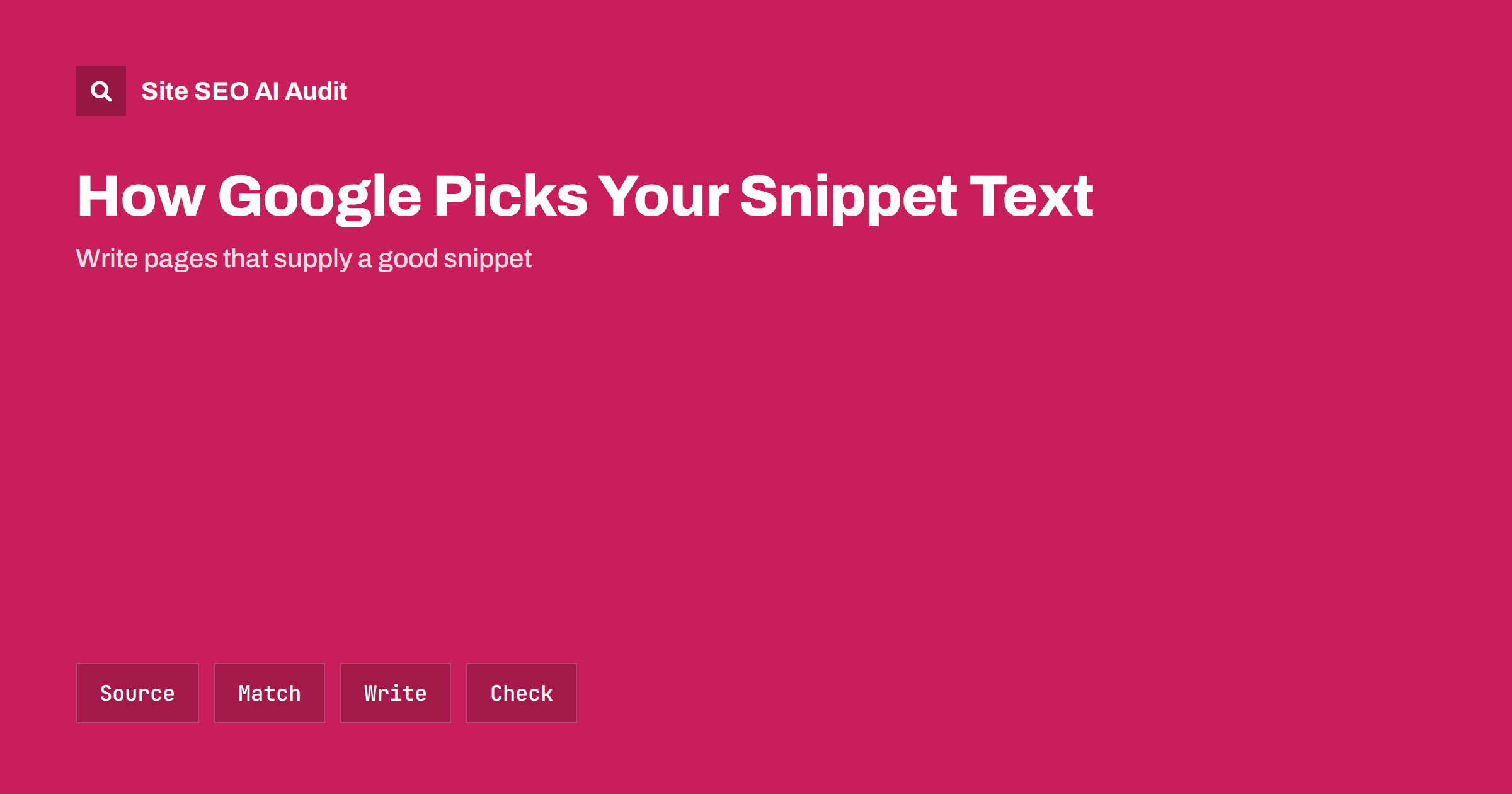
Short answer: The snippet under your link is not fixed. Google may use your meta description, but it often builds the snippet from text on the page that best matches the searcher’s query, so the same page can show different snippets for different searches. You cannot force a particular snippet. You can influence it by writing a clear meta description, putting direct answers in plain sentences near the top of each section and avoiding hidden or repetitive text.
Many site owners spend time on meta descriptions and then see Google show something else. That is normal behaviour, not a fault. The search engine tries to show the passage that helps the searcher decide whether to click. This guide explains where snippets come from, why they change, which controls exist and how to write pages that give the search engine a good choice. For writing the description itself, read the meta description guide.
Where a snippet can come from
A snippet can be taken from the meta description, from the visible text of the page, from structured parts such as lists and tables, or from a mix of them. For some results the search engine also shows the date, the breadcrumb path or a few sitelinks. The text is selected at the time of the search. If the query contains words that match a passage in the body of the page better than they match the description, the passage often wins. A short and generic description is replaced more often than a specific one that reflects what the page really covers.
Why your meta description is often replaced
There are several common reasons. The description may be missing, duplicated across many pages or too vague to be useful. It may promise something the page text does not say. It may not match what the searcher typed, especially for long or unusual queries. Or it may simply be less helpful than a sentence already on the page. In all these cases the system picks another passage. A description is therefore best seen as a suggestion that works well when it is accurate, specific and close to the way people ask about the topic.
How the query shapes the result
Because the snippet is chosen for the query, you will see variation. Searching for a brand name may show the description, while searching for a detailed question may show the sentence that answers it. This is a good sign when the page ranks for many queries, since each result shows a relevant part. Do not test your snippet only with the main keyword. Look at the queries in Search Console, search for a few of them and note which passages are shown. If a passage is wrong or awkward, rewrite it at the source. The search intent behind the query is explained in the search intent guide.
Write passages that make good snippets
Good snippet text is a complete, self-contained sentence or two that answers a specific question without needing the sentences around it. Start each section with a direct statement, then add detail. Keep sentences plain and avoid starting with filler such as an announcement of what the section will cover. Put the main point before examples. Use descriptive headings that echo the questions people ask, because headings help the system find the right passage. The same habits help AI answers, as explained in answer-first introductions.
Write a description that earns its place
Write a unique description for each important page, about one or two sentences, that states what the reader will get and uses the language of the topic. Avoid keyword lists, quotation marks that may cut the text and claims you cannot support. Lead with the benefit or the answer, not with the brand name. Leave out text that repeats the title. If a page ranks for several themes, a general description is fine; do not try to cover every query. For pages that matter, check the results every few months and update the description if the page has changed.
Use the available controls carefully
Robots directives let you limit snippets. A page-level setting can set a maximum length of text, prevent text snippets altogether or restrict image previews, and a data attribute can exclude a specific part of a page from snippets. These controls reduce the amount of your content that can appear, which may lower clicks and also reduce your presence in AI answers. Use them only when you have a real reason, such as licensed content or paid material. The trade-offs are covered in the guide to snippet controls.
Check results and click-through rates
To see whether your snippets work, compare click-through rates in Search Console for pages with similar rankings. A page with many impressions and few clicks may have a weak title, a poor snippet or an answer shown directly in the results that makes a click unnecessary. Test one change at a time, wait several weeks and compare like with like. The guide to low click-through rates describes a practical process. Avoid changing titles and descriptions across the whole site at once, since you will not know what worked.
Fix the page, not only the tag
When the shown text is bad, the cause is often on the page. Hidden text behind tabs may not be used reliably, cookie notices or menus may be picked up as content, and sentences full of repeated keywords read poorly. Make sure the main content comes first in the markup, that boilerplate text is short and that every important page has a real introduction. Pages with little text give the system little to choose from, so thin pages often show odd snippets. If your page content is weak, no tag can rescue it.
Remember also that snippets differ by device and by country. A search on a phone may show a shorter text than the same search on a desktop, and a search in another language market may bring up another passage. Use that variety to your advantage: if a page serves several kinds of readers, write the sections so that each one stands on its own and can serve as the best answer for a different question. Review the pages that matter most to your business first, and do not worry about every low-traffic page; the results for those will follow when the content is clear.
Finally, avoid chasing perfection. A snippet that changes with the query is expected, and a slightly different snippet from the one you wrote is not a problem if it is accurate and useful. Spend your time on what you control: clear titles, honest descriptions, well-organised pages and answers that deserve to be quoted. Check the output now and then, correct what is wrong and let the rest be.
Examples of passages that work
Consider a page about a returns policy. A weak passage says that the shop cares about happy customers and wants to make returns easy. A strong passage says that items can be returned within a stated number of days in their original packaging, that the shop pays or does not pay for the return label and that refunds are made to the original payment method. The second text is complete on its own and answers the question a searcher is likely to type. Apply the same test to your own pages: select a paragraph, read it without the rest of the page and ask whether it answers a question. If it does not, rewrite it, merge it with the next one or move the answer to the first sentence.
Lists and tables can supply snippets too. A numbered list of steps under a clear heading, or a compact table comparing a few options, is easy to extract and to show. Do not turn all text into lists, since that makes pages hard to read; use them where the content has a real order or a real set of items. Write the heading above the list as a plain question or statement, and keep each list item short but complete. If a step needs an explanation, add one sentence rather than a long paragraph.
Titles and descriptions should also work together. The title promises a topic, the description adds the main detail and the first paragraph proves it. When the three are consistent, a snippet taken from any of them reads well. When they conflict, for example a title about a guide, a description about a sale and a page that is a category list, the result looks confusing and clicks suffer. Review the three together for every key page whenever you refresh the content, and keep the wording natural rather than packed with search terms.
Site SEO AI Audit crawls your site and checks titles, meta descriptions, headings, duplicate and missing descriptions, thin content and structured data, so you can find the pages where the snippet has little good text to draw from. It does not see which snippet Google shows for each query or change what Google displays. The first audit of up to 200 pages is free; larger sites can see the pricing page.
Related reading
The bottom line
Snippets are chosen per query, so write a specific description, give every section a clear answer near the top and check real results, instead of trying to force one fixed text.
FAQ
Why does Google show a different description from mine?
It prefers a passage that matches the search query better than your description does, or your description is missing, vague or duplicated.
Can I force Google to use my meta description?
No. You can only make it accurate and specific, which raises the chance it is used. The final choice is made for each search.
Do meta descriptions affect rankings?
They are not a direct ranking factor, but a good snippet can raise clicks, and clicks matter for traffic.
How long should a description be?
Aim for one or two clear sentences. Length shown varies by device and query, so put the key point first.
Should I use nosnippet to control what is shown?
Only for content that must not be quoted. It removes text from your result and can reduce clicks and AI visibility.