 ENEnglish
 LTLietuviškai
 DEDeutsch
 FRFrançais
 RUРусский
 ESEspañol
 PLPolski
 ITItaliano
 UKУкраїнська
 CSČeština
 PTPortuguês
 JA日本語
JA日本語 LVLatviešu valoda
 ETEesti
 HUMagyar
 IDBahasa Indonesia
 TRTürkçe
 HIहिन्दी
 ELΕλληνικά
 ARالعربية
 THไทย
THไทย VITiếng Việt
 RORomână
 MSBahasa Melayu
 BNবাংলা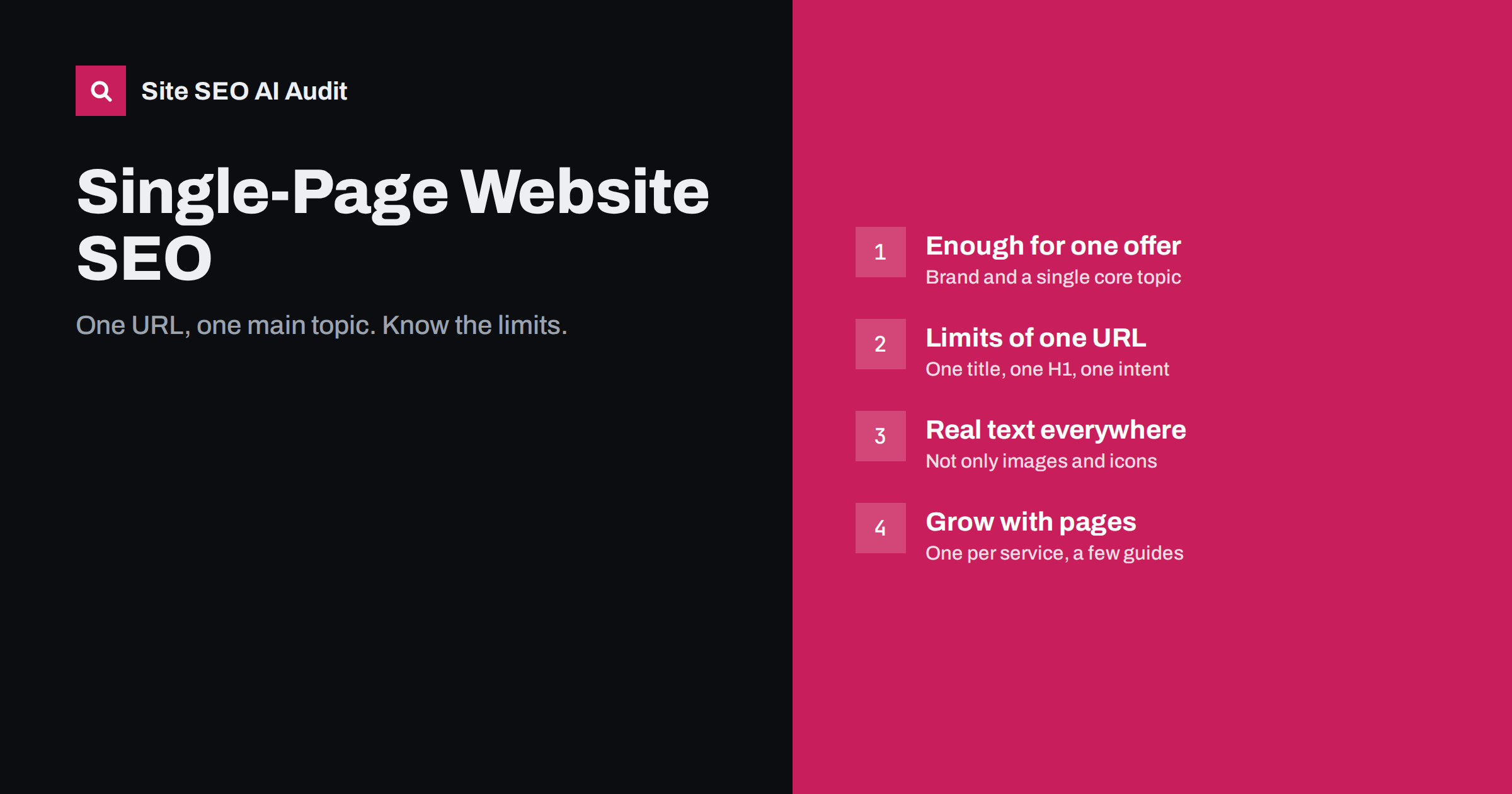
Short answer: A single-page website can rank for its brand and one core topic, but it struggles to rank for several different services or questions, because one URL can only have one title tag, one H1 and one main intent. If your business offers distinct services, serves several places or wants to answer customer questions, add separate pages for them. If you keep one page, give it a precise title and H1, real text for every section, and make sure all content is in the HTML rather than loaded later by scripts.
What a single-page website is
A single-page website, sometimes called a one-pager, puts everything on one long scrolling page: introduction, services, about, testimonials, pricing and contact. The menu usually links to sections of the same page with jump links rather than to separate pages. They are popular with small businesses, freelancers, events and product launches because they are quick to build, easy to maintain and tell a clear story.
From a design point of view they can work very well. From a search point of view they have one structural limitation that matters more than any other: search engines rank URLs, and a one-page site has only one.
Why one URL limits search visibility
Each page gets one title tag, one meta description and, ideally, one H1. Those elements tell search engines what the page is mainly about. On a one-page site, they have to describe the entire business.
Consider a photographer who offers wedding photography, family portraits and corporate headshots. On a single page, the title might be “Brandname Photography: Weddings, Families and Headshots in Kaunas”. That is reasonable, but it competes against specialists whose entire page, title and content focus on “wedding photographer Kaunas”. Search engines see the single page as a general photography site; they see the specialist page as the precise answer.
The meta description has the same problem. It can summarize the business, but it cannot be tailored to each service the way a dedicated page’s description can, so the snippet shown for a specific search is often less relevant than a competitor’s.
The same applies to questions. A one-pager rarely has room to answer “how much does a wedding photographer cost?” or “what to wear for family photos”, which are exactly the searches that bring new customers to competitors with guides and FAQ pages.
When a single page is enough
- The business does one clearly defined thing for one audience, such as a single product, app or event.
- Most visitors come from other channels: word of mouth, social media, printed materials, direct links.
- The main search goal is the brand name, so people who hear about you can find you.
- The site is temporary, such as an event or campaign.
In these cases, a well-built one-pager can do its job perfectly. A wedding band, a single mobile app or a conference with one date and venue rarely needs more than one well-written page, and splitting it into many thin pages would only make the site worse. The question is always whether people search for things that deserve their own page.
When you need more pages
- You offer several distinct services that people search for separately.
- You serve several locations, each with its own details.
- Customers ask many questions before buying that could be answered in guides.
- You sell products that need their own pages with details, images and prices.
- You want to build visibility over time through helpful content.
The usual path is not to abandon the one-page design but to keep a strong home page and add dedicated pages behind it: one per main service, a few guides, and practical pages such as pricing or contact if they need more space.
Optimizing a one-page site
| Element | What to do |
|---|---|
| Title tag | The core offer, the audience or location, and the brand, e.g. “Wedding and Family Photographer in Kaunas | Brandname” |
| H1 | One H1 stating what you do; each section gets an H2 |
| Section headings | Descriptive H2s such as “Wedding photography packages”, not “What we do” |
| Text | Real paragraphs in each section, not only images and icons |
| Images | Compressed, with alt text; lazy-load images further down the page |
| Navigation | Jump links with readable anchors such as #pricing |
| Contact details | Address, phone and service area in text, consistent with business listings |
| Dane strukturalne | Organization or LocalBusiness markup that matches the visible details |
The priority is making sure the single page clearly and specifically describes the main thing you want to be found for. Trying to list every service in the title usually makes it vague for all of them.
A one-page outline that works for search
If a single page is the right choice, this structure gives it the best chance:
- Hero: H1 stating the core offer and location or audience, one sentence on what makes you different, a contact button.
- Services (H2): a short paragraph for each service in text, not just icons, with what is included.
- How it works (H2): three or four steps from first contact to finished work.
- Pricing (H2): prices, packages or what affects the price.
- Examples of work (H2): images with descriptive alt text and short captions.
- About (H2): who you are, experience, qualifications.
- Frequently asked questions (H2): five or six real questions with short answers, which also gives the page text that matches common searches.
- Contact (H2): phone, email, address or service area, opening hours, in text.
This gives the page a clear topic, a logical heading outline and enough real text for search engines to understand what the business does, while keeping the single-page feel visitors like.
Technical pitfalls of one-page sites
- Content loaded by JavaScript. Some one-page builders load sections only when the visitor scrolls. If the text is not in the initial HTML, search engines may not see it reliably. Check the page source or a URL inspection tool.
- Heavy media. Large background videos, parallax images and animations make one-pagers slow, especially on phones. Speed matters more when everything is on one URL.
- Fake pages with hash URLs. Some builders show different “pages” at URLs like
/#/services. Search engines treat everything after the hash as part of one page, so these are not separate pages for search. - Several H1s. Builders often make every section title an H1. Keep one H1 and use H2s for sections.
- Missing text alternatives. Headlines baked into images or icons without labels leave search engines with little to read.
Growing from one page to a small site
If you decide to add pages, a practical first step:
- Keep the home page as the overview, with a short summary of each service linking to its own page.
- Create one page per main service with its own title, H1, detailed content, pricing information and proof.
- Add two or three guides answering the questions customers ask most before buying.
- Update navigation to link to real pages instead of, or as well as, jump links.
- Link between pages with descriptive anchors: guides to services, services to each other where relevant.
A handful of focused pages usually widens search visibility far more than further polishing a single page. Keep the URL of the existing page as the home page, so any links and history it has built up stay in place, and add the new pages under it.
Checking a one-page or small site
Even small sites benefit from an outside check, because problems like missing text, several H1s, slow media and missing alt text are easy to miss in a builder’s preview. Site SEO AI Audit checks every page it can crawl, including H1s, titles, thin content, image alt texts, speed and structured data, and ranks fixes by impact. The first audit of a website is free: enter your address on the home page.
Related reading
- Home Page SEO: What Your Home Page Must Say and Link To
- Service Page SEO: How to Build Pages That Rank and Convert
- JavaScript SEO Basics: How Search Engines Render Your Pages
The bottom line
A single-page website can work for a business that does one thing and gets most visitors from other channels. Because search engines rank URLs, one page can only focus on one main topic, so businesses with several services, locations or common customer questions usually need more pages. If you keep a one-pager, give it a precise title and H1, real text in every section, one H1 with descriptive H2s, and make sure content is in the HTML and loads fast.
FAQ
Are single-page websites bad for SEO?
Not bad, but limited. They can rank for the brand and one core topic, but they rarely rank for several different services or questions, because one URL has one title and one main focus.
Do jump-link sections count as separate pages?
No. Links such as #services point to parts of the same page. Search engines treat the whole thing as one URL, though they may occasionally link to a section in results.
How many pages does a small business website need?
Typically a home page, one page per main service or product line, a contact page, and a few guides answering common questions. The right number depends on how many distinct things people search for.
Can I keep my one-page design and still add pages?
Yes. Keep the one-page home as an overview and add dedicated pages for services and guides behind it, linked from each section.
Does page speed matter more on a one-page site?
It matters on every site, but one-pagers often load all images, videos and scripts at once, which makes them heavier. Compress media and lazy-load images further down the page.


