ENEnglish
 LTLietuviškai
 DEDeutsch
 FRFrançais
 RUРусский
 ESEspañol
 PLPolski
 ITItaliano
 UKУкраїнська
 CSČeština
 PTPortuguês
 JA日本語
JA日本語 LVLatviešu valoda
 ETEesti
 HUMagyar
 IDBahasa Indonesia
 TRTürkçe
 HIहिन्दी
 ELΕλληνικά
 ARالعربية
 THไทย
THไทย VITiếng Việt
 RORomână
 MSBahasa Melayu
 BNবাংলা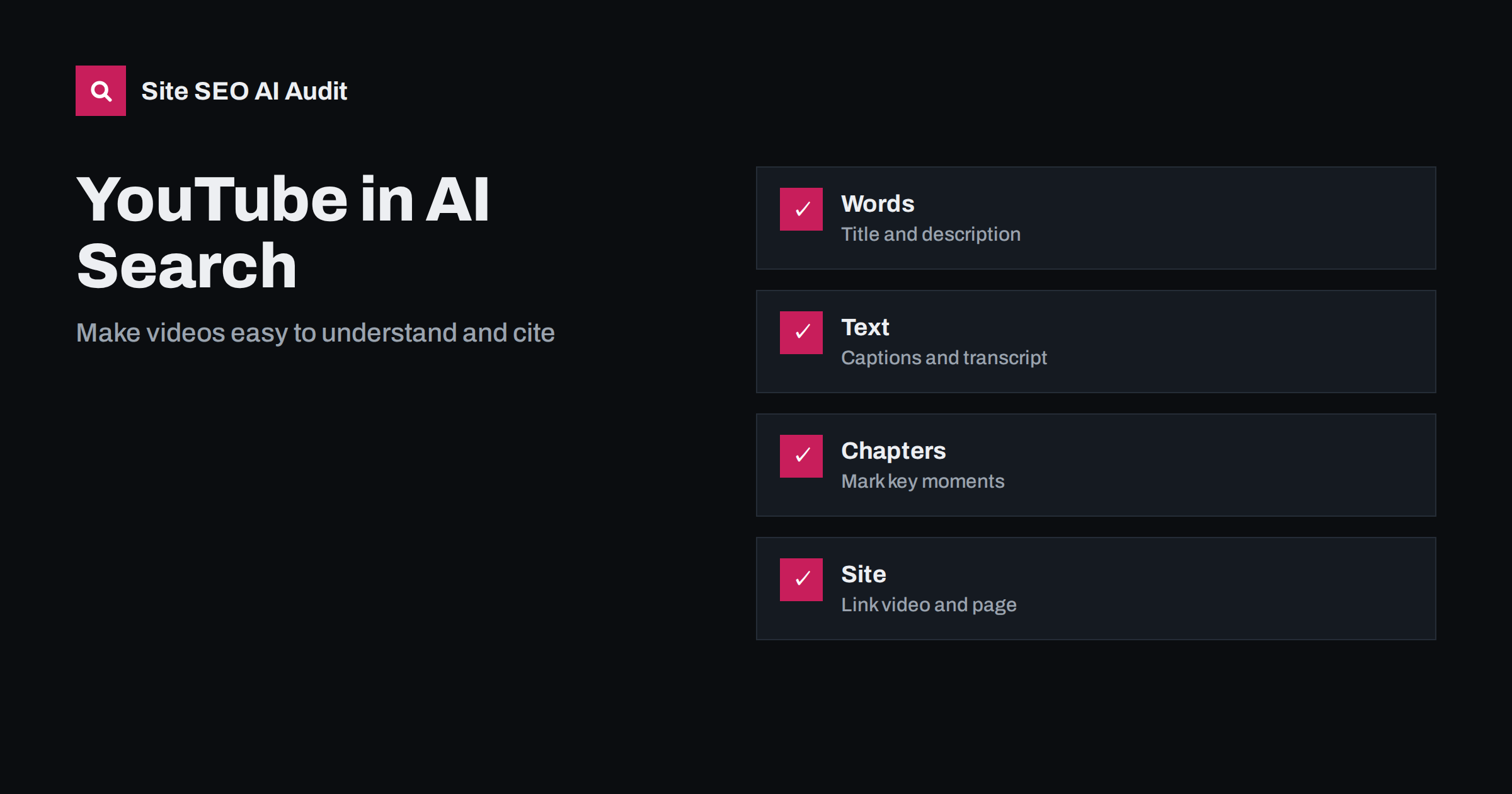
Short answer: AI search can show and sometimes cite videos, but it reads text far better than it watches footage. A YouTube video is easier to understand and use when it has a clear title, a precise description, accurate captions, a transcript, chapters and a matching page on your own site. Focus on explaining one question well, and do not expect any single tactic to guarantee a mention.
People increasingly ask AI assistants to show them how to do something: replace a bike chain, set up a camera, read a lease, bake bread. A written answer is often helpful, but for many tasks a short video is better. As a result, assistants and AI search features sometimes include video results or refer to a video as a source. For businesses that already publish video, or are thinking of starting, the question is practical: what makes a video usable for these systems? This guide explains how machines work with video, what you can improve on YouTube, how to connect video with your own pages and what to avoid.
How AI systems work with video
Most AI search features do not process a whole film in the way a person watches it. They rely heavily on text that surrounds the video and on text that is derived from it: the title, the description, the captions, the chapter titles, the channel name, comments and the page where the video is embedded. Some systems can also analyse the audio track or sample the images, but text remains the most dependable signal, and it is the part you can control. The article on what AI search can actually read in PDFs, images and video describes the limits in more detail.
This means a video with a vague title and no captions is nearly invisible, even if the content is excellent. A video with a clear promise, accurate subtitles and a tidy description gives a system plenty to quote or to match with a question. It also means that spoken words matter: say the key terms, the steps and the answer out loud, as well as showing them on screen.
Pick topics that suit video
Not every subject needs a video. The best candidates are tasks where seeing the action helps: demonstrations, repairs, set-up steps, product comparisons, software walk-throughs, recipes, exercises and before-and-after results. Questions that have a short factual answer, such as an opening time or a definition, are usually answered from text pages. Look at what customers ask your support team and which tasks they find confusing. If you can show it in three to eight minutes, it is probably a good video topic. Think about what the viewer will do after watching: visit a page, book a service or find a product.
Aim each video at one clear question. A video called “Everything about our product” attracts nobody; a video called “How to change the filter on a model X dishwasher” matches a real search. Use the same wording that people use when they ask.
Write the title and description well
The title should say what the viewer will learn, in natural language, with the main topic near the beginning. Keep it honest; clickbait titles harm trust and are poor for machines that match questions to content. The description is your best place to supply text. Write two or three sentences that summarise the answer, followed by a short outline of the steps, the tools used and links to related pages. Include your brand name once, and a link to the page on your site that covers the same topic in writing.
Avoid stuffing the description with unrelated keywords or long lists of tags. It reads badly and does not help. Think of the description as a short article that explains the video to someone who has not seen it.
Add captions and a transcript
Captions are the most valuable text signal that you can add. Automatic captions are a start, but they make mistakes with names, technical terms and accents. Review them, correct errors and upload a clean file. Captions also make your video usable for people who cannot hear it or who watch with the sound off, and they help viewers who speak another language. If you publish in several languages, add subtitles in each, but keep a human check on quality; the guide to machine translation and SEO explains the risk of unreviewed output.
Publish a transcript on your own site, below the embedded video or on a linked page. A transcript gives search engines and AI systems a full text version of the content, and it gives readers a quick way to scan. Edit it so that it reads well; a raw dump of spoken text is harder to use. See podcast SEO and transcripts, which uses the same principles for audio.
Use chapters and clear structure
Chapters divide a long video into labelled sections with time stamps. They let viewers jump to the part they need, and they give machines a map of the content. Use plain, descriptive chapter names such as “Remove the old filter” and “Check the seal”, not jokes or vague labels. Start each chapter in the description with the first time stamp at zero. Speak the structure in the video too: state at the start what you will cover, and summarise at the end. A video that is organised like a good article is easier to quote.
Connect the video to a page on your site
A video alone is rarely enough. Create a page on your site that embeds the video and covers the same topic in text: a short answer at the top, the steps in a list, key details in tables or bullets, the transcript or a summary, and links to related pages. This page gives you something that you own, can improve and can link to from your menus. It also gives search engines a complete, crawlable resource. The page should load quickly, so use a light embed and avoid placing many players on one page.
Use structured data for the video where it fits, and make sure the page is indexable. The thumbnail should be a real, clear image. Mention the video in the page text so that people and machines connect the two. For the technical side, see how to get embedded videos found in search.
Build trust around the channel
AI systems prefer sources they can identify and trust. Give your channel a clear name, a description that explains who you are and what you cover, links to your site and consistent branding. Show real people, name the presenter and explain their experience where it is relevant. Use first-hand footage rather than recycled clips, because original demonstrations carry experience that generic content lacks. The guide on original data and first-hand experience explains why this matters for citations.
Keep content accurate and up to date. If a video shows a product that has changed, add a pinned note or publish a new version, and update the matching page. Old or wrong instructions do harm, especially in subjects where mistakes have real costs.
Measure and set realistic expectations
No tactic can force an assistant to cite your video. Treat video as one part of a broader effort to be useful and understandable. Track views and watch time in the video platform, and check whether your embedded page gets visits from search and from AI assistants; the guide to tracking AI referral traffic in Google Analytics 4 shows how to set this up. Ask assistants real questions each month, record whether videos appear for your topics and note which sources they choose. Then adjust titles, captions and pages.
Before investing in a series of videos, make sure the pages that support them are in good shape. A site audit finds missing titles, blocked pages, slow pages and missing structured data, which affect both text and video visibility. Site SEO AI Audit scores your site across seven areas, including AI visibility, and the first audit of up to 200 pages is free. See the pricing page for re-checks.
Related reading
- Video SEO: How to Get Embedded Videos Found in Search
- How AI Search Engines Work: Retrieval, Ranking and Answers
- Semantic HTML for AI Search: Markup That Helps Machines Read
- FAQ Sections That Work for Readers and AI Answers
The bottom line
AI systems understand video mostly through text, so make that text excellent. Choose one clear question per video, write an honest title and description, add corrected captions, use chapters, and publish a matching page with a transcript on your own site. Build a trustworthy channel, keep content current and test real questions regularly.
FAQ
Can AI assistants cite a YouTube video?
Sometimes, yes. They rely mainly on the title, description, captions, chapters and the surrounding page, so those parts matter most.
Do I need a transcript if I already have captions?
A transcript on your own site is still valuable. It gives search engines and readers a full text version on a page you control.
Should I embed videos on my site or only use the platform?
Do both. The platform brings viewers and discovery, and the page on your site gives you a crawlable, improvable resource that you own.
How long should a video be?
As long as it needs to answer the question well. Many how-to videos work in three to eight minutes, but clarity matters more than length.
Will adding more keywords to the description help?
No. A clear summary and outline help. Long lists of unrelated keywords read badly and add no value for people or machines.