 ENEnglish
 LTLietuviškai
 DEDeutsch
 FRFrançais
 RUРусский
 ESEspañol
 PLPolski
 ITItaliano
 UKУкраїнська
 CSČeština
 PTPortuguês
 JA日本語
 LVLatviešu valoda
 ETEesti
 HUMagyar
 IDBahasa Indonesia
 TRTürkçe
 HIहिन्दी
 ELΕλληνικά
 ARالعربية
 THไทย
 VITiếng Việt
 RORomână
 MSBahasa Melayu
 BNবাংলা
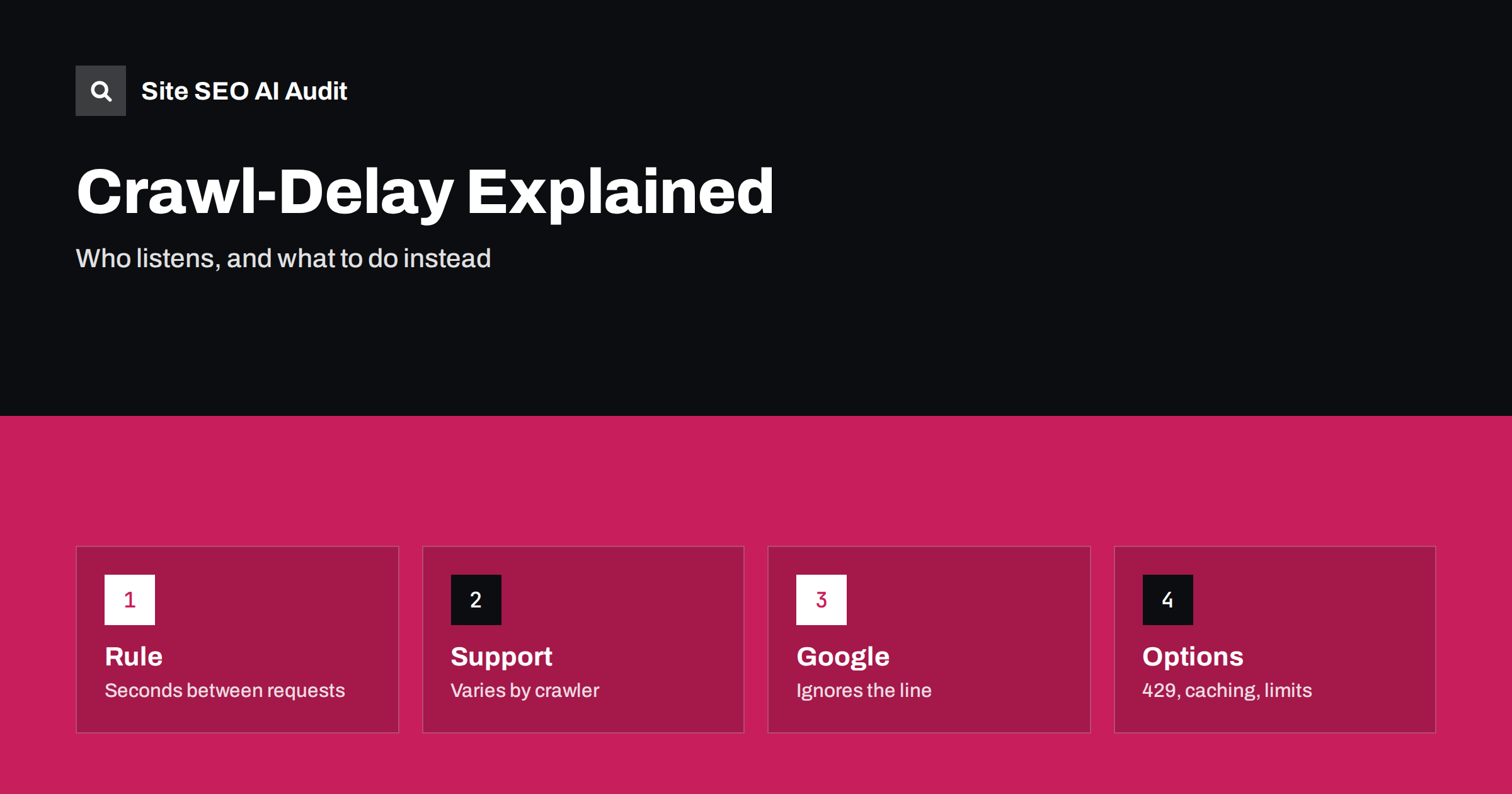
Short answer: Crawl-delay is an unofficial robots.txt line that asks a crawler to wait a number of seconds between requests. It is not part of the core standard, and support varies: some crawlers honour it, Googlebot does not, and many others are undocumented. If a bot is overloading your server, do not depend on the line alone. Make the site faster and cacheable, return 429 or 503 responses with a retry hint when you must slow crawlers, set limits at the server or the firewall and check the logs to confirm the effect.
Most site owners never need to think about crawl speed. Search engines adapt to the capacity of a server and slow down when it struggles. But on large sites, small servers and sites hit by many new AI and data crawlers, the load can become a real problem: slow pages for visitors, rising hosting costs or outright errors. A common reaction is to add a Crawl-delay line to robots.txt. Sometimes it helps, and sometimes it does nothing. This guide explains how the directive works, who follows it and what to use when it fails. The basics of the file are in the guide to robots.txt.
What the directive looks like
Crawl-delay is written inside a group of rules for a given crawler. Under a user agent line, you add Crawl-delay followed by a number. For example, a value of 10 asks the crawler to leave about ten seconds between requests. Each group applies to the crawlers named in it, so you can set a delay for one bot and none for others. The line is separate from Allow and Disallow, which decide what may be crawled, and does not change which pages are allowed.
The directive was introduced by some search engines in the early days of crawling and was never included in the formal standard that was later written for robots.txt. That is why its meaning differs: some crawlers read the number as seconds between requests, while others use it as a time window in which they make one request. Because the details vary, the same number can produce very different effects.
Which crawlers honour it
Support depends on the operator, and it can change. Bing has documented support for the directive and treats it as a way to control how fast its crawler requests pages, and the Bing Webmaster Tools also offer crawl control settings, as described in the guide to Bing Webmaster Tools. Some other search engines and many smaller crawlers also read it. Others have dropped support over time, preferring their own tools. Check the current documentation of each operator, since this changes.
For AI crawlers, the picture is mixed and often unclear. Some publish how they handle robots.txt rules, and few say anything about Crawl-delay. If a crawler does not document support, assume that it may ignore the line. This makes testing important, using your logs to see whether requests slow down after the change, a method described in the guide to log file analysis.
Why Googlebot ignores it
Google has stated that Googlebot does not support the Crawl-delay directive. Googlebot adjusts its crawl rate automatically, based on how your server responds. If response times rise or errors appear, it backs off, and if the server is healthy, it may crawl more. Google used to offer a setting in Search Console to limit the crawl rate, but that tool has been retired, and the documented way to reduce load is to return suitable error codes for a short time. Look at the guide to the crawl stats report to see how Googlebot is actually behaving, and the guide to Googlebot user agents to identify its different crawlers.
It follows that adding Crawl-delay for the Googlebot group changes nothing. It also means that you should not reduce a rule that you need for Google in an attempt to control another bot. Keep your groups clean and test them.
Use status codes to slow crawlers politely
When you need a crawler to slow down for a limited time, the most dependable method is the server’s response. A 429 status means too many requests, and a 503 means that the service is temporarily unavailable. Both can include a Retry-After header that suggests when to try again. Well-behaved crawlers, including Googlebot, reduce their rate when they see these responses repeatedly. Use them for short periods, such as during maintenance or a traffic peak, not as a permanent setup, because a long period of errors can lead search engines to drop pages or crawl less. The details are in the guide to rate limiting and crawlers.
Make sure the error response is cheap to produce. A heavy error page defeats the purpose. Serve a small static response from the edge or the web server where possible. Avoid blocking crawlers with a firewall rule that returns an error to all of them without thought, as warned in the guide to firewalls blocking AI crawlers.
Make the site cheaper to crawl
The better solution is often to reduce the cost of each request. Use caching so that repeated requests are served without running the application, set sensible cache headers, compress responses and keep the server response time low. A page that takes a few hundred milliseconds under load can sustain much more crawling than one that takes seconds. The ideas are covered in the guide to HTTP caching headers and the guide to server response time.
Remove waste, too. Endless parameter URLs, calendar pages, internal search results and duplicate versions of pages invite crawlers to make millions of useless requests. Cleaning them up lowers the load without any delay directive, and it helps the crawl budget as explained in the guide to crawl budget and the guide to crawl traps.
Block or limit the bots you do not want
If a crawler gives you no value, you can disallow it in robots.txt, which well-behaved bots respect. For those that ignore the file, use rules at the server or the firewall based on verified identity, request rate or behaviour. Decide by purpose: search engines usually bring visitors, while some data collection brings nothing in return. The decision is discussed in the guide to the AI training opt-out decision and the guide to AI crawlers in robots.txt.
Verify before you block. A user agent string can be forged, and a real crawler may come from many addresses. Use the verification methods that operators publish, and read the guidance in the guide to AI bot traffic and analytics. Review blocks regularly, since operators change their crawlers and your needs may change too.
Choose a sensible value and test it
If you decide to use Crawl-delay for a crawler that supports it, choose a modest value. Very large numbers can reduce a crawler to a handful of requests a day, which on a big site means that new pages are discovered slowly. A value of a few seconds is a typical starting point for a small server. Change one thing at a time, and watch the logs for several days to see the effect on request counts and on server load.
Also check that the line is written correctly. A typing error, a missing user agent group or a conflict with other lines can make it useless. The file must be at the root of the host, served with a successful status and readable as plain text. Test it with a parser and look at your logs, since the proof of the effect is in the requests, not in the file.
Two examples from practice
Consider a small shop on shared hosting with a few thousand pages. Load rises every night when several crawlers arrive together. The owner checks the logs and sees that one crawler makes tens of requests per second to filter pages. Adding a Crawl-delay line for that crawler helps a little, but the real gain comes from removing the filter links from crawl paths and enabling page caching. After the change, the server load falls without any further crawler rules, and normal search crawling continues.
Now consider a news publisher with millions of archive pages. Several AI and data crawlers read the archive deeply, and the origin server slows during peaks. The team verifies the major crawlers by their published address ranges, applies a rate limit at the edge for those that cannot be verified, caches archive pages for a longer time and disallows crawlers whose purpose it does not accept. Crawl-delay is added for the one operator that documents support, as a small extra step. The lesson from both cases is the same: the file is a signal, the infrastructure is the protection.
In both cases, keep notes of what was changed and why. When load returns or traffic changes, you can compare the situation with a known state and see which measure worked, and you avoid keeping rules that nobody remembers.
Know when to ask for help
If a crawler overloads your server despite your measures, contact the operator. Many publish an address for crawler complaints, and the logs with times and addresses help them to diagnose the problem. Your hosting provider can also advise on limits and caching. If downtime follows, keep the lessons from the guide to website downtime and SEO in mind.
Site SEO AI Audit crawls your website and reports status codes, redirect chains, robots.txt, broken links, canonical tags, duplicate content, page speed and AI visibility settings such as AI crawlers in robots.txt and llms.txt. It does not slow other crawlers or read your server logs. The first audit of up to 200 pages is free, and larger sites can see the pricing page.
Related reading
The bottom line
Treat Crawl-delay as a hint some crawlers may follow, and rely on speed, caching and clean responses to protect your server.
FAQ
Does Googlebot follow Crawl-delay?
No. Googlebot ignores the directive and adjusts its speed automatically, based on how your server responds.
What value should I use?
Start with a small number of seconds for crawlers that support it, and check the logs. Very large values can slow discovery of new pages.
Is Crawl-delay part of the robots.txt standard?
No. It is an unofficial extension, and its meaning and support vary between crawlers.
How can I slow Google if my server is overloaded?
Return 429 or 503 responses for a short time, and fix the cause, such as slow responses or wasted crawl paths.
Will blocking a crawler in robots.txt always work?
Only for crawlers that respect the file. For others, use server or firewall controls based on verified identity or behaviour.


