 ENEnglish
 LTLietuviškai
 DEDeutsch
 FRFrançais
 RUРусский
 ESEspañol
 PLPolski
 ITItaliano
 UKУкраїнська
 CSČeština
 PTPortuguês
 JA日本語
JA日本語 LVLatviešu valoda
 ETEesti
 HUMagyar
 IDBahasa Indonesia
 TRTürkçe
 HIहिन्दी
 ELΕλληνικά
 ARالعربية
 THไทย
THไทย VITiếng Việt
 RORomână
 MSBahasa Melayu
 BNবাংলা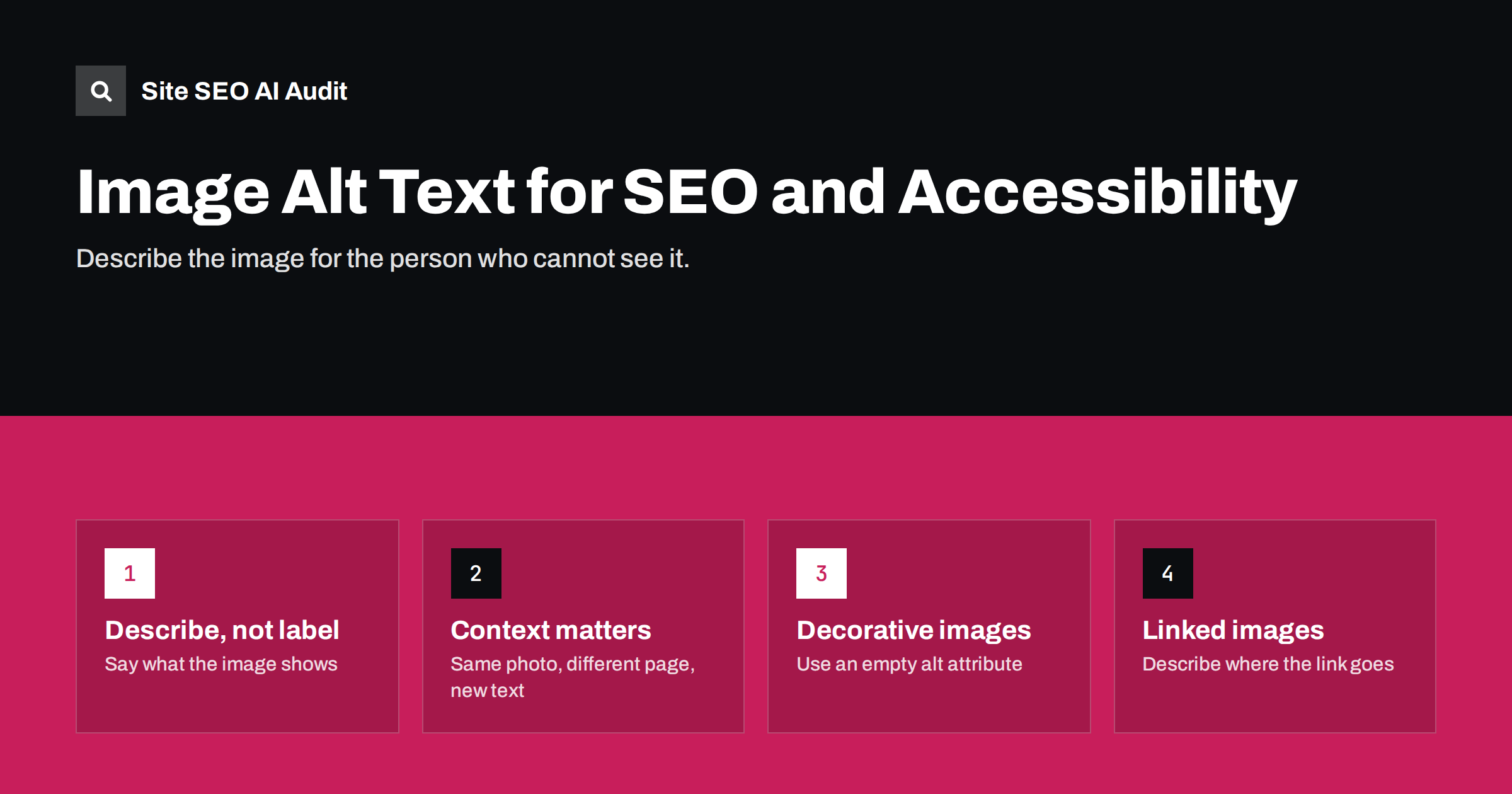
Short answer: Alt text is a short written description of an image, added in the alt attribute, that screen readers read aloud and search engines use to understand the image. Describe what the image shows and why it is on the page, in one plain sentence, usually under about 125 characters. Decorative images should have an empty alt attribute (alt=""), and linked images need alt text that describes where the link goes.
What alt text is for
The alt attribute on an <img> element provides a text alternative for people and programs that cannot see the image. It was designed for accessibility first, and that is still the best way to think about it. If you write good alt text for a person using a screen reader, you have almost always written good alt text for search engines too.
Alt text is used in several places:
- Screen readers read it aloud in place of the image.
- Browsers display it when the image fails to load.
- Search engines use it, together with the surrounding text, file name and caption, to understand what the image shows and to rank it in image search.
- Links: when an image is the only content of a link, its alt text acts as the link’s anchor text.
Missing alt text is one of the most common issues found in any site-wide check, simply because images are uploaded quickly and nobody goes back to describe them.
How to write good alt text
Good alt text answers one question: if the image disappeared, what would the reader need to know to understand this part of the page? A few principles make that easier.
Describe, do not label
“Image” or “photo” adds nothing; screen readers already announce that it is an image. Describe what is in it: the subject, the action and the important detail.
Consider the context
The same photo can need different alt text on different pages. A picture of a woman in a red raincoat on a clothing product page should mention the coat’s style and colour. The same picture on a travel blog about Edinburgh might mention the rainy street and the castle behind her.
Be concise
There is no strict limit, but most screen reader users prefer short descriptions. Around 125 characters is a common guideline. If an image needs a long explanation, such as a complex chart, summarize it in the alt text and explain it fully in the surrounding text or a caption.
Use keywords only when they describe the image
If the image really is a pair of waterproof trail running shoes, say so. That is both accurate and relevant. Do not add phrases that are not in the picture, and never list keywords. Alt text stuffed with search phrases is unhelpful for people and can be treated as spam.
Do not repeat the caption word for word
If a visible caption already describes the image fully, the alt text can be shorter or add a different detail, so a screen reader user does not hear the same sentence twice.
Examples: weak, better, best
| Image | Weak | Better |
|---|---|---|
| Product photo of shoes | shoes shoes buy shoes cheap | Grey waterproof trail running shoe with orange sole, side view |
| Team photo on an about page | IMG_4032 | Five members of the support team standing outside the Vilnius office |
| Chart in an article | chart | Bar chart: most issues on the site were duplicate titles, followed by missing alt text |
| Screenshot in a tutorial | screenshot | WordPress settings screen with the Permalinks option highlighted |
| Logo linking to home page | logo | Brandname home page |
| Decorative divider | blue wave line | Empty alt attribute: alt=”” |
Decorative images, icons and linked images
Not every image should be described. The rules differ by the role the image plays.
- Decorative images, such as background shapes, dividers or stock photos that add nothing to the meaning, should have an empty alt attribute:
alt="". This tells screen readers to skip them. Leaving the attribute out entirely is different: some screen readers then read the file name instead, which is worse than nothing. - Icons next to text, such as a phone icon beside a phone number, are usually decorative because the text already carries the meaning.
- Icons on their own, such as a magnifying glass button with no text, need alt text or an accessible label that describes the action: “Search”.
- Linked images need alt text that describes the destination or action, not the picture. A logo linking to the home page should say something like “Brandname home page”.
- Images of text, such as a banner with a sale message, need alt text that contains the same words.
The W3C’s images tutorial has a clear decision tree for these cases if you want a reference for your team.
Alt text beyond SEO: why it is worth the effort
It is tempting to treat alt text as a box to tick for search engines. The stronger argument is accessibility. Many people use screen readers or other assistive technology, and for them an undescribed image is a gap in the page. In many countries, accessibility standards also apply to commercial and public websites, and alt text is one of the most basic requirements.
There is also a practical search benefit. Image search sends real traffic in some industries, such as products, recipes, interiors, travel and fashion. Descriptive alt text, a sensible file name and relevant surrounding text all help images appear for the right searches.
Finally, alt text is cheap insurance. Images fail to load more often than most site owners think: slow mobile connections, blocked content, broken CDN links or data-saving modes in browsers. When that happens, the alt text is what the visitor sees instead. A product page where every broken image still says “Grey waterproof trail running shoe, side view” remains usable; one that shows nothing but empty boxes does not. Writing the description once protects the page in every one of those situations.
Other image details that support alt text
Alt text works best alongside a few other simple habits:
- Descriptive file names.
grey-trail-running-shoe.jpgtells more thanIMG_4032.jpg. Rename before uploading. - Relevant placement. Put images near the text they illustrate. Search engines use surrounding text as context.
- Captions where useful. Captions are read by many visitors and give extra context.
- Reasonable file size. Compress images and serve them at the size they are displayed. Heavy images slow pages down, which hurts every visitor.
- Width and height attributes. They let the browser reserve space and prevent the layout from jumping as images load.
How to audit alt text across a site
On a large site, missing alt text can run into thousands of images, so it helps to prioritize:
- Find images with no alt attribute at all. These are the clearest problems.
- Start with important templates and pages. Product images, category images and images on top landing pages matter more than old blog thumbnails.
- Check linked images. An image link with no alt text is also a link with an empty anchor, which is both an accessibility and a linking problem.
- Look for junk alt text. File names, “image”, “photo” or keyword lists are almost as bad as nothing.
- Fix at the source. In WordPress, alt text set in the media library is used wherever the image is inserted later, although images already inserted into posts keep the alt text they had at the time. Product images in stores usually take alt text from the product data, so a template rule such as the product name can cover most of the catalog.
Site SEO AI Audit checks image alt texts on every page as part of its on-page checks, and its links checks flag empty anchors, which is what an image link without alt text becomes. Issues are weighted by how many pages they affect, and WordPress sites get the exact steps in wp-admin. You can start with a free audit of your site.
Related reading
- What Is On-Page SEO? The Elements That Actually Matter
- H1 Tag Best Practices: One Clear Heading Per Page
The bottom line
Write alt text for the person who cannot see the image. Describe what it shows and why it matters on this page, in one short sentence. Leave decorative images with an empty alt, describe the destination for linked images, and never stuff keywords. Fix the most important templates first, then work through the rest. Good alt text improves accessibility for real people and helps search engines understand your images at the same time.
FAQ
How long should alt text be?
Short enough to be read comfortably, usually one sentence. Around 125 characters is a common guideline, not a hard limit. Complex images such as charts should get a short summary in the alt text and a fuller explanation in the page text.
Should every image have alt text?
Every image should have an alt attribute, but not every image needs a description. Meaningful images need descriptive alt text, while purely decorative images should use an empty alt attribute so screen readers skip them.
Does alt text help SEO?
Yes. Search engines use alt text, together with file names and surrounding text, to understand images and rank them in image search. It also serves as anchor text when an image is used as a link.
Should I put keywords in alt text?
Only when they accurately describe the image. If the picture shows the product you sell, naming it is correct. Adding unrelated phrases or lists of keywords does not help and makes the page worse for screen reader users.
What is the difference between alt text and the image title attribute?
Alt text replaces the image for people who cannot see it and is used by search engines. The title attribute shows a tooltip on hover in some browsers and is not reliably read by assistive technology. Alt text is the one that matters.


