 ENEnglish
 LTLietuviškai
 DEDeutsch
 FRFrançais
 RUРусский
 ESEspañol
 PLPolski
 ITItaliano
 UKУкраїнська
 CSČeština
 PTPortuguês
 JA日本語
JA日本語 LVLatviešu valoda
 ETEesti
 HUMagyar
 IDBahasa Indonesia
 TRTürkçe
 HIहिन्दी
 ELΕλληνικά
 ARالعربية
 THไทย
THไทย VITiếng Việt
 RORomână
 MSBahasa Melayu
 BNবাংলা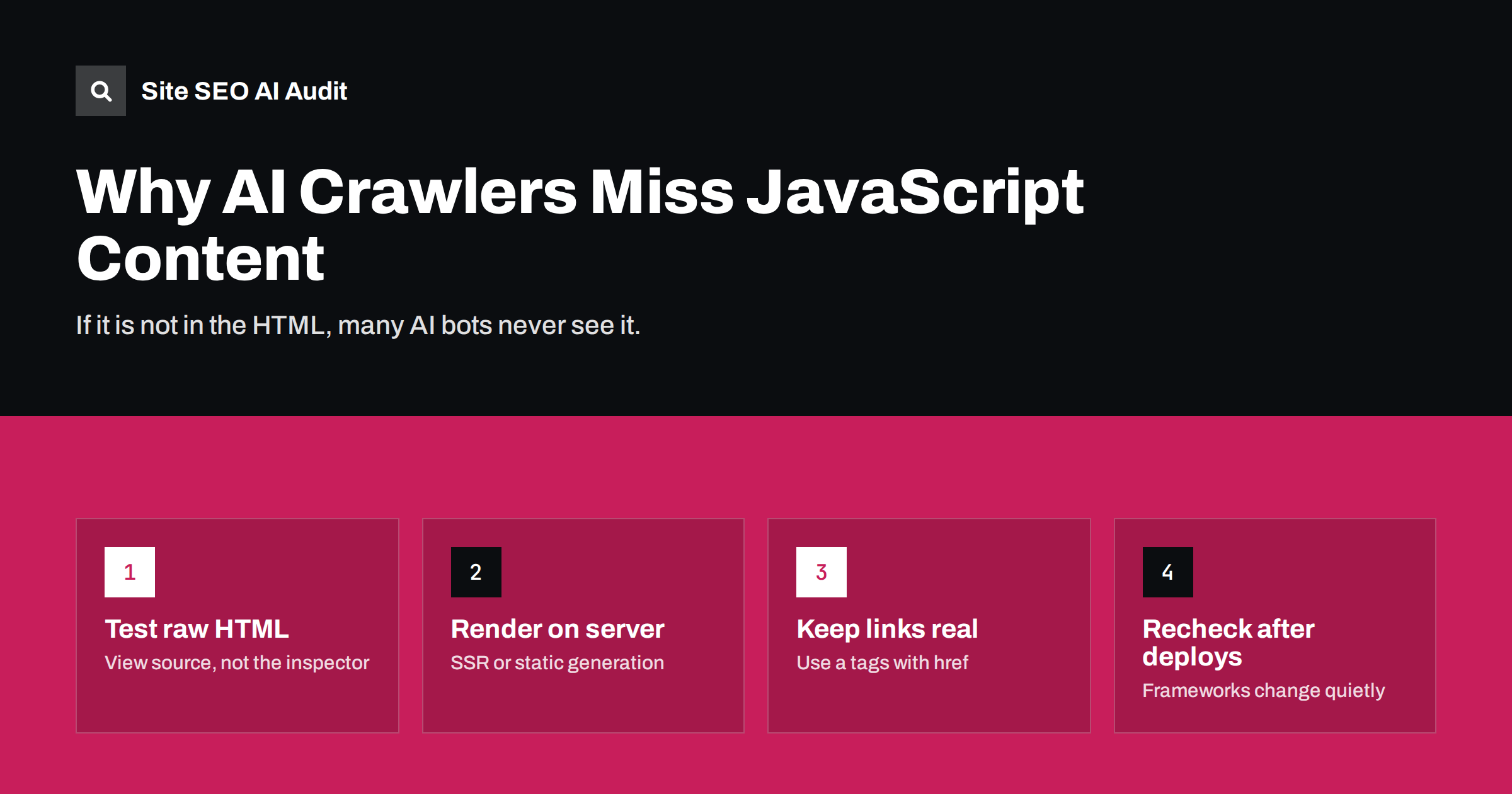
Short answer: Many AI crawlers download the HTML your server sends and do not execute JavaScript, so any text, links or data that JavaScript adds later are invisible to them. Google renders JavaScript, but most AI search and training bots appear not to. The fix is to make sure the important content is present in the initial HTML, using server-side rendering, static generation or pre-rendering, and to test pages by looking at the raw source rather than the browser’s rendered view.
Why rendering matters more for AI bots
Modern websites often ship a small HTML shell and a large JavaScript bundle. The browser downloads the scripts, runs them, fetches data from an API and only then builds the headings, paragraphs and links a visitor sees. For a human with a fast browser this happens in a second or two. For a crawler, it is a significant cost.
Googlebot handles this with a separate rendering stage using an up-to-date version of Chromium. Pages are crawled, queued for rendering and then processed again with the JavaScript output. Google documents this process in its JavaScript SEO basics. Even for Google, rendering can be delayed and some content can be missed.
AI crawlers are a different story. Several analyses of server logs, including a widely cited study published by Vercel in late 2024, found that major AI crawlers fetched JavaScript files but did not appear to execute them. The operators themselves rarely document rendering behaviour in detail. The safe assumption, until an operator states otherwise, is that an AI bot sees only what is in the HTML response.
What typically goes missing
The problem is rarely a completely blank site. More often, specific parts of a page are generated in the browser and quietly disappear for bots. Watch for these patterns:
- Single-page applications built with client-side rendering only, where the HTML body contains little more than an empty root element and script tags.
- Product details loaded by API, such as prices, specifications, stock status and reviews that appear after the page loads.
- Tabs and accordions filled on click, where the text is fetched only when a user opens the section.
- Infinite scroll and “load more” lists, where only the first few items are in the HTML and later items have no crawlable URL.
- Navigation built with JavaScript handlers instead of real links, so crawlers cannot discover deeper pages.
- Structured data injected by tag managers, which exists only after scripts run.
- Consent or age gates that replace the content until a button is clicked.
Any of these can leave an AI system with a page that has a title and a footer but none of the substance it would need to quote you.
The risk is highest for exactly the content that answers questions best. Specifications, prices, FAQs, reviews and comparison tables are frequently loaded by separate components because they come from a database or an external service. They are also the details an assistant needs when a user asks which product fits a requirement or what a service costs. A page that shows those details only after scripts run is competing with one hand tied behind its back, even if its design and copy are better than a competitor’s plain HTML page.
How to test what bots actually see
The browser’s developer tools show the rendered page, which is exactly what you should not rely on here. Use methods that show the raw server response:
- View source. Right-click and choose “View page source”, or prefix the URL with
view-source:. Search for a sentence from the main content. If it is missing, it is added by JavaScript. - Disable JavaScript. Turn off JavaScript in the browser settings or developer tools and reload the page. What remains is roughly what a non-rendering bot receives.
- Fetch with a command-line tool. A request such as
curl -A "GPTBot" https://example.com/page/returns the HTML a bot gets and also reveals any user-agent-specific blocking or redirects. - Compare with Google’s rendered HTML. The URL Inspection tool in Search Console shows the HTML after Google rendered it. Differences between that and the raw source show exactly which content depends on JavaScript.
- Crawl the site without rendering. A crawler that reads raw HTML will show pages with missing titles, headings, word counts or internal links at scale.
Test a sample of each page template (home, category, product, article, landing page) rather than one URL, because templates behave differently.
Fixes, from most to least robust
The right fix depends on your stack and budget. In rough order of reliability:
| Approach | Como funciona | Best for | Watch out for |
|---|---|---|---|
| Static generation | Pages are built to HTML at deploy time | Blogs, docs, marketing sites | Rebuilds needed when content changes |
| Server-side rendering | Server returns full HTML per request, then JavaScript takes over | Shops, apps with public pages | Server load, caching setup |
| Hybrid or incremental rendering | Mix of static pages and server rendering, refreshed on a schedule | Large catalogues | Stale content if refresh fails |
| Pre-rendering service | Bots get a cached rendered snapshot | Legacy single-page apps | Snapshots going out of date; Google calls dynamic rendering a workaround |
| Progressive enhancement | Core content in HTML, scripts add interactivity | Any site | Requires discipline across teams |
Most popular frameworks (Next.js, Nuxt, SvelteKit, Astro, Remix and others) support server rendering or static generation out of the box. Often the problem is not the framework but a specific component that fetches its data only in the browser. Moving that fetch to the server side of the framework fixes the page without a rewrite.
Links and navigation
Content is only half the issue. Crawlers discover pages by following links, and they follow <a href="..."> elements. A button with an onclick handler, a div that changes the route, or a link with href="#" offers nothing to follow.
- Use real anchor elements with real URLs for all navigation, category links, pagination and related items.
- Give each piece of content that matters its own URL instead of showing it only in a modal or a filtered view.
- For long lists, provide paginated URLs in addition to infinite scroll.
- Include key pages in your XML sitemap so crawlers can find them even if a link is missed.
WordPress and JavaScript
Classic WordPress themes render HTML on the server, so most WordPress sites are in good shape by default. Problems appear with specific additions:
- Page builders and sliders that load content through scripts or hide it until animation starts.
- AJAX product filters and “load more” buttons in shop themes.
- Reviews and FAQ widgets from third-party services embedded with a script tag.
- Headless setups where WordPress is only the content backend and a JavaScript front end renders pages in the browser.
For embedded widgets, check whether the provider offers a server-side or HTML option. For headless sites, make sure the front end is configured for server rendering or static generation on all public pages.
Keeping it fixed
JavaScript problems tend to come back. A new component, a framework upgrade or a marketing script can move content back into the browser without anyone noticing, because the page still looks perfect to people. Build a few habits:
- Add a raw-HTML check for key templates to your release checklist.
- Re-crawl the site after major deployments and compare word counts and link counts per template.
- Watch server logs for AI crawler activity and response sizes; a sudden drop in response size can reveal an empty shell.
How Site SEO AI Audit helps
Site SEO AI Audit reads your pages the way a non-rendering crawler does and flags content that needs JavaScript to appear, as one of the checks in its AI visibility area. Because the report scores each issue by how many pages it affects, a template-wide problem, such as product descriptions loaded by script on every product page, stands out immediately. The same crawl checks whether AI crawlers are allowed in robots.txt. You can run a free audit to see whether your templates pass.
Related reading
- How to Allow or Block AI Crawlers in robots.txt
- Google AI Overviews: How Sources Are Chosen and How to Be One
- XML Sitemap Best Practices: What to Include and Leave Out
The bottom line
Assume AI crawlers read only your raw HTML. Check the page source of each template, move important content and links into the server response through server rendering or static generation, and use real anchor links for navigation. Then keep checking after each release, because JavaScript regressions are invisible to anyone looking at the page in a browser.
FAQ
Do AI crawlers execute JavaScript?
Most major AI crawlers appear not to, based on independent log analyses, and few operators document rendering support. Googlebot does render JavaScript, but with delays. Plan as if AI bots read only the initial HTML.
Is client-side rendering bad for SEO?
It is not automatically fatal for Google, which renders pages, but it adds delay and risk. For AI crawlers that do not render, client-side-only content is effectively invisible, so server rendering is the safer choice for public pages.
Is dynamic rendering still a good solution?
Google describes dynamic rendering as a workaround rather than a long-term solution. It can help legacy sites quickly, but server-side rendering or static generation is more reliable and easier to maintain.
How can I quickly check one page?
Open the page source and search for a sentence from the main content. If you cannot find it in the source, the text is added by JavaScript and many AI crawlers will not see it.
Does structured data added by Google Tag Manager work?
Google can often read it after rendering, but non-rendering crawlers will not see it. Placing JSON-LD directly in the server-rendered HTML is more reliable for every crawler.


