 ENEnglish
 LTLietuviškai
 DEDeutsch
 FRFrançais
 RUРусский
 ESEspañol
 PLPolski
 ITItaliano
 UKУкраїнська
 CSČeština
 PTPortuguês
 JA日本語
JA日本語 LVLatviešu valoda
 ETEesti
 HUMagyar
 IDBahasa Indonesia
 TRTürkçe
 HIहिन्दी
 ELΕλληνικά
 ARالعربية
 THไทย
THไทย VITiếng Việt
 RORomână
 MSBahasa Melayu
 BNবাংলা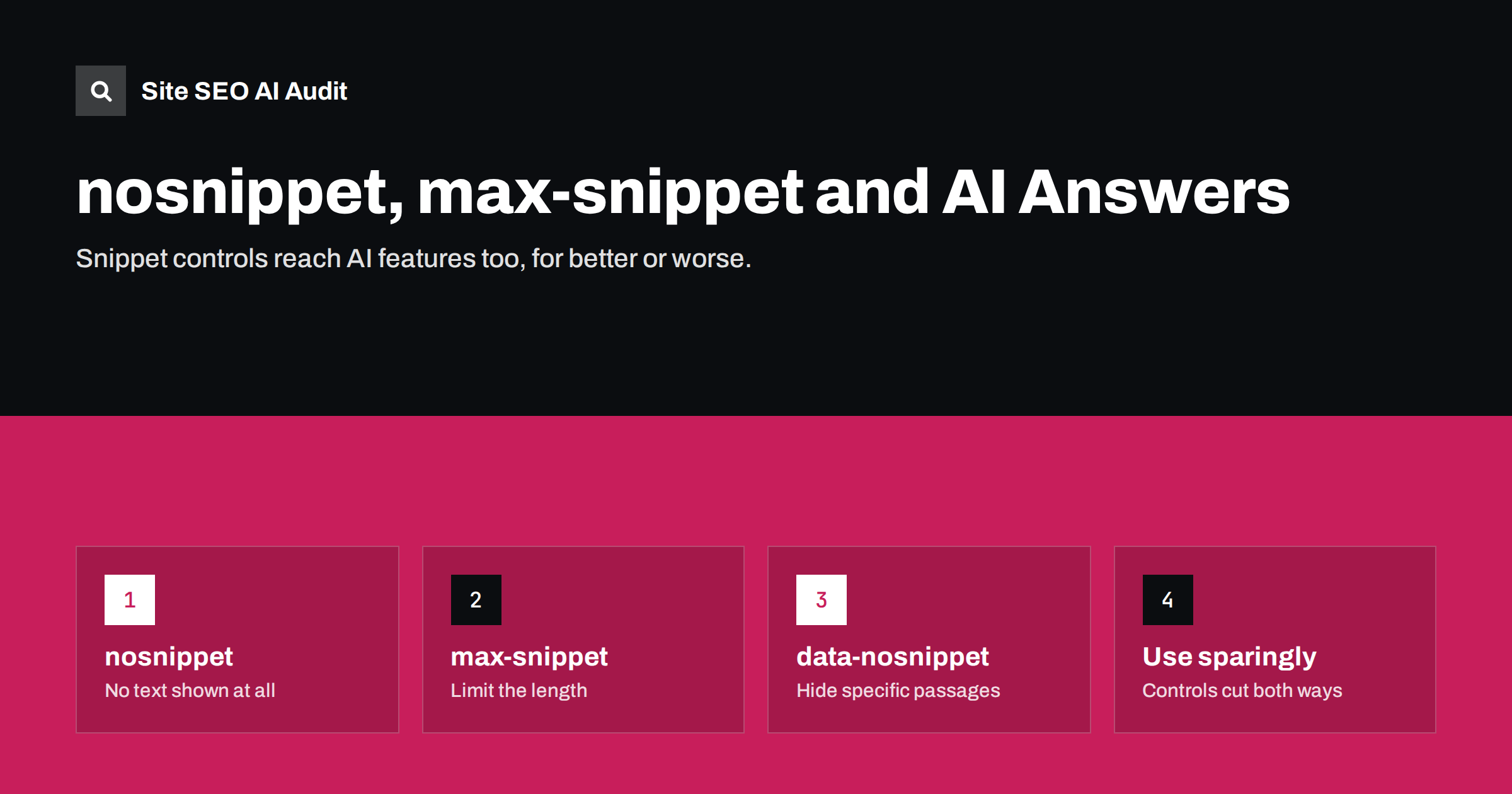
Short answer: Snippet controls let you limit how much of a page’s text search engines may show. In Google, nosnippet blocks text snippets entirely, max-snippet caps their length, and the data-nosnippet attribute hides specific passages. Google applies these controls to AI Overviews and AI Mode as well as regular results, so they are the main tool for limiting how your text appears in Google’s AI features. The trade-off is that they also make your regular search results less informative, so use them narrowly.
What snippet controls are
A snippet is the short text a search engine shows under a result’s title, usually taken from the meta description or from the page itself. Snippet controls are directives that tell search engines how much of your content they may use for these previews. They are separate from indexing controls: a page with nosnippet is still indexed and can still rank, but it appears with little or no descriptive text.
These directives existed long before AI features. They were designed for publishers who wanted to limit how much of their content was reproduced on results pages. With AI summaries, they have gained a new role, because Google has stated that the same controls govern how content can be used in its AI features in Search. Google documents them in its guide to robots meta tags and data-nosnippet.
It helps to think of three separate questions. Should the page be crawled? That is robots.txt. Should it be in the index? That is noindex. How much of its text may be shown or used? That is where snippet controls come in. Mixing up these three questions is the root of most mistakes in this area.
The main directives
| Directive | Where you set it | Effect in Google |
|---|---|---|
| nosnippet | Robots meta tag or X-Robots-Tag header | No text snippet or video preview; content not used as direct input for AI Overviews and AI Mode |
| max-snippet:[number] | Robots meta tag or X-Robots-Tag header | Text snippet limited to the given number of characters; 0 behaves like nosnippet, -1 means no limit |
| data-nosnippet | HTML attribute on span, div or section elements | The marked text is not used in snippets or AI features |
| max-image-preview | Robots meta tag | Limits image preview size: none, standard or large |
| noindex | Robots meta tag or header | Page removed from Search entirely, including AI features |
A meta tag example: <meta name="robots" content="max-snippet:150">. An element-level example: <div data-nosnippet>Members-only pricing details</div>.
How these controls affect AI features
Google has said that pages must be eligible to be shown with a snippet to appear as supporting links in AI Overviews, and that snippet controls limit how content is used in these features. In practical terms:
- nosnippet keeps your text out of AI Overviews and AI Mode, but also removes the descriptive text from your regular listings.
- A small max-snippet value limits how much text can be drawn from the page for both regular snippets and AI features.
- data-nosnippet lets you protect particular passages, such as a premium section or a price that changes daily, while the rest of the page remains usable.
- Google-Extended does not control AI Overviews. It only covers Gemini products outside Search.
Other search engines have their own rules. Bing supports nosnippet and max-snippet for search results, and it has said that the noarchive and nocache directives affect how content can be used in its AI chat answers. Check each engine’s documentation if these controls matter to you.
Keep in mind that the controls act on what search engines may show and use, not on what they may read. Crawlers still fetch and process the full page, so these directives are not a privacy tool. Anything that must stay confidential belongs behind a login, not behind a snippet directive.
When using them makes sense
For most businesses, the default of no restrictions is the right choice, because being quoted and linked is visibility. There are legitimate reasons to restrict, though:
- Paid or licensed content where the value lies in the text itself, such as research reports, premium articles or course material.
- Content that must be read in full context, such as legal disclaimers, medical dosage information or safety instructions, where a truncated quote could mislead.
- Volatile details, such as daily prices or stock levels, that go out of date quickly and should not be repeated from a cached copy.
- Personal or sensitive information that is necessary on the page but should not be surfaced in previews.
- Spoilers or answers, for example puzzle solutions or quiz answers, where showing the text defeats the purpose of the page.
In most of these cases, data-nosnippet on the specific element is better than a page-wide rule, because it protects what needs protecting and leaves the rest of the page useful.
The cost of restricting snippets
Snippet controls cut both ways. Before adding them, consider what you lose:
- Less attractive listings. A result with no description or a very short one gives searchers little reason to click.
- Fewer citations. AI Overviews link sources they draw on. If your text cannot be used, a competitor’s page will be cited instead.
- No partial control. There is no directive that keeps full regular snippets while excluding AI features in Google Search.
- Brand absence. When your content does not feed the answer, your brand is not named in it.
For a business that sells products or services, these costs usually outweigh the benefits. For a publisher whose content is the product, the calculation can be different.
Mistakes to avoid
- Site-wide nosnippet added by a plugin or a developer testing something, and never removed. Search results then show bare titles.
- max-snippet:0 applied by mistake, which behaves like nosnippet.
- Using noindex to block AI features. It removes the page from Search altogether, which is almost never the goal.
- Blocking Googlebot in robots.txt to avoid AI Overviews, which removes pages from Search over time and does not reliably remove snippets for URLs already known.
- Wrapping the whole body in data-nosnippet, which has the same effect as nosnippet but is harder to spot.
- Conflicting directives in the meta tag and the HTTP header. When several restrictions apply, the most restrictive one is used.
If you remove a restriction, request recrawling of the affected pages in Search Console. Snippets and AI features update only after Google has fetched the page again, so it can take days or weeks before descriptions return to normal.
How to check your current settings
Snippet directives are often set without anyone remembering. To audit them:
- View the source of each page template and search for
name="robots"anddata-nosnippet. - Check HTTP response headers for
X-Robots-Tag, which some servers and CDNs add to all responses or to file types such as PDFs. - Review your SEO plugin’s advanced settings for snippet options, both global and per-post.
- Search your brand and key pages in Google and look for results with missing or oddly short descriptions.
- Use URL Inspection in Search Console to see the indexed version and any robots directives Google found.
A sensible default policy
For most sites, a simple policy works well. Leave snippets unrestricted on all marketing, product, service and help pages. Use data-nosnippet only for specific passages that must not appear out of context. Consider page-level restrictions only for content whose value lies in the text itself, and review that decision once a year. Document the policy so that plugins, developers and content editors all follow it.
For agencies managing many client sites, add snippet directives to the standard launch and migration checklist. They are among the settings most often carried over from staging environments by accident.
How Site SEO AI Audit helps
Site SEO AI Audit crawls every page and reports indexing-related directives such as noindex alongside canonicals, status codes and robots.txt rules, so accidental site-wide restrictions show up quickly. Its AI visibility area checks AI crawler access, llms.txt, JavaScript-dependent content and the structure and dates AI answers quote. On WordPress sites, fix steps point to the exact setting in wp-admin or your SEO plugin. You can run a free audit to check your pages.
Related reading
- Google AI Overviews: How Sources Are Chosen and How to Be One
- Google-Extended Explained: What Blocking It Does and Doesn’t
- Noindex vs Disallow: How to Keep Pages Out of Search
- How to Write Meta Descriptions That Earn the Click
The bottom line
Snippet controls are the real lever for limiting how Google’s AI features use your text, but they affect regular results in the same stroke. Use data-nosnippet for specific sensitive passages, reserve page-wide restrictions for content whose value is the text itself, and check regularly that no plugin or header has applied restrictions you never intended.
FAQ
Does nosnippet keep my content out of AI Overviews?
Google states that nosnippet prevents content from being used as direct input for AI Overviews and AI Mode. It also removes text snippets from your regular results.
Can I allow normal snippets but block AI Overviews?
Not in Google Search. The same snippet controls apply to both. The only separate AI control, Google-Extended, covers Gemini products outside Search.
What does data-nosnippet do?
It is an HTML attribute that marks specific span, div or section elements so their text is not used in snippets or AI features. The rest of the page remains eligible.
Does max-snippet affect rankings?
No. It controls how much text can be displayed, not how the page ranks. However, shorter snippets can reduce click-through, which affects traffic.
Where can I find out if my site uses these directives?
Check the robots meta tags in page source, X-Robots-Tag headers in server responses, and your SEO plugin settings. A site crawl shows directives across all pages at once.


