 ENEnglish
 LTLietuviškai
 DEDeutsch
 FRFrançais
 RUРусский
 ESEspañol
 PLPolski
 ITItaliano
 UKУкраїнська
 CSČeština
 PTPortuguês
 JA日本語
JA日本語 LVLatviešu valoda
 ETEesti
 HUMagyar
 IDBahasa Indonesia
 TRTürkçe
 HIहिन्दी
 ELΕλληνικά
 ARالعربية
 THไทย
THไทย VITiếng Việt
 RORomână
 MSBahasa Melayu
 BNবাংলা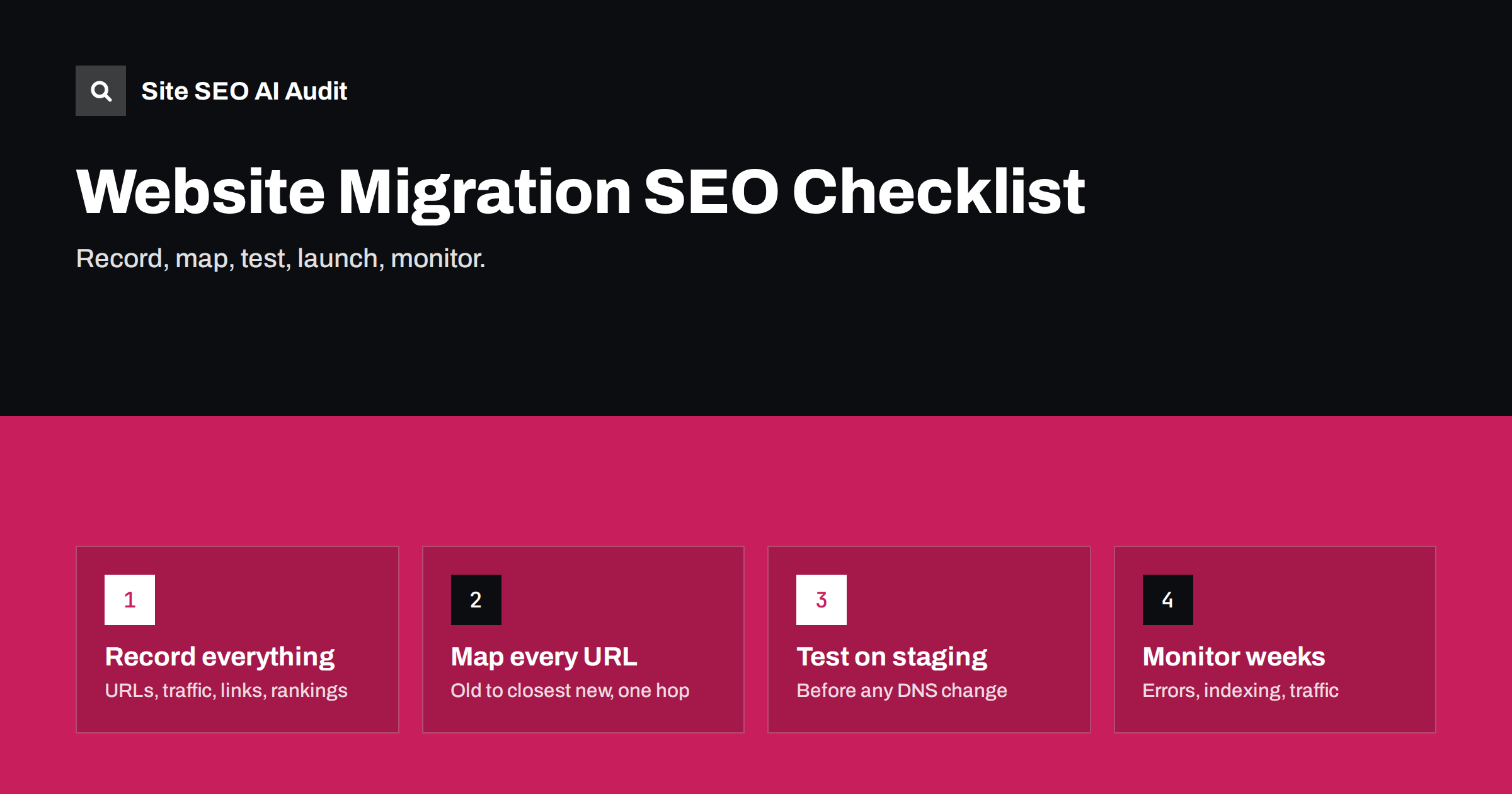
Short answer: a website migration keeps its search visibility when you record the old site completely, map every old URL to its closest new equivalent with a one-hop 301 redirect, carry over titles, content, internal links and structured data, test the new site on staging, and monitor crawl errors, indexing and traffic for several weeks after launch. Most traffic losses come from missing redirects, changed content, noindex left from staging and forgotten sections.
What counts as a migration
Any change that affects many URLs or how search engines see them is a migration from an SEO point of view:
- Domain change, such as a rebrand or moving from a country domain to a global one.
- Protocol or host change: HTTP to HTTPS, non-www to www.
- Platform change, for example from a custom CMS to WordPress or from one shop system to another.
- URL structure change: new category paths, removed dates in blog URLs, new language folders.
- Redesign that changes templates, navigation and content, even if URLs stay the same.
- Merging sites or moving a subdomain into a folder.
The more of these happen at once, the harder it is to understand what caused any drop afterwards. Where possible, split big changes into separate steps.
Phase 1: record the old site
You cannot compare what you did not measure. Before anything changes, save:
- A full crawl of the current site: every URL, status code, title, meta description, H1, canonical, word count and internal link count.
- All URLs from other sources: XML sitemaps, analytics landing pages for the last 12 months, Search Console pages with impressions, and server logs. Crawls miss orphan pages that these sources reveal.
- Top pages by traffic and conversions, so you know which URLs must be perfect on day one.
- Pages with backlinks from a backlink tool, so their redirects get extra attention.
- Current performance: Search Console clicks and impressions, key rankings, Core Web Vitals and indexed page counts.
- Configuration: robots.txt, redirect rules, hreflang, structured data and any special server behaviour.
Phase 2: build the redirect map
The redirect map is the heart of the migration: a list of every old URL and the new URL it should redirect to.
- One-to-one where possible. Each old page goes to its closest new equivalent: product to product, article to article, category to category.
- Pattern rules for large sets, such as a rule that maps an old product path pattern to a new one, tested against a sample of real URLs.
- No mass redirects to the home page. Old URLs without an equivalent should redirect to the closest relevant category, or return 404 or 410 if nothing fits.
- 301 or 308 redirects, not 302.
- One hop only, including from older redirects that already existed. Update old rules to point to the new final URLs.
- Keep query strings where they carry meaning, and drop useless ones.
Keep the map in a spreadsheet with columns for old URL, new URL, type and status after launch. It becomes your checklist on launch day.
Phase 3: prepare the new site
A migration is not only redirects. The new site must be at least as good for search as the old one:
- Carry over content. Pages that rank should keep their substance. Cutting text, removing FAQs or merging pages carelessly changes what the page is about.
- Carry over titles, meta descriptions and headings for important pages, unless you are deliberately improving them.
- Rebuild internal links so navigation, related links and in-content links point to new URLs directly, not through redirects.
- Canonicals and hreflang must reference new URLs.
- Dados estruturados should be at least as complete as before.
- New XML sitemap with only the new, indexable URLs.
- robots.txt written for the production site, not copied from staging.
- Performance checked on key templates; a slower site after migration is a common and avoidable loss.
Phase 4: test on staging
Test while mistakes are cheap:
- Protect staging with a password or IP restriction, not just robots.txt, so it cannot be indexed.
- Crawl the staging site and compare with the old crawl: missing pages, changed titles, missing canonicals, broken links, thin pages.
- Test the redirect map by running the old URL list against staging with the redirect rules applied, and check each result goes to the right URL with a single 301.
- Check rendering of key templates: is content in the HTML, do links work, is structured data valid?
- Make a launch list of settings to change at go-live: remove staging noindex or password, switch robots.txt, update site URLs, enable caching.
Phase 5: launch day
| Check | Expected result |
|---|---|
| robots.txt on the live site | Production rules, no Disallow: / |
| Meta robots and X-Robots-Tag | No noindex on indexable templates |
| Top 100 old URLs | Each 301 in one hop to the right new page |
| Home page variants | HTTP, HTTPS, www and non-www all reach one final URL |
| Canonicals | Self-referencing new URLs |
| XML sitemap | New URLs only, all returning 200 |
| Analytics and tag manager | Tracking works on the new site |
| Search Console | Properties verified, new sitemap submitted |
For a domain change, also use the Change of Address tool in Search Console once the redirects are live. It is not used for protocol or structure changes on the same domain.
Phase 6: monitor after launch
- Daily for the first week: crawl errors, 404s from logs, redirect behaviour and server errors.
- Weekly for two to three months: indexed pages, page indexing statuses, clicks and impressions compared with the old baseline, and rankings for key queries.
- A fresh full crawl after one or two weeks to catch internal links to redirects, missing pages and template issues that only appear with real content.
- Update external links you control: business listings, social profiles, partner sites, ad campaigns and e-mail signatures.
- Keep redirects in place for at least a year, and preferably permanently for URLs with backlinks.
Some fluctuation is normal for a few weeks. A drop that deepens after the first weeks, or that is concentrated in one section, usually points to a specific error worth investigating.
When traffic drops anyway: how to diagnose
If traffic falls more than expected after launch, resist the urge to change many things at once. Narrow the problem down first:
- Find where the drop is. Compare Search Console clicks by page for the weeks before and after. Is the loss spread evenly, or concentrated in one section, template or language?
- Check the top losing URLs individually. Do the old URLs redirect in one hop to the right new page? Does the new page return 200, carry a self-referencing canonical and have no noindex?
- Compare content. Put the old and new versions of a losing page side by side. Missing text, headings, FAQs or product details are a frequent cause.
- Check indexing. Use URL Inspection on new URLs to see whether they are indexed and which canonical Google chose.
- Check internal links. Pages that used to be in the main menu but are now buried deeper often lose visibility.
- Check speed and rendering on the affected template, especially if the new platform relies more on JavaScript.
Fix the specific cause you find, then give it time. Most post-migration problems are concrete and reversible once identified.
The most common migration mistakes
- Noindex or
Disallow: /carried over from staging. - Missing redirects for old URLs outside the main crawl, such as PDFs, images and old campaign pages.
- Everything redirected to the home page.
- Content cut down during the redesign.
- Internal links still pointing at old URLs.
- Staging domain left accessible and indexed.
- Several big changes at once, making problems hard to isolate.
How Site SEO AI Audit helps with migrations
Run an audit of the old site before the move and of the new site after it. Because the report shows scores across seven areas and lists every issue with its affected pages, you can compare directly: redirect chains, broken links, canonicals pointing to redirects, missing structured data, noindex pages and speed. Higher plans can compare audits over time and re-audit after each fix. See plan details.
Related reading
- HTTP to HTTPS migration: an SEO checklist that works
- 301 vs 302 redirects: which one to use and when
- Redirect chains and loops: how to find and fix them
- Broken links: how to find and fix them across your site
The bottom line
Migrations fail in the details: an unmapped section, a leftover noindex, content quietly cut. Record the old site fully, map every URL to its closest new home with a one-hop 301, rebuild internal links and signals on the new URLs, test on a protected staging site, and monitor closely for weeks after launch.
FAQ
How long does it take to recover traffic after a migration?
With a clean migration, many sites see only short fluctuation over a few weeks. Larger changes, such as a new domain combined with a new structure, can take longer. Persistent drops usually point to specific errors.
Should I redirect every old URL?
Redirect every old URL that has a relevant new equivalent, has backlinks or receives traffic. URLs with no equivalent and no value can return 404 or 410 instead of being forced onto an unrelated page.
Can I change domain and redesign at the same time?
You can, but it increases risk and makes problems harder to diagnose. If possible, change the domain first with the same site, then redesign later, or at least keep content and URLs stable during the move.
How long should redirects stay in place after a migration?
At least a year, and ideally permanently for URLs that have backlinks or still receive visits. Removing redirects turns those links into dead ends.
Do I need the Change of Address tool?
Only when moving to a different domain. For HTTPS moves, URL restructuring or redesigns on the same domain, redirects and consistent signals are enough.


