 ENEnglish
 LTLietuviškai
 DEDeutsch
 FRFrançais
 RUРусский
 ESEspañol
 PLPolski
 ITItaliano
 UKУкраїнська
 CSČeština
 PTPortuguês
 JA日本語
JA日本語 LVLatviešu valoda
 ETEesti
 HUMagyar
 IDBahasa Indonesia
 TRTürkçe
 HIहिन्दी
 ELΕλληνικά
 ARالعربية
 THไทย
THไทย VITiếng Việt
 RORomână
 MSBahasa Melayu
 BNবাংলা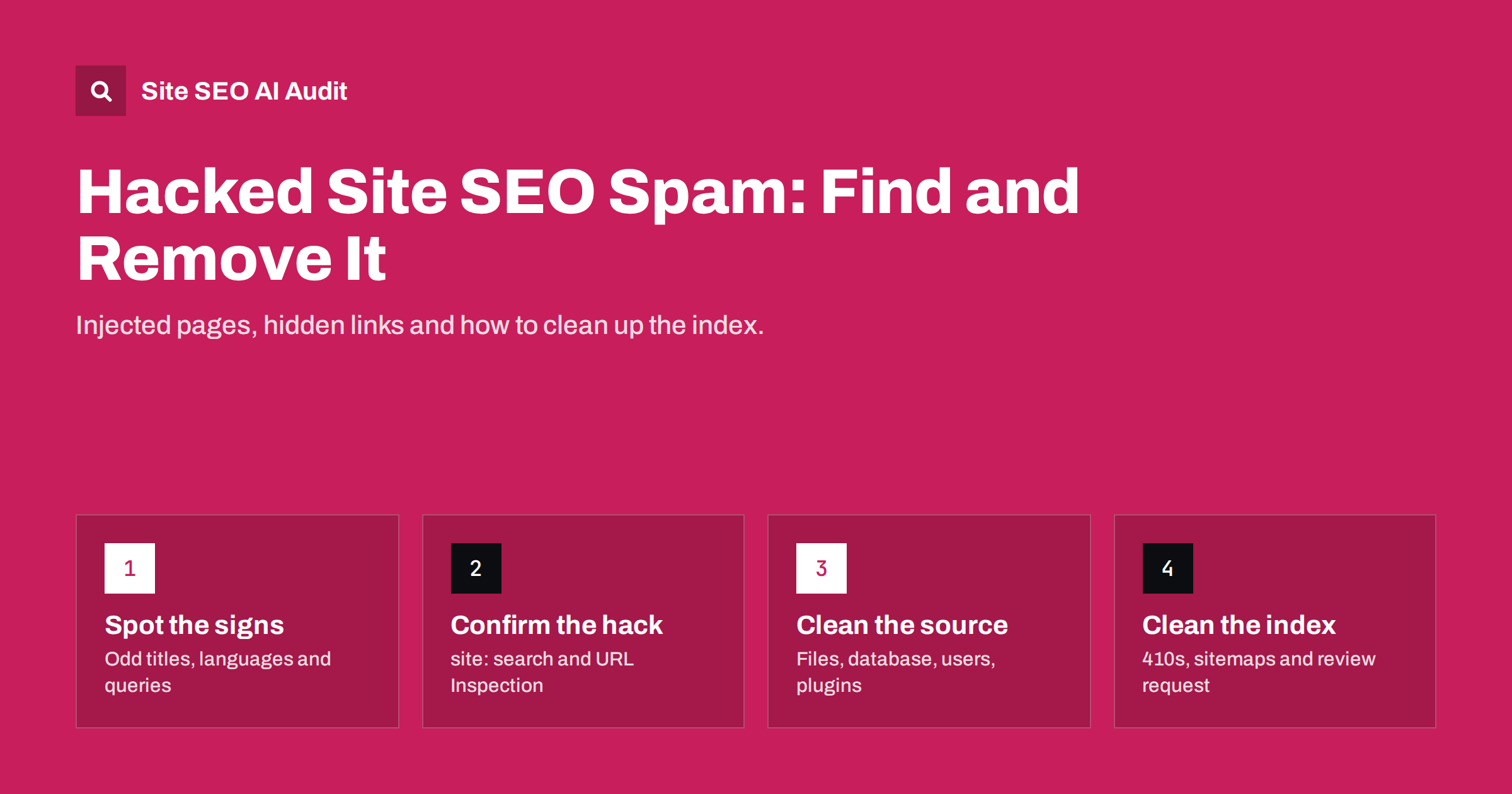
Short answer: SEO spam hacks inject hidden links, keyword pages or cloaked redirects into a legitimate website so that attackers can borrow its ranking power. Typical signs are unfamiliar pages in a site: search, sudden impressions for pharmacy, casino or foreign-language queries, and a Security issues message in Search Console. Fix the entry point and remove the injected content first, then return 404 or 410 for spam URLs, submit a clean sitemap and request a review if Google flagged the site.
What an SEO spam hack is
Most hacked websites are not defaced. The attacker wants the site to keep working, because a healthy, trusted domain is exactly what makes the spam valuable. Instead of breaking the home page, the hack quietly adds content that benefits someone else: links to dubious shops, thousands of doorway pages about counterfeit goods, or redirects that send search visitors to scam sites.
Common variants include:
- Injected pages: new URLs, often in a folder that looks harmless, filled with keyword text about pills, loans, replica products or gambling. They may be generated on the fly from a database or a hidden script.
- Hidden links: links added to real pages but hidden with CSS, placed off-screen or inserted only in the HTML that bots receive.
- Cloaking: the server shows spam to crawlers and normal content to visitors, which is why the owner often sees nothing wrong in the browser.
- Conditional redirects: visitors arriving from a search engine, or on mobile, are sent to another domain, while direct visits look normal.
- Foreign keyword hacks: large numbers of auto-generated pages in another language and script, often with titles that make no sense for the business.
Because the spam is designed to be invisible to the owner, the first evidence usually comes from search data, not from the site itself.
Warning signs to watch for
None of these signals proves a hack on its own, but two or three together deserve an immediate check.
- Search Console shows impressions or clicks for queries that have nothing to do with your business, often in a language you do not publish in.
- The number of indexed pages jumps without any content project behind it. The Page Indexing report is the easiest place to notice this.
- A
site:yourdomain.comsearch shows titles or snippets you never wrote. - Search results for your brand show a warning such as “This site may be hacked”.
- Customers report being redirected when they click your listing in search, but you cannot reproduce it when typing the address.
- New administrator accounts, plugins or files appear that nobody on the team added.
- The XML sitemap contains URLs you do not recognise, or a second sitemap is referenced in robots.txt.
- Crawl activity rises sharply in server logs or in the Crawl Stats report without a matching change on your side.
Search Console also has a Security issues report and a Manual actions report. If Google has detected hacked content, the message there usually names example URLs, which are a useful starting point.
How to confirm the hack from the outside
Before touching the server, collect evidence. It helps you understand the scope and gives you a list of URLs to verify later.
- Run targeted searches. Combine
site:yourdomain.comwith typical spam words such as “viagra”, “casino”, “replica” or “loan”. Also try the search in another language if the spam uses a different script. - Inspect a suspicious URL as Google sees it. Use the live test in the URL Inspection tool and look at the rendered HTML. If it contains links or text you do not see in your browser, the site is cloaking.
- Fetch pages with a crawler user agent. Developers can request a page with a Googlebot user agent string and compare the response to a normal request. A difference in content or a redirect is a strong signal. Remember that some hacks check the IP address rather than the user agent, so the URL Inspection live test is more reliable.
- Check the sitemap and robots.txt. Open both files directly and look for unfamiliar entries, extra sitemap references or new folders.
- Look at recently changed files and database rows. Your host’s file manager or logs often show modification dates. Files changed on a date when nobody deployed anything are suspicious.
Write down the patterns you find: folder names, URL parameters, typical keywords. You will need them to check that the clean-up is complete.
Clean the source before the symptoms
Deleting spam pages without closing the hole that let the attacker in rarely lasts. Many hacks leave a backdoor that recreates the content within hours. The technical clean-up is usually a job for your developer or host, but the order of work is the same everywhere.
- Take a full backup of the current state for analysis, even though it is infected. It may be needed to understand what happened.
- Change every password: hosting panel, FTP or SFTP, database, CMS administrators and any API keys stored in configuration files.
- Remove unknown administrator accounts and review all user roles.
- Update or replace the CMS, themes and plugins from original sources. Outdated or nulled plugins are one of the most common entry points on WordPress sites.
- Compare core files with a clean copy and look for unfamiliar PHP files in upload folders, where executable files normally should not exist.
- Search the database for injected scripts, iframes and spam links, especially in posts, options and widget settings.
- Check server configuration files such as
.htaccessfor conditional redirects based on referrer or user agent. - Restore from a known clean backup if the infection is widespread and you can identify when it began.
If you do not have in-house skills, a professional clean-up service is often cheaper than repeated partial fixes. The important point for SEO is that the index clean-up in the next section only makes sense once the site stops producing spam.
Clean up the search index
Once the site is clean, search engines still remember the spam URLs. They will drop them as they recrawl, but you can make that faster and more predictable.
| Situation | What to return | Why |
|---|---|---|
| Injected spam URL that never belonged to you | 404 or 410 | Tells crawlers the page is gone; 410 states it is intentional |
| Real page that had spam links inserted | 200 with clean content | Recrawling picks up the cleaned version |
| Spam URL pattern with thousands of variants | 404 or 410 for the whole pattern | Handle it at server level rather than one by one |
| Spam page urgently embarrassing in results | 404/410 plus the Removals tool | Hides it temporarily while recrawling happens |
A few practical rules:
- Do not redirect spam URLs to your home page. Mass redirects of irrelevant URLs are usually treated like soft 404s and add nothing.
- Do not block spam URLs in robots.txt. A blocked URL cannot be recrawled, so search engines never see the 404 and may keep the URL indexed longer. Our guide on noindex versus disallow explains why this backfires.
- Submit a clean XML sitemap that lists only your real pages, and remove any sitemap the attacker added.
- Use the Removals tool sparingly. It hides URLs for a limited period; it does not replace a correct status code. The steps are covered in how to remove a page from Google.
- Request a review in the Security issues report if Google flagged the site. Describe what you fixed. Reviews for hacked content are often processed within days, but there is no guaranteed time.
Recovering rankings after the clean-up
Sites that were hacked often lose visibility while the spam was live, either because of a warning label, a manual action or because crawlers wasted time on junk URLs. After a genuine clean-up, rankings usually recover as search engines recrawl, but not instantly.
- Watch the indexed page count in Search Console fall back towards your real number of pages.
- Check that the strange queries disappear from the Performance report over the following weeks.
- Look for backlinks created by the attacker from other hacked sites. They are usually ignored by search engines, but a disavow file can be considered if a manual action mentions unnatural links.
- Re-audit the whole site. Hacks sometimes change titles, canonicals or robots directives on real pages, and those changes are easy to miss.
If rankings do not recover after several weeks, treat it like any other traffic drop and look for technical issues left behind rather than assuming a lasting penalty.
How to prevent the next hack
Most SEO spam hacks exploit ordinary weaknesses. Prevention is unglamorous but effective.
- Keep the CMS, themes and plugins updated, and remove anything you no longer use.
- Only install extensions from trusted sources. Pirated premium plugins frequently contain backdoors.
- Use unique passwords and two-factor authentication for every administrator.
- Limit who has administrator rights, and review user lists regularly.
- Keep automated, off-site backups with several restore points.
- Prevent PHP execution in upload folders where possible.
- Set up technical SEO monitoring so that sudden changes in indexed pages, titles or status codes trigger an alert rather than being discovered months later.
Where Site SEO AI Audit fits
Site SEO AI Audit is not a malware scanner and cannot see files on your server. What it does is crawl your pages and sitemap the way a search engine would and list what it finds: status codes, titles, descriptions, duplicate and thin content, orphan pages and sitemap problems. After a clean-up, a full audit helps you confirm that real pages have normal titles, that spam URLs return 404 or 410 and that your sitemap lists only genuine content. With weekly audits and e-mail alerts, unexpected changes show up in the next report. You can start with a free audit of your website.
Related reading
- Index Bloat: How to Find and Clean Up Unwanted Indexed URLs
- HTTP Status Codes for SEO: The Ones That Actually Matter
- Staging Site Indexed by Google? How to Fix and Prevent It
The bottom line
SEO spam hacks hide in plain sight: the site looks fine to you while search engines index pages you never wrote. Watch for odd queries, jumps in indexed pages and unfamiliar titles. When you find them, close the entry point first, remove the injected content, return 404 or 410 for spam URLs, submit a clean sitemap and request a review if the site was flagged. Then monitor, because the first sign of a repeat attack is usually in search data.
FAQ
How do I know if my website has SEO spam?
Search for site:yourdomain.com together with typical spam words, and check Search Console for unrelated queries or a sudden rise in indexed pages. A message in the Security issues report is a clear confirmation.
Why can’t I see the spam when I visit my site?
Many hacks use cloaking: they show spam only to search engine crawlers or to visitors who arrive from search results. The URL Inspection live test in Search Console shows the HTML that Google receives.
Should spam URLs return 404 or 410?
Both work. A 410 states that the removal is intentional and may be processed slightly faster, while a 404 is perfectly acceptable. What matters is that the URLs no longer return spam with a 200 status.
Should I block the spam folder in robots.txt?
No. Blocking stops search engines from recrawling the URLs, so they cannot see that the pages are gone. Let them be crawled and return 404 or 410 instead.
How long does it take to recover from a hack?
Spam URLs usually drop out of the index over several weeks as they are recrawled. If Google showed a warning, it is typically removed after a successful review. There is no fixed timeline, so monitor Search Console until the numbers return to normal.


