 ENEnglish
 LTLietuviškai
 DEDeutsch
 FRFrançais
 RUРусский
 ESEspañol
 PLPolski
 ITItaliano
 UKУкраїнська
 CSČeština
 PTPortuguês
 JA日本語
JA日本語 LVLatviešu valoda
 ETEesti
 HUMagyar
 IDBahasa Indonesia
 TRTürkçe
 HIहिन्दी
 ELΕλληνικά
 ARالعربية
 THไทย
THไทย VITiếng Việt
 RORomână
 MSBahasa Melayu
 BNবাংলা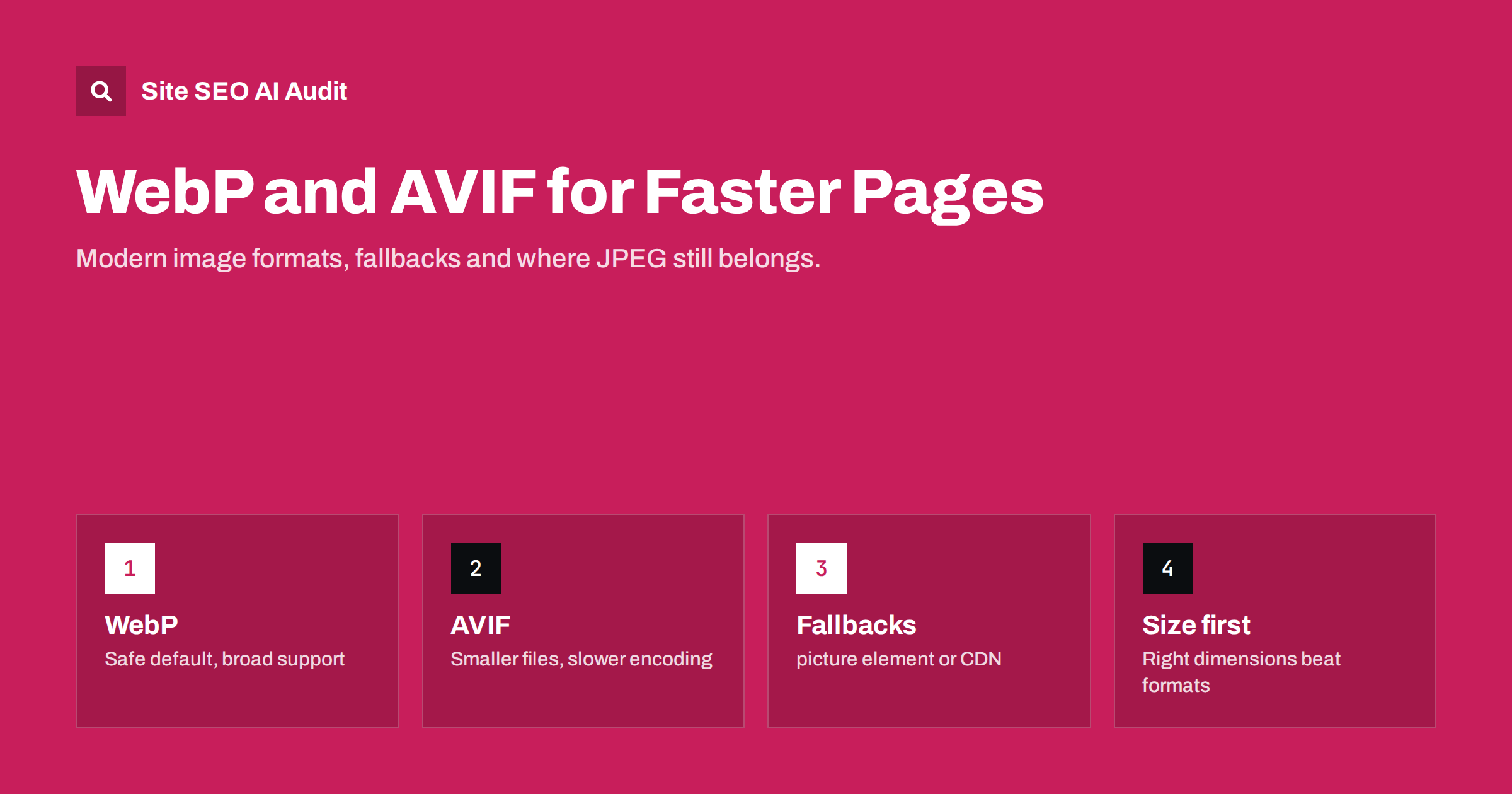
Short answer: WebP and AVIF are modern image formats that usually produce much smaller files than JPEG and PNG at similar visual quality, which speeds up pages and often improves Largest Contentful Paint. WebP is the safe default with very broad support; AVIF often compresses further but encodes more slowly. Serve them with a fallback using the <picture> element or a CDN that negotiates formats, keep JPEG or PNG for social sharing images, and remember that correct dimensions and compression matter more than the format itself.
Why image formats matter for speed
Images are often the largest part of a web page by weight, and on many pages the main image is also the Largest Contentful Paint element. A lighter image downloads faster, especially on mobile networks, and lets the page show its main content sooner.
For decades the web relied on three formats: JPEG for photos, PNG for graphics with sharp edges or transparency, and GIF for simple animations. They are universally supported but not very efficient by modern standards. Newer formats use better compression techniques to reach the same visual quality with fewer bytes.
Format is one lever among several. Our guide to page weight and compression covers the wider picture, and how to fix a slow LCP explains why the main image deserves special attention.
The formats compared
| Format | Best for | Compression | Transparency / animation | Browser support |
|---|---|---|---|---|
| JPEG | Photos, maximum compatibility | Baseline | No / no | Universal |
| PNG | Screenshots, logos, sharp graphics | Lossless, often large | Yes / no | Universal |
| WebP | Photos and graphics on the web | Typically well below JPEG and PNG | Yes / yes | All current major browsers |
| AVIF | Photos where every kilobyte counts | Often below WebP | Yes / yes | All current major browsers; older versions lack it |
| SVG | Icons, logos, simple illustrations | Vector, tiny for simple shapes | Yes / possible | Universal |
Exact savings depend heavily on the image and the quality settings, so treat published percentages as rough guides. The practical pattern is consistent though: WebP is usually a clear improvement over JPEG and PNG, and AVIF often improves further on photographic content.
WebP: the safe default
WebP supports both lossy and lossless compression, transparency and animation, which means one format can replace JPEG, PNG and animated GIF in most situations. Every current major browser supports it, and most content management systems, image editors and CDNs can create it.
Strengths:
- Broad support and mature tooling.
- Fast encoding, so converting large libraries is practical.
- Good results for both photos and graphics with transparency.
Limitations:
- At very high compression, fine detail and smooth gradients can look softer than in AVIF.
- Some older software and a few email clients do not display it.
If you only change one thing, serving WebP instead of JPEG and PNG is usually the best effort-to-benefit step. Lossless WebP is also a good replacement for PNG screenshots and interface graphics, where it keeps text sharp while typically saving a meaningful share of the file size. For photos, a lossy quality setting somewhere in the middle of the scale is a reasonable starting point; compare a few images side by side at their displayed size before choosing a site-wide value.
AVIF: smaller files, more processing
AVIF is based on a modern video codec and often reaches smaller file sizes than WebP at the same perceived quality, particularly for photos. It handles gradients and high dynamic range well.
The trade-offs:
- Encoding is slower. Converting thousands of images, or converting on the fly, needs more server or CDN capacity.
- Support arrived later. All current major browsers support AVIF, but visitors on older browser versions do not, so a fallback is essential.
- Decoding can be heavier on low-end devices for very large images.
- Tool support is still uneven in some editors and platforms.
AVIF is a good choice for image-heavy sites such as shops, portfolios and publishers, where the savings add up across many large photos, provided the tooling handles conversion automatically.
How to serve modern formats with fallbacks
Because not every browser supports every format, you should never serve only AVIF. There are two common approaches.
1. The picture element. The browser picks the first format it supports:
<picture>
  <source srcset="hero.avif" type="image/avif">
  <source srcset="hero.webp" type="image/webp">
  <img src="hero.jpg" alt="Team reviewing an SEO report" width="1200" height="630">
</picture>
The img element carries the alt text, dimensions and the JPEG fallback. This works everywhere and gives you full control, at the cost of creating several files per image.
2. Content negotiation. Many CDNs and image services look at the browser’s Принять header and deliver AVIF, WebP or JPEG from the same URL. This keeps HTML simple. Make sure the response includes Vary: Accept or the CDN’s equivalent, so caches do not serve an AVIF file to a browser that cannot read it. The CDN and SEO guide covers caching settings that matter for search.
3. Build-time or plugin conversion. Static site generators, build pipelines and CMS plugins can create WebP and AVIF versions when an image is uploaded and write the picture markup automatically. This combines the control of the first approach with little manual work.
Which approach fits depends on your setup. Small sites with a handful of key images can hand-craft picture elements for the hero images and convert the rest with a plugin. Large shops and publishers usually benefit from an image CDN, because it also resizes images per device and caches the results. Whatever you choose, test with a browser that supports AVIF and one that does not, and check in developer tools which file was actually delivered.
Where JPEG and PNG still belong
Modern formats are not the right choice everywhere:
- Social sharing images. The image in your
og:imagetag is fetched by many different platforms and apps. Some handle WebP, fewer handle AVIF. A JPEG or PNG is the safest choice, as explained in Open Graph tags. - Email. Many email clients have limited support for modern formats.
- Downloads. Images people save and reuse, such as press kits, are more convenient in common formats.
- Logos and icons. SVG is usually better than any raster format.
Format is not enough: size and loading
A 4000-pixel-wide AVIF is still far heavier than it needs to be for a 400-pixel slot. Before worrying about formats, get the basics right:
- Resize to the displayed size and provide several widths with
srcsetandsizes, so phones download small versions. - Set width and height attributes to reserve space and prevent layout shifts.
- Choose sensible quality settings. Visual quality levels that look identical at normal viewing size can differ greatly in file size.
- Lazy-load images below the fold, but never the main image at the top. See lazy loading and SEO.
- Prioritise the LCP image with
fetchpriority="high"where it helps.
Image formats and search
Changing formats does not change how search engines understand your images: they rely on the surrounding text, alt text, file names and captions, as described in image alt text and image SEO beyond alt text. Google’s image documentation lists WebP and AVIF among the formats it supports for indexing. If you switch formats on an image-heavy site where Google Images traffic matters, keep image URLs stable where possible or redirect old image URLs, because changed URLs need to be recrawled and reindexed.
On WordPress, recent versions support uploading WebP and AVIF directly, and many image optimisation plugins convert existing uploads and serve them with fallbacks. After switching, check a few things:
- The main image on key templates is delivered as WebP or AVIF in a supporting browser.
- A browser without AVIF support still receives a working image.
- The og:image in the page head still points to a JPEG or PNG.
- Image sitemaps, if you use them, list URLs that actually exist.
- Field data for LCP in PageSpeed Insights or Search Console improves over the following weeks.
How Site SEO AI Audit helps
Site SEO AI Audit measures speed on your pages using Google PageSpeed data, LCP and CLS, and checks page weight, compression and server response. Its on-page checks list images without alt text. That shows which templates carry the heaviest pages and whether a format change actually improved them on the next audit. You can start with a free audit of your website.
Related reading
- Core Web Vitals Explained: LCP, INP and CLS in Plain Words
- How to Fix Cumulative Layout Shift (CLS) on Your Site
- Image SEO on Multilingual Sites: Alt Text, Files and Text
The bottom line
WebP is the safe, widely supported upgrade from JPEG and PNG; AVIF often saves more bytes where tooling allows. Serve both with a JPEG or PNG fallback through the picture element or a CDN that negotiates formats, keep common formats for social sharing and email, and fix image dimensions, compression and loading priority first, because they usually matter even more than the format.
FAQ
Is AVIF better than WebP?
AVIF often produces smaller files at the same visual quality, especially for photos, but it encodes more slowly and has less mature tooling. WebP is simpler to adopt. Many sites serve AVIF with WebP and JPEG as fallbacks.
Do all browsers support WebP and AVIF?
All current major browsers support both. Older browser versions may not, particularly for AVIF, so always provide a fallback format.
Does switching to WebP improve SEO?
Not directly. It makes pages lighter, which can improve loading speed and Core Web Vitals. Search engines understand images from alt text and context, not from the format.
Should my og:image be WebP?
It is safer to use JPEG or PNG for Open Graph images, because many social platforms and messaging apps fetch them and not all support modern formats.
Can Google index AVIF images?
Yes. Google’s image documentation lists AVIF, along with WebP, JPEG, PNG and other common formats, as supported. Keep good alt text and surrounding context, as with any image.


