ENEnglish
 LTLietuviškai
 DEDeutsch
 FRFrançais
 RUРусский
 ESEspañol
 PLPolski
 ITItaliano
 UKУкраїнська
 CSČeština
 PTPortuguês
 JA日本語
JA日本語 LVLatviešu valoda
 ETEesti
 HUMagyar
 IDBahasa Indonesia
 TRTürkçe
 HIहिन्दी
 ELΕλληνικά
 ARالعربية
 THไทย
THไทย VITiếng Việt
 RORomână
 MSBahasa Melayu
 BNবাংলা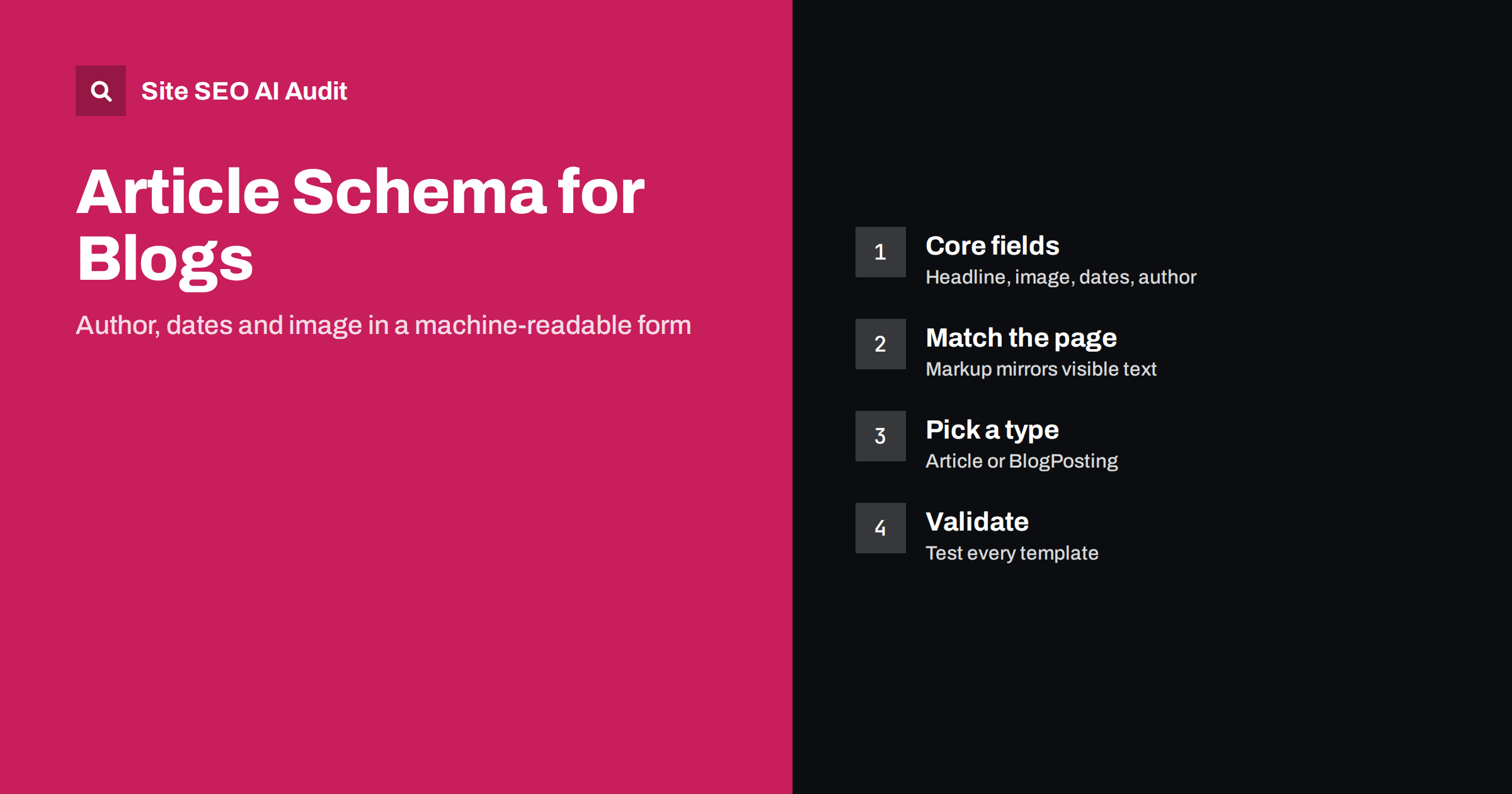
Short answer: Article structured data describes a blog post to machines in JSON-LD: its headline, image, publication and update dates, author and publisher. Google lists no strictly required fields for Article, but recommends headline, image, datePublished, dateModified and author. Use BlogPosting or Article, make every value match what readers see, link the author and publisher to real pages, and validate each template.
A blog post is easy for a person to understand. The title is at the top, the author’s name and date sit underneath, an image follows, and the text begins. Search engines and AI systems can usually infer those parts, but structured data states them without guessing. Article markup does not guarantee a special result in search, yet it removes ambiguity about who wrote the page and when, which supports trust and correct presentation. This guide explains what to include and what to avoid.
Article, BlogPosting or NewsArticle?
Schema.org offers a family of related types. BlogPosting is a more specific kind of Article, and NewsArticle is another specific kind. A simple rule works for most sites:
- BlogPosting for posts on a blog, company journal or personal site.
- NewsArticle for time-sensitive news reporting by a news publisher, where dates and bylines carry extra weight.
- Article for general articles, guides and features that are neither blog posts nor news.
Google’s documentation treats these types alike for its purposes, so the choice matters less than being consistent and accurate. Pick one type per template and use it across all posts of that kind.
The fields to include
Google’s article guidance names no required properties, but recommends several that help it understand the page. The following set covers what most blogs need:
- headline: the title of the post. Keep it concise and equal to the visible heading.
- image: one or more URLs of images that represent the post. Providing versions in several aspect ratios, such as 16:9, 4:3 and 1:1, gives flexibility. Use crawlable files.
- datePublished: when the post first went live, in ISO 8601 format with a time zone.
- dateModified: when the content last changed in a meaningful way.
- author: a Person or Organization with a name and, ideally, a URL to a page about them.
- publisher: the Organization behind the site, with name and logo.
- mainEntityOfPage: the canonical address of the post.
- description: a short summary, similar to the meta description.
Optional but useful fields include articleSection for the category, keywords for topics, wordCount and inLanguage. Do not add fields only because they exist. Each value should be correct and maintained.
A clean example
This simplified example shows how the fields fit together in JSON-LD. Replace the sample values with your own:
{
  "@context": "https://schema.org",
  "@type": "BlogPosting",
  "@id": "https://example.com/blog/my-post/#article",
  "mainEntityOfPage": "https://example.com/blog/my-post/",
  "headline": "How to choose running shoes",
  "description": "A short guide to fit, cushioning and terrain.",
  "image": ["https://example.com/img/shoes-16x9.jpg", "https://example.com/img/shoes-1x1.jpg"],
  "datePublished": "2026-03-04T09:00:00+02:00",
  "dateModified": "2026-09-12T14:30:00+03:00",
  "author": {"@type": "Person", "name": "Anna Kask", "url": "https://example.com/authors/anna-kask/"},
  "publisher": {"@type": "Organization", "name": "Example Sports", "logo": {"@type": "ImageObject", "url": "https://example.com/logo.png"}},
  "inLanguage": "en"
}
The identifiers and the author URL let other markup refer to the same entities. The publisher can be defined once and referenced from every page. See Organization schema and AI systems for how to describe the business itself.
Make the markup match the page
The most common reason for warnings and distrust is a mismatch between the markup and the visible content. Check these points:
- The headline in the markup equals the H1 or the visible title.
- The author in the markup is the person named on the page. Do not credit a fictional or generic author.
- The dates match the dates shown to readers, with the same time zone logic.
- The images are actually used on the page, and they load without login.
- The markup is on the page itself, not only in a separate feed.
Never mark up content that readers cannot see. Search engines can ignore or distrust markup that misleads, and in serious cases it can lead to a manual action for structured data spam. See manual actions in Search Console.
Dates: published versus modified
Dates deserve extra care because they influence how fresh a page seems. Set datePublished once, when the post first appears, and never change it to look newer. Update dateModified only when the content changes in a way a reader would care about, such as new facts, corrected advice or added sections. A fixed typo does not require a new date. Show the visible dates in the same way. Our guide to content dates and freshness explains why AI answers also care about this signal, and how to refresh old content describes an update process that earns a fresh date honestly.
Authors, bylines and trust. Link the author in the markup to a real author page that shows a short biography, expertise and other articles. This supports the experience and trust signals discussed in E-E-A-T and AI search. See author pages and bylines for the page design. If a post has several authors, list each as a Person. If a guest wrote it, credit the guest and not the site owner.
Connecting the post to the rest of your markup
Article markup works best as one piece of a connected graph. The publisher entity should be the same Organization described on your home page, and the author should be the same Person described on the author page. Using the same @id values in each place lets machines recognise that they are one entity and not several similar ones. If the post includes a FAQ section, mark it up separately as FAQPage only when the questions and answers are visible on the page. If it has breadcrumbs, add BreadcrumbList so the position of the post in the site is clear. See breadcrumbs for SEO.
Keep the graph simple. Three or four well-formed entities are better than a dozen half-filled ones. Each entity should be useful on its own, correct today and easy for a colleague to maintain next year. Document in one place which template prints which block, and who owns it, so that a redesign does not silently remove the markup.
How to add it on common platforms
- WordPress: most SEO plugins generate Article or BlogPosting markup automatically. Check what they output, and make sure the plugin and the theme do not both print a copy. See WordPress on-page SEO.
- Other content management systems: look for a schema setting or extension, or add JSON-LD to the post template using fields from the content model.
- Custom sites: generate the JSON-LD on the server from the same data that creates the visible page, so that the two cannot drift apart.
- Headless sites: include the markup in the server-rendered HTML, not only after scripts run. See JavaScript SEO basics.
Images and sharing details
The image field deserves its own attention, because it is the part readers see. Use a main image that is large enough, crawlable and relevant to the post, not a logo or a decorative icon. Many sites use a wide image of at least 1200 pixels across, and include a square version as well, so that different features can crop it cleanly. Keep the file addresses stable. If you replace an image, keep the old address working or update the markup at the same time. The same image usually serves as the social sharing picture, so check the Open Graph tags too. See Open Graph tags setup. Add alt text to the image inside the post, because the markup does not replace it. See image alt text.
Testing and common mistakes
After adding the markup, test a sample of posts with a structured data testing tool and with the URL Inspection tool, and monitor the enhancement reports in Search Console. Typical mistakes include:
- Duplicate Article blocks from a theme and a plugin, sometimes with conflicting dates.
- Missing or invalid images, or images blocked by robots.txt.
- Dates without a time zone, or in a format other than ISO 8601.
- Author set to the site name for every post, though the page shows a person.
- Markup left in place on pages that were changed to a different kind of content.
- Image URLs that redirect, return an error or point to a tiny thumbnail instead of the main picture.
- Descriptions copied from the first paragraph with HTML tags or shortcodes still inside.
Read how to find and fix structured data errors for a full process. Site SEO AI Audit checks structured data on every page it crawls, flags invalid JSON-LD and missing share images, and ranks the fixes by impact. The first audit of up to 200 pages is free.
Related reading
- Does structured data help in AI search?
- JSON-LD vs Microdata vs RDFa
- How to optimize a blog post for SEO
The bottom line
Article markup is a small investment with a clear purpose: tell machines the headline, image, dates and author of each post. Keep it truthful, consistent with the visible page, linked to real author and publisher pages, and tested on every template. Accuracy is more valuable than the number of fields.
FAQ
Is Article schema required for ranking?
No. It is not a ranking factor, but it helps search engines understand the page, and it supports accurate display of details such as the author and date.
Should I use Article or BlogPosting?
Use BlogPosting for blog posts and Article for general guides. Both are understood, so choose one per template and stay consistent.
Can I include the markup if the author is the company?
Yes, use an Organization as author when the page is credited to the company. Prefer a named person when the page shows one.
How often should dateModified change?
Only when the content changes meaningfully. Do not update it for tiny edits or to make the post look new.
Does my SEO plugin already add this?
Often yes. Inspect the source of a post and make sure only one correct block appears and that it matches the visible content.