 ENEnglish
 LTLietuviškai
 DEDeutsch
 FRFrançais
 RUРусский
 ESEspañol
 PLPolski
 ITItaliano
 UKУкраїнська
 CSČeština
 PTPortuguês
 JA日本語
 LVLatviešu valoda
 ETEesti
 HUMagyar
 IDBahasa Indonesia
 TRTürkçe
 HIहिन्दी
 ELΕλληνικά
 ARالعربية
 THไทย
 VITiếng Việt
 RORomână
 MSBahasa Melayu
 BNবাংলা
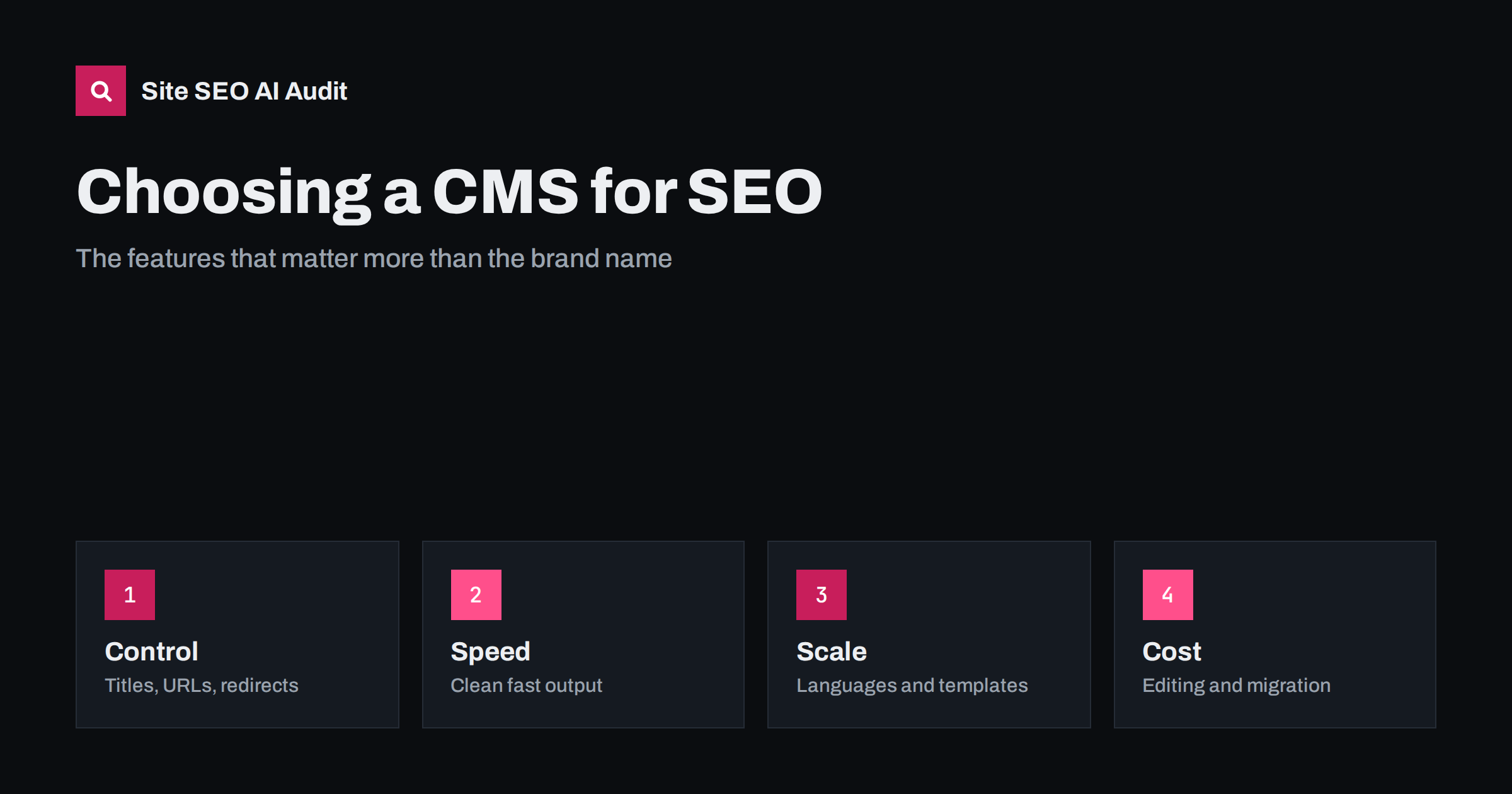
Short answer: No content management system ranks pages by itself, and almost any modern one can support good SEO. What matters is control and quality: editable titles, descriptions, headings and URLs; canonical tags and redirects; clean, fast HTML; sitemaps and robots settings; structured data; language support; sensible templates; and an editing workflow your team will actually use. Choose the system that gives you these with the least friction for your size, skills and plans for growth.
Choosing a platform is one of the most expensive decisions in a website project, because changing it later means a migration with real SEO risk. Sales pages promise that a platform is “SEO friendly”, but the phrase is almost meaningless. This guide offers a practical checklist for comparing systems, whether you are choosing between a hosted site builder, WordPress, an e-commerce platform or a headless setup. It focuses on questions you can test during a trial rather than on brand names. For tips on particular platforms, see the guide to Wix, Squarespace and Webflow and the guide to headless CMS SEO.
Start with your needs, not the platform
It is tempting to begin with a list of famous names and ask which is best. The better question is which one fits the job. Platforms evolve quickly, and rankings in comparison articles go out of date, but your own requirements stay stable enough to guide a decision.
Write down what the site must do: type and number of pages, languages, products, members, bookings, integrations, how often content changes and who edits it. A five-page brochure site, a magazine with thousands of articles and a multilingual shop have different needs, and the right tool for one is a poor choice for another.
Include the people. A system that developers love but editors dread will end up with stale content, and a system that editors like but developers cannot extend will limit growth. Ask who will publish, who will maintain, and what budget exists for both. A realistic view of skills often settles half of the decision.
Control over the on-page basics
These controls are the daily tools of SEO, so a weakness here is felt every week rather than once a year.
Test whether you can set, per page, the title, meta description, main heading, URL slug, canonical URL, robots directives (index or noindex), Open Graph image and image alt text. These sound basic, yet some builders limit them or hide them in odd places. Also check whether you can set patterns for templates, such as category pages and product pages, because manual editing does not scale.
Check how the system builds URLs. You want short, readable addresses without session IDs, with the freedom to change the structure and the ability to keep a stable address when a page moves. The principles in the guide to SEO-friendly URL slugs apply to every platform.
Redirects, canonicals and indexing controls
These features are invisible when everything works, which is why they are often forgotten in demos and discovered missing during a crisis.
Every site changes. Pages are renamed, merged and removed, so you need a simple way to create 301 redirects, preferably in bulk, from a spreadsheet. A platform that cannot do this, or only allows redirects through a paid add-on with limits, makes migrations and clean-ups harder.
Check that the system outputs a self-referencing canonical, handles pagination and filters sensibly, lets you exclude pages from the index and from the sitemap, and does not create duplicate paths such as /page and /page/ both serving content. Test what happens with uppercase letters, trailing slashes and tracking parameters. These details decide whether duplicate content accumulates silently.
Speed and clean output
Speed is partly a hosting question and partly a platform question, so test the combination you will really use, not a vendor demo on the vendor’s fastest servers.
Platforms differ in the weight of the code they produce. Test a demo or trial site with a speed tool, on mobile, and look at server response time, size of scripts and styles, image handling and Core Web Vitals. Ask whether the system serves modern image formats, supports lazy loading, lets you control which scripts load where and offers caching or a content delivery network.
Look at the HTML itself. Does it use headings, lists, tables and links properly, or a nest of generic containers? Does important content appear in the initial HTML or only after scripts run? Clean, semantic output helps both search engines and AI crawlers, as explained in the guide to semantic HTML.
Structured data, sitemaps and technical files
A good system generates an XML sitemap automatically, lets you edit robots.txt, and supports structured data such as organisation, article, product, breadcrumb and local business markup, either natively or through reliable extensions. Check whether the markup is valid and editable, not locked into a fixed template that cannot be corrected.
Also check support for an llms.txt file, custom headers, hreflang annotations and feeds, if you need them. Being able to add files at the root of the domain and to change headers is more important than it sounds, and some hosted builders restrict it.
Languages and international features
Even sites that start in one language often add another within a few years, so ask the question early, before the design and the content model are fixed.
| Question | Why it matters |
|---|---|
| Can each language have its own URL? | Search engines need separate addresses to index each version |
| Are hreflang annotations generated correctly? | They connect language versions to each other |
| Can slugs, titles and metadata be translated? | Translated pages need translated metadata |
| Is there a clean language switcher? | Visitors and crawlers must find the other versions |
If you plan more than one language, treat this as a first-class requirement, since retrofitting it is painful. The checklist in the multilingual WordPress guide shows what a correct setup includes.
Editing workflow and governance
The best technical features are wasted if they are too awkward to use on a Tuesday afternoon with a deadline.
SEO is largely maintained by editors, so test the editing experience. Can an editor change a title and description in two clicks? Are there roles and permissions, drafts, previews, revision history and scheduling? Can content be structured with reusable blocks, so that the same layout is not rebuilt by hand each time? Does the system warn about missing alt text or broken links?
Consider governance as well. Who can install extensions, edit templates or change global settings? Too much freedom leads to accidents, such as a noindex left on after a test, and too little leads to frustration. Role-based permissions and a staging environment reduce risk.
Costs, lock-in and migration
Cheap to start is not the same as cheap to own. A platform with a low monthly fee may charge for every extension you need, limit the number of redirects, restrict the number of pages or force a higher plan when traffic grows. A free system may need paid hosting, security work and a developer for each customisation. Add these up for three to five years before deciding.
Compare total cost over several years: licences, hosting, extensions, development, maintenance, security updates and the cost of leaving. Check whether you can export all content, media and redirects in a usable form. Platforms that trap your content raise the price of every future decision.
Plan for the migration even before you start. Whatever you choose, keep a list of old and new URLs, set up redirects, check titles and canonicals, and crawl the new site before launch. The steps are described in the site migration SEO checklist.
Test before you commit
A trial should include the awkward cases, not only a clean demo page. Create a page with a long title, an image without alt text, a category with many items, a page in a second language, a redirect and a page that should be excluded from search. Watch what the system does with each. If it handles the awkward cases gracefully, it will probably handle real life.
Build a small test site on each candidate with a few realistic pages. Check the items above, then crawl the result with Site SEO AI Audit, which examines status codes, titles, links, structured data, speed and AI visibility settings across seven areas; the first audit of up to 200 pages is free. A short trial exposes limits that brochures never mention.
Ask the vendor or developer direct questions about anything you could not test, and get answers in writing. A platform that cannot answer simple questions about redirects or hreflang is telling you something.
Related reading
The bottom line
Pick the CMS that gives your team control over titles, URLs, redirects, speed, markup and languages with the least friction, and test it with a real crawl first.
FAQ
Is WordPress the best CMS for SEO?
It is flexible and widely supported, but no platform guarantees rankings. Evaluate control, speed and workflow for your case.
Are site builders bad for SEO?
Not necessarily. Many are adequate for small sites, but check limits on redirects, files, headers and code control.
Does a headless CMS help SEO?
It can offer speed and flexibility, but it also needs careful handling of rendering, metadata and sitemaps.
What is the biggest risk when changing CMS?
Losing URLs, redirects and metadata. Plan the migration and crawl the new site before launch.
How can I test a platform’s SEO?
Build a trial site, check the on-page controls and speed, and run a crawl to see what the platform outputs.


