 ENEnglish
 LTLietuviškai
 DEDeutsch
 FRFrançais
 RUРусский
 ESEspañol
 PLPolski
 ITItaliano
 UKУкраїнська
 CSČeština
 PTPortuguês
 JA日本語
JA日本語 LVLatviešu valoda
 ETEesti
 HUMagyar
 IDBahasa Indonesia
 TRTürkçe
 HIहिन्दी
 ELΕλληνικά
 ARالعربية
 THไทย
THไทย VITiếng Việt
 RORomână
 MSBahasa Melayu
 BNবাংলা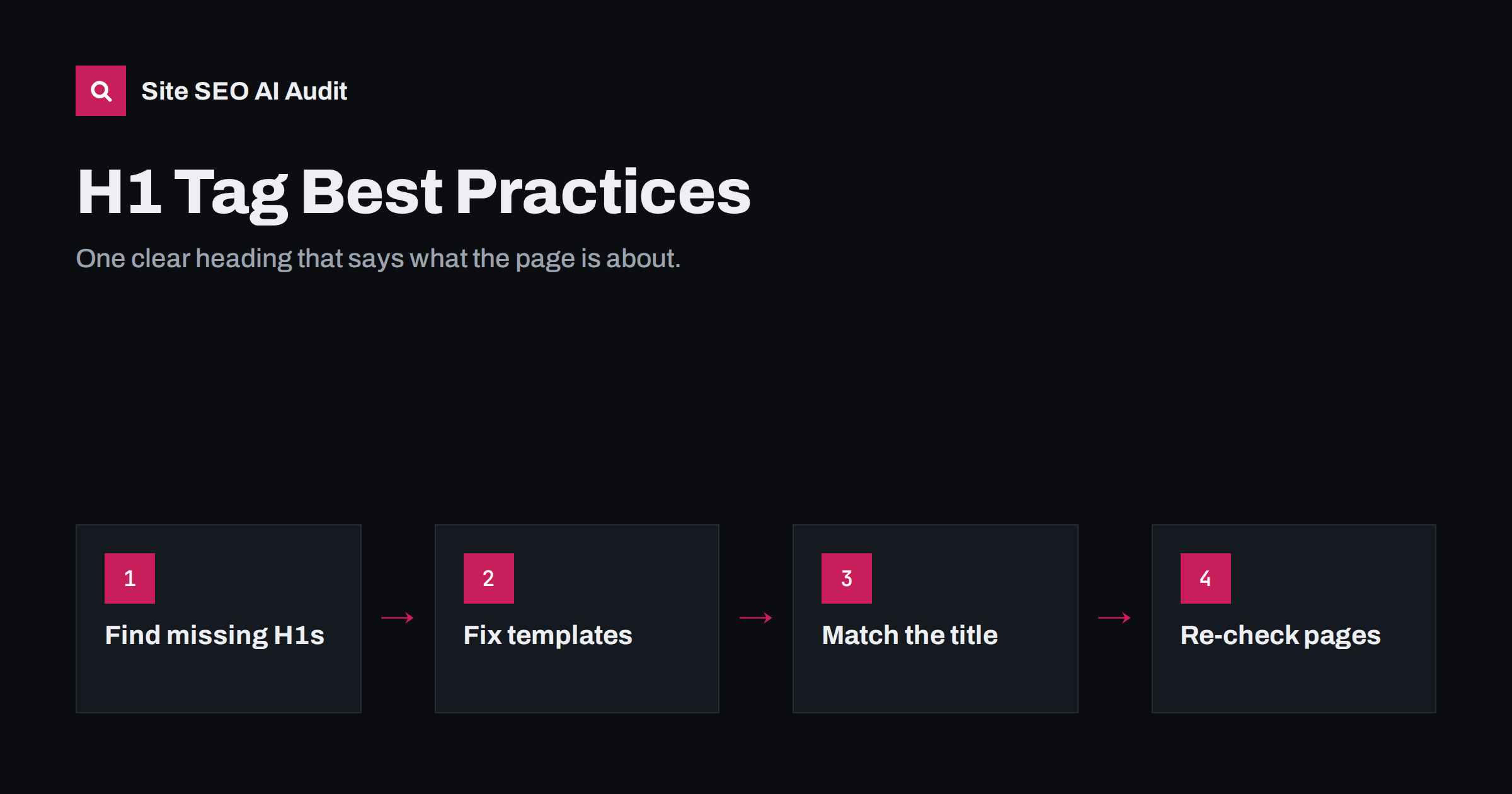
Short answer: Every page should have one visible H1 heading that states the page’s main topic in plain words, usually close in meaning to the title tag. The H1 should be the first heading in the content, describe what the page is actually about, and not be used for the logo, a slogan or styling. Multiple H1s are not a disaster, but a single clear H1 makes the page easier to understand for readers, screen readers and search engines.
What the H1 tag does
HTML offers six heading levels, from <h1> to <h6>. The H1 is the top level: the name of the page’s content. On an article it is the article headline, on a product page the product name, on a category page the category name, and on a service page the service you offer.
The H1 serves three audiences at once:
- Visitors use it to confirm they have landed on the right page. If someone clicks a result about “boiler repair in Bristol” and the first large heading says “Welcome”, they have to work to find out if they are in the right place.
- Screen reader users often jump between headings to navigate. The H1 is how they learn what the page is about without reading everything.
- Search engines use headings, along with the title and content, to understand the topic and structure of the page. When the title tag is weak or missing, they may even use the H1 as the headline in search results.
The H1 is not a magic ranking lever. Putting a keyword into an H1 on a thin page will not make it rank. But a missing or misleading H1 removes one of the clearest signals of what the page is for.
One H1 or several?
This is the most common question, and the honest answer has two parts. Search engines have said they can cope with multiple H1s on a page, and HTML5 technically allows them inside separate sections. Having two H1s will not get a page penalized.
In practice, one H1 per page is still the right default, for reasons that have nothing to do with penalties:
- Clarity. A page should have one main topic. If you cannot choose one H1, the page may be trying to cover too much.
- Accessibility. Screen reader users expect one H1 as the page title. Several H1s make the page outline confusing.
- Consistency. Multiple H1s usually come from themes or widgets that misuse the tag, not from deliberate design. They are a symptom worth fixing.
So treat multiple H1s as a low-priority clean-up, and a missing H1 as a real problem.
How to write a good H1
Name the topic clearly
The H1 should tell a first-time visitor what the page is about in a few words. “Waterproof Trail Running Shoes” is clearer than “Conquer Every Path”. Slogans have their place, but put them in a subheading or paragraph under the H1, not in it.
Keep it close to the title tag
The title tag and H1 do slightly different jobs: the title wins the click in search results, the H1 welcomes the visitor. They do not need to be identical, but they should describe the same thing. A title about “meta description length” and an H1 about “writing better blog posts” send mixed signals, and increase the chance that search engines rewrite your title.
Use the words people search for
If people search for “boiler repair”, do not call the page “Heating System Restoration Services”. Natural language that matches how your audience talks helps both relevance and trust.
Make it specific
Generic H1s such as “Products”, “Services” or “Blog” say very little. “Commercial Cleaning Services in Leeds” or “All Articles on On-Page SEO” say much more.
Keep it reasonably short
There is no character limit, but an H1 is a heading, not a paragraph. Most good H1s are between three and twelve words. If you need more, put the rest in an introductory sentence.
Common H1 mistakes found in audits
| Problem | Typical cause | Fix |
|---|---|---|
| No H1 on the page | Theme styles the headline as a div or paragraph | Change the template so the page headline is an H1 |
| Logo wrapped in an H1 | Older themes mark the site name as H1 on every page | Use H1 for the logo only on the home page, or not at all |
| Several H1s | Widgets, sliders or page builders use H1 for styling | Change extra H1s to H2 or styled text |
| Same H1 on many pages | Template outputs a fixed heading such as “Shop” | Output the page or category name instead |
| Empty H1 | A heading block left blank or filled only by an image without alt text | Add real text, or give the image descriptive alt text |
| H1 that does not match the page | Copied pages, or a slogan used instead of a topic | Rewrite to name what the page covers |
H1 tags on different page types
Getting the H1 right is mostly about templates. Each page type needs its own sensible rule:
- Home page: a clear statement of what the business does, for example “Accounting Software for Freelancers”. The company name alone is usually too vague, unless the brand is very well known.
- Articles: the article headline. Most blog themes already do this correctly.
- Product pages: the product name, possibly with a key attribute such as model or size.
- Category and collection pages: the category name, ideally with a short qualifier. Check that paginated pages (page 2, 3 and so on) still have a sensible H1.
- Service and location pages: the service and, where relevant, the location: “Emergency Plumbing in Leeds”.
- Contact and legal pages: “Contact Us” or “Privacy Policy” is perfectly fine. Not every page needs keyword thinking.
How to check your H1s
For a single page, you can right-click and inspect the headline, or view the page source and search for <h1. Browser extensions that show the heading outline make this quicker. Look for three things: that there is an H1, that there is only one, and that its text describes the page.
For a whole site, checking by hand does not scale. H1 problems are almost always caused by templates, so the same issue repeats on dozens or hundreds of pages. A crawler that reports missing, multiple, empty and duplicate H1s across all pages will show you quickly which template needs fixing.
When you find a problem, fix it in this order:
- Missing H1s on important page types, such as products, categories and services.
- Duplicate H1s produced by a template.
- Logo or widget H1s that appear on every page.
- Individual pages where the H1 is vague or off-topic.
After changing a theme or template, re-check a sample of every page type. A single edit in a header file can change the H1 on the entire site, for better or worse.
Fixing H1 issues in WordPress
In WordPress the page or post title normally becomes the H1, but that depends on the theme. Page builders let editors add heading blocks and choose any level, which is how pages end up with three H1s or none. Useful checks:
- In the block editor, open the list view to see every heading block and its level. Change extra H1 blocks to H2.
- If the theme hides the page title on some templates, make sure the page content includes an H1 heading instead.
- If the site logo is wrapped in an H1 on every page, look for a theme option to change it, or ask the theme developer. Do not simply delete the logo markup.
- For archive and category pages, check the heading the theme outputs. Some themes print “Archives” rather than the category name.
How Site SEO AI Audit reports H1 problems
Site SEO AI Audit checks the H1 on every page it crawls as part of the on-page area of the score, together with titles, descriptions, thin and duplicate content and image alt texts. Issues are weighted by the share of your pages they affect, so a template that drops the H1 from every product page appears near the top of the fix list, while one odd page barely moves the score. On WordPress sites each issue includes the steps to fix it in wp-admin. The first audit is free; plans with re-checks after each fix are on the pricing page.
Related reading
- How to Write Title Tags: Length, Wording and Examples
- What Is On-Page SEO? The Elements That Actually Matter
- How to Write Meta Descriptions That Earn the Click
The bottom line
Give every page one visible H1 that says, in plain words, what the page is about. Keep it close in meaning to the title tag, avoid using it for logos and slogans, and fix problems at the template level where they usually start. The H1 will not rank a page on its own, but a missing or misleading one makes a good page harder to understand for everyone who reads it.
FAQ
Is it bad to have more than one H1 on a page?
It will not get your page penalized, and search engines can handle it. Still, one H1 is clearer for readers and screen reader users, and multiple H1s usually come from themes or widgets misusing the tag. Treat it as a low-priority clean-up.
Should the H1 be the same as the title tag?
They should describe the same topic, but they can be worded differently. The title is written for the search results page, the H1 for visitors who have already arrived. Keeping them close reduces the chance that search engines rewrite your title.
Can my logo be the H1?
On the home page it can work if the logo image has descriptive alt text, but a text heading that says what the business does is usually better. On all other pages, the H1 should be the page’s own topic, not the logo.
Does the H1 have to be at the top of the page?
It should be the first heading of the main content, but it does not have to be the first element in the HTML. Navigation, a breadcrumb or a banner can come before it. What matters is that nothing more prominent competes with it.
How long should an H1 be?
There is no fixed limit. Most effective H1s are between three and twelve words, long enough to be specific and short enough to read at a glance. Put any extra detail in the first paragraph.


