 ENEnglish
 LTLietuviškai
 DEDeutsch
 FRFrançais
 RUРусский
 ESEspañol
 PLPolski
 ITItaliano
 UKУкраїнська
 CSČeština
 PTPortuguês
 JA日本語
JA日本語 LVLatviešu valoda
 ETEesti
 HUMagyar
 IDBahasa Indonesia
 TRTürkçe
 HIहिन्दी
 ELΕλληνικά
 ARالعربية
 THไทย
THไทย VITiếng Việt
 RORomână
 MSBahasa Melayu
 BNবাংলা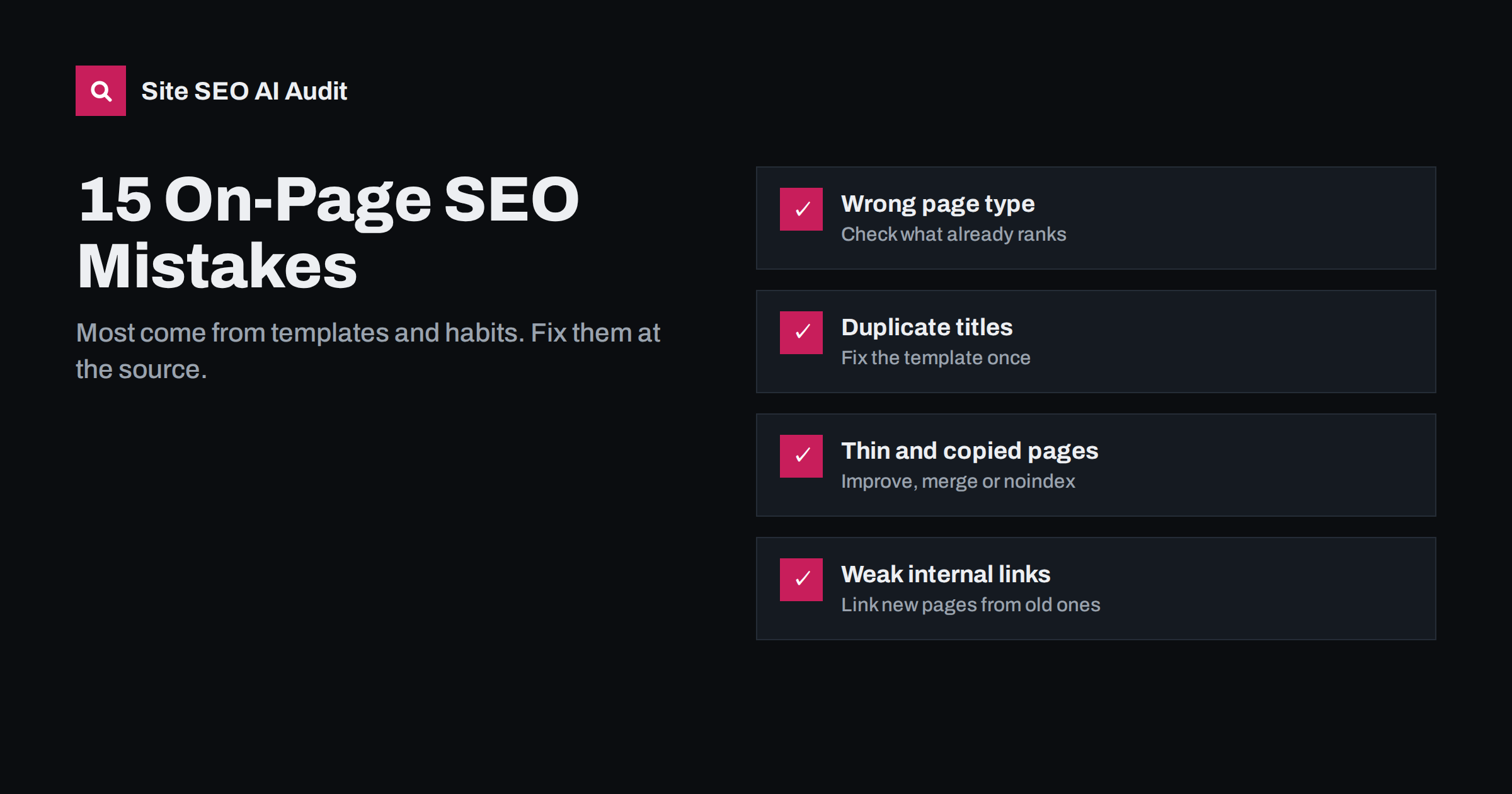
Short answer: The most common on-page SEO mistakes are pages that do not match search intent, missing or duplicate title tags, vague or missing H1s, thin and copied content, several pages competing for the same topic, images without alt text, weak internal linking and content that is never updated. Most of them are caused by templates and habits rather than one-off errors, so the fastest fixes are at the template or process level.
Why the same mistakes keep appearing
On-page SEO is not complicated, yet the same problems show up on site after site. The reason is rarely ignorance. It is scale and routine: templates copied without thought, pages cloned and never edited, plugins with default settings, and busy teams publishing without a checklist. A single mistake in a template or habit repeats on every page it touches.
That is good news, because it means many problems can be fixed once, at the source. Below are fifteen common mistakes, grouped by where they occur, with the cause and the fix for each.
Mistakes in planning and intent
1. Writing the wrong type of page for the search
A sales page targeting a “how to” query, or a long article targeting a “buy” query, rarely ranks, however well optimized it is. Fix: search the main query, note the type of pages that rank, and build the same type of answer, only better.
2. Targeting topics nobody searches for
Pages framed around internal language (“Our holistic methodology”) match few real searches. Fix: use the words customers use in emails, calls and search queries. Check Search Console for the phrases that already bring impressions.
3. Several pages competing for the same topic
Years of publishing produce multiple posts on the same question, splitting signals so none ranks well. Fix: keep a simple map of which page owns which topic; merge overlapping pages into the strongest one and redirect the rest.
Mistakes in titles and descriptions
4. Missing, generic or duplicate title tags
“Home”, “Products | Brandname” or the same title on hundreds of pages give search engines and searchers nothing to go on. Fix: set title templates that include the page’s own name, and hand-write titles for important pages.
5. Titles that are too long or stuffed
Long lists of keywords get truncated or rewritten and look spammy. Fix: one clear phrase near the start, an honest angle, roughly 50 to 60 characters.
6. Missing or copied meta descriptions
Not a ranking factor, but a missed chance to earn the click, and identical descriptions are usually ignored. Fix: write descriptions for key pages; use templates with page-specific details for large catalogs.
Mistakes in structure
7. No H1, several H1s, or a slogan as H1
Themes often use the logo or a hero slogan as the H1, or none at all. Fix: make the page’s topic the single H1, and adjust the template so this happens automatically.
8. Headings chosen for looks, not structure
Editors pick H4 because it looks the right size, producing a jumbled outline. Fix: choose heading levels by structure and change sizes with CSS; describe each section in its heading.
9. Burying the answer
Long introductions before the actual answer push readers back to the results. Fix: answer the main question in the first paragraph, then add detail.
Mistakes in content
10. Thin pages
Empty categories, one-line product pages, tag archives with a single post and placeholder pages. Fix: improve pages that serve real searches, merge overlapping ones, and keep the rest out of the index.
11. Copied and near-duplicate content
Manufacturer descriptions, copied location pages and boilerplate text across services. Fix: write unique content for important pages first, add genuinely local or product-specific details, and consolidate pages that cannot be made distinct.
12. Content that is never updated
Old prices, outdated steps and dead links erode trust, and competitors publish fresher answers. Fix: review important pages at least yearly and whenever traffic drops; update substance, not just the date.
Mistakes in images and links
13. Images without alt text
Screen reader users get nothing, image search gets nothing, and linked images become empty anchors. Fix: describe meaningful images in one sentence; give decorative images an empty alt; describe the destination for linked images.
14. Weak internal linking
Important pages linked only from the menu or footer, new posts never linked from older ones, and generic “read more” anchors everywhere. Fix: link to key pages from related content with descriptive anchors, and add links to every new page from older posts.
15. Nofollow and broken links on your own site
Accidental nofollow on menus and buttons, internal links to deleted pages, and links that pass through redirects. Fix: remove internal nofollow at its source and update internal links to point directly to final, working URLs.
The mistakes at a glance
| Mistake | Usual cause | Fix level |
|---|---|---|
| Wrong page type for intent | No research before writing | Process |
| Duplicate or generic titles | Template defaults | Template |
| Missing or multiple H1s | Theme or page builder | Template |
| Thin pages | Auto-generated archives, placeholders | Settings and editorial |
| Duplicate content | Copied text, cloned pages | Editorial |
| Competing pages | No topic map | Process |
| Missing alt text | Uploads never described | Process and editorial |
| Weak internal links | No linking habit | Process |
| Outdated content | No review schedule | Process |
A 30-minute review of your top pages
If you only have half an hour, spend it on the five pages that matter most to your business: usually the home page, two or three main service or category pages, and the article that brings the most search traffic. For each one, work through these questions:
- Search the page’s main phrase. Is your page the same type of answer as the top results? If not, note what would need to change.
- Read the title tag and meta description in the page source. Are they unique, specific and honest? Would you click them among ten other results?
- Look at the first screen on a phone. Does the H1 say what the page is about? Is the answer or offer visible without scrolling past banners?
- Scan the headings. Do they tell the story of the page on their own?
- Check facts and dates. Is anything outdated: prices, screenshots, product names, years?
- Count the internal links pointing to the page from related content, not just menus. Could you add two or three today?
- Hover over images. Do the important ones have alt text? Are any enormous?
Write down what you find as a short list per page, and fix the quickest items immediately. Titles, H1s, alt text and a few internal links can often be improved in the same session. Larger issues, such as rewriting a page for a different intent or merging overlapping posts, go on a plan for the coming weeks. Repeating this review every few months keeps the pages that matter most in good shape, even when there is no time for a full audit.
How to find these mistakes on your own site
Some of these mistakes, such as intent mismatch, need human judgment: you have to compare your page with what ranks and decide. Many others can be found mechanically by crawling the site: missing and duplicate titles and descriptions, H1 problems, thin and duplicate content, images without alt text, broken and redirected links, nofollow links and weakly linked pages.
Site SEO AI Audit crawls your whole website and checks about 50 things on every page, weighting each issue by the share of your pages it affects. That means a template mistake repeated on hundreds of pages rises to the top of the fix list, while a single forgotten page barely counts. On WordPress sites, every issue comes with the steps in wp-admin and your SEO plugin. You can start with a free audit, fix the top items, and re-check.
Related reading
- On-Page SEO Checklist: What to Check on Every Page
- Duplicate Title Tags and Meta Descriptions: How to Fix Them
- Keyword Cannibalization: How to Spot It and Fix It
- 12 AI Search Mistakes That Make Your Site Invisible
The bottom line
Most on-page mistakes are not exotic. They are wrong page types for the search, generic or duplicate titles, messy headings, thin and copied content, missing alt text, weak internal links and pages left to age. Because they come from templates and habits, fix them at the source: correct the template, add the step to your publishing routine, and schedule reviews. Then check your important pages by hand for intent and quality, which no tool can judge for you.
FAQ
What is the most common on-page SEO mistake?
In site-wide audits, duplicate or missing titles and descriptions and images without alt text are among the most frequent, usually caused by templates. The most damaging is often a mismatch between the page and the search intent.
Can on-page mistakes cause a penalty?
Most on-page mistakes simply make pages weaker rather than triggering penalties. Deliberate manipulation, such as keyword stuffing, hidden text or doorway pages, can be treated as spam and harm rankings.
How do I know which mistakes to fix first?
Start with problems that affect many pages, since one template fix improves them all, and with problems on your most important pages. Then work through smaller, page-specific issues.
Are SEO plugin warnings the same as mistakes?
Not always. Plugin warnings about keyword counts or readability scores are hints, not errors. Real mistakes are things like missing titles, duplicate content and pages that do not match what searchers want.
How often should I check for on-page mistakes?
Check every new page before publishing, audit the whole site every few months, and run an extra check after redesigns, theme changes, plugin updates or large content imports.


