ENEnglish
 LTLietuviškai
 DEDeutsch
 FRFrançais
 RUРусский
 ESEspañol
 PLPolski
 ITItaliano
 UKУкраїнська
 CSČeština
 PTPortuguês
 JA日本語
JA日本語 LVLatviešu valoda
 ETEesti
 HUMagyar
 IDBahasa Indonesia
 TRTürkçe
 HIहिन्दी
 ELΕλληνικά
 ARالعربية
 THไทย
THไทย VITiếng Việt
 RORomână
 MSBahasa Melayu
 BNবাংলা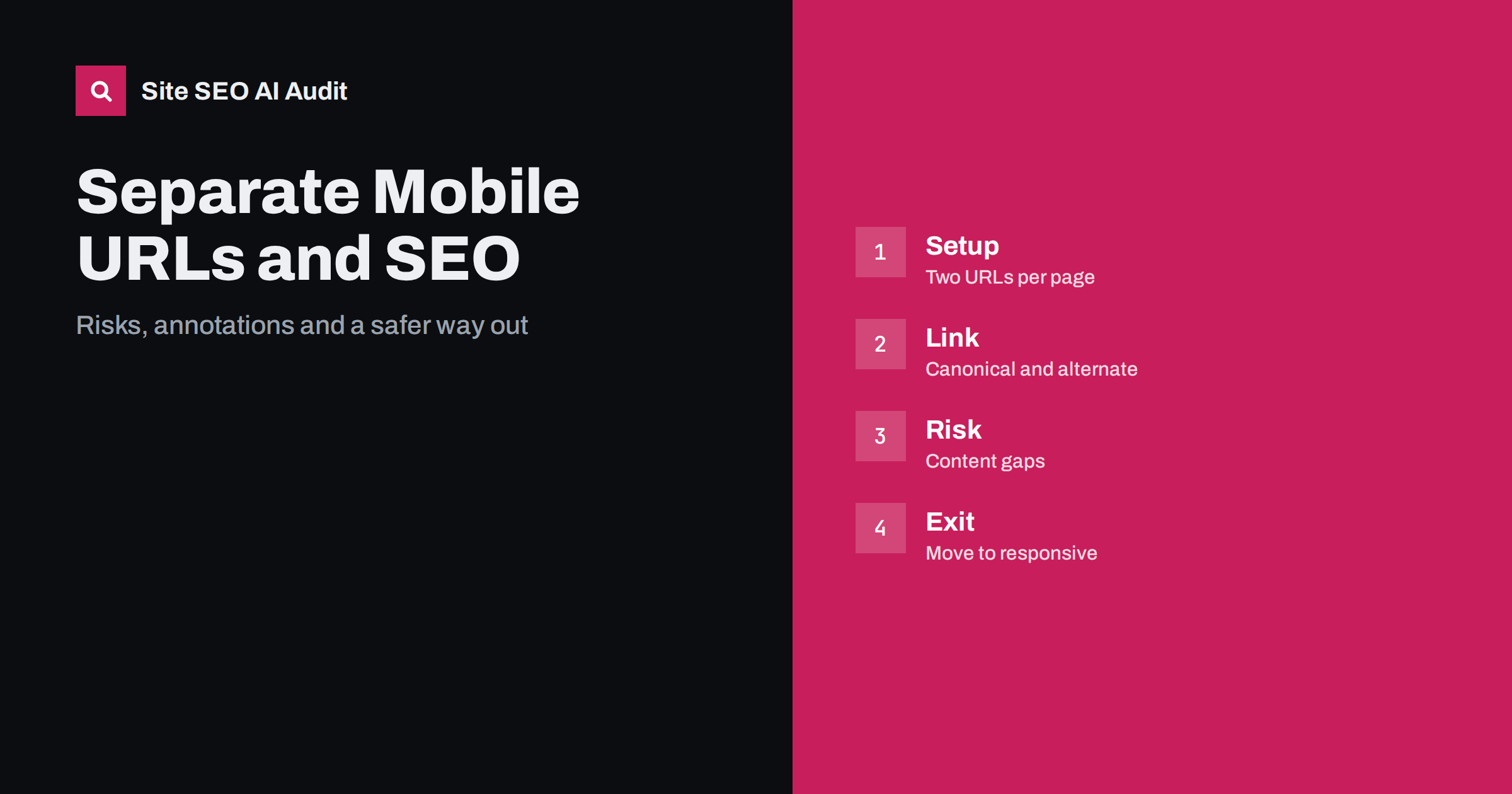
Short answer: A separate mobile site, usually on an m-dot subdomain, serves phones from different URLs than desktop visitors. It can work for search, but only if both versions carry the same content, the desktop page points to the mobile one with an alternate annotation, and the mobile page points back with a canonical tag. Because Google now indexes the mobile version first, gaps on the mobile pages cost visibility. Responsive design removes most of these risks.
Many older sites were built when phones were rare, and the easiest way to support them was to make a second, smaller website. The result is an address such as m.example.com that mirrors the main site. Today that setup creates extra work and many ways to go wrong. This guide explains how separate mobile URLs are meant to be connected, which problems appear most often and how to plan a move to a single responsive site. Mobile-first indexing is also covered in the mobile-first indexing checklist.
What separate mobile URLs are
There are three common ways to serve phones. Responsive design uses one URL and one set of HTML, and the layout adapts with style rules. Dynamic serving uses one URL, but the server returns different HTML depending on the device. Separate URLs use a different address for each version, often on a subdomain or in a folder. Only the third creates two parallel sets of pages that search engines must connect.
With separate URLs, each desktop page has a mobile twin. The two are the same content in a different layout, so without clear signals a search engine might treat them as duplicates and choose either one. The annotations exist to tell it that they belong together and which one to show to which searcher.
The annotations that connect the versions
Google documents a simple pair of signals. On the desktop page, add a link element with the relation alternate and a media query describing small screens, pointing to the mobile address. On the mobile page, add a canonical link pointing back to the desktop address. Together they say that the two pages are one document and that the desktop page is the main address for indexing purposes.
Each pair must match one to one. The page about shoes on desktop links to the page about shoes on mobile, and not to the mobile home page. If your mobile site has fewer pages than the desktop site, the pages without a twin should not carry an alternate link, and mobile visitors should still be able to read them. Putting the annotations in the XML sitemap instead of in the page head is also allowed, which can be easier on large sites. To refresh how canonical signals work in general, see the guide to canonical tags.
Redirecting phones to the right version
Most separate-URL sites detect the device and redirect phones from the desktop address to the mobile one. This needs care. Each redirect should go to the matching page, not to the home page, and it should be a temporary or permanent redirect that is consistent. Google recommends that a redirect for smartphones send users to the equivalent mobile URL. Sending every request for a deep page to the mobile home page is frustrating for visitors and looks like a soft error to search engines.
Also make sure that Googlebot for smartphones is not treated differently from real phone users. The crawler should see the same redirect behaviour, and the mobile pages must not be blocked in robots.txt. Test with the URL inspection tool, which shows how Google fetched the page. The workings of redirects are explained in the guide to 301 and 302 redirects.
Content gaps are the biggest risk
Because indexing is based on the mobile version, anything missing from it is missing for ranking. Older mobile sites often show shortened text, fewer images, no tables or simplified navigation. If the mobile page lacks a paragraph that the desktop page contains, that paragraph may not count. The same applies to structured data, titles, meta descriptions, headings and links. Compare the two versions page by page and make sure they match in the following areas:
- Main text, including headings, lists and tables.
- Images and videos, with the same alt text and a supported format.
- Title tags and meta descriptions.
- Structured data and its values.
- Internal links, so that the crawler can reach the same pages.
- Meta robots tags and other directives, which should not conflict.
Any difference is a risk. If a feature cannot fit a small screen, hide it in an expandable section instead of removing it, and let the content stay in the HTML. The guide to tabs and accordions explains how Google treats collapsed text.
Speed, links and duplicate signals
Separate sites often drift. A new feature is added to one version and forgotten on the other. Links from other websites point to a mix of both addresses, which splits their value unless the canonical tag does its work. Social shares use whichever address the sharer had open. A visitor who shares a mobile address with a desktop friend lands on a stretched layout unless the redirect handles it.
Speed is a separate problem. Mobile pages that load many scripts or large images can be slower than expected, and redirects add a delay for every first visit. Measure both versions with field data rather than lab tests only, a difference explained in the guide to lab and field data. If the mobile site is faster only because it removed content, check that you did not lose what matters for ranking.
Reporting and monitoring
Search Console treats the two addresses as separate properties unless you use a domain property. Verify both, or verify the whole domain, and look at the mobile address on its own to see impressions and errors. Watch for mobile usability issues, crawl errors on the m-dot pages and any rise in the number of pages that Google reports as duplicates with a different canonical chosen by the search engine. A rise suggests that the annotations are inconsistent. Also check analytics: if the m-dot hostname appears in desktop reports, the redirect is not detecting devices correctly.
When to move to responsive design
For most sites the best answer is to retire the separate mobile site and move to one responsive design. It removes the duplicate pages, the annotations, the redirects and the risk of drift. It also makes every link count for a single address. The move is a site migration and should be handled as one:
- Build the responsive pages on the main addresses and test them on real phones.
- Create a one-to-one redirect map from every m-dot address to the matching desktop address.
- Remove the alternate and canonical annotations once the redirects are live.
- Update the sitemap, internal links and any app or advert links that point to the old hostname.
- Keep the redirects for a long time, and monitor crawl errors and traffic for several weeks.
The general planning steps are in the site migration checklist. Avoid changing many other things in the same release, so that a traffic change can be traced to its cause.
If you cannot move yet, keep the separate setup tidy. Ask who owns the mobile templates and who tests changes on both versions. Add a step to your release process that compares a sample of pages on desktop and mobile after every change, and keep a list of known differences with a plan to remove each one. Review the setup every quarter, because small gaps grow quietly when two sites are maintained by different people.
Consider a news publisher whose mobile pages show only the first half of each article with a link to read more on desktop. After mobile-first indexing, the search engine reads the shortened text, so headlines still rank but the long tail of queries that matched the second half disappears. The fix is simply to show the full text on both versions. Another case is a shop whose mobile product pages omit the structured data for prices. The desktop pages qualify for product features in results, and the mobile ones do not, so the richer listing vanishes for the majority of searchers who use phones. In both cases the content existed, but not where the search engine looked.
Finally, remember that users matter as much as crawlers. A phone user who lands on a desktop page, or a desktop user who lands on a cramped mobile page, leaves quickly. Offer a link to switch versions only if you also remember the choice, and make sure that a shared link opens correctly on any device. A clean setup serves both audiences from addresses that search engines can follow without guessing.
Site SEO AI Audit crawls your site and reports status codes, redirect chains, canonical tags, titles, descriptions, broken links and structured data, so you can compare what different page templates return. It does not crawl as a separate phone user or compare two device versions. The first audit of up to 200 pages is free; see the pricing page for larger sites.
Related reading
- Mobile Usability: Viewport and Tap Targets
- How to Fix Redirect Chains and Loops
- Removing AMP Pages Safely
The bottom line
Separate mobile URLs need matching content, alternate and canonical annotations and clean redirects; for most sites a single responsive design is the safer long-term choice.
FAQ
Is an m-dot site bad for SEO?
Not by itself, but it needs matching content and correct annotations, and it takes more upkeep than a responsive site.
Which version does Google index?
Google uses the mobile version of a page for indexing, so the mobile pages must contain everything you want to rank.
Do I need both canonical and alternate tags?
Yes. The desktop page points to the mobile page with alternate, and the mobile page points back with a canonical tag.
Can I redirect all phones to the mobile home page?
No. Redirect each request to the matching mobile page, otherwise visitors and crawlers receive a poor experience.
How should I remove an m-dot site?
Move to responsive pages, redirect every mobile address to its desktop equivalent, remove the annotations and monitor.