ENEnglish
 LTLietuviškai
 DEDeutsch
 FRFrançais
 RUРусский
 ESEspañol
 PLPolski
 ITItaliano
 UKУкраїнська
 CSČeština
 PTPortuguês
 JA日本語
 LVLatviešu valoda
 ETEesti
 HUMagyar
 IDBahasa Indonesia
 TRTürkçe
 HIहिन्दी
 ELΕλληνικά
 ARالعربية
 THไทย
 VITiếng Việt
 RORomână
 MSBahasa Melayu
 BNবাংলা
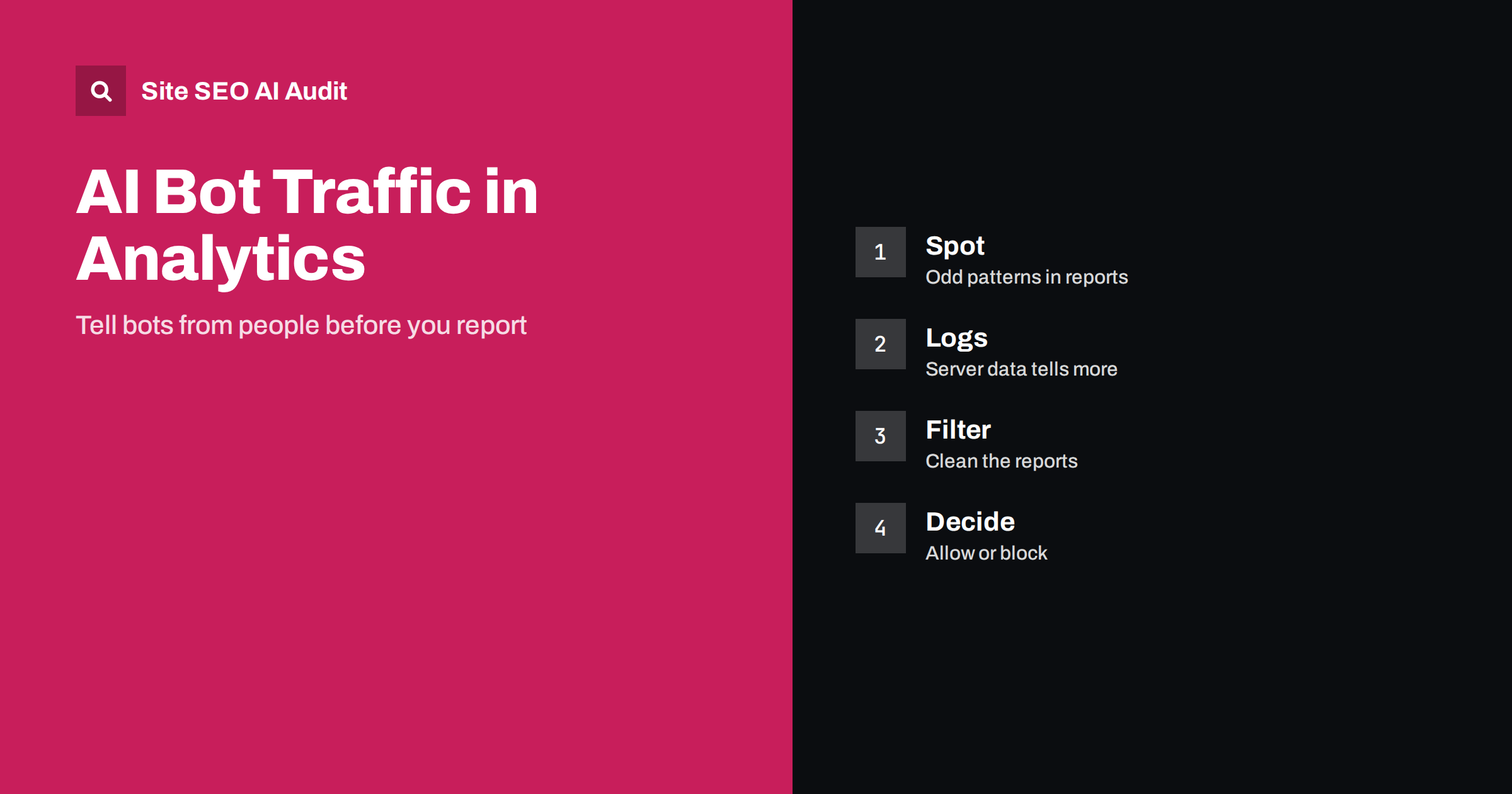
Short answer: Bot traffic can inflate visits, distort engagement and hide real trends, and AI crawlers add a new kind of it. Most AI crawlers do not run the scripts that analytics tools use, so they usually show up in server logs and not in reports, but some automated agents and headless browsers do appear. Learn the patterns, compare analytics with logs, use the filters your tool offers, block or rate-limit only what you must and report human and bot activity separately.
When traffic jumps overnight, the first question should be whether people or machines caused it. A rise from a single country with no engagement, a spike on one page or a set of visits that last zero seconds often points to automated activity. The growth of AI systems has added more crawlers: some collect content to train models, some fetch pages to answer a live question and some act for a user, such as an agent that opens pages and clicks links. These visitors are not all the same, and not all of them are harmful. This guide explains how to recognise them, how to keep them from confusing your reports and how to decide which ones to allow. For the crawlers themselves, see the guide to AI crawlers in robots.txt.
Why bot traffic matters for decisions
Analytics guides decisions about content, campaigns and budgets. If a part of the audience is not human, the numbers lie. A conversion rate looks lower because bots visit and never buy. A bounce or engagement figure looks worse or better than the truth. A page seems popular when only a scraper loves it. A paid campaign appears to bring cheap clicks that never convert. Even a small share of fake visits can change a conclusion when the real numbers are small.
Bots also use server resources. Heavy crawling can slow pages, raise hosting costs and make real visitors wait. Read the note on limits in the guide to rate limiting and crawlers to understand how to respond without blocking useful visitors.
How the different kinds of bot appear
Search engine crawlers, AI training crawlers, AI retrieval bots, monitoring tools, scrapers and malicious bots all behave differently. Most well-behaved crawlers do not execute JavaScript tags, so a client-side analytics tool will not record them. They do appear in server logs, with a user agent that names them, such as the crawlers described in the guide to Googlebot user agents and the guide to Common Crawl. Many analytics platforms also exclude traffic that matches an industry list of known bots, though the list cannot be complete.
Some automated visitors do load scripts. Headless browsers used for testing or scraping, some agentic assistants that browse for a user and many malicious bots can all trigger analytics events. Their user agents may look like normal browsers, so the user agent alone is not enough to judge. You need to look at behaviour and network details.
Signs of bot activity in analytics
Look for patterns that real people rarely create. A sudden rise from a single city or from a data centre region with no change in marketing. Visits with no engagement time or with exactly the same duration. Hits on pages that no menu links to. A huge share of traffic to one URL, often with odd parameters. Strange referrers, a new device or browser version that appears from nowhere, or traffic at perfectly regular intervals. A rise in direct traffic with no other change is also a classic sign.
Check the pattern across several reports: location, device, source, landing page and time of day. A single oddity may be natural; several together are a strong hint. Compare the numbers with another source, such as Search Console or your sales data, because differences can reveal problems, as explained in the guide to differences between GA4 and Search Console.
Use server logs as the ground truth
Your server records every request, including those from crawlers that never run a script. Logs show the user agent, the IP address, the URL, the status code, the response time and the bytes sent. Group requests by user agent and by network, and look at what each group fetched. You may find that an AI crawler reads thousands of pages a day while analytics shows nothing, or that a scraper hits a search page repeatedly. The method is described in the guide to log file analysis and, for AI crawlers specifically, in the guide to AI crawlers in server logs.
Verify identities when it matters. A user agent string is easy to fake. Major crawler operators publish ways to verify their requests, such as lists of IP ranges or reverse DNS checks. If a request claims to be a known crawler but fails verification, treat it as unverified and handle it with caution.
Filter analytics without hiding the truth
Use the options your analytics tool offers. Turn on the exclusion of known bots if it exists, define internal traffic and developer traffic so that your own tests do not count, and create segments or filters that remove traffic from patterns you have confirmed as non-human. Where possible, keep an unfiltered view alongside the filtered one, so that you can always see what was removed and why. Document each filter with a date and a reason, otherwise the numbers become impossible to compare with history.
Be careful with broad rules. Excluding an entire country because of one attack may remove real customers. Excluding a network may remove a company office. Prefer narrow rules that rely on several signals, and review them every few months. Make sure tag management changes do not break measurement, as described in the guide to Google Tag Manager risks.
Decide which bots to allow, limit or block
There is no single right answer. Search engine crawlers are needed for visibility. Some AI retrieval bots fetch pages to answer a live question and may send visitors, while some training crawlers collect content for models. Each owner must decide which purposes they accept, a topic covered in the guide to the AI training opt-out decision. Use robots.txt for crawlers that follow it, and use firewall or rate-limit rules for those that do not. Beware that a firewall can block legitimate crawlers by mistake, as described in the guide to firewalls blocking AI crawlers.
Test any block before and after, check your logs for the result, and keep an eye on Search Console crawl data, discussed in the guide to the crawl stats report, to be sure that search crawlers are not affected.
Protect forms, search pages and expensive URLs
Bots do more than inflate numbers. They submit contact forms, fill carts, hammer internal search pages and request URLs that are costly to build, such as filtered lists or calendars with endless dates. Each of these requests can produce spam, wrong statistics or slow responses. Review which URLs receive the most bot requests in your logs, and protect the costly ones: add a challenge or a token to forms, set limits on search and filter pages, and avoid exposing endless combinations, as explained in the guide to crawl traps.
Think about the data bots can leave behind. Fake sign-ups pollute lists, fake orders disturb stock and fake comments need moderation. Keep a clear record of which events in your analytics are real conversions, and mark test or suspicious events so that they do not enter reports. A conversion that can be triggered by a simple script should be validated on the server side before it is counted.
Finally, consider the cost side. If bots account for a large share of requests, a cache or a content delivery network in front of the site can serve static pages without loading the application. This helps real visitors as well, and it is one reason why the configuration of caching deserves attention, in line with the guide to HTTP caching headers.
Separate bot activity from AI referral visitors
It is easy to confuse crawlers with people who arrive from an AI assistant. A crawler fetches a page without a person; a referral visitor clicks a link in an answer and loads the page in a browser. The second group appears in analytics with a referrer from the assistant or with campaign parameters if the assistant adds them. Track these visitors on their own, as described in the guide to tracking AI referral traffic in GA4, and do not remove them when you clean bot data.
Build a routine and report clearly
Review bot-related data on a schedule. Each month, look at the top user agents in logs, the unusual spikes in analytics and the rules you have in place. Record what you changed. When you report to others, state how the numbers were filtered and avoid mixing periods with different rules. If a notable change was caused by bots, write it down, since a later reader may wonder why a trend broke. See the guide to technical SEO monitoring for how to keep such checks regular.
Site SEO AI Audit crawls your website and reports status codes, redirects, robots.txt and AI visibility settings such as AI crawlers in robots.txt and llms.txt, along with broken links, structured data and page speed. It does not read your server logs or clean your analytics. The first audit of up to 200 pages is free, and larger sites can see the pricing page.
Related reading
The bottom line
Trust logs for the truth about bots, filter analytics with care and decide each crawler on purpose.
SSS
Do AI crawlers show up in Google Analytics?
Usually not, because most do not run the tracking script. They appear in server logs, though some browsing agents may be counted.
Should I block all AI bots?
Not necessarily. Decide by purpose: some bots fetch pages to answer questions and may send visitors, while others collect training data.
How can I verify that a crawler is real?
Use the verification methods published by the operator, such as IP ranges or reverse DNS, since user agents can be faked.
Is a spike in direct traffic always bot traffic?
No. Direct traffic can come from many sources. Check location, engagement and landing pages before drawing a conclusion.
Can filtering bots hurt my reports?
Yes, if the rules are too broad. Keep an unfiltered view and document each filter with a date and reason.