 ENEnglish
 LTLietuviškai
 DEDeutsch
 FRFrançais
 RUРусский
 ESEspañol
 PLPolski
 ITItaliano
 UKУкраїнська
 CSČeština
 PTPortuguês
 JA日本語
JA日本語 LVLatviešu valoda
 ETEesti
 HUMagyar
 IDBahasa Indonesia
 TRTürkçe
 HIहिन्दी
 ELΕλληνικά
 ARالعربية
 THไทย
THไทย VITiếng Việt
 RORomână
 MSBahasa Melayu
 BNবাংলা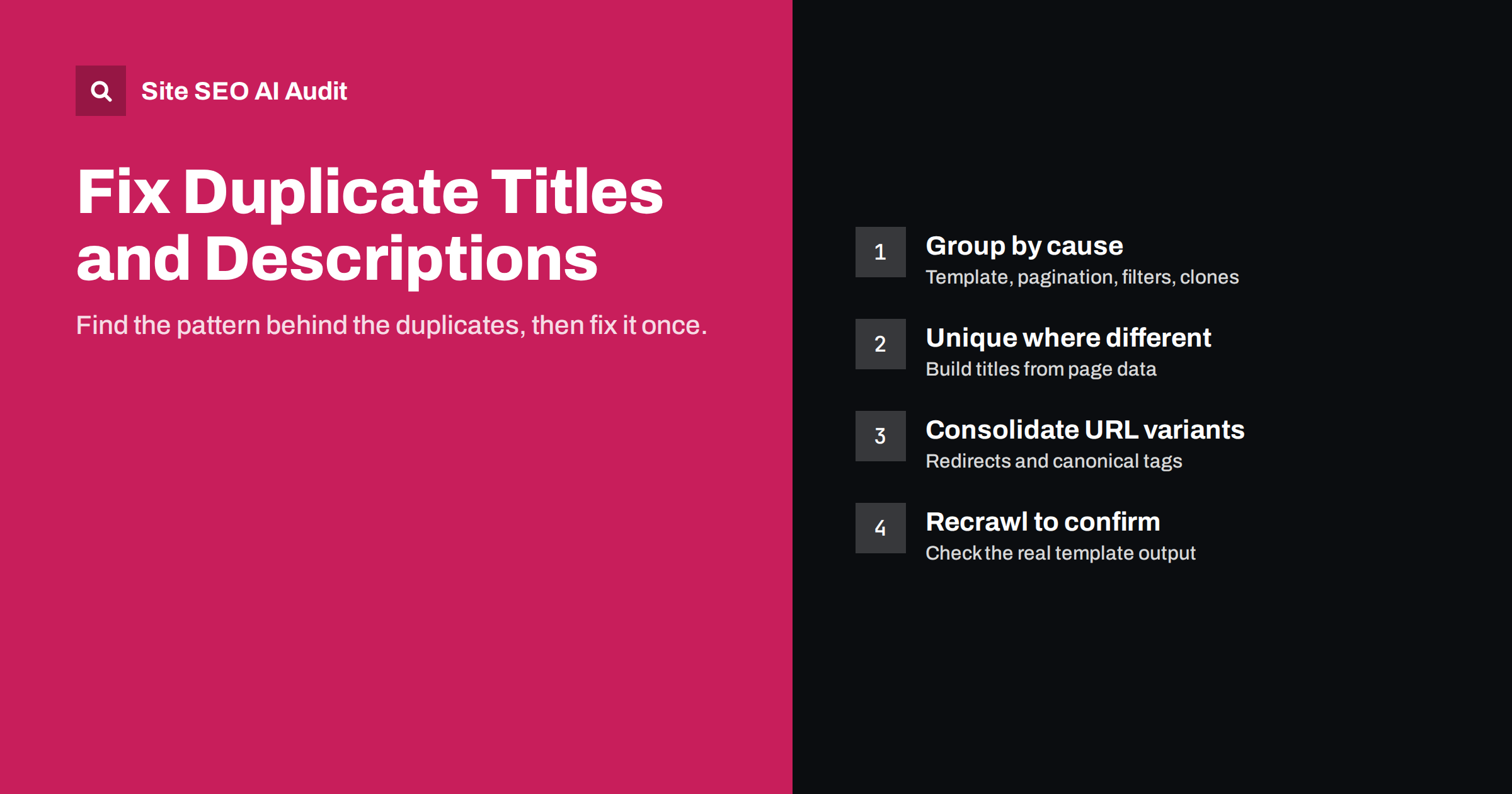
Short answer: Duplicate title tags and meta descriptions happen when several pages share the same title or description, usually because of a template, pagination, filters or copied pages. They make it harder for search engines and searchers to tell pages apart. Fix them by finding the pattern behind the duplicates, then either giving each page unique text, consolidating pages that really are the same, or keeping unnecessary duplicate URLs out of the index.
Why duplicate titles and descriptions are a problem
The title tag and meta description are how a page introduces itself in search results. When ten pages all say “Products | Brandname”, search engines have a weaker signal about what each page is for, and searchers who see several of them cannot tell which one they want.
The consequences are practical rather than dramatic:
- Weaker relevance. The title is one of the strongest on-page hints about a page’s topic. A shared title gives no page-specific hint at all.
- Rewritten snippets. Search engines often replace duplicated titles and descriptions with text they choose from the page, which may not be what you want shown.
- Pages competing with each other. Duplicate titles often point to pages that genuinely overlap, which can split rankings between them.
- Lower clicks. A generic title is less appealing than a specific one, even when the page ranks.
There is no penalty for duplicate titles. The cost is lost clarity, and on large sites it adds up across hundreds of pages.
The usual causes
Duplicates are rarely written by hand. They almost always come from a system. Knowing the common causes makes them much faster to fix.
| Cause | What it looks like | Typical fix |
|---|---|---|
| Template with a fixed title | Every product says “Shop | Brandname” | Change the template to include the page’s own name |
| Pagination | “Blog” on page 1, 2, 3 and 40 | Add the page number, or accept for deeper pages |
| Filters and sorting parameters | Same category title on dozens of filtered URLs | Canonical to the main category or keep out of the index |
| Product variants | Each colour on its own URL with the same title | Add the variant, or consolidate variants on one URL |
| Cloned pages | Location or service pages copied and never updated | Write unique titles and content, or merge |
| HTTP/HTTPS, www and trailing-slash versions | Same page reachable at several URLs | Redirect to one version |
| Default description in theme or plugin | The site tagline used as every description | Remove the default; write or template per page |
Step 1: find the duplicates and group them
Start with a full crawl of the site so you see every page search engines can reach, not just the ones in your menu. Then group the pages that share a title or description. Looking at groups instead of individual pages is the key to fixing this efficiently.
For each group, ask:
- What do these URLs have in common? Same template, same folder, same parameter, same page type?
- Are these really different pages? Different products or articles need unique titles. Two URLs showing the same content need consolidation instead.
- How many pages does the group contain? A group of 400 pages caused by one template is worth far more than a pair of old blog posts.
Site SEO AI Audit reports duplicate titles and descriptions as part of its on-page checks and weights each issue by how many of your indexable pages it affects, so the largest template problems appear first in the fix list. You can run a free first audit to see your groups.
Step 2: decide which fix each group needs
Different pages: make the titles unique
If the pages have different content, the titles and descriptions should reflect that. On templated pages, build the title from data the page already has:
- Products: product name, key attribute (model, size range, material) and brand.
- Categories: category name and a short qualifier, such as the range or audience.
- Articles: the headline.
- Locations: service and city.
- Paginated archives: the archive name plus “Page 2”, “Page 3” and so on.
For descriptions, a good template combines two or three page-specific facts into a readable sentence. Then hand-write descriptions for the most important pages.
Same content on several URLs: consolidate
If two URLs show the same thing, the fix is not a new title but a single URL. Redirect duplicates such as HTTP to HTTPS, or non-www to www, with 301 redirects. For URLs that must exist for users, such as filtered or sorted versions of a category, point a canonical tag at the main version so search engines know which one to show.
Overlapping content: merge
Sometimes duplicate titles reveal that two pages were written about the same thing, such as “How to write a meta description” and “Meta description tips”. Decide which one is stronger, merge the useful parts into it, and redirect the other.
Pages that should not be in search at all
Internal search results, thin tag archives, print versions and similar pages often share titles because they have no real topic of their own. Keeping them out of the index with a noindex tag solves the duplicate problem and the thin content problem at once.
Step 3: fix the template, not the pages
The fastest wins come from changing the rule that generates titles rather than editing pages one by one. In WordPress, SEO plugins let you set a title and description pattern for each post type and taxonomy, using variables such as the post title, category name and page number. In store platforms, the product and collection templates usually build titles from the product name automatically once the fields are set correctly. In custom sites, the fix is in the template code.
After changing a template:
- Check a sample of pages of each type to see the real output. Empty variables produce titles like ” | Brandname”.
- Make sure the new titles are still readable and not stuffed with every available variable.
- Look for pages with manually set titles that override the template and may still be duplicated.
- Recrawl the site to confirm the duplicate groups have gone.
Before and after: three typical patterns
These illustrative examples show how small template changes remove large groups of duplicates.
- Online store, product template. Before: every product page used “Online Shop | Brandname”. After: “{Product name} {key attribute} | Brandname”, for example “Trail Runner 3 Waterproof Shoes | Brandname”. One change fixed every product at once, and the new titles also describe each product far better in search results.
- Blog, archive pagination. Before: “Blog | Brandname” on all 38 archive pages. After: “Blog, Page 7 | Brandname” on page 7 and so on. This does not make the pages rank, but it removes noise from reports so that real duplicates stand out.
- Service business, cloned location pages. Before: twelve pages titled “Plumbing Services | Brandname”, each with nearly the same text. The fix: keep only the cities the business genuinely serves from a local base, give each a unique title such as “Emergency Plumber in Leeds, 24/7 Call-Outs”, add local details to each page, and redirect the rest to the main service page.
In each case the fix started with the question “why are these the same?” rather than with rewriting titles one by one.
How much duplication is acceptable?
Zero duplicates is a good target for important pages, but not every duplicate is worth fixing. Deep pagination pages such as page 27 of a blog archive rarely matter in search. Legal pages that exist in several near-identical versions for different regions may be acceptable. Pages that are kept out of the index do not need unique titles at all.
A sensible priority order is:
- Duplicates on indexable product, category, service and landing pages.
- Duplicates caused by URL variants of the same page (protocol, www, parameters).
- Duplicates on articles and guides.
- Pagination and archive duplicates.
- Everything else.
Preventing duplicates from returning
Duplicate titles tend to creep back when new templates, plugins or content types are added. A few habits keep them away:
- Make “title and description written” part of your publishing checklist.
- When cloning a page to create a new one, change the title and description first.
- Review title patterns after installing a new theme or SEO plugin.
- Run a site-wide crawl every few months and after large content imports.
Related reading
- How to Write Title Tags: Length, Wording and Examples
- How to Write Meta Descriptions That Earn the Click
- Canonical Tags Explained: How to Set Them and Fix Errors
- Thin Content: How to Find and Fix Low-Value Pages
The bottom line
Duplicate titles and descriptions are almost always a symptom of a template, a URL variant or overlapping pages. Group duplicates by cause, then give genuinely different pages unique text, consolidate URLs that show the same content, merge overlapping pages and keep pages that do not belong in search out of the index. Fix the template first, check its output, and recrawl to confirm.
SSS
Will duplicate title tags get my site penalized?
No. There is no penalty for duplicate titles. The problem is that search engines and searchers get a weaker signal of what each page is about, and search engines are more likely to rewrite the titles themselves.
Are duplicate meta descriptions as bad as duplicate titles?
They matter less, because descriptions are not a ranking factor. But identical descriptions are usually ignored and replaced in search results, so you lose control of the snippet. Fix duplicate titles first, then descriptions.
Should paginated pages have unique titles?
Adding the page number, such as “Blog, Page 2”, is an easy way to make them unique. Deep pagination pages rarely rank, so this is a low priority, but most SEO plugins can do it automatically.
What if two pages really are about the same thing?
Then the fix is not a new title but consolidation. Merge the useful content into the stronger page and redirect the other one to it with a 301 redirect.
How do I find duplicate titles on a large site?
Crawl the whole site with an SEO crawler and group pages by title and description. Looking at the groups, rather than single pages, shows which template or URL pattern causes the duplication.


