 ENEnglish
 LTLietuviškai
 DEDeutsch
 FRFrançais
 RUРусский
 ESEspañol
 PLPolski
 ITItaliano
 UKУкраїнська
 CSČeština
 PTPortuguês
 JA日本語
JA日本語 LVLatviešu valoda
 ETEesti
 HUMagyar
 IDBahasa Indonesia
 TRTürkçe
 HIहिन्दी
 ELΕλληνικά
 ARالعربية
 THไทย
THไทย VITiếng Việt
 RORomână
 MSBahasa Melayu
 BNবাংলা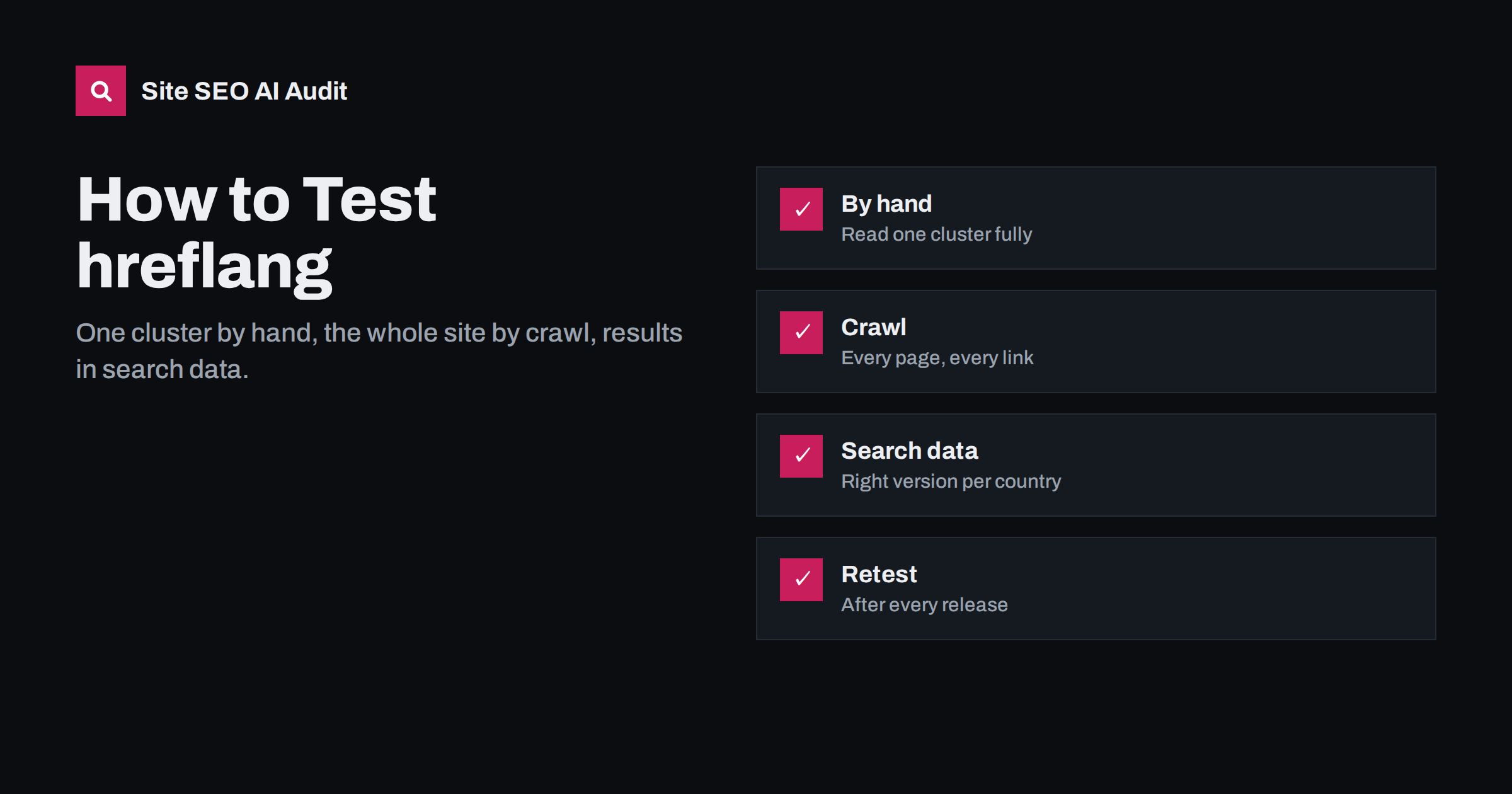
Short answer: Test hreflang in three layers. First, check one cluster by hand to understand how your site outputs it: codes, self-reference, return links and targets. Then crawl the whole site with a tool that follows hreflang links, to find every missing return link, redirected target, invalid code and conflict with canonicals or noindex. Finally, use Search Console filtered by country and folder to confirm that the right version actually appears in each market. Repeat after every release that touches templates, plugins or URLs.
Why hreflang needs systematic testing
hreflang is one of the easiest SEO elements to get wrong and one of the hardest to notice. Visitors never see it. Pages load normally, language switchers work and translations look fine. Meanwhile, a single mismatch, such as a trailing slash or an outdated URL, can make search engines ignore annotations across an entire language.
Since Google retired its International Targeting report in 2022, Search Console no longer lists hreflang errors. That leaves testing to site owners. The good news is that the rules are clear and mechanical, which makes hreflang very testable, as long as you test the whole site and not just a few pages.
Layer 1: check one cluster by hand
A manual check of one cluster teaches you how your site builds hreflang and makes crawl results easier to interpret. Pick an important page with several language versions and do this:
- View the page source, not the browser inspector, to see the HTML as served. Find all
rel="alternate"links with hreflang attributes. - Check the codes. Each should be a valid language code, optionally with a region:
de,en-gb,pt-br. Watch foren-uk, underscores and country-only values. - Check the self-reference. The page should list itself with its own code and its exact canonical URL.
- Open every alternate URL. Each should load directly with status 200, without redirects, in the language its code claims.
- Check the return links. On each alternate, the same cluster should appear, including a link back to the first page with the identical URL.
- Check canonicals and robots. Every page in the cluster should have a self-referencing canonical and no noindex.
- Check x-default, if used: same value on every page, pointing to a working page.
If your hreflang is in XML sitemaps instead, do the same with the sitemap entries for these URLs. If it is in HTTP headers, inspect the response headers of each URL.
Write down what you find for this first cluster: the URL pattern, the code format, whether x-default is used and where it points. That short description becomes the specification you compare everything else against. When the crawl later reports thousands of issues, you will know immediately which ones deviate from the intended pattern and which are caused by a single template or setting.
Layer 2: crawl the whole site
A manual check proves that one cluster works. It says nothing about the other thousands. Template differences mean that articles may be correct while categories are broken, or that one language works and another does not. A crawl answers the site-wide question.
Configure the crawl to:
- Start from the home page and the XML sitemaps, so orphan language pages are included.
- Follow hreflang links, not just regular links, so every alternate is fetched.
- Respect robots.txt, so you see what search engines see.
- Crawl every host involved: all subdomains and country domains in the clusters.
Then review the results by issue type and by language version. The most important findings are usually:
| Finding | What it means |
|---|---|
| Missing return links | Target page does not link back; annotation may be ignored |
| Targets returning 3xx | hreflang points to redirected URLs |
| Targets returning 4xx or 5xx | Links to missing or broken pages |
| Invalid language or region codes | Annotation cannot be interpreted |
| Target is noindex or non-canonical | Page cannot be shown for its language |
| Missing self-reference or x-default inconsistencies | Clusters differ from page to page |
| lang attribute mismatches | Templates not language-aware |
Group findings by root cause. Hundreds of missing return links usually come from one setting or template, and fixing that fixes them all.
Layer 3: confirm the effect in search data
Technical correctness is the means; the goal is that each market sees its own version. Search Console shows whether that happens:
- Country plus folder filters. In the performance report, filter by a country, then compare impressions for each language folder. The intended version should dominate.
- URL inspection. Inspect a few URLs per language to see the Google-selected canonical and the rendered HTML, including hreflang.
- Indexing per language. Compare indexed pages with published pages for each language property or sitemap.
If the crawl is clean but the wrong version still dominates a market, look at content differences between versions, especially for same-language country versions, and at signals such as local content and links.
Give changes time before judging them. Search engines need to recrawl every page in a cluster before a fix takes effect, and for deeper pages that can take weeks. Compare the same period before and after a fix, and look for a trend rather than day-to-day changes.
Testing JavaScript and headless sites
On sites that render content or head tags with JavaScript, test both versions of each page:
- The raw HTML from the server, requested without cookies and without an Accept-Language header.
- The rendered HTML, as shown by URL inspection or a rendering crawler.
hreflang that exists only after rendering, or that differs between raw and rendered HTML, is a risk worth fixing by moving it to server-rendered HTML or to sitemaps.
When to retest
hreflang breaks most often during changes. Retest after:
- Theme, template or front-end framework updates.
- Multilingual or SEO plugin updates and settings changes.
- URL changes: renamed slugs, new categories, migrations.
- Adding or removing a language or market.
- CDN, caching or redirect rule changes.
- Large content imports, such as catalog updates.
Between changes, a regular scheduled crawl catches slow drift, such as new pages published without translations being linked.
Build a small regression test list
Full crawls are thorough but take time, and on large sites they may not run after every small release. A short list of representative URLs, tested automatically or by hand after each release, catches most regressions early. A good list includes, for every language:
- The home page.
- One main category or section page.
- One deep content page, such as an article or product.
- One page that exists in only some languages, to confirm partial clusters.
- One paginated page, if you annotate pagination.
For each URL, record the expected hreflang cluster, canonical and lang attribute. After a release, compare the live output with the expected values. Any difference is either an intended change, in which case update the list, or a regression to fix before it spreads.
Developers can automate this with a simple script that fetches each URL, extracts the link elements and compares them with stored expectations. Even without automation, checking twenty or thirty URLs by hand takes less time than recovering a market that disappeared for a month.
Common testing mistakes
- Testing only the default language. Problems often exist only in translated templates.
- Testing in a logged-in browser. Cookies, admin bars and cached preferences change what you see. Test in a private window or with a command-line tool.
- Using the browser inspector instead of the source. The inspector shows the DOM after scripts run, which may differ from the HTML crawlers receive.
- Testing staging instead of production. Staging often has different URLs, caching and robots settings.
- Checking presence, not correctness. A hreflang block that exists but points to redirects or wrong codes is not working.
Testing with Site SEO AI Audit
Site SEO AI Audit crawls a site like a search engine, starting from the home page and the sitemap and following robots.txt. Its Languages area checks hreflang return links, broken language versions, x-default and lang attributes on every crawled page, and its crawl area covers the redirects, canonicals and noindex tags that often cause hreflang conflicts. Issues are weighted by how many pages they affect and ranked by the points each fix adds. Paid plans add re-audits after fixes and, on larger plans, weekly audits with alerts; see the plans.
Related reading
- hreflang return links: how to fix “no return tags” errors
- hreflang conflicts with noindex, robots.txt and redirects
- Search Console for international sites: reports that matter
The bottom line
Test hreflang in layers: understand one cluster by hand, validate every cluster with a crawl that follows hreflang and respects robots.txt, and confirm the outcome in Search Console by country and folder. Fix root causes rather than individual URLs, and retest after every change that touches templates, plugins, URLs or caching.
SSS
Can I test hreflang in Search Console?
Not directly any more; the hreflang error report was retired in 2022. Search Console still shows the effects, such as which version appears in each country and the canonical Google selected.
What is the quickest manual hreflang check?
View the source of one page, list its hreflang URLs, open each one and confirm it returns 200, is in the right language and links back with the same cluster.
Why does my crawl show missing return links when the pages look fine?
Usually because URLs differ slightly, such as a trailing slash, http versus https, or an old slug that redirects. Return links must match the final canonical URL exactly.
How often should I test hreflang?
After every change to templates, plugins, URLs or caching, and on a regular schedule, such as monthly, to catch gradual problems.
Do I need to test hreflang in sitemaps differently?
The rules are the same, but you check the sitemap entries instead of page source. Make sure each alternate has its own url entry listing the full cluster.


