 ENEnglish
 LTLietuviškai
 DEDeutsch
 FRFrançais
 RUРусский
 ESEspañol
 PLPolski
 ITItaliano
 UKУкраїнська
 CSČeština
 PTPortuguês
 JA日本語
JA日本語 LVLatviešu valoda
 ETEesti
 HUMagyar
 IDBahasa Indonesia
 TRTürkçe
 HIहिन्दी
 ELΕλληνικά
 ARالعربية
 THไทย
THไทย VITiếng Việt
 RORomână
 MSBahasa Melayu
 BNবাংলা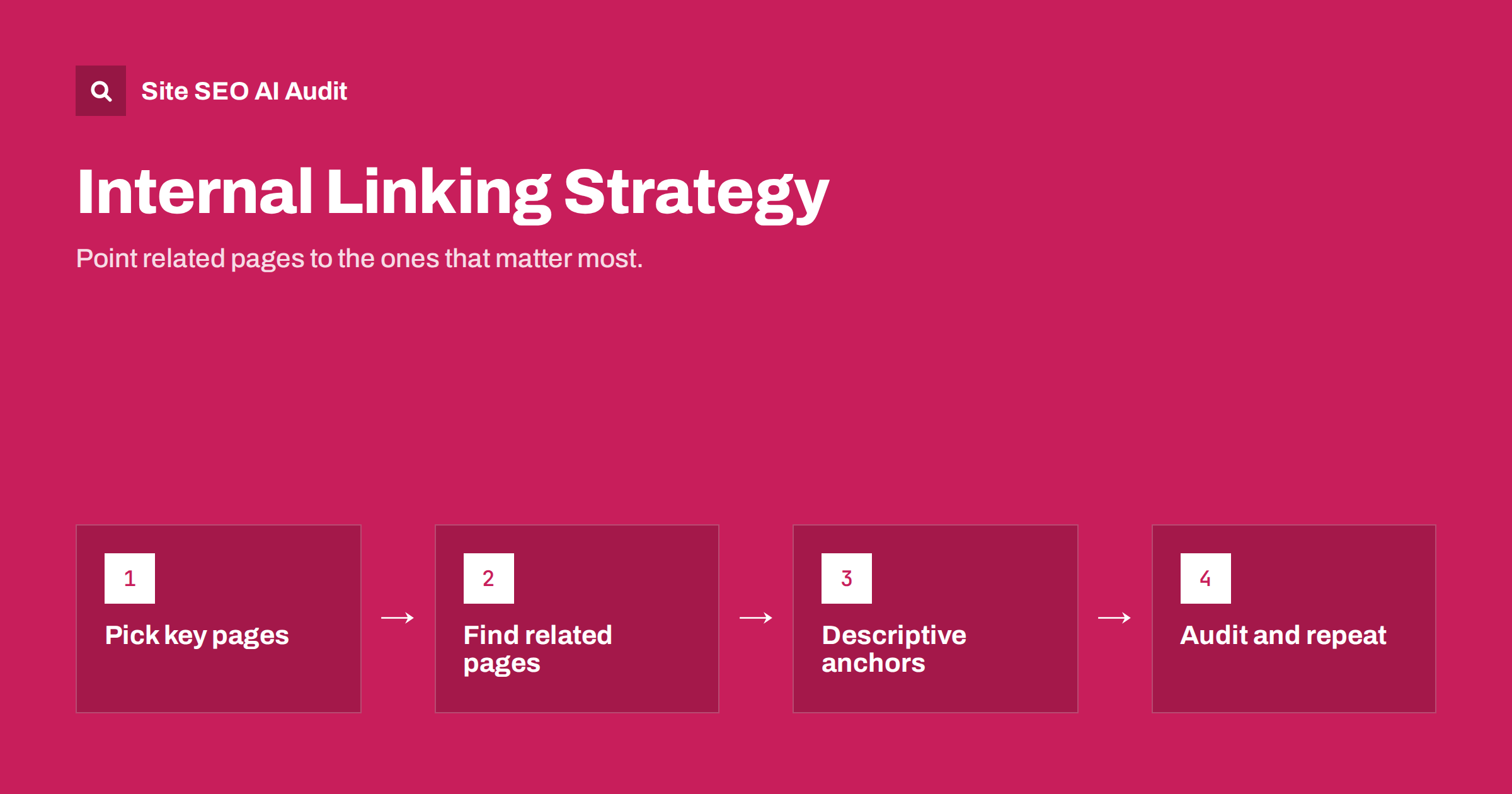
Short answer: A good internal linking strategy makes sure your most important pages receive links from related pages, uses descriptive anchor text, and keeps every page within a few clicks of the home page. Internal links help visitors find the next useful page and help search engines discover pages and understand which ones matter. Start by listing your key pages, find related content that should point to them, and add links in the body text where they genuinely help the reader.
What internal links do
An internal link is any link from one page on your site to another page on the same site. Navigation menus, footer links, breadcrumbs, “related posts” blocks and links inside paragraphs are all internal links. They do three jobs:
- Navigation. They help visitors move from what they are reading to what they need next.
- Discovery. Search engines find most pages by following links. A page with no internal links pointing to it may be found late or not at all.
- Importance and context. Pages that many other pages link to are treated as more important. The anchor text and the surrounding content also tell search engines what the linked page is about.
Internal links are one of the few ranking-related signals that are entirely in your control. Unlike external links, you do not need anyone’s permission to add them.
Types of internal links and how much they matter
| Link type | Strength of context | Best used for |
|---|---|---|
| Contextual links in body text | Strong: surrounded by relevant text | Pointing readers to related, deeper pages |
| Main navigation | Site-wide, but generic | Top-level sections and key pages |
| Breadcrumbs | Shows hierarchy | Linking back up to categories and sections |
| Related posts or products blocks | Moderate, often automatic | Helping visitors continue browsing |
| Footer links | Weak, repeated on every page | Legal, contact and utility pages |
Contextual links in the main content are usually the most valuable, because they sit next to text that explains why the linked page is relevant. Navigation and footer links are important for structure but carry little topical information, since they are identical everywhere.
Step 1: decide which pages matter most
An internal linking strategy starts with priorities, not with links. List the pages that matter most to your business and your search visibility:
- Pages that make money or generate leads: main services, categories, top products.
- Pages that rank on page one or two and could move up with more support.
- Cornerstone guides that cover a main topic in depth.
- New pages that need to be discovered and understood quickly.
These are your link targets. The rest of the site should, where relevant, point to them.
Step 2: find pages that should link to them
For each important page, find other pages on your site that discuss the same topic or a closely related one. Useful ways to find them:
- Search your site for the main topic phrase:
site:yourdomain.com "topic phrase". - Use your CMS search to find posts mentioning the topic.
- Check a crawl report for pages in the same folder or category.
- Look at pages that already rank for related queries in Search Console.
Then add a link from each relevant page to the target, in a sentence where the link makes sense. A good test: would a reader of this paragraph genuinely want to click through?
A short example makes this concrete. Imagine a plumbing company whose most valuable page is “Boiler repair in Leeds”. Its blog has posts about boiler pressure dropping, strange boiler noises and annual servicing. Each of those posts describes a problem that often ends with a repair, so each is a natural place for a sentence such as “if the pressure keeps dropping after you repressurize, it is time to book a boiler repair”, with the last words linking to the service page. Three contextual links from relevant posts do more for that service page than another link in the footer.
Work in both directions. When you publish a new page, add links to it from older related pages, not only links from it. New pages otherwise start life as weakly linked, and older pages rarely get revisited.
Step 3: write descriptive anchor text
Anchor text is the clickable text of a link. It tells both people and search engines what they will find on the other side. Descriptive anchors such as “how to write meta descriptions” are far more useful than “click here” or “read more”.
- Describe the destination page, in natural words.
- Vary the wording across links rather than repeating one exact phrase everywhere.
- Keep anchors short: a few words, not a whole sentence.
- For image links, the image’s alt text acts as the anchor, so it must describe the destination.
- Avoid empty anchors, such as icon links with no text or label.
Step 4: keep important pages close to the home page
Click depth is the number of clicks it takes to reach a page from the home page. Pages that are buried many clicks deep tend to be crawled less often and treated as less important. For most sites, key pages should be reachable within three clicks.
Ways to reduce depth without cluttering menus:
- Link to key category and service pages from the home page.
- Use hub pages that link to all articles on a topic.
- Add breadcrumbs so every page links back to its parents.
- Replace long chains of paginated archives with category pages and topic hubs.
Topic clusters: a structure that makes linking easy
A practical way to organize internal links is the topic cluster. One comprehensive “hub” page covers a broad topic, such as on-page SEO. Several detailed pages cover subtopics, such as title tags, meta descriptions and headings. The hub links to every subtopic page, each subtopic page links back to the hub, and subtopic pages link to each other where it helps.
This structure helps visitors explore a topic in the order that suits them, and gives search engines a clear picture of which page is the main resource and which pages go deeper. It also makes linking a habit: every new article in the cluster gets a link from the hub and links back to it.
Common internal linking mistakes
- Weakly linked important pages. Key pages that receive only one or two links, often only from a menu or sitemap.
- Orphan pages. Pages with no internal links at all, reachable only through the sitemap or external links.
- Links to redirects. Internal links that point to old URLs and pass through a redirect. Update them to the final URL.
- Broken internal links. Links to pages that return a 404 error, which waste visits and crawling.
- Nofollow on internal links. There is rarely a good reason to nofollow your own pages; it only weakens the signals you are trying to send.
- Too many links on one page. Hundreds of links in a mega-menu or footer dilute the value of each and make pages harder to use.
- Generic anchors everywhere. “Read more” repeated on every card tells nobody anything.
How to audit internal links
Internal linking is almost impossible to judge by browsing, because you only see one page at a time. A crawl gives you the whole picture: how many internal links each page receives, its click depth, and which links are broken or go through redirects.
Site SEO AI Audit covers links as one of its seven scored areas. It reports broken internal and external links, links to redirects, weakly linked pages, nofollow links and empty anchors, and its crawl-and-index checks cover orphan pages and click depth. Each issue is weighted by how many pages it affects, and the fix list is ordered by how many points each fix adds. You can start with a free audit.
When you work through the results, fix broken links and links to redirects first, since they are clear errors. Then strengthen weakly linked important pages, and finally tidy up anchors and nofollow use.
Related reading
- Orphan Pages: How to Find Them and What to Do With Each
- Click Depth in SEO: Why Buried Pages Struggle to Rank
- Keyword Cannibalization: How to Spot It and Fix It
- Image Alt Text: How to Write It for SEO and Accessibility
The bottom line
Internal links tell visitors and search engines where your important content is and how it fits together. Choose your priority pages, link to them from related content with descriptive anchor text, keep them within a few clicks of the home page, and organize content into topic clusters so linking becomes routine. Audit the whole site regularly to fix broken links, redirects and weakly linked pages before they cost you visibility.
SSS
How many internal links should a page have?
There is no ideal number. Add links where they help the reader continue, which for a typical article might be a handful of contextual links plus navigation. Avoid pages with hundreds of links, since each link then carries little weight and the page becomes hard to use.
Do internal links help rankings?
They help search engines discover pages, understand what they are about and judge which pages are important. That supports rankings, especially for pages that were previously weakly linked. They do not guarantee a ranking on their own.
Should I use exact-match keywords in internal anchor text?
Descriptive anchors that include the topic are helpful, and internal links are not treated with the same suspicion as manipulated external links. Still, vary the wording naturally and write for the reader rather than repeating one exact phrase everywhere.
Are footer and menu links enough?
They are useful for structure but carry little context, because they are the same on every page. Important pages benefit from contextual links in the body of related content.
What is a weakly linked page?
A page that receives very few internal links compared with its importance, for example a key service page linked only from the footer. Adding links from related content usually helps it get crawled more often and understood better.


