 ENEnglish
 LTLietuviškai
 DEDeutsch
 FRFrançais
 RUРусский
 ESEspañol
 PLPolski
 ITItaliano
 UKУкраїнська
 CSČeština
 PTPortuguês
 JA日本語
JA日本語 LVLatviešu valoda
 ETEesti
 HUMagyar
 IDBahasa Indonesia
 TRTürkçe
 HIहिन्दी
 ELΕλληνικά
 ARالعربية
 THไทย
THไทย VITiếng Việt
 RORomână
 MSBahasa Melayu
 BNবাংলা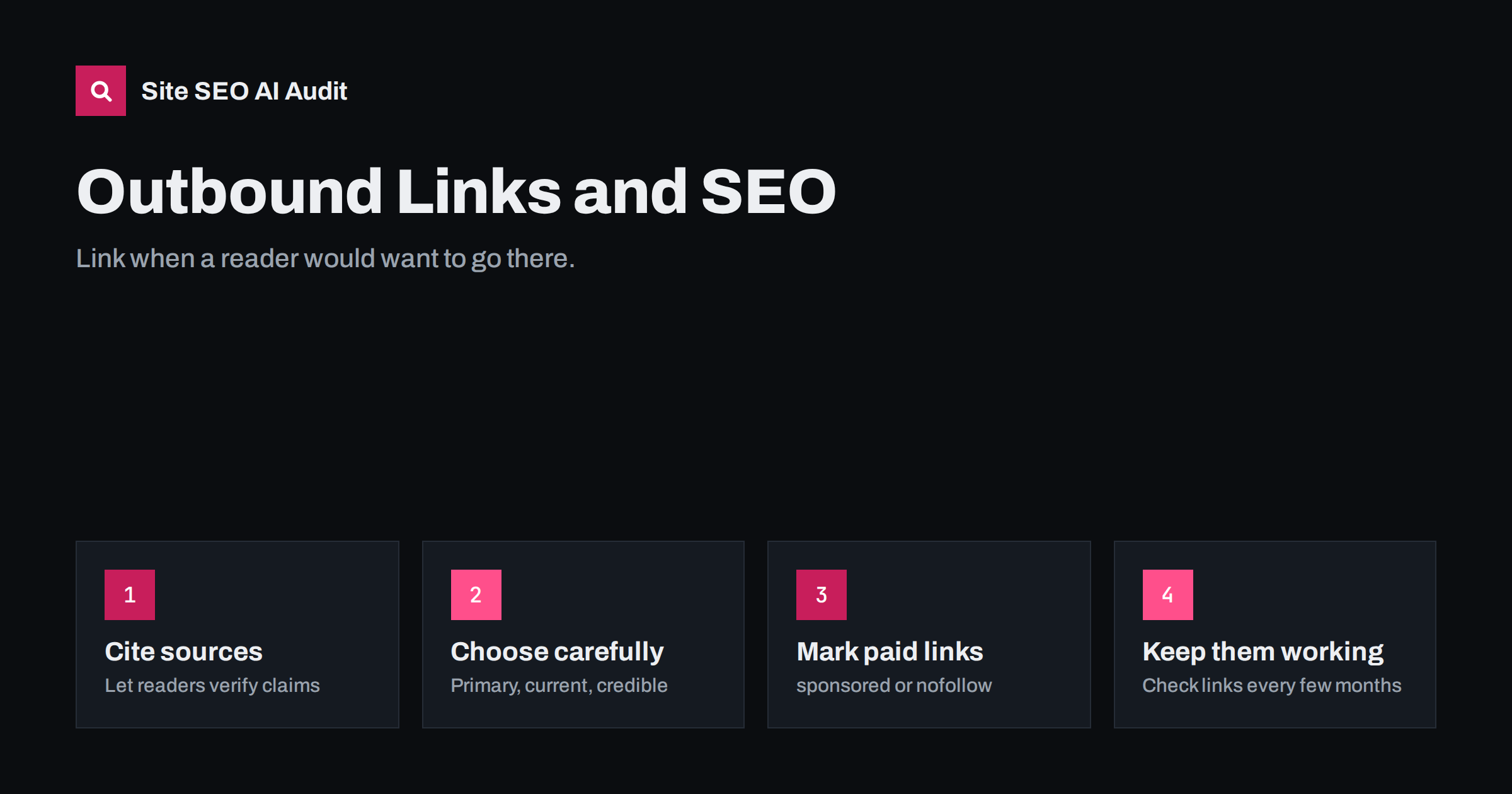
Short answer: Linking out to other websites does not hurt your SEO when the links genuinely help readers: citing a source, pointing to an official guide, or recommending a tool you actually use. Outbound links make content more credible and useful, which is what search engines try to reward. Problems come from broken links, links to low-quality or spammy sites, undisclosed paid links and pages overloaded with links. Link when it helps, keep links working, and mark paid or user-added links correctly.
What outbound links are
Outbound links, also called external links, are links from your pages to pages on other websites. They are the mirror image of backlinks: every backlink someone earns is an outbound link on someone else’s site.
Site owners are sometimes nervous about linking out. The worry is that every outbound link “leaks” value or sends visitors away. Both concerns are understandable, but for most content they are the wrong way to think about it. A page that refuses to cite anything, or that recommends tools without linking to them, is less useful to the reader, and a less useful page is a weaker page.
Why good outbound links help
- Credibility. When you state a fact, a rule or a figure, linking to the original source lets readers verify it. That builds trust, especially on topics involving money, health, law or safety.
- Usefulness. Linking to official documentation, tools, standards or further reading saves readers from searching for them.
- Context for search engines. Links to relevant, reputable pages help show what your content is about and which sources it relies on.
- Relationships. Site owners notice who links to them. Honest citations are part of how you become known in your field.
There is also a simple honesty argument. If your article says “most sites lose traffic after a badly planned migration” and links to nothing, the reader has to take your word for it. If it links to the documentation or study the statement is based on, the reader can judge for themselves. Pages that make it easy to check their claims tend to be trusted more, by people and, increasingly, by the systems that summarize the web.
Search engines have never said that linking out is a ranking boost in itself, and you should not add links for that reason. The benefit is indirect: better content that happens to cite and connect.
When to link out
A good rule: link when a reader would reasonably want to go there. Typical cases:
- Citing a source for a statistic, study, quote or claim.
- Referencing official guidance, such as a search engine’s documentation, a regulator’s rules or a standards body.
- Recommending a tool, product or service you mention, so readers do not have to search for it.
- Pointing to deeper expertise on a side topic you do not cover in full.
- Giving credit for an idea, image or example you used.
And when not to: links added only to look authoritative, links to pages you have not read, and long lists of links with no explanation of why each is worth visiting.
Choosing sources worth linking to
| Good sources | Sources to avoid |
|---|---|
| Original research, official documentation and primary sources | Pages that repeat claims without a source |
| Recognized experts and institutions in the field | Sites full of ads, pop-ups or scraped content |
| Pages that are maintained and current | Outdated pages that no longer reflect reality |
| Tools and products you have actually used | Sites you know nothing about |
| Pages that directly support the point you make | Home pages when a specific page would be more useful |
Prefer the most specific page. Linking to a search engine’s home page when you mean one section of its documentation forces the reader to hunt. Deep links to the exact page, or even a heading within it, are more helpful and less likely to be misread.
Before linking, open the page and read it. It sounds obvious, but many broken or misleading citations come from copying links from other articles without checking them.
Anchor text and placement
The same principles apply as for internal links. Use anchor text that describes what the reader will find: “Google’s guidance on title links” rather than “here”. Place the link where the topic is discussed, not in a pile at the end, unless you are deliberately providing a list of references. Keep the number reasonable; a paragraph with five links is hard to read and hard to tap on a phone.
Whether external links open in a new tab is a usability choice. If you do open them in a new tab, include rel="noopener" on the link for security, which modern browsers also apply by default.
Paid, affiliate and user-added links
Some outbound links need to be marked so search engines know they are not editorial endorsements:
- Affiliate links, sponsored posts and any link given in exchange for money, products or services should carry
rel="sponsored"(orrel="nofollow"). Search engine guidelines require paid links to be qualified this way, and many countries also require visible disclosure to readers. - Links in comments, forums and other user-generated content should carry
rel="ugc"(or nofollow). Most comment systems add this automatically. - Normal editorial links, the ones you chose because they help, need no attribute.
Do not nofollow every outbound link by default. It is unnecessary and suggests you do not stand behind your own sources.
Keeping outbound links healthy
External links decay. Pages move, sites close, domains expire and are sometimes bought by spammers who keep the old URLs pointing at unrelated content. A link that was excellent three years ago can now lead to a 404 page or something you would never recommend.
Build link maintenance into your routine:
- Check external links on your important pages whenever you update them.
- Run a site-wide link check every few months to find broken links and links that now redirect elsewhere.
- Replace dead links with the new location of the same resource, a better current source, or remove them.
- Look at where redirected links end up; a redirect to a different site is a warning sign.
Site SEO AI Audit checks both internal and external links on every page it crawls and reports broken links and links to redirects, weighted by how many pages are affected. You can run a free audit to find the links that need attention.
Outbound links in different kinds of content
The right approach varies with the type of page:
- Guides and how-to articles: link to official documentation for anything technical, to the tools you describe, and to sources for any numbers. Readers following steps appreciate going straight to the setting or download you mention.
- News and opinion posts: link to the original announcement, study or statement you are discussing, not to another article about it. Primary sources are more trustworthy and more stable.
- Product and service pages: outbound links are less common, but links to certifications, standards, manufacturer specifications or independent reviews can support claims. Keep them few so they do not distract from the page’s purpose.
- Comparison and review pages: link to each product you compare, and disclose any affiliate relationship both in the text and with the sponsored attribute.
- Resource lists: each link needs a sentence explaining why it is worth visiting, and the list needs regular maintenance, since these pages collect broken links faster than any other.
Across all of them, the question stays the same: would a thoughtful expert writing for this reader include this link here? If yes, link. If you are unsure, the link is probably not needed.
How many outbound links is too many?
There is no fixed limit. A long research article with thirty citations is fine; a short page with thirty unrelated links looks like a link farm. Judge by purpose and proportion: does each link serve the reader at that point in the text? If a page exists mainly to link out, such as a resource list, make sure each link is explained, current and genuinely curated.
Related reading
- Nofollow, Sponsored and UGC Links: When to Use Each One
- Anchor Text Best Practices for Internal and External Links
- Broken Links: How to Find and Fix Them Across Your Site
- Original Data and First-Hand Experience: What AI Answers Cite
The bottom line
Outbound links are part of useful content, not a leak to be plugged. Link to credible, current sources when readers would want to go there, use descriptive anchors, mark paid and user-added links correctly, and keep links working over time. Avoid linking to pages you have not read, sites you would not recommend, and piles of unexplained links.
SSS
Do outbound links hurt SEO?
Not when they are relevant and helpful. Links to credible sources make content more useful. Problems come from links to spammy sites, undisclosed paid links and broken links.
Do outbound links help rankings?
Search engines have not said that linking out is a ranking factor. The benefit is indirect: well-sourced content is more credible and useful to readers, which is what search engines aim to reward.
Should external links open in a new tab?
It is a usability choice with no direct SEO effect. If you open links in a new tab, add rel=”noopener”. Many sites keep links in the same tab and let readers decide.
Should I nofollow all external links?
No. Use sponsored for paid or affiliate links and ugc for user-added links. Editorial links you chose because they help readers need no attribute.
How often should I check external links?
Check links on important pages whenever you update them, and run a site-wide link check every few months to catch broken and redirected links.


