 ENEnglish
 LTLietuviškai
 DEDeutsch
 FRFrançais
 RUРусский
 ESEspañol
 PLPolski
 ITItaliano
 UKУкраїнська
 CSČeština
 PTPortuguês
 JA日本語
JA日本語 LVLatviešu valoda
 ETEesti
 HUMagyar
 IDBahasa Indonesia
 TRTürkçe
 HIहिन्दी
 ELΕλληνικά
 ARالعربية
 THไทย
THไทย VITiếng Việt
 RORomână
 MSBahasa Melayu
 BNবাংলা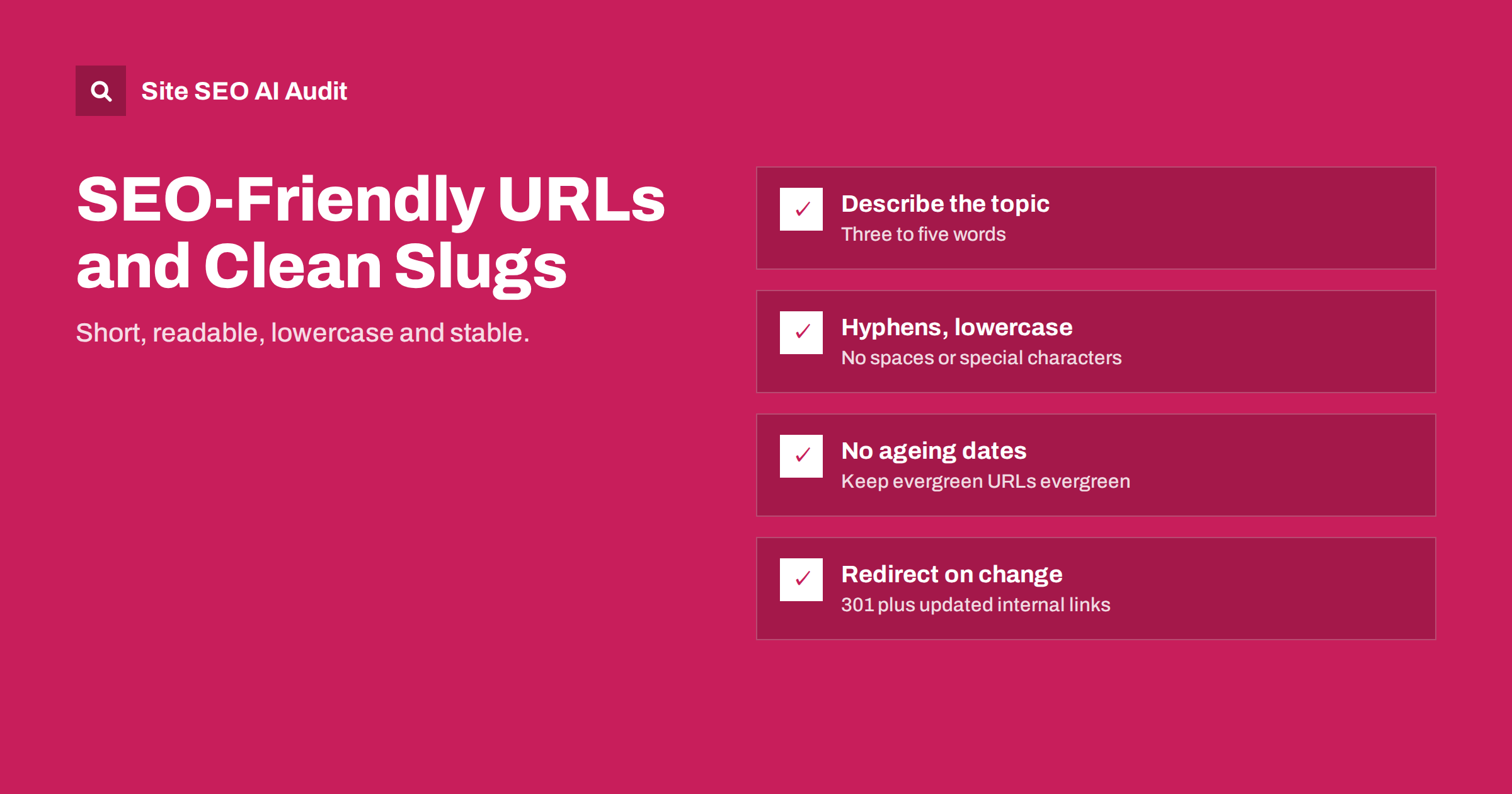
Short answer: An SEO-friendly URL is short, readable, lowercase, uses hyphens between words and describes the page’s topic, for example /meta-description-guide/ rather than /index.php?p=4821. Clean URLs help people understand and trust a link and give search engines a small hint about the content. The most important rule, though, is stability: choose URLs carefully once, and if you must change them, redirect the old address.
Anatomy of a URL
A URL such as https://www.example.com/blog/meta-description-guide/ has several parts:
- Protocol:
https://. Every site should use HTTPS. - Host:
www.example.com, the domain and optional subdomain. - Path:
/blog/meta-description-guide/, which shows where the page sits on the site. - Slug:
meta-description-guide, the last part of the path that identifies the specific page. - Parameters (optional): anything after a question mark, such as
?sort=price, often used for filters, tracking and search.
On-page SEO is mostly concerned with the path and slug: the parts you choose when you publish a page.
Do URLs affect rankings?
Only a little. Search engines have said that words in the URL are a very light signal, and pages with messy URLs can and do rank well. Changing an existing URL just to add a keyword is rarely worth the risk.
So why care? Because URLs are seen by people:
- In search results, the URL or a breadcrumb version of it appears near the title. A readable path reassures searchers that the page is what they want.
- When links are shared in emails, chats and documents, the URL is often all people see.
/boiler-repair-leeds/invites a click;/page.php?id=77&ref=xdoes not. - Clean URLs are easier to remember, type, quote and manage in analytics reports.
- A logical path structure makes it easier for you to organize the site and spot problems.
Rules for writing a good slug
Describe the topic in a few words
Use the main topic of the page, usually three to five words. /title-tag-length/ is better than /everything-you-ever-wanted-to-know-about-how-long-title-tags-should-be/. Drop words that add nothing, such as “a”, “the”, “and”, “of”, unless they are needed for meaning.
Use lowercase letters
URLs can be case-sensitive on many servers, so /Title-Tags/ and /title-tags/ may be different pages. Lowercase everywhere avoids duplicates and broken links.
Separate words with hyphens
Hyphens are the standard word separator in URLs. Underscores and spaces (which become %20) are harder to read, and search engines have long recommended hyphens.
Avoid dates and numbers that will age
/seo-tips-2021/ looks outdated the moment the year changes, and updating it means a redirect. Keep dates out of slugs for content you plan to keep current. The same goes for numbers in list posts: /title-tag-tips/ survives the day you add an eighth tip to “7 title tag tips”.
Avoid special characters
Stick to letters, numbers and hyphens. Characters such as &, ?, #, % and accented letters can cause encoding problems or break links when copied. For non-English sites, many use transliterated slugs; encoded non-Latin characters work but become unreadable when copied into some tools.
Do not stuff keywords
/seo-audit-seo-audit-tool-best-seo-audit/ looks spammy to people and gives no benefit. One clear phrase is enough.
Examples by page type
Seeing a few before-and-after pairs makes the rules easier to apply:
- Blog post titled “How Long Should a Title Tag Be? Everything You Need to Know”. Generated slug:
/how-long-should-a-title-tag-be-everything-you-need-to-know/. Better:/title-tag-length/. - Service page for emergency plumbing in Leeds. Generated:
/services/page-2/or/emergency-plumbing-services-in-leeds-west-yorkshire-uk/. Better:/services/emergency-plumbing-leeds/. - Ürün called “Trail Runner 3 Waterproof Men’s Shoe – Grey/Orange”. Generated:
/product/trail-runner-3-waterproof-mens-shoe-greyorange-2/. Better:/trail-runner-3-waterproof/, with colours handled as options on the same page. - Category for women’s trail running shoes. Generated:
/index.php?cat=17&sub=4. Better:/womens-trail-running-shoes/. - Help article about resetting a password. Generated:
/kb/article/000482. Better:/help/reset-password/.
Notice the “-2” at the end of the product example. Content management systems add a number when a slug is already taken, often by a deleted or draft page with the same name. Numbered slugs are a hint that duplicate or leftover pages exist somewhere on the site, and worth a quick look before publishing.
Finally, decide on these rules once and write them down for everyone who publishes content. URL problems on most sites come from many people making slightly different choices over several years, not from a single bad decision. A short style note, with a handful of examples like the ones above, prevents most of them.
Folder structure: flat or nested?
Beyond the slug, you decide whether pages sit in folders. There are two broad approaches:
| Approach | Example | Good for | Watch out for |
|---|---|---|---|
| Flat | /title-tag-length/ | Blogs, small sites, content that may move between categories | Less visible structure in reports |
| Nested by section | /services/boiler-repair/ | Service sites, clear top-level sections | Keep depth shallow |
| Nested by category | /shoes/running/trail-runner-3/ | Stores with stable categories | Products in several categories; renaming categories changes URLs |
| Date-based | /2021/03/14/post-name/ | News sites where the date matters | Makes evergreen content look old |
Both flat and nested structures can work. Folders make sense when they reflect stable sections that people understand, such as /blog/, /services/ or /help/. Avoid putting products inside category folders if products regularly appear in several categories or if categories are likely to be renamed, because each change creates new URLs or duplicates.
Parameters, tracking and duplicate URLs
Parameters are useful for filters, sorting, internal search and tracking, but they multiply URLs. One category page can become hundreds of URLs through combinations of colour, size, price and sort order, each showing nearly the same content. This creates duplicate content, wastes crawling and splits signals.
Good practice:
- Link internally to the clean URL, never to a tracking-tagged version.
- Use canonical tags on filtered and sorted pages that point to the main version where appropriate.
- Only give filters their own indexable URLs when there is real search demand for that combination, such as “women’s trail running shoes”.
- Keep parameter order consistent so the same filter combination always produces the same URL.
Changing URLs safely
The safest URL is the one you never change. But sometimes change is necessary: a messy legacy structure, a rebrand, a platform migration or a slug that no longer matches the content. When you change a URL:
- Set up a 301 redirect from the old URL to the new one, so visitors, bookmarks and links still arrive.
- Update internal links to point directly to the new URL, rather than relying on the redirect.
- Update the XML sitemap so it lists only the new URLs.
- Avoid redirect chains: if the page has moved before, point the oldest URLs directly to the newest one.
- Check canonical tags and hreflang references, which must also use the new URL.
- Monitor Search Console for crawl errors and traffic changes in the following weeks.
Expect some fluctuation after large URL changes. Do not change URLs for small gains, such as adding a keyword to a slug that already works.
URL settings in common platforms
In WordPress, the permalink structure is set under Settings, then Permalinks. The “Post name” option produces clean slugs such as /title-tag-length/. Each post’s slug can be edited in the editor’s sidebar before publishing; WordPress generates it from the title, which often makes it too long, so trim it. Changing the permalink structure on an established site affects every URL, so treat it as a migration.
Store platforms usually generate product and category URLs from names, sometimes with fixed prefixes that you cannot remove. Focus on what you can control: short, descriptive handles for each product and collection, set before launch.
Checking URLs across your site
A crawl shows your URL landscape as search engines see it: uppercase variants, parameter-generated duplicates, long and messy slugs, and internal links that go through redirects. Site SEO AI Audit crawls your site like a search engine and reports links to redirects, redirect chains, canonical problems and duplicate content, with issues weighted by how many pages they affect. The first audit is free; see the pricing page for plans with re-checks.
Related reading
- 301 vs 302 Redirects: Which One to Use and When
- Redirect Chains and Loops: How to Find and Fix Them
- Canonical Tags Explained: How to Set Them and Fix Errors
The bottom line
Good URLs are short, lowercase, hyphenated and descriptive, free of dates that age and parameters that multiply. They are a light ranking signal but a strong usability one. Get them right when you publish, keep the structure simple and stable, and when a change is unavoidable, redirect the old address, update internal links and watch for errors.
SSS
Should I include keywords in my URL?
Yes, naturally, as part of a short description of the page. Words in the URL are a very light ranking signal but help people understand the link. One clear phrase is enough; stuffing keywords looks spammy.
Hyphens or underscores in URLs?
Use hyphens. They are the standard word separator, easier to read and recommended by search engines. Underscores can make words run together in some contexts.
Should I change old URLs to make them SEO-friendly?
Usually not, if the page already performs well. The small benefit of a cleaner URL rarely outweighs the risk and effort of redirects. Change URLs only when there is a strong reason, such as a migration or a misleading slug.
How long should a URL be?
There is no strict limit, but shorter is better for readability. A slug of three to five words that describes the page is a good target for most pages.
Do trailing slashes matter?
Either style works, but be consistent. The version with and without a trailing slash can be treated as separate URLs, so pick one, redirect the other and link to the chosen version everywhere.


