 ENEnglish
 LTLietuviškai
 DEDeutsch
 FRFrançais
 RUРусский
 ESEspañol
 PLPolski
 ITItaliano
 UKУкраїнська
 CSČeština
 PTPortuguês
 JA日本語
 LVLatviešu valoda
 ETEesti
 HUMagyar
 IDBahasa Indonesia
 TRTürkçe
 HIहिन्दी
 ELΕλληνικά
 ARالعربية
 THไทย
 VITiếng Việt
 RORomână
 MSBahasa Melayu
 BNবাংলা
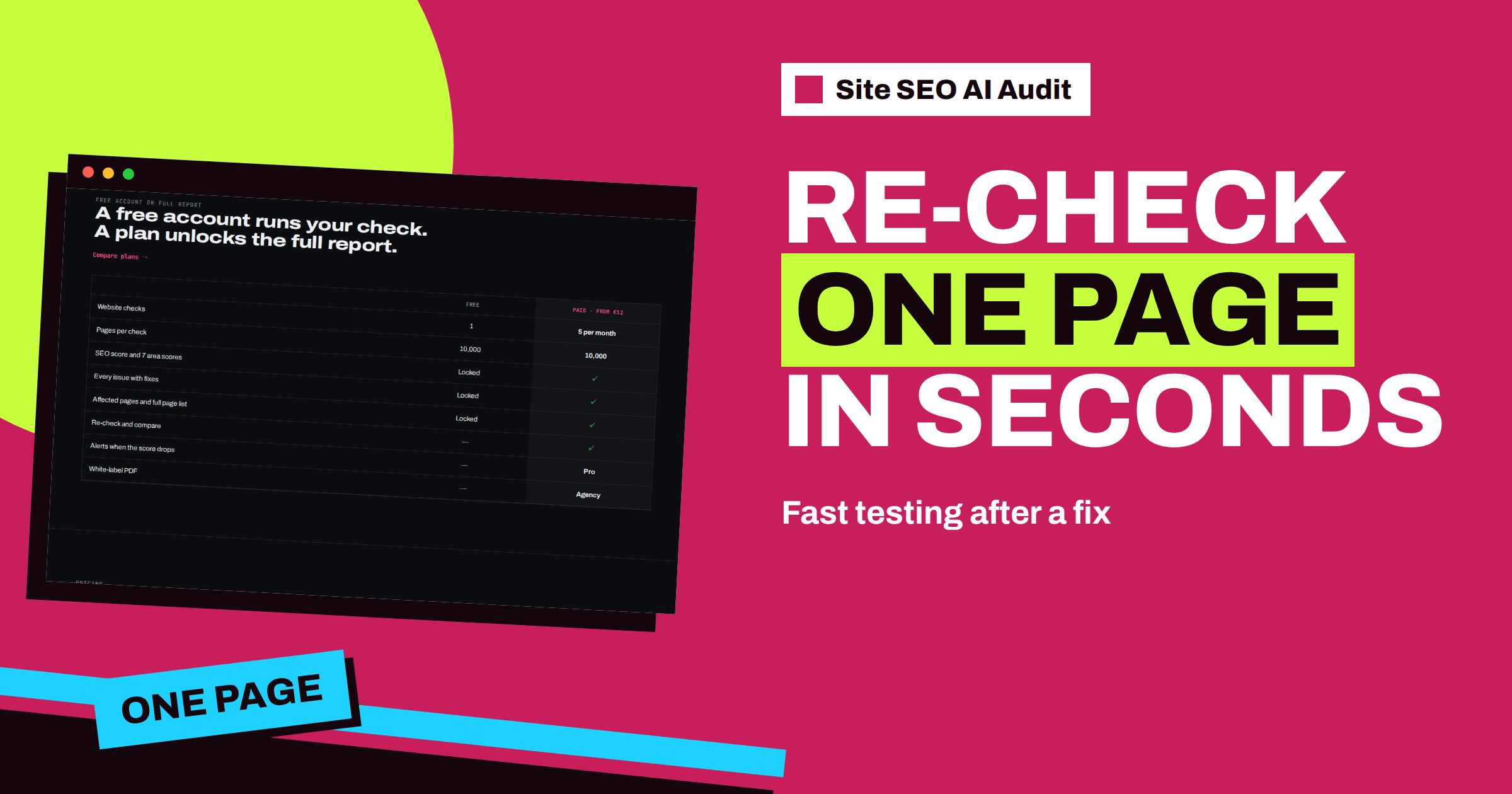
Short answer: When you enter the address of a specific page, with a path such as /services/, Site SEO AI Audit runs a single-page check: it analyses only that page and says so at the top of the report. Use it to verify a fix on a template, a new landing page or a rewritten title before you spend a full check on the whole website. A single page cannot show site-wide problems, such as orphan pages or click depth, so finish with a full check.
Repair work has a rhythm: change something, wait, check. A full check of a large website takes minutes and counts against your plan, so it is not something to run after every small edit. Yet testing blind is risky. You may have changed a template and want to know that the title, the canonical and the heading came out right before you tell a client it is done. A single-page check fills the gap. It gives you the same kind of report for one address, quickly, so that you can verify a change and move on. This article explains how it works, when to use it and where it stops being useful.
How a single-page check starts
You start it the same way as any check: enter an address. The difference is in what you enter. If you enter only the domain, such as example.com, the product runs a check of the whole website. If you enter an address that points to a specific page, for example example.com/services/boiler-repair/ or an address with a query, the product treats it as a check of that page only. A language folder, such as /de/, is the exception: it is treated as the German section of a multilingual website, not as a single page.
As with all checks, you need an account. The report opens with a clear notice that only this page was analysed, and it shows the address of the page. The notice also reminds you to enter just the domain if you want the whole website. The crawler reads one page, without following its links across the site, and measures what it can find on that page.
What the report shows
A single-page report uses the same layout as a full report. You see a score, the seven areas where they apply, the issue cards with their explanations and fixes, and a page list with one row. What the check can say about one page is a lot:
- Title and description: whether they exist, their length and whether they look sensible.
- Headings: whether there is one H1 and whether long text is divided with subheadings.
- Canonical and indexing: whether the page is indexable, and whether its canonical points to itself or to another address.
- Structured data and Open Graph: whether JSON-LD is present and valid and whether share tags and an image exist.
- Images: whether pictures have alt text.
- Links on the page: whether there are empty anchors, nofollow on internal links or broken links.
- Speed and size: server response, compression and page weight, and the PageSpeed measurements where available.
- AI visibility: whether the main text is available without JavaScript and whether an article has a date.
It is a focused and cheap way to test the things you can change on a single page.
What one page cannot show
Some problems exist only at the level of the whole site, and a single page cannot reveal them. Orphan pages need a comparison of the sitemap with the links across the site. Click depth and the number of internal links pointing to a page depend on the entire structure. Duplicate titles, descriptions and content need other pages to compare. Redirect chains across the site, broken links elsewhere and sitemap quality likewise need the full crawl. A single-page check will not claim to find them, and the notice at the top of the report is there to prevent misunderstanding.
The score of a single-page report is therefore a score for that page, not for the website. Do not compare it with the score of a full report. And a single-page check does not replace or change the report of your whole website: your saved site report and its history stay as they were.
Good uses
| Situation | Why a single page helps |
|---|---|
| You changed a template | Test one page of each type before you check everything |
| You rewrote a title or description | Confirm that the new text is live and sensible |
| You fixed a canonical or a noindex | See the indexable state of the page at once |
| You published a new landing page | Check it before you announce it |
| A client asks about one page | Answer with evidence without crawling the whole site |
| You added structured data | Verify that the markup is valid and visible to the crawler |
In each case, the single-page check is a quick verification step in a longer process. It is especially useful when a change touches a template, because one good page of each type tells you that the template is right. Then a full re-check confirms the effect everywhere.
A workflow that saves checks
- Run a full check and pick the batch of fixes from the top of the list.
- Make the changes and clear caches.
- Test one page of each affected type with a single-page check, and read the issue cards for it.
- Fix what the test shows. Repeat the single-page check until the page is clean.
- Run a full re-check on a paid plan to confirm the effect across the site and to see the score move.
This order keeps the number of full checks small. Instead of several full re-checks to find a template slip, you find it on one page and run the full re-check once. The article on the repair cycle describes the larger rhythm that this workflow fits into, and the guide to choosing a plan by checks shows how to count them.
Reading the result with care
Test the right page. Choose a typical one, not an exception: an average product page, an ordinary article, a normal service page. And test in conditions that match the real world: clear caches first, and use the public address, not a preview link that visitors never see. Be careful with a page that is protected by a login, since the crawler cannot read it. For a page that has just been published, give caches a few minutes.
If the report disagrees with what you see in the browser, view the source. Titles, canonicals and robots instructions live in the HTML head, and what the crawler reads is the HTML the server sends. The guide to the on-page SEO checklist lists what to look for on a page, and the meta description guide helps with the text of the summary.
An example: a template change on a shop
A shop owner changes the product title template and the way canonicals are produced for variants. Instead of waiting for a full re-check, she enters the address of one ordinary product page. The report notes that only this page was analysed. It shows the new title, now unique and 54 characters long, and a canonical that points to the page itself. It also shows that the page has no description, because the template field was left empty. She fixes the description template, clears the cache and tests a second page, this time a variant. Both pages are clean, so she runs a full re-check once. The duplicate-title warning disappears across the catalogue, and the template mistake was caught in two quick tests instead of two full checks.
Testing before you announce
The same approach helps when you publish something new. A new landing page, a campaign page or an important article deserves a quick check before you send it to customers or share it on social networks. The report will show a missing title, a noindex left on by a draft setting, a canonical that points to the wrong address or a share image that is missing. Fixing these before the announcement means that the first visitors, and the first search engine visits, see the page as it should be.
Plans and single-page reports
As with other reports, the details of a single-page report open for people who have a paid plan, and they stay locked on a free account. That makes the single-page check a natural companion to a plan such as Starter: you use full checks for the whole website and single-page checks for quick verification between them. To try it, create a free account and run your check, then choose a plan on the pricing page to read the issue cards.
Related reading
- On-Page SEO Checklist: What to Check on Every Page
- How to Write Meta Descriptions That Earn the Click
- SEO Testing: How to Measure the Effect of a Change
The bottom line
Enter the address of one page to test a fix on it quickly. Use the single-page report to verify templates, titles, canonicals and markup, remember that site-wide problems need a full check, and finish each repair batch with a full re-check.
SSS
How do I start a single-page check?
Enter the address of a specific page, with a path or a query. The report opens with a notice that only this page was analysed.
How do I check the whole website instead?
Enter just the domain, for example example.com.
Does a single-page check change my website report?
No. Your saved report for the whole website and its history stay as they were.
Which problems can a single page not show?
Site-wide issues such as orphan pages, click depth, duplicates across pages, redirect chains and sitemap quality.
Can I compare its score with my site score?
No. The score of a single-page report describes that page only.


