 ENEnglish
 LTLietuviškai
 DEDeutsch
 FRFrançais
 RUРусский
 ESEspañol
 PLPolski
 ITItaliano
 UKУкраїнська
 CSČeština
 PTPortuguês
 JA日本語
JA日本語 LVLatviešu valoda
 ETEesti
 HUMagyar
 IDBahasa Indonesia
 TRTürkçe
 HIहिन्दी
 ELΕλληνικά
 ARالعربية
 THไทย
THไทย VITiếng Việt
 RORomână
 MSBahasa Melayu
 BNবাংলা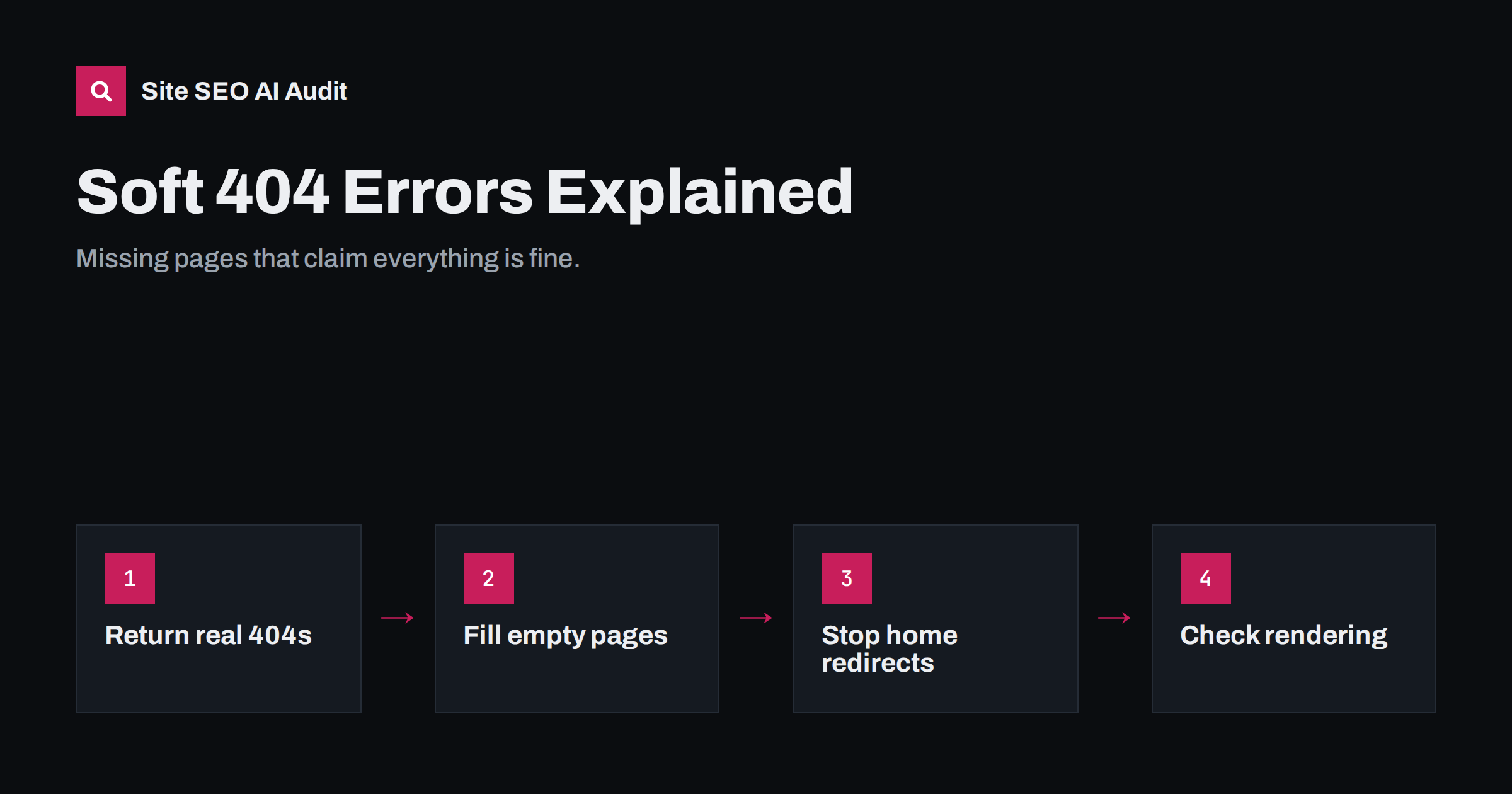
Short answer: a soft 404 is a URL that returns a 200 OK status code while the page itself says the content is missing, or is so empty that search engines treat it as missing. Search engines drop such pages from the index and keep wasting crawls on them. Fix soft 404s by returning a real 404 or 410 for content that no longer exists, adding real content to pages that should exist, and redirecting only to close equivalents.
What a soft 404 is
Every HTTP response carries a status code. A page that exists returns 200. A page that does not exist should return 404 (not found) or 410 (gone). A soft 404 happens when these disagree: the server says 200, but the content says “not found”, “no results”, or shows almost nothing at all.
Search engines do not simply trust the status code. They look at the page and, if it looks like an error or an empty shell, classify it as a soft 404. In Google Search Console these appear in the page indexing report under “Soft 404”. Google describes the problem in its documentation on HTTP status codes and network errors.
The term is sometimes confused with “custom 404 page”. A custom 404 page is fine, even recommended, as long as it returns a 404 status. The soft part is only the wrong status code.
A few typical examples make the idea concrete. A shop category URL like /category/winter-jackets/ in July, showing “No products found” with a 200 status. A deleted blog post whose URL now shows the site’s normal layout with an empty content area. A single-page application that answers /any-made-up-address with the same page shell and a small “Oops” message rendered by JavaScript. An old product URL that redirects to the home page. In each case a person immediately understands the page is useless, but the server response claims everything is fine. Search engines resolve that contradiction on their own, and they usually decide the page is an error.
Why soft 404s are a problem
- Wasted crawling. A real 404 tells crawlers to come back rarely. A 200 invites them to keep recrawling a page that has nothing on it.
- Index quality. Soft 404 pages are excluded from the index, but until they are detected, empty pages can be indexed and show up in results, frustrating searchers.
- Misleading reports. Monitoring tools that rely on status codes miss these errors, so broken sections can go unnoticed for a long time.
- Hidden real pages. Sometimes a page that should have content is detected as a soft 404 because the content failed to load for the crawler. That means a real page is not being indexed, which is the most costly version of the problem.
The most common causes
Soft 404s come from a handful of patterns. Most sites with the issue have one or two of these at scale:
- Error pages served with 200. The CMS or framework catches a missing URL and renders a “Page not found” template without setting the status code. This is common in single-page applications, where the server returns the same shell for every URL.
- Empty category or tag pages. A shop category with no products, a blog tag with no posts or a search page with no results, all returning 200.
- Out-of-stock or discontinued product pages stripped down to “This product is no longer available” with no other content.
- Mass redirects to the home page or a generic page. When deleted pages redirect to an unrelated page, search engines often treat the redirect as a soft 404.
- Thin placeholder pages, such as location pages with only a city name, or profile pages with no information.
- Content that fails to render. If the main content depends on JavaScript or an API call that fails for crawlers, the page they see is almost empty.
- Pages blocked by a consent wall, geo block or bot filter that shows crawlers a short message instead of the content.
How to confirm a soft 404
Before fixing anything, confirm what is actually happening for each reported URL:
- Check the status code.
curl -sI https://www.example.com/urlshows the real status. If it says 200 and the page says “not found”, you have a classic soft 404. - Look at the page as a visitor. Is it empty, an error, or a real page?
- Look at the page as a crawler. URL Inspection in Search Console shows the rendered HTML and a screenshot. If the visitor sees content but the rendered view is empty, the problem is rendering, not the page.
- Check where redirects lead. If the reported URL redirects, see whether the target is a relevant page or a generic one.
- Group by template. Soft 404s almost always come from a template. Find the pattern, for example
/tag/*or/product/*, and fix the template rather than individual URLs.
The right fix for each case
| Situation | Correct response |
|---|---|
| Page never existed or was deleted with no replacement | Return 404, or 410 if permanently removed |
| Page deleted and a close equivalent exists | 301 redirect to that equivalent |
| Empty category, tag or search page | Add content, stop linking to it, or noindex it; return 404 if it should not exist |
| Product temporarily out of stock | Keep the full page with availability info and alternatives |
| Product permanently discontinued | Redirect to successor or close category if relevant; otherwise 410 |
| Real content not rendering for crawlers | Fix rendering: server-side output, allowed resources, working APIs |
| Single-page app returning 200 for unknown routes | Return 404 from the server, or add a noindex meta tag on the error view |
The table covers most cases. The principle behind it is simple: the status code must tell the truth about the page.
Fixing soft 404s on WordPress and shops
WordPress returns a proper 404 for unknown URLs by default, so soft 404s there usually come from specific places:
- Empty tag and category archives. WordPress returns 404 for archives with no posts, but archives with one or two thin posts can still be flagged. Consolidate tags and noindex thin archives through your SEO plugin.
- Themes or plugins that redirect all 404s to the home page. Some “404 to home” plugins cause exactly this problem. Disable the blanket redirect and use targeted redirects instead.
- Internal search pages. Keep them out of links and the sitemap, and noindex them.
In shops, the biggest source is usually product lifecycle. Decide a rule for temporary and permanent unavailability and apply it consistently in the template, so thousands of product pages do not turn into empty shells over time.
Designing a good 404 page
Once missing URLs return a real 404, make the page useful for people who land on it:
- Say clearly that the page was not found, in plain language.
- Offer a search box and links to main sections or popular pages.
- Keep the normal site header and navigation so visitors are not stranded.
- Make sure the page returns the 404 status on every URL, including URLs with parameters or trailing slashes.
- Log 404 hits so you can spot broken internal links or mistyped external links worth redirecting.
Preventing soft 404s
Soft 404s tend to return unless the root cause is handled:
- Test the status code of a random non-existent URL after every major release.
- Define what happens to categories that become empty, products that go out of stock and content that is deleted.
- Avoid blanket redirects to the home page.
- Monitor the Soft 404 count in Search Console and investigate any increase.
- Run a regular crawl that checks both status codes and content, so empty pages are caught even when they return 200.
How Site SEO AI Audit helps
SEOAuditBot records the status code of every page it crawls and checks the content that comes back. The audit reports error status codes in the crawl and index area, thin pages in the on-page area, and redirects that lead nowhere useful, each with the list of affected URLs. Because issues are weighted by the share of pages they affect, a template producing hundreds of empty pages ranks high in your fix list. You can run a free audit to find them.
Related reading
- 301 vs 302 redirects: which one to use and when
- Thin content: how to find and fix low-value pages
- Crawl budget explained: when it matters and how to save it
The bottom line
A soft 404 is a status code that lies. Return 404 or 410 for missing content, redirect only to real equivalents, give empty pages real content or remove them, and make sure pages that should have content actually render it for crawlers. Fix the template, not just the URLs.
SSS
What is the difference between a 404 and a soft 404?
A 404 is a correct response for a missing page: the status code says “not found”. A soft 404 is a page that returns 200 OK but looks missing or empty, so search engines have to guess that it is an error.
Do soft 404s hurt rankings?
They do not penalise the rest of the site, but the affected pages are not indexed, crawlers waste time on them, and real pages misdetected as soft 404s lose their visibility. On large sites the crawl waste can be noticeable.
Why is a page with content reported as a soft 404?
Usually because the crawler sees less than you do. Content loaded by JavaScript or an API may fail to render, or a consent or bot filter may show a short message. Check the rendered page with URL Inspection.
Should I redirect all 404 pages to the home page?
No. Mass redirects to the home page are commonly treated as soft 404s and confuse visitors. Redirect only to close equivalents and let other missing URLs return a proper 404.
Should out-of-stock products return 404?
Not if they are temporarily out of stock. Keep the page with availability details and alternatives. For permanently discontinued products, redirect to a close successor or return 410.


