 ENEnglish
 LTLietuviškai
 DEDeutsch
 FRFrançais
 RUРусский
 ESEspañol
 PLPolski
 ITItaliano
 UKУкраїнська
 CSČeština
 PTPortuguês
 JA日本語
JA日本語 LVLatviešu valoda
 ETEesti
 HUMagyar
 IDBahasa Indonesia
 TRTürkçe
 HIहिन्दी
 ELΕλληνικά
 ARالعربية
 THไทย
THไทย VITiếng Việt
 RORomână
 MSBahasa Melayu
 BNবাংলা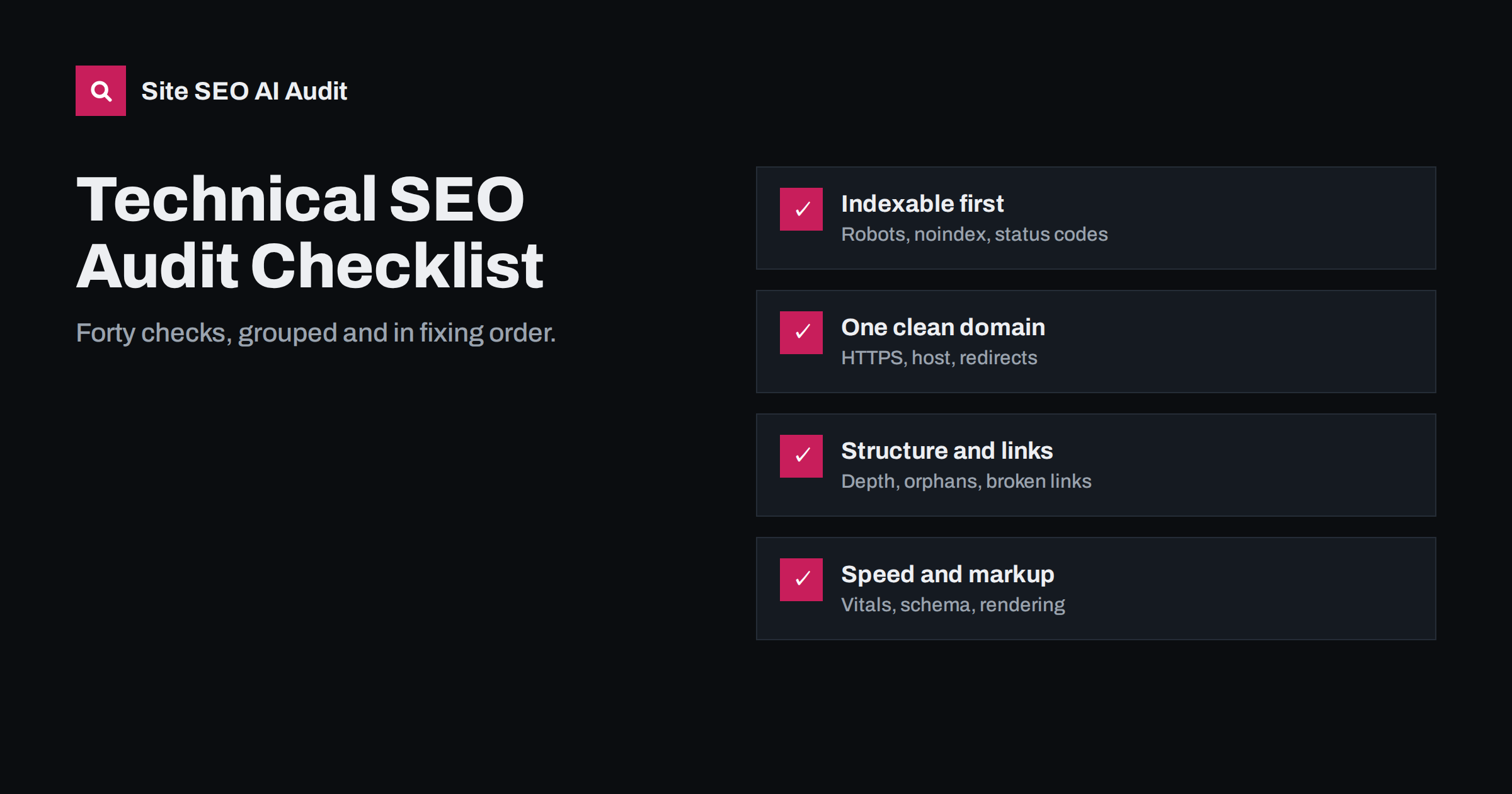
Short answer: a technical SEO audit checks whether search engines can crawl, render, index and quickly serve your pages. Work in this order: indexability (robots.txt, noindex, status codes), domain consistency (HTTPS, host, redirects), duplicates and canonicals, sitemaps, site structure and links, speed and Core Web Vitals, rendering, structured data and international setup. Fix issues that affect many pages or block indexing before anything else.
How to run the audit
A good technical audit combines four data sources, because each one sees something the others miss:
- A full crawl of the site, following links and the sitemap like a search engine.
- Google Search Console for indexing statuses, Core Web Vitals field data and crawl stats.
- Manual checks of key templates in the browser and with
curl. - Server logs, where available, for what crawlers actually request.
Audit templates rather than individual pages. A problem on the product template affects every product; a problem on one old article affects one page. Record every finding with the number of pages it affects, because that number decides priority.
Before starting, agree on the scope. Decide which hosts and subdomains belong to the audit, whether the shop, blog and help centre are included, and which templates exist. List the main templates with one example URL each: home, category or listing, product or service, article, landing page, contact, search results and error page. Checking each example by hand alongside the crawl results makes it much easier to tell whether an issue is a template problem or a one-off.
The checklist
The forty checks below are grouped by area and numbered in the order it usually makes sense to check them. Earlier groups can block everything after them: there is little point tuning speed on pages that cannot be indexed.
1. Indexability: can pages get into the index?
- robots.txt returns 200 and does not block important sections, CSS or JavaScript.
- No unintended
noindexin meta robots tags on indexable templates. - No unintended
X-Robots-Tag: noindexin HTTP headers. - WordPress “Discourage search engines” is off on the live site.
- Important pages return 200 directly, not through redirects.
- No soft 404s: empty or error pages returning 200.
- The staging site is password-protected and not indexed.
2. Domain, HTTPS and redirects
- One canonical host: HTTP, HTTPS, www and non-www all reach one final URL in one hop.
- Valid certificate covering all hosts in use.
- No mixed content on HTTPS pages.
- Permanent moves use 301 or 308, not 302.
- No redirect chains longer than one hop.
- No redirect loops.
- Consistent trailing slash behaviour, with the other form redirecting.
3. Duplicates and canonicals
- Every indexable page has a self-referencing canonical with an absolute URL.
- Canonicals never point to redirects, 404s or noindexed pages.
- Only one canonical tag per page.
- Parameter URLs (tracking, sort, session) canonicalise to clean URLs and are not linked internally.
- Faceted navigation does not expose endless crawlable combinations.
- No large groups of near-duplicate pages, such as product variants with identical text.
4. XML sitemaps
- Sitemap exists, is referenced in robots.txt and submitted in Search Console.
- It lists only canonical, indexable URLs returning 200.
- No redirects, errors or noindexed URLs in the sitemap.
lastmoddates reflect real content changes.- Files stay within 50,000 URLs and 50 MB uncompressed each.
5. Site structure and links
- Important pages are within about three clicks of the home page.
- No orphan pages: every indexable page is linked from somewhere.
- No broken internal links, especially in menus, footers and templates.
- Internal links point to final URLs, not redirects.
- Navigation links are real
<a href>links crawlers can follow. - Pagination is crawlable, with self-referencing canonicals.
- Broken outbound links on important pages are fixed.
6. Speed and Core Web Vitals
- Field data for LCP, INP and CLS passes on main templates, mobile and desktop.
- Server response time is acceptable on uncached pages, not just the home page.
- Text resources are compressed with Brotli or gzip.
- Images are sized correctly and served in modern formats; the main image is not lazy-loaded.
- Render-blocking CSS and JavaScript are minimised.
7. Rendering, structured data and international
- Main content, links, titles and canonicals are present in the initial HTML, not only after JavaScript runs.
- Structured data is valid JSON-LD, complete for its type, matches visible content and is not duplicated by several plugins.
- On multilingual sites, hreflang annotations are complete with return links and correct language codes.
The findings that come up most often
Every site is different, but some findings appear in audits of small business sites, blogs and shops again and again. If you only have an hour, check these first:
- Duplicate titles and descriptions on paginated archives, filtered pages and product variants.
- Canonicals pointing to redirected URLs, typically after an HTTPS move or a URL change.
- Internal links to redirects in menus and old articles, left over from earlier restructures.
- Broken links to deleted products, pages and PDFs.
- Sitemaps listing redirected, noindexed or deleted URLs.
- Thin archive pages such as tags with one post, indexable by default.
- Images without dimensions causing layout shift, and oversized hero images slowing LCP.
- Missing or duplicated structured data from overlapping plugins.
- Orphan pages, especially landing pages and old posts that dropped out of navigation.
None of these is dramatic on its own, which is why they survive for years. Together, spread across hundreds of pages, they make a site noticeably harder to crawl and understand.
Tools you need
A technical audit does not require an expensive tool stack. The essentials:
- A crawler that follows links and the sitemap, respects robots.txt and reports status codes, canonicals, directives, titles, links and structured data for every page.
- Google Search Console, free, for how Google actually sees the site.
- PageSpeed Insights, free, for field and lab performance data per URL.
- Browser developer tools for rendering, network and performance checks.
- curl or a similar command-line tool for exact status codes and headers.
- A spreadsheet to record findings, affected page counts, owners and status.
How to prioritise what you find
A long list of findings is only useful when it is ranked. Score each issue on three questions:
| Question | High priority when… |
|---|---|
| Does it block crawling or indexing? | Pages cannot be indexed at all (noindex, robots block, errors) |
| How many pages does it affect? | A template or a large share of the site |
| How important are those pages? | They bring traffic, revenue or leads |
A useful order in practice:
- Anything that blocks indexing of important pages.
- Template-wide issues: canonicals, redirects, duplicate titles, missing structured data.
- Structural issues: orphan and deep pages, broken internal links.
- Speed on the most visited templates.
- Individual page issues, worked through gradually.
Resist the temptation to fix the easiest items first just to shorten the list. One template fix is often worth more than a hundred single-page fixes.
After the audit: fix, verify, repeat
- Fix at the source: theme templates, plugin settings, server rules, not page by page where a template is the cause.
- Verify on the live site with a crawl of the affected pages, not by trusting the settings screen.
- Use “Validate fix” in Search Console for issues it reports.
- Re-audit regularly, monthly for active sites and after every major change, because new plugins, redesigns and content imports reintroduce problems.
- Keep a change log so you can connect later changes in traffic to the work that caused them.
How Site SEO AI Audit runs this checklist
Site SEO AI Audit crawls your whole website like a search engine and runs about 50 checks on every page across seven areas: crawl and index, on-page, links, speed and Core Web Vitals, structured data, languages and AI visibility. Each issue is weighted by how many of your indexable pages it affects, and the fix list shows how many points each fix adds, so the prioritisation above is built in. WordPress sites get exact steps in wp-admin and the SEO plugin. The first audit is free; you can start one here.
Related reading
- What is technical SEO? A plain guide for site owners
- On-page SEO checklist: what to check on every page
- International SEO audit checklist for multilingual sites
- AI search visibility checklist: 25 things to audit
The bottom line
A technical audit is only as good as its prioritisation. Check indexability first, then domain and redirects, duplicates, sitemaps, structure, speed, rendering and markup. Record how many pages each issue affects, fix template-level problems before single pages, verify on the live site and repeat the audit after every significant change.
SSS
How often should I run a technical SEO audit?
A full audit at least every few months, and after every redesign, migration, platform change or major plugin update. Active sites benefit from monthly or weekly automated checks to catch regressions early.
How long does a technical SEO audit take?
An automated crawl of a small or mid-sized site takes minutes. Reviewing and prioritising the findings takes longer, from an hour for a small site to several days for a large shop with many templates.
What should I fix first after an audit?
Anything that prevents important pages from being indexed, then issues that affect whole templates or large parts of the site. Single-page issues and minor warnings come last.
Can I do a technical SEO audit myself?
Yes. With a crawler, Search Console and this checklist, most site owners can find the main problems. Some fixes, such as server rules or rendering changes, may need a developer.
Is a technical audit different from an on-page audit?
Yes. A technical audit checks crawling, indexing, speed and structure. An on-page audit checks the content and elements of each page, such as titles, headings and text. A complete SEO audit covers both.


