 ENEnglish
 LTLietuviškai
 DEDeutsch
 FRFrançais
 RUРусский
 ESEspañol
 PLPolski
 ITItaliano
 UKУкраїнська
 CSČeština
 PTPortuguês
 JA日本語
JA日本語 LVLatviešu valoda
 ETEesti
 HUMagyar
 IDBahasa Indonesia
 TRTürkçe
 HIहिन्दी
 ELΕλληνικά
 ARالعربية
 THไทย
THไทย VITiếng Việt
 RORomână
 MSBahasa Melayu
 BNবাংলা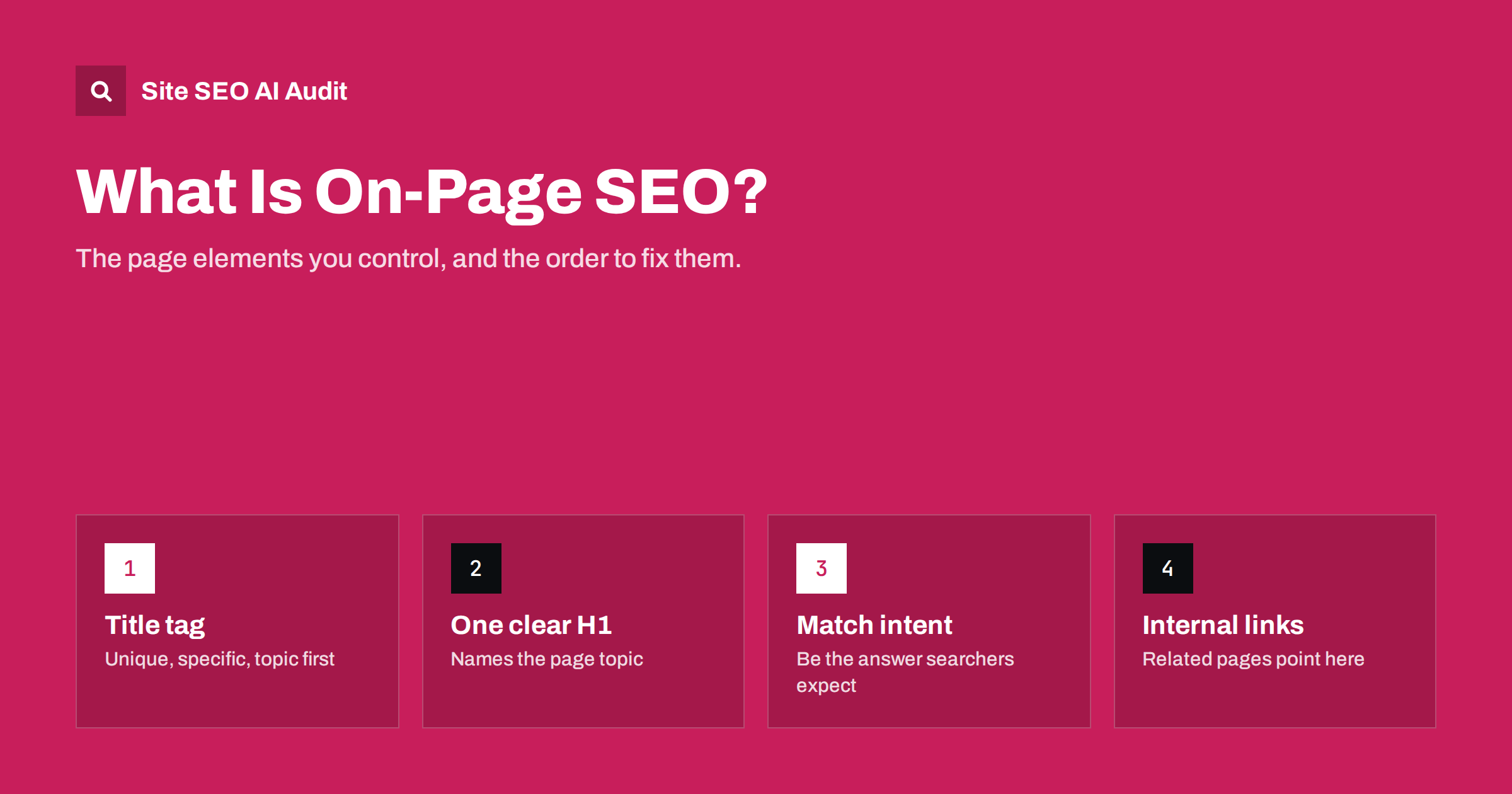
Short answer: On-page SEO is everything you change on the page itself to help search engines understand it and help searchers choose it: the title tag, meta description, headings, body content, images, internal links and the URL. It matters because it is fully under your control and it decides whether a page is a clear, credible answer to a specific search. Start with one topic per page, a unique descriptive title, a single clear H1, content that matches search intent, and links from related pages.
What on-page SEO means in practice
Search engine optimization is usually split into three parts. Technical SEO makes sure search engines can crawl and index your site. Off-page SEO is about signals from outside your site, mostly links and mentions. On-page SEO sits in the middle: it is about the content and HTML of each individual page, and how well that page answers the search it is meant to rank for.
The useful way to think about it is simple. For every important page you should be able to say, in one sentence, what search it targets and why a searcher would be glad they clicked. On-page SEO is the work of making that sentence true and making it obvious to both people and machines.
That work touches a handful of elements that appear on almost every page:
- The title tag, which usually becomes the headline in search results.
- The meta description, which often becomes the snippet below it.
- Headings, especially the H1 and the H2 sections that outline the page.
- The body content: its depth, accuracy, structure and match with intent.
- Images, their alt text, file names and weight.
- Internal links into and out of the page, and their anchor text.
- The URL, which should be short, readable and stable.
Why on-page SEO still matters
Search engines have become far better at understanding language, so some people assume on-page work no longer matters. The opposite is closer to the truth. Better language understanding means search engines can tell the difference between a page that genuinely covers a topic and one that merely repeats a phrase. The goal has shifted from placing keywords to being clearly and specifically useful.
On-page SEO also has a practical advantage: you do not need anyone’s permission. Earning links takes months and depends on other people. Rewriting a vague title, fixing a missing H1 or merging two overlapping articles can be done this afternoon. On many small and mid-sized sites, on-page problems are the cheapest wins available.
Finally, on-page elements affect clicks as well as rankings. The title and description are your advert in the search results. A page in position four with a clear, specific title can attract more visitors than a page above it with a generic one.
The core elements, one by one
Title tag
The title tag is the strongest single on-page signal of what a page is about. Each page needs its own title that names the topic in the words people search for, ideally with the main phrase near the start. Keep it short enough to display fully, which typically means around 50 to 60 characters. Duplicate titles across many pages are one of the most common problems in audits, usually caused by templates.
Meta description
The meta description does not directly affect rankings, but it shapes the snippet and therefore the click. Write one or two sentences that summarize what the page delivers and why it is worth opening. Search engines rewrite descriptions they find irrelevant, so a description that genuinely matches the page is more likely to be shown.
Headings
Use one H1 that states the page topic, then H2 headings for the main sections and H3 headings for subsections. Headings should describe the content that follows, not decorate it. A reader who only scans the headings should understand what the page covers.
Body content
This is where most rankings are won or lost. Content should answer the query directly, cover the questions a reader will have next, and show real knowledge through specifics: steps, examples, numbers you can support, and honest trade-offs. Length is a result of covering the topic well, not a target in itself.
Images
Every meaningful image needs alt text that describes it for people who cannot see it. Descriptive file names help too. Compress images and serve them at sensible dimensions, because heavy images slow pages down and hurt the experience.
Internal links
Links from your other pages tell search engines which pages matter and how topics connect. Important pages should receive links from related content, using anchor text that describes the destination.
URL
A clean URL such as /meta-description-guide/ is easier to read, share and trust than one full of parameters and numbers. Choose it carefully once, because changing URLs later requires redirects.
Search intent: the part most people skip
You can get every element above right and still not rank if the page is the wrong type of answer. Search intent is the goal behind a query. Someone searching “on-page SEO checklist” wants a list they can work through; someone searching “on-page SEO” probably wants an explanation first. Someone searching “buy running shoes” wants product listings, not an essay about running.
The quickest way to understand intent is to look at the pages that already rank. Note what type of page they are (guide, list, product, tool, comparison), how deep they go, and what they cover that you do not. Then make your page a better version of that type, not a different type.
Intent also decides format. If the top results all open with a direct definition, your page should too. If they include a table comparing options, a reader will probably expect one on your page.
Common on-page problems and how often they appear
When a whole website is crawled, the same on-page issues come up again and again. Most are caused by templates or by content growing without a plan, not by a single bad decision.
| Problem | Typical cause | Fix |
|---|---|---|
| Missing or duplicate titles | Template uses the site name only, or the same pattern on every page | Give each page a unique, descriptive title |
| Missing or duplicate descriptions | Descriptions never written, or copied | Write for important pages; template the rest sensibly |
| Missing or multiple H1s | Theme uses the logo or several widgets as H1 | One H1 per page that names the topic |
| Thin content | Tag pages, stub pages, empty categories | Expand, merge, or keep out of the index |
| Duplicate or near-duplicate text | Copied product or location descriptions | Rewrite with unique detail, or consolidate |
| Images without alt text | Uploads never described | Add descriptive alt text to meaningful images |
The important point is scale. One missing description on a forgotten page hardly matters. The same problem on a third of your pages usually points to a template that needs one fix, and that single fix improves hundreds of pages at once.
A practical order of work
If you are starting from scratch or taking over an existing site, work in this order:
- List your important pages. Home page, main service or category pages, top products, and articles that already get traffic.
- Assign one main topic to each. If two pages target the same search, decide which one should win and merge or refocus the other.
- Fix titles and H1s. They are fast to change and have a clear effect on relevance and clicks.
- Check intent and content depth. Compare each page with what currently ranks and fill the obvious gaps.
- Add internal links. Link to each important page from related pages with descriptive anchors.
- Clean up images and descriptions. Alt text, compression and meta descriptions.
- Handle thin and duplicate pages. Improve, merge, or remove them from the index.
After each round of changes, re-check the site rather than assuming the fix worked. Templates, plugins and editors have a way of undoing good work.
How Site SEO AI Audit helps with on-page issues
Doing this page by page is slow on anything bigger than a small brochure site. Site SEO AI Audit crawls your whole website like a search engine and checks on-page elements on every page it finds: titles, descriptions, H1s, thin and duplicate content, and image alt texts. On-page is one of seven areas in the score, next to crawling, links, speed, structured data, languages and AI visibility.
Each issue is weighted by how many of your pages it affects, so a template problem that touches hundreds of pages rises to the top while a single forgotten page barely counts. The fix list is ordered by how many points each fix adds, and on WordPress sites each issue comes with the exact steps in wp-admin and your SEO plugin. The first audit of every website is free; you can run one from the home page.
Related reading
- Home Page SEO: What Your Home Page Must Say and Link To
- Why Google Rewrites Your Title Tags and How to Reduce It
- Featured Snippets: How to Structure Content to Win Them
The bottom line
On-page SEO is the part of search optimization you fully control. Give every important page one clear topic, a unique and specific title, one descriptive H1, content that matches what searchers actually want, useful images with alt text, and links from related pages. Fix problems at the template level where you can, and re-check after every change. Done well, it will not guarantee rankings, but it removes the reasons a good page fails to be understood or chosen.
SSS
What is the difference between on-page and technical SEO?
On-page SEO covers the content and HTML elements of individual pages, such as titles, headings, text, images and links. Technical SEO covers the site-wide systems that let search engines crawl and index those pages, such as robots.txt, sitemaps, redirects, canonicals and speed. The two overlap, and both need to be in order.
Which on-page element is most important?
The content and its match with search intent matter most, because no title can rescue a page that does not answer the query. Among the HTML elements, the title tag has the strongest effect on relevance and clicks. Fix those two first.
Do keywords still matter for on-page SEO?
Yes, but as a way of speaking your readers’ language rather than as something to repeat. Use the main phrase in the title, H1 and early in the text, and cover related terms naturally. Repeating the same phrase over and over does not help and can read as spam.
How long does it take for on-page changes to have an effect?
Search engines need to recrawl the page before they can react, which can take from a few days to several weeks depending on how often your site is crawled. The effect on rankings is not guaranteed and varies by competition. Title changes can affect click-through as soon as the new title is shown.
Can I do on-page SEO without an SEO plugin?
Yes. Every on-page element is plain HTML and content, so any site can be optimized by editing pages and templates directly. On WordPress, an SEO plugin simply makes it easier to set titles and descriptions per page without touching code.


