ENEnglish
 LTLietuviškai
 DEDeutsch
 FRFrançais
 RUРусский
 ESEspañol
 PLPolski
 ITItaliano
 UKУкраїнська
 CSČeština
 PTPortuguês
 JA日本語
 LVLatviešu valoda
 ETEesti
 HUMagyar
 IDBahasa Indonesia
 TRTürkçe
 HIहिन्दी
 ELΕλληνικά
 ARالعربية
 THไทย
 VITiếng Việt
 RORomână
 MSBahasa Melayu
 BNবাংলা
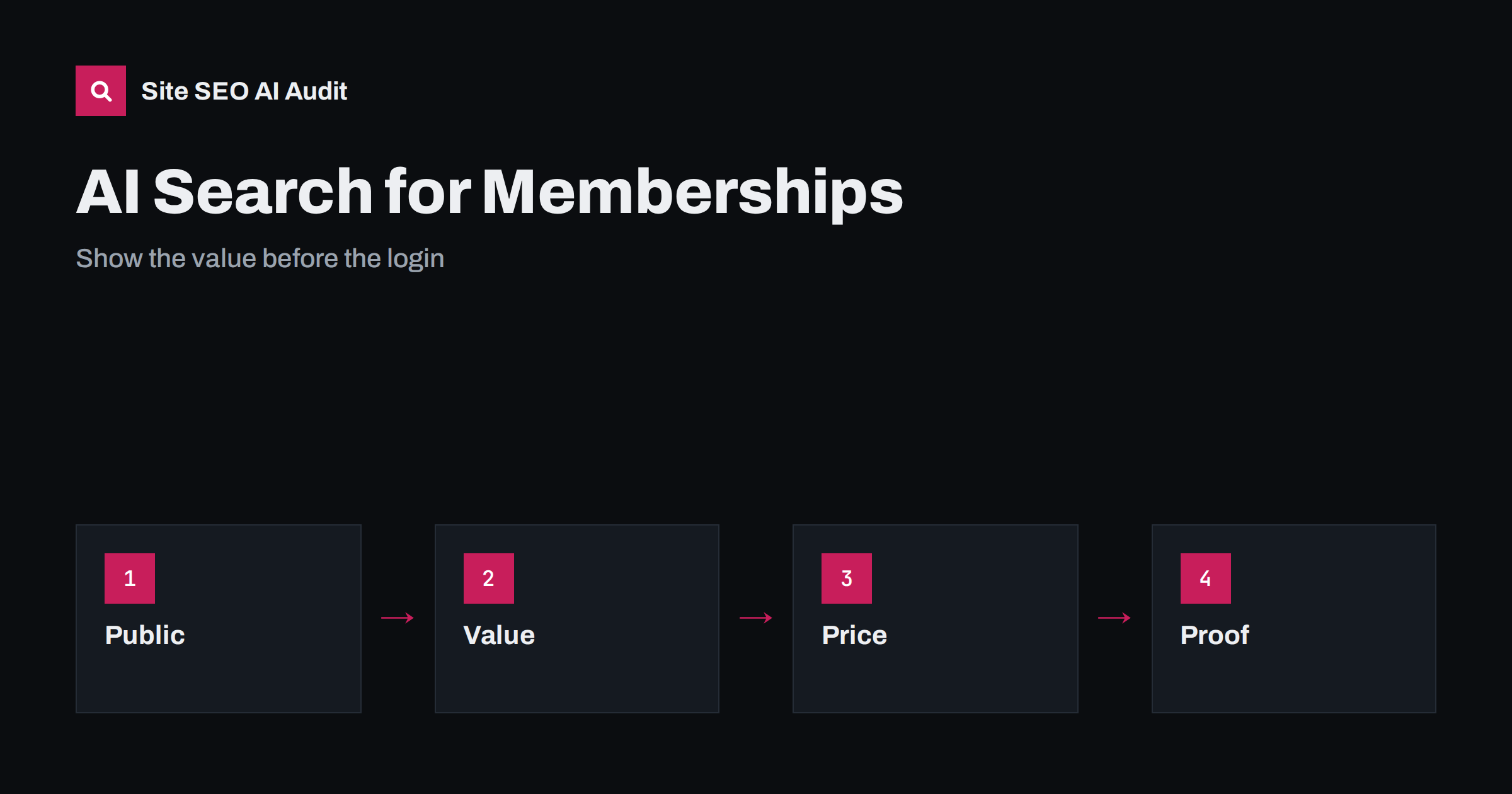
Short answer: AI assistants cannot read what sits behind your login, so they describe a membership site from its public pages. To be recommended and described correctly, publish a clear page about what the membership is and who it is for, list the benefits in concrete terms, show plans, prices, renewal and cancellation terms, offer free previews that demonstrate the quality, share honest member results with permission and keep the pages current. The public side must carry the whole story that the private side delivers.
People ask assistants questions such as which communities exist for a profession, whether a paid group is worth the price, how a membership compares with a course or what members actually get. The answers come from public pages, reviews, mentions and the way others describe the offer. A membership business that hides everything behind a button called join now leaves the assistant with little to say, or with the wrong things. This guide describes how to make the public side of a paid community useful to both people and AI systems. For the general question of gated material, see the guide to paywalls and gated content in AI search.
What people ask about memberships
The questions are practical. What is included? Who is it for and who is it not for? How much does it cost and how often is it charged? Is there a free trial? How active is the community? Who runs it and what is their background? What do members say? Can I cancel easily? How is it different from other groups and courses? A buyer who is unsure wants straight answers, and an assistant will search for them.
List the questions that your sales conversations and support messages contain, and answer each on a public page. See the guide to search intent for matching pages to needs, and the guide to prompt research for finding the questions that people ask assistants.
A strong public overview page
The main page should say in the first lines what the membership is, who it serves and the main result. Then describe what members receive in clear parts: content libraries, live sessions, a discussion space, tools, templates, directories, events, discounts or direct access to experts. Give numbers where they are real and current, such as the number of lessons, the usual meeting rhythm and the average response time to questions. Avoid vague claims such as exclusive access to a vibrant community, which tell nobody anything.
State the audience honestly, including who will not benefit. Honest limits improve trust, and assistants that are asked for a recommendation prefer sources that say who a service suits. Use plain text, not images of text, so that crawlers can read the page. The first lines should follow the answer-first approach.
Write a separate comparison page that places the membership honestly next to alternatives: a course, a book, a free group, a consultant or a software tool. Say what each is best for and where the membership is a better or worse fit. Buyers ask assistants for exactly this comparison, and a fair page from the owner is more useful than leaving the answer to outsiders. See the guide to comparison pages for the structure.
Add a short page on how a new member starts: the first week, the first tasks and where to ask for help. This reassures buyers and gives assistants a concrete description of the experience. Keep it factual, with the real time needed per week and the tools required.
Plans, prices and terms
Many membership pages hide the price until the checkout. This is a loss, because price is one of the first questions. Publish each plan with its price, the billing period, what is included, any trial and the terms for renewal, cancellation and refunds in plain words. If prices differ by country, say so and show how. Keep the plan names and prices consistent across the page, the checkout and any partner page, because a mismatch leads to wrong answers.
Explain the commitment honestly. If there is a minimum period, say it. If cancelling takes a few steps, describe them. Pages that are clear about the end of the relationship tend to be trusted more. See the guide to pricing page SEO for more on structure. The same logic applies to any recurring offer.
Previews that show quality
An assistant, and a buyer, cannot judge a library they cannot see. Offer public samples: a full lesson or session, a sample thread from the community with consent, a table of contents of the member area, a recording summary or a free newsletter. Publish a list of recent topics with dates, so that visitors can see how active the group is. Previews should be on indexable pages and not only in a login area or a video player that crawlers cannot read.
Add transcripts or summaries of public sessions, as described in the guide to podcast SEO and transcripts. The question is always whether a stranger can see a fair sample of the value.
People, expertise and proof
Memberships sell trust in the people behind them. Create pages for the founders, moderators and regular experts, with real names, experience and links to their public work. Show results from members, such as projects completed, skills gained or jobs found, with consent and with a clear note on typical outcomes. Avoid promises of income or guaranteed results, which are risky and untrustworthy. Real stories with detail are better than a wall of short praise.
Encourage reviews on independent platforms, and respond to them politely. Assistants combine the claims on your site with what others say, so the two should agree. The basis of this is in the guide to reviews and reputation in AI recommendations and the guide to author pages and bylines.
What to keep open and what to protect
You do not have to give away the product. Decide which parts support discovery and which are the paid value. Open parts can include guides, glossaries, event announcements, a public blog, a directory of member profiles that members have agreed to show and selected discussions. Protected parts remain the full library, private threads and personal data. Make sure that private pages are not indexed by mistake, and that public pages do not show member data without consent. Check the robots and noindex settings with the guide to noindex and robots disallow.
For crawlers, use the right method. Preview content that is hidden by scripts or login walls may not be seen, so show real text in the page for the public part, as explained in the guide to JavaScript content and AI crawlers.
Structured data and consistency
Use organisation markup to identify the business, the founders and the official profiles, following the guide to organisation schema. Event markup suits live sessions that are open to the public, and FAQ content on the page should be visible. Keep names, descriptions and links the same across your website, social profiles and listings. Mark the correct dates for events, and update them when the programme changes.
Check what assistants already say about you. Ask the questions of your buyers in several assistants, note where the answers are wrong or empty and fix the public page that should have supplied the fact. Repeat the check every quarter, and after each change of plans or prices, as described in the guide to measuring brand visibility in AI answers. Wrong prices and outdated plan names are the most common problems.
Community content that others cite
Public discussions in forums and communities are often used in answers, as covered in the guide to forums and communities in AI answers. If your community has an open area, keep it clear, moderated and useful, with questions and answers that stand alone. Summaries of the best discussions on your own site can bring value to non-members and show how the group works. Never publish a member post without permission.
Here is a short example. A paid community for freelance designers described itself as a place for growth, with the price shown only after sign-up. When it published a page with the plans, a list of sessions of the last three months, a free sample workshop with a summary and the profiles of the moderators, assistants began to describe it with details such as who it suits and how much it costs. The number of qualified sign-ups increased, and the questions about price in support dropped.
Site SEO AI Audit crawls your website and checks status codes, titles, descriptions, broken links, structured data and AI visibility settings, which helps you confirm that the public pages of your membership are readable and correct. It does not enter members-only areas. The first audit of up to 200 pages is free, and larger sites can see the pricing page.
Related reading
- AI Search for Clubs, Associations and Community Groups
- AI Search for Online Courses
- AI Search for Subscription and Direct-to-Consumer Brands
The bottom line
Show the value, price and proof in public, and keep the private side private.
FAQ
Can AI assistants read my members-only content?
Generally not. They rely on public pages and outside mentions, so the public side must explain the offer.
Should I publish my prices?
Yes. Price and terms are among the first questions, and clear answers lead to better descriptions and better leads.
How much should I give away for free?
Enough for a stranger to judge quality, such as one full lesson or a sample of discussions, while the full library stays paid.
Can I show member testimonials?
Yes, with permission and in honest terms. Avoid guaranteed-result claims and show typical outcomes.
Do I need special markup?
Organisation and event markup help, but clear visible text comes first. Markup must match what the page says.