 ENEnglish
 LTLietuviškai
 DEDeutsch
 FRFrançais
 RUРусский
 ESEspañol
 PLPolski
 ITItaliano
 UKУкраїнська
 CSČeština
 PTPortuguês
 JA日本語
JA日本語 LVLatviešu valoda
 ETEesti
 HUMagyar
 IDBahasa Indonesia
 TRTürkçe
 HIहिन्दी
 ELΕλληνικά
 ARالعربية
 THไทย
THไทย VITiếng Việt
 RORomână
 MSBahasa Melayu
 BNবাংলা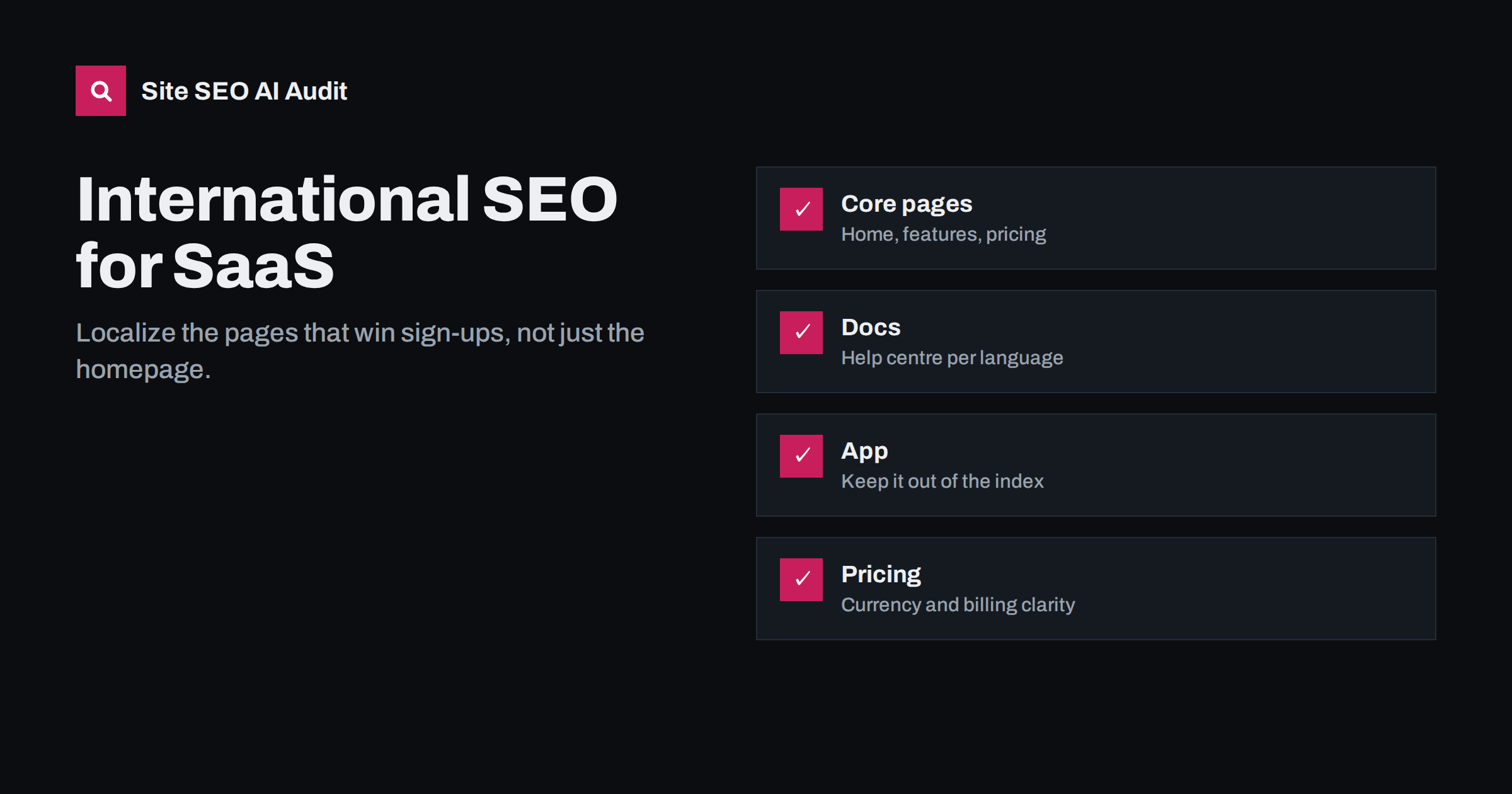
Short answer: For SaaS companies, international SEO means localizing the pages that turn searchers into sign-ups: home, feature and use-case pages, pricing, comparison pages, key guides and the help centre. Use language folders on the marketing domain with correct hreflang, keep the logged-in app out of the index, show pricing clearly for each market and make sure the product itself is available in the languages you market in. A localized website for a product that is only in English sets expectations the product cannot meet.
What makes SaaS different
A SaaS business sells a product that is used online, often worldwide from day one. Visitors from many countries find the English site, sign up and use the product without any localization at all. That makes international growth feel automatic, and it hides how much demand is lost among people who search in their own language and never see the English pages.
SaaS sites also have a particular structure. A marketing site, often on WordPress or a static site generator, sits on the main domain. The product itself runs on an app subdomain. A help centre or documentation site may run on a third platform. A blog adds more content. Each of these has its own approach to languages, and they rarely match without planning.
Finally, SaaS buyers often compare several tools before choosing. Comparison pages, integration pages and detailed feature pages carry a lot of commercial weight. They are exactly the pages that are most often left untranslated.
Check that the product matches the marketing
Before localizing marketing pages, check the product itself:
- Interface language: is the app available in the language you plan to market in? If not, the localized site should say so clearly.
- Support: can you answer support requests in that language?
- Billing: can customers pay in their currency or with local methods, and are invoices compliant with local requirements?
- Data and legal: are there requirements, such as data protection rules or hosting location expectations, that buyers in that market ask about?
Localized marketing for a product that customers then have to use in another language is not wrong, but it must be honest. State clearly which languages the product interface supports, so sign-ups are not disappointed.
Which pages to localize first
Most SaaS sites get the most value from localizing a small set of pages well:
- Home page, with a clear local value proposition.
- Feature and use-case pages, built around the terms local buyers search for.
- Pricing page, with local currency where possible and clear information on taxes.
- Comparison and alternative pages, which attract buyers close to a decision.
- Integration pages for tools that are popular in the target market.
- Top guides and templates that already attract international traffic in English.
- Sign-up flow and onboarding emails, so the journey does not switch language right after the click.
The blog archive can follow later, selectively, based on local keyword research.
Pay special attention to the step right after sign-up. A visitor who reads the German pricing page, clicks the sign-up button and lands on an English registration form, followed by English welcome emails, experiences the localization as superficial. Carrying the chosen language into the sign-up form, the first emails and, where available, the product’s interface makes the whole journey consistent.
Structure: marketing site, app and help centre
A clean international set-up for SaaS usually looks like this:
| Part | Typical location | International approach |
|---|---|---|
| Marketing site | example.com | Language folders such as /de/ and /fr/, with hreflang |
| Блог | example.com/blog/ | Same language folders, translated selectively |
| Help centre or docs | help.example.com or /docs/ | Own language versions and hreflang if translated |
| Application | app.example.com | Not indexed; language set by user preference |
The app should generally be kept out of search results: login pages, dashboards and settings pages are not useful search results. A robots.txt disallow for private areas and noindex on public login pages are common approaches. Make sure these rules do not accidentally apply to the marketing site or help centre.
Pricing pages across markets
Pricing is where international SaaS sites most often confuse visitors:
- Currency: showing prices in the visitor’s currency builds trust. If you only bill in one currency, say so clearly and consider showing approximate local amounts.
- Taxes: in many countries, business buyers expect prices excluding VAT, while consumers expect prices including it. State which applies.
- Consistency: prices on the pricing page, in structured data and in the checkout must match.
- Plan names and features: translate feature descriptions, but keep plan names consistent if they are used in the product.
If pricing really differs by country, separate country versions of the pricing page with hreflang are clearer than changing prices on one URL based on location.
Help centres and documentation
Help content often brings a large share of a SaaS site’s organic traffic, because users search for how to do specific things. It also reduces support load in every language. For international SEO:
- Translate the most-used help articles first, based on support ticket topics and search data.
- Give translated articles their own URLs and connect them with hreflang.
- Use screenshots of the localized interface in localized articles.
- Keep terminology consistent with the product’s interface in that language, using a shared glossary.
- Avoid platform settings that show English articles on translated URLs when a translation is missing.
Local keywords for software buyers
Software buyers in different markets describe tools in different ways, and in many languages they mix local and English terms. A buyer in Germany or the Netherlands might search with an English product category name, a local translation, or both, depending on the industry and how technical the audience is. Keyword research per market is the only way to know.
A few patterns are common in SaaS:
- Category names often stay in English in technical markets, while less technical buyers use local descriptions of the problem.
- Problem-based searches, such as how to do a task, are usually in the local language, even when category searches are in English.
- Brand and competitor names are the same everywhere, which makes comparison pages easy to target in every language.
- Integration searches combine two product names and often a local word for “integration” or “connect”.
Use this research to decide not only what to call things on each page, but also which pages to create. A market where buyers search mainly for problems needs strong guides in the local language; a market where they search for categories and competitors needs strong feature and comparison pages.
Keep the product’s interface terminology in mind as well. If the localized app calls a feature by one name and the marketing site by another, users will be confused. A shared glossary between product, marketing and support teams solves this.
Measuring international SaaS SEO
For SaaS, the key question is not traffic but sign-ups and revenue per market. Useful measures include:
- Impressions and clicks per country and language folder in Search Console.
- Sign-ups per language version, tracked through analytics and the sign-up form.
- Activation and conversion to paid, by country and language.
- Support tickets per language, which show whether localized help content reduces load.
Attribution needs some care. Many SaaS buyers read content in their own language, then sign up later from a different device or after a colleague shares a link to the English site. Tagging sign-ups with the language of the first page visited, where your analytics set-up allows it, gives a more realistic picture of what localized content contributes than looking only at the language of the sign-up page itself.
Compare markets with and without localization to estimate the effect. A market where many sign-ups already come through the English site is a strong candidate for the next localized version.
Checking the technical set-up
SaaS sites spread across several systems, so international errors often appear at the boundaries: hreflang missing between the marketing site and the help centre, canonical tags pointing to the wrong subdomain, app pages accidentally indexed, or language versions of the marketing site blocked by rules meant for the app. Site SEO AI Audit crawls a site like a search engine, following robots.txt, and checks crawl and indexing rules, canonicals, hreflang return links, broken language versions, x-default and lang attributes on every crawled page. The first audit is free.
Related reading
- AI search for B2B SaaS: how to get on the shortlist
- Translation vs localization for SEO: what actually changes
- How to launch a new language version without SEO problems
The bottom line
SaaS companies grow internationally when searchers in other languages find pages that speak to them and a product that serves them. Localize home, feature, pricing, comparison and key help pages first, use language folders with hreflang on the marketing site, keep the app out of the index, make pricing clear per market, keep the sign-up journey in one language and measure sign-ups and revenue per market, not just traffic.
FAQ
Should the app subdomain be indexed?
Usually not. Login pages, dashboards and settings pages are not useful search results. Keep the app out of the index while making sure the marketing site and help centre remain crawlable.
Do I need to translate the product before the website?
Not necessarily, but be honest about it. If the interface is only in English, say so on the localized site, so sign-ups know what to expect.
Which SaaS pages bring the most value when localized?
Usually the home page, feature and use-case pages, pricing, comparison pages and the most used help articles, because they attract buyers and users close to a decision.
Should SaaS pricing show local currency?
Local currency builds trust. If you bill in one currency only, say so clearly and make sure the numbers on the page match checkout and structured data.
Does a translated help centre help SEO?
Yes. Help articles often attract many searches from existing and potential users, and translated articles can rank for those searches in each language.


