ENEnglish
 LTLietuviškai
 DEDeutsch
 FRFrançais
 RUРусский
 ESEspañol
 PLPolski
 ITItaliano
 UKУкраїнська
 CSČeština
 PTPortuguês
 JA日本語
 LVLatviešu valoda
 ETEesti
 HUMagyar
 IDBahasa Indonesia
 TRTürkçe
 HIहिन्दी
 ELΕλληνικά
 ARالعربية
 THไทย
 VITiếng Việt
 RORomână
 MSBahasa Melayu
 BNবাংলা
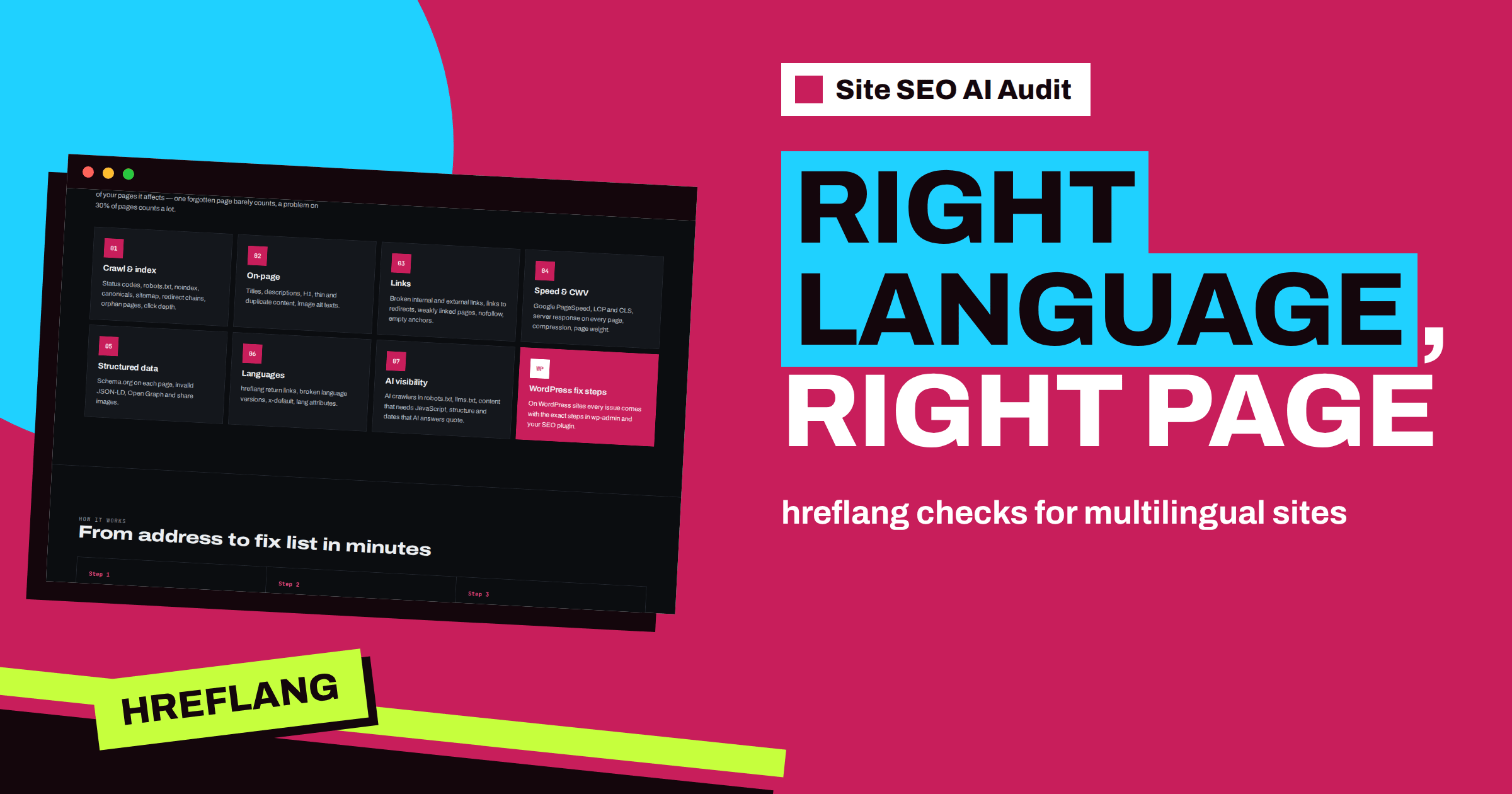
Short answer: The Languages area of Site SEO AI Audit carries seven percent of the score and applies only to multilingual sites; for one-language sites it is left out and its weight is shared among the other areas. It checks the language attribute on each page, whether language versions are linked with hreflang, whether the links are reciprocal, whether the targets work and whether an x-default version exists. Fix them in your templates or plugin, then re-check to confirm.
When a site speaks several languages, search engines face a puzzle. Which version of this page should I show to a reader in Vilnius, in Lisbon or in Texas? Hreflang annotations are the answer: each page lists its translations, and search engines pick the right one. The system is powerful and unforgiving, because a single missing return link can make search engines ignore the whole pairing. Checking it by hand across hundreds of pages and several languages is a chore that a crawler does well. This article explains each check in the Languages area and how to repair what it finds.
When the area applies
The audit looks at the language information it finds in your pages. If the site has only one language, the area has nothing to evaluate. In that case the report shows it as not applicable, and the weights of the other areas are redistributed so that your score is not penalised for something you do not have. For multilingual sites, the area counts seven percent of the total, the smallest weight of the seven. Small, but multilingual problems can be expensive in another way: they send visitors to the wrong language, which hurts both traffic and trust.
The five checks
| Check | Severity | What it says |
|---|---|---|
| Language versions are not linked with hreflang | Попередження | The site has several language versions, but search engines are not told which pages are translations |
| hreflang without return links | Попередження | Language versions must point to each other, otherwise Google ignores the pairing |
| hreflang points to broken pages | Попередження | Visitors from other countries are sent to pages that do not work |
| No x-default language | Notice | Search engines do not know which version to show everyone else |
| Missing language attribute | Notice | The lang attribute of the page is missing |
Three of the five are warnings, which weigh four points before the share of pages is applied. That is a hint that hreflang problems matter even in a small area. If you want a primer, the hreflang tags guide explains how annotations work.
Versions that are not linked
The first check fires when the crawler sees several language versions but no hreflang annotations that connect them. The card explains the consequence: search engines may show the wrong language or treat the versions as duplicates. The fix is to add a link element with the alternate relation and the language code on every page, pointing to each language version of that page and to x-default. There are three places to put the annotations: in the HTML head, in HTTP headers, or in the XML sitemap. The head is the easiest to audit, and the comparison of sitemap and HTML methods helps you choose.
For WordPress, a multilingual plugin usually outputs the annotations automatically. If the report says they are missing, open the plugin’s settings and look for an option such as “add hreflang” or “alternate links”. The article on multilingual WordPress SEO covers the common plugins and their pitfalls.
Missing return links
Hreflang is a handshake. If the English page lists the German page as its translation, the German page must list the English page in return. When it does not, Google treats the annotation as unreliable and may ignore it. The report lists the pages where return links are missing. The usual causes are a translation that was added to one language but not to the other, a page that exists in only some languages and a plugin that outputs annotations in one direction only.
The fix is to make each language version list every version, including itself. A page that links to itself with its own language code is correct and expected. The guide to hreflang return links gives examples of correct and incorrect sets.
Broken targets
The third check finds annotations that point to addresses that return an error or redirect. The card notes that visitors from other countries are sent to pages that do not work. This often happens when a language version was removed, moved or renamed, and the annotations on the other versions still point to the old address. The fix is to point hreflang only to live pages, or to remove the annotation for a version that no longer exists. If a version was merged, update the annotations on all other versions. The related article on removing a language version safely describes the steps.
Be careful that each target is also an indexable page. An annotation that points to a noindex page, or to a page whose canonical points elsewhere, is another source of confusion. The article on using canonical and hreflang together explains how the two should agree.
x-default and the language attribute
x-default is a special value that tells search engines which version to show to visitors whose language or region is not covered. It is often the main page in a global language or a language selector page. Without it, the report shows a notice. Add an x-default annotation to every page, pointing to the version you want as the fallback. The guide to hreflang x-default shows how to choose it.
The language attribute is a different tool. It is the lang value on the HTML element of each page, such as lang=“de” for German. Browsers use it for spelling and screen readers use it to choose a voice, and search engines use it as an extra signal. Every page should declare its own language. The article on the HTML lang attribute explains the correct values and the mistakes to avoid, such as declaring English on a translated page.
How the audit treats translated pages
Translations naturally share some features: product names, brand names, model numbers and sometimes titles are the same in several languages. The audit takes this into account. Pages that are linked to each other as language versions are treated as versions of one page, so identical titles or text across languages are not reported as duplicates. This keeps the report focused on real problems, and it is another reason to get the hreflang annotations right: they tell the crawler, as well as search engines, how your pages relate.
A practical repair plan
- Open the affected lists and note which languages and sections are involved.
- Check the source of the annotations: a plugin, a template or the sitemap. Fix the source.
- Make every annotation set complete: all versions, including the page itself, plus x-default.
- Remove annotations to pages that do not work, or restore the pages.
- Check the lang attribute on templates for each language.
- Clear caches and run a new check. Starter, Pro and Agency include re-checks.
Take a small example. A site in English, German and French has 60 pages in each language. The report shows missing return links on 22 pages and a broken hreflang target on 6. Looking at the lists, the owner sees that the 22 pages are all new articles that exist in English and German only: the French versions were never written, but the plugin still points to them. The 6 broken targets are French pages that were renamed. The fix is to turn off the French annotation for the untranslated articles, update the six addresses and add x-default pointing to English. One settings change and one cleanup remove all 28 entries.
A good habit is to test one page from each language by viewing the source, and to compare the sets side by side. The tools described in the guide to testing hreflang make this faster.
Keep multilingual sites in order
Multilingual sites drift when one language is updated and another is not. Add a step to your workflow: when you publish, rename or delete a page, check its versions in every language. After adding a language, run a check. With Pro, comparison of audits over time shows new hreflang issues between two checks, and e-mail alerts warn when the score drops. To test your own site, create a free account and run your check, and choose a plan from the pricing page to see the affected pages.
Related reading
- What Is hreflang? A Plain-English Guide for Site Owners
- hreflang Return Links: How to Fix “No Return Tags” Errors
- hreflang x-default: When to Use It and How to Set It Up
The bottom line
The Languages area makes sure each language version is declared, connected both ways, working and given a fallback. Repair annotations at their source, keep sets complete and verify the result with a new check.
FAQ
Is the Languages area counted for a one-language site?
No. It is left out for one-language sites, and its weight is shared among the other areas.
What does “hreflang without return links” mean?
One language version lists another, but the other does not list it back. Google may then ignore the pairing.
Do I need x-default?
The report treats its absence as a notice. It tells search engines which version to show to visitors whose language is not covered.
Where should I put hreflang annotations?
In the HTML head, in HTTP headers or in the XML sitemap. Use one method consistently.
Are translated titles reported as duplicates?
No. Pages linked as language versions of each other are treated as versions of one page.