ENEnglish
 LTLietuviškai
 DEDeutsch
 FRFrançais
 RUРусский
 ESEspañol
 PLPolski
 ITItaliano
 UKУкраїнська
 CSČeština
 PTPortuguês
 JA日本語
 LVLatviešu valoda
 ETEesti
 HUMagyar
 IDBahasa Indonesia
 TRTürkçe
 HIहिन्दी
 ELΕλληνικά
 ARالعربية
 THไทย
 VITiếng Việt
 RORomână
 MSBahasa Melayu
 BNবাংলা
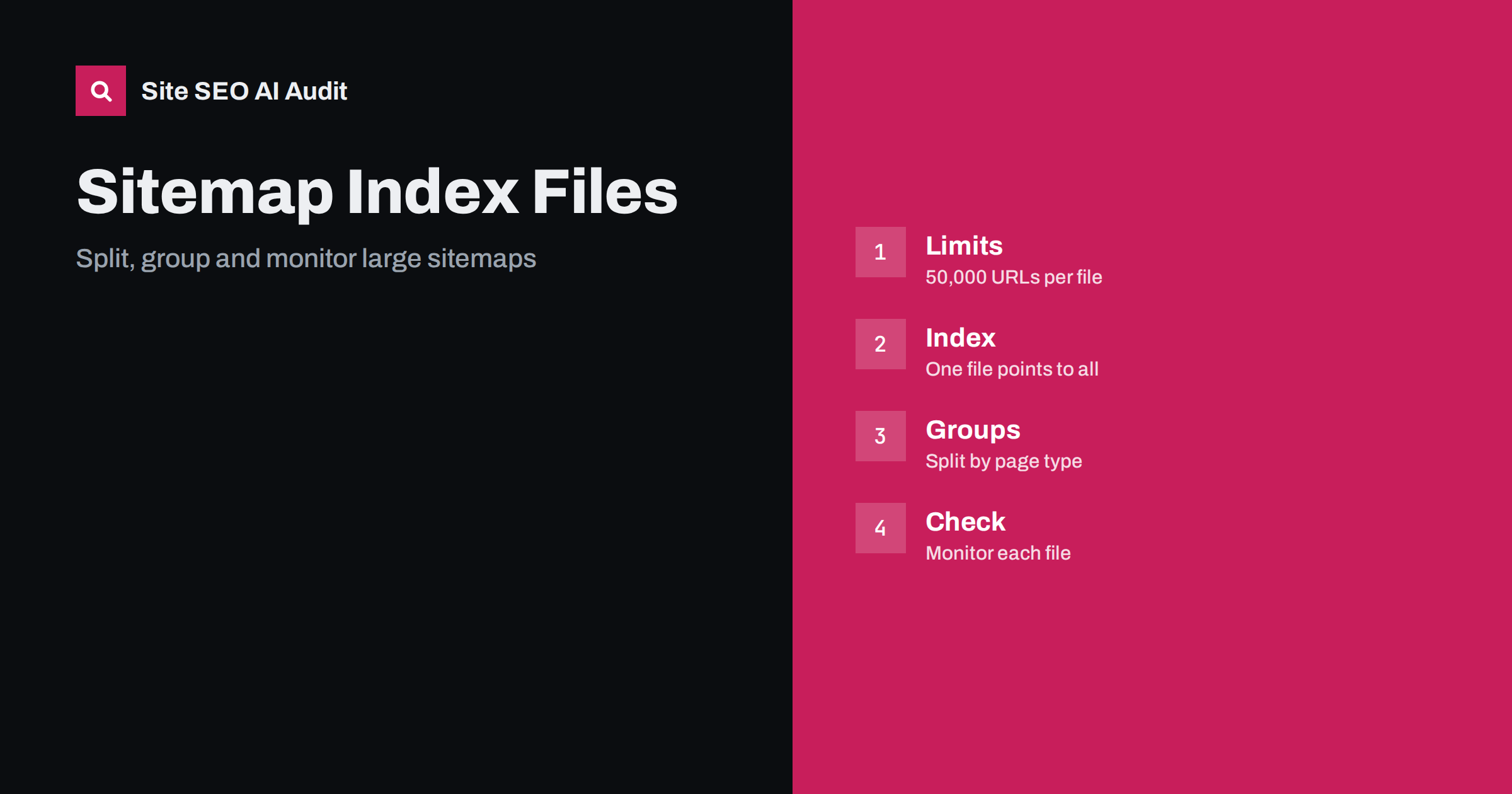
Short answer: A single XML sitemap file may hold at most 50,000 URLs and be at most 50 MB uncompressed, so a large site needs several sitemap files tied together by a sitemap index file. Submit the index, split the files by page type or section so that you can see where problems are, list only canonical indexable URLs, keep lastmod values truthful, generate everything automatically and review the reports regularly. A tidy structure does not guarantee indexing, but it makes problems visible and helps crawlers find new pages.
For a small site, one sitemap is enough and the topic is simple. Once a site has hundreds of thousands of products, articles, listings or user pages, the sitemap becomes a system with real design choices. A badly built system can list redirected pages, miss new content, hide errors in one huge file or break silently after a release. This guide explains the limits, a sensible structure and the checks that keep a large set of sitemaps healthy. The basic rules are in the guide to XML sitemap best practices; here the focus is scale.
The limits you must respect
The sitemap protocol sets two limits for each file: no more than 50,000 URLs and no more than 50 MB when uncompressed. You may serve the file compressed with gzip, but the limit applies to the size after decompression. A sitemap index file, which lists other sitemap files, has its own limit of 50,000 sitemaps. That allows billions of URLs in theory, so the limits rarely prevent a large site from listing what it needs.
Many teams split well before the limit. Files with 10,000 to 40,000 URLs are easier to generate, download and debug than files at the edge of the limit. If your system produces files that are close to 50 MB, check whether long URLs, extra tags or image data are inflating them. Smaller files also reduce the chance that a timeout or a memory error truncates a file halfway.
How a sitemap index works
A sitemap index is an XML file that contains a list of sitemap locations, each with an optional lastmod date. You submit the index file in Search Console and mention it in robots.txt with a Sitemap line, and crawlers then read each listed file. All listed sitemaps should be on the same host and, in most setups, in the same directory or below the index, which keeps ownership clear. You can also submit several index files if your platform builds them separately.
An index may not contain another index, so the structure is two levels deep: one index, many sitemaps. Keep file names stable. If the names change with every build, crawlers have to relearn the list, and your reports lose their history. A name such as products-1.xml that always refers to the same range works better than a name with a timestamp. For the robots.txt side, see the guide to robots.txt.
Split by meaning, not only by count
The easiest split is by count: the first 40,000 URLs go in file one, the next in file two. It works, but it tells you little. A better plan groups URLs by type or section: products, categories, articles, authors, locations, help pages. When the Search Console sitemap reports show that one group has many pages excluded, you know where to look. The same idea helps you find that a template change broke only one part of the site.
Within each group, split further by a stable rule, such as the first letter of a slug, a category, a language or a creation date range. Avoid rules that move URLs between files every day, because a URL that jumps from file to file confuses the reports. If your site has several languages, keep language versions organised as described in the guide to multilingual XML sitemaps, and decide whether hreflang annotations live in the sitemap or the page, as compared in the guide to hreflang in sitemaps and HTML.
List only the URLs you want indexed
A sitemap is a list of suggested canonical URLs. Every URL in it should return status 200, be indexable, be the canonical version and not be blocked by robots.txt. Redirected URLs, error pages, noindex pages, parameter variants and duplicates dilute the file and create warnings. On a large site these mistakes multiply: a faulty filter can add millions of useless URLs overnight.
Build a rule set that the generator follows: include a URL only if it passes the same checks that a crawler would apply. Exclude pages that were removed, merged or marked noindex, and remove them in the next build, not weeks later. If your site has faceted navigation, decide which filter pages deserve a place and leave the rest out, using the guidance in the guide to faceted navigation. A sitemap that matches the canonical set is a strong consistency signal, as explained in the guide to canonical tags.
Keep lastmod honest
The lastmod value tells crawlers when a page last changed in a meaningful way. If it is accurate, it helps crawlers decide what to revisit. If every URL shows today’s date after each build, the value becomes useless and may be ignored. Update lastmod only when the main content, the structured data or the important links changed, not when a footer or a timestamp changed. The details are in the guide to sitemap lastmod accuracy.
The same applies at index level. The lastmod of a sitemap file in the index should reflect the latest change of its URLs. Keep the values consistent between the files and the index.
Generate sitemaps automatically and safely
Large sitemaps cannot be maintained by hand. Generate them from the same database that produces the pages, and run the job on a schedule or on publish events. Write the new files to a temporary location, validate them and then replace the old ones, so that a failed job does not leave an empty or half-written file for crawlers. Keep the previous version for a short time in case you need to compare.
Add checks to the job. Count the URLs in each file, fail the build if a group drops by more than a set percentage, and fail it if the sum is zero. A release that accidentally removes half of the product sitemap should raise an alarm the same day, not after traffic falls. Where sitemaps are served by a CDN, make sure caching rules do not serve stale files for days, a point related to the guide to HTTP caching headers.
Common mistakes on large sites
Several errors appear again and again. The first is listing URLs with the wrong host or protocol, for example HTTP addresses on an HTTPS site or a www version when the canonical is non-www. The second is leaving staging or test URLs in the file after a deployment. The third is including pages that have been blocked by robots.txt, which sends crawlers a contradictory message. The fourth is forgetting to remove deleted products, so the sitemap keeps pointing to error pages for months.
Another common problem is a generator that times out under load and writes a partial file. Crawlers then see a valid file with far fewer URLs, and the loss goes unnoticed. Alerts on file size and URL counts catch this early. Finally, avoid putting user-generated pages with thin content into the sitemap without a quality rule, because large numbers of weak pages can drag down how the whole site is treated, as described in the guide to thin content.
Image, video and other special sitemaps
If you use image or video extensions, keep them in separate files or groups when the data is large, since they add bytes per URL and can bring a file near the size limit. The usage is described in the guide to image and video sitemaps. News sitemaps have their own rules and should list only recent articles. Do not mix unrelated formats in one file just to save work.
Monitor the files after launch
Submit the index in Search Console and review the sitemap report and the page indexing report for each file. Watch for fetch errors, a falling count of discovered URLs, and reasons for exclusion by group. A sudden rise of pages in the status discovered but not indexed may point to weak pages or a crawl budget limit, as covered in the guide to discovered but not indexed. For understanding the reports, read the guide to the page indexing report.
Compare the sitemap with a crawl of the site and, if possible, with server logs. Pages that appear in the sitemap but never in the crawl are suspicious, and so are pages that receive visits but are missing from the sitemap. The comparison shows orphan pages and generator mistakes, a method that fits well with the guide to log file analysis.
Site SEO AI Audit crawls your website and reports status codes, redirect chains, canonical tags, noindex, duplicate content and sitemap issues, so you can check that the pages in your sitemaps are clean and indexable. It does not build or submit the sitemaps for you. The first audit of up to 200 pages is free, and larger sites can see the pricing page.
Related reading
The bottom line
Split sitemaps by meaning, list only clean canonical URLs and watch each file after every release.
FAQ
What is the maximum size of a sitemap?
Each sitemap file may contain up to 50,000 URLs and be up to 50 MB uncompressed. A sitemap index can list up to 50,000 sitemap files.
Do I need a sitemap index?
You need one when a single file cannot hold all URLs, and it is also useful when you want to group URLs by section for clearer reports.
Should every URL on my site be in a sitemap?
No. List only canonical, indexable pages that return status 200 and that you want search engines and AI crawlers to find.
How often should the sitemaps update?
As often as your content changes. Many large sites regenerate them daily or on publish, as long as the lastmod values stay accurate.
Can a sitemap fix an indexing problem?
It helps discovery, but it cannot force indexing. Weak, duplicate or blocked pages need to be fixed on the pages themselves.