ENEnglish
 LTLietuviškai
 DEDeutsch
 FRFrançais
 RUРусский
 ESEspañol
 PLPolski
 ITItaliano
 UKУкраїнська
 CSČeština
 PTPortuguês
 JA日本語
 LVLatviešu valoda
 ETEesti
 HUMagyar
 IDBahasa Indonesia
 TRTürkçe
 HIहिन्दी
 ELΕλληνικά
 ARالعربية
 THไทย
 VITiếng Việt
 RORomână
 MSBahasa Melayu
 BNবাংলা
Short answer: A redirect map is a table that pairs every important old address with the new address that replaces it. To build one, collect the old URLs from a crawl, your sitemap, analytics, Search Console and backlink data, match each to the closest new page, send them with a permanent redirect in one hop, handle special cases such as removed pages and parameters, test the file on a staging site and monitor errors and traffic after the launch.
The redirect map is the most important file in most site migrations. When the addresses change, it carries the visitors, the links and the search history from the old pages to the new ones. A good map keeps most of the traffic. A poor one, or none at all, leaves visitors on error pages and search engines with no way to connect the old and new sites. This guide describes how to build and check a map in a way that works for a small site and scales to a large one. For the wider process, see the guide to the site migration checklist.
Start with the full list of old URLs
You cannot map what you do not know. Collect addresses from several sources, because each shows a different part of the picture. A crawl of the live site shows the pages that are linked internally. The sitemap lists the pages you want indexed. Analytics shows pages that receive visits, including old ones that are not linked any more. Search Console shows pages that appear in search and receive clicks. A backlink report shows pages with external links, which are among the most valuable. Server logs show what is requested, including by crawlers.
Combine the lists in one sheet, remove duplicates and normalise the addresses: the same protocol and host, the same rule for trailing slashes and for upper and lower case. Mark where each address came from and add columns for traffic, links and indexing status. This data will help you to decide which pages matter most.
Decide what will exist on the new site
Before matching, know the new structure. Get the list of new addresses from the new site or a staging copy, with titles and topics. Decide for each old page whether it will have a direct equivalent, be merged into another page, be replaced by a category or be removed. A content audit helps, as described in the guide to scoring every page. Do not rebuild all old pages just to keep addresses, but do not drop pages that bring traffic or links without a reason.
If the migration also changes the language structure, the domain or the protocol, the same method applies, with extra points covered in the guide to international site migration, the guide to HTTPS migration and the guide to rebranding and name changes.
Match old to new
For each old address, choose the closest new page by topic and intent, not just by similar words. Where addresses follow a pattern, such as a change from one folder name to another, write a rule that applies to the whole group and test it. For irregular pages, match one by one, starting with those with the most traffic and links. Use a lookup by title or by a content identifier if the system has one.
Some pages have no equivalent. A discontinued product can go to its replacement or to its category. An old article can go to a newer article on the same subject. If no relevant page exists, it is better to let the old address return a not-found or gone response than to send everything to the home page, as explained in the guide to 410 and 404 responses.
Use the right redirect type and avoid chains
For permanent moves, use a 301 or the equivalent permanent redirect, as described in the guide to 301 and 302 redirects. Each old address should point directly to the final new address in one step. Chains of two or more redirects slow down visitors and waste crawling, and loops make pages unreachable. After you finish the map, check the destinations: none of them should redirect again, including through old rules that remain on the server. See the guide to redirect chains and loops.
Do not forget variations: addresses with and without www, with and without a trailing slash, in capital letters, with tracking parameters and with file extensions. Decide which variants must be handled and apply one rule for each type.
Special cases to plan
Several cases need care. Parameters: most tracking parameters should be ignored, but parameters that select content, such as an item number, may need to be mapped. Images and files: if documents and images have links, consider redirecting them too. Pagination and filters: map the first page of a series to the new first page and do not create thousands of redirects for filter combinations that will not exist. Language versions: map each version to its counterpart and keep hreflang consistent. Old redirects: include them, so that older addresses go straight to the final destination.
Also think about internal links. After the launch, update links on the new site so that they point to the new addresses directly. Redirects are for visitors and external links, not for the site’s own navigation, which is covered in the guide to finding and fixing broken links.
Format and implementation
Keep the map in a simple table with columns for the old address, the new address, the status code, the type of match and notes. Add a column for who approved it. Store it in a version-controlled place so that you can see changes. Then convert it to the format your platform needs: server rules, a plugin table or a rule set at the delivery network. The equivalents for common servers are in the guide to redirects in Apache, Nginx and WordPress, and when the platform cannot do it, the option of the edge layer is covered in the guide to edge SEO.
For very large maps, use pattern rules with a lookup file, not thousands of separate lines, because performance matters. Test the speed of the server with the final rule set.
Test before and after launch
Test the map on a staging server or in a copy of the rules. Run the list of old addresses through a crawler in list mode and check the status code, the final address and the number of hops. Look for errors, chains, loops and destinations that return something other than a successful page. Check a sample by hand on phone and desktop. Confirm that the new pages have the correct canonical tags, noindex settings and sitemap entries.
On launch day, run the same test on the live site, submit the new sitemap and watch Search Console, the server logs and analytics. Look for rising error counts, a drop in visits to key pages and unexpected redirects. Fix problems in the map quickly, and keep a record of changes. Expect some fluctuation in rankings for a time, which is normal after a migration.
How long to keep redirects
Keep the redirects for as long as old addresses receive visits or have links, which is often a year or more, and for important pages indefinitely if you can. Do not remove them just because the number of requests falls. The decision is explained in the guide to keeping 301 redirects. After the migration, ask the owners of important linking sites to update their links, as in the guide to reclaiming lost backlinks.
Here is a short example. A company moved to a new platform and changed all its addresses. The team built a map from five sources, including backlink data. They found that fifty old pages with strong links were not in the sitemap and would have been forgotten. They matched them by hand, tested the whole map in a crawl and launched with only a handful of errors, which they fixed on the same day.
A second example is a shop that had redirected all old product pages to the home page. After a review, it rebuilt the map to send each product to its replacement or category, and the number of soft errors in Search Console fell.
Site SEO AI Audit crawls your website and reports status codes, redirect chains, links to redirects, broken links, canonical tags, noindex and sitemap issues, so you can check a site before and after a migration. It does not build the map for you. The first audit of up to 200 pages is free, and larger sites can see the pricing page.
Related reading
The bottom line
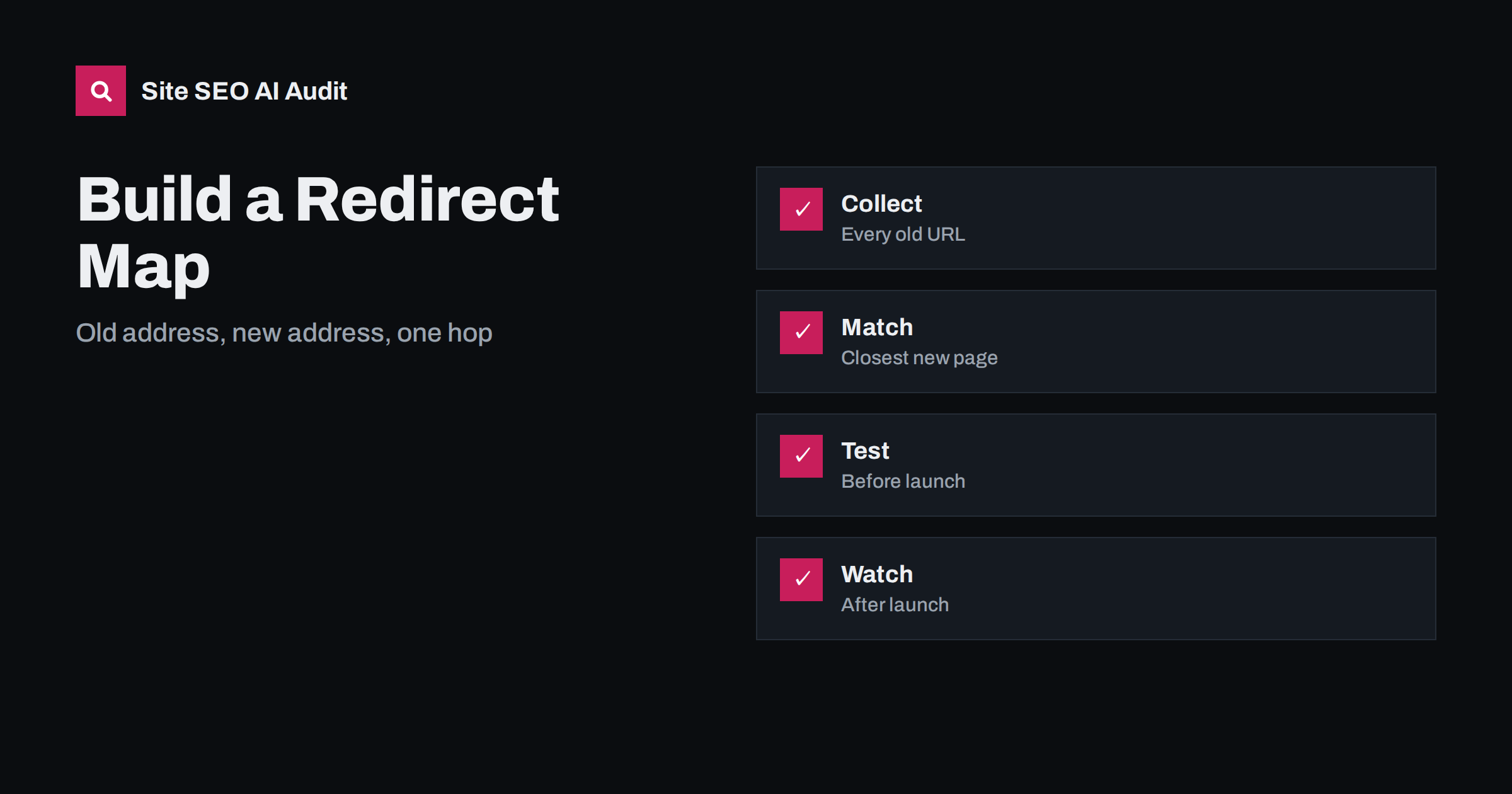
Collect every old address, match it to the closest new page in one hop, test the file and keep the redirects long after launch.
FAQ
What is a redirect map?
It is a table that pairs each old address with the new address that replaces it, used to create redirects during a migration.
Should every old page be redirected?
Every page with traffic, links or value should be handled. Pages with no equivalent can return a not-found or gone response.
Can I redirect everything to the home page?
It is not recommended. Search engines may treat it as an error, and visitors lose context.
Where do I find all the old URLs?
Combine a crawl, the sitemap, analytics, Search Console, backlink reports and server logs.
How should I test the map?
Run the old URLs through a crawler and check the status code, final address and number of hops, before and after launch.