ENEnglish
 LTLietuviškai
 DEDeutsch
 FRFrançais
 RUРусский
 ESEspañol
 PLPolski
 ITItaliano
 UKУкраїнська
 CSČeština
 PTPortuguês
 JA日本語
 LVLatviešu valoda
 ETEesti
 HUMagyar
 IDBahasa Indonesia
 TRTürkçe
 HIहिन्दी
 ELΕλληνικά
 ARالعربية
 THไทย
 VITiếng Việt
 RORomână
 MSBahasa Melayu
 BNবাংলা
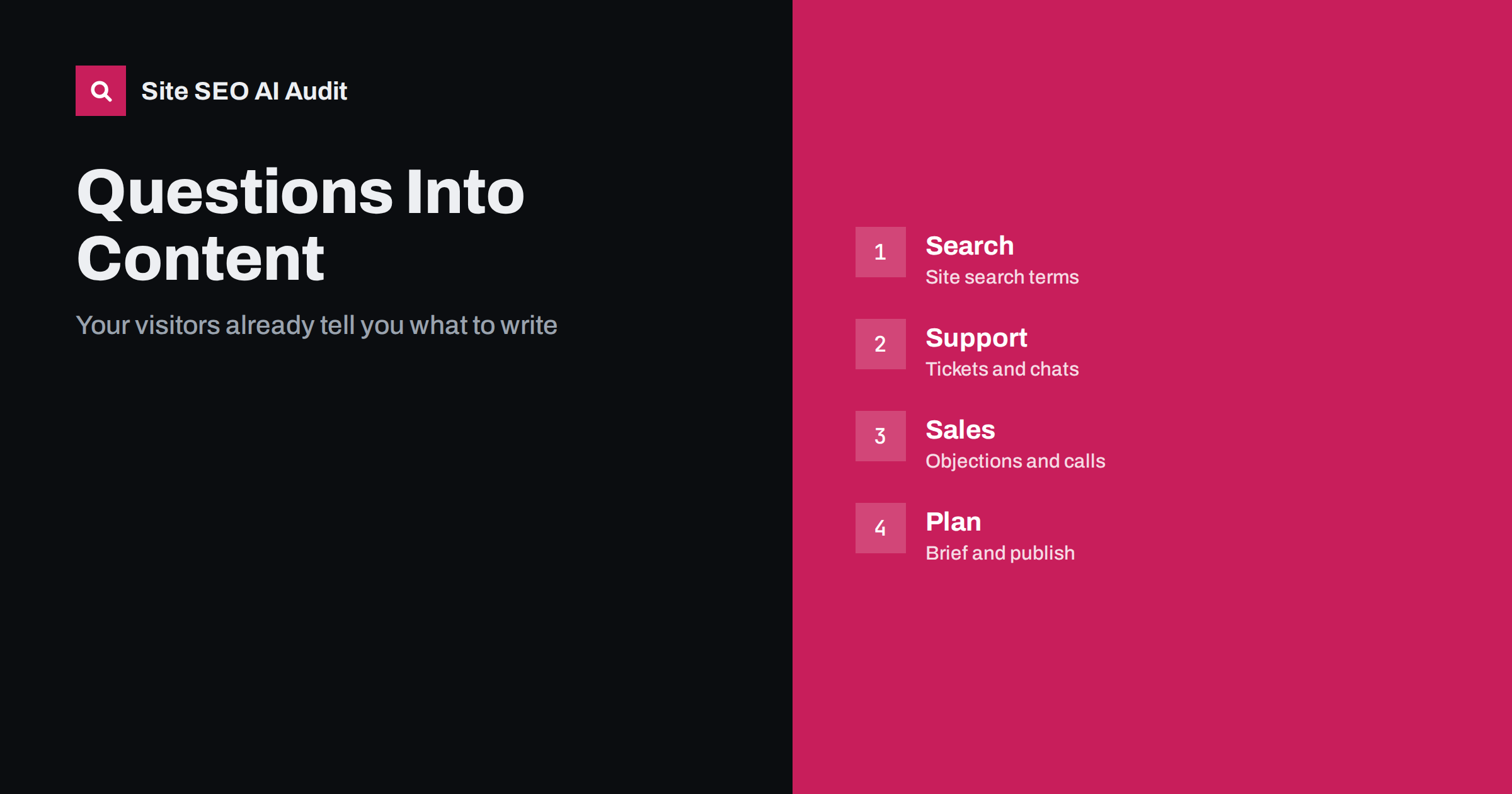
Short answer: The best source of content ideas is the people who already use your site. Site search shows what visitors could not find, support tickets and chats show what confuses customers, sales calls show the doubts that stop a purchase and reviews show the words people use. Collect these questions in one place, group them by topic, check what you already publish, and write or improve pages that answer them first. Such pages match real intent, and they often become the answers that search engines and AI assistants quote.
Most keyword research starts outside the business, with tools that estimate what people search for in general. That is useful, but it misses something valuable. Every day your visitors type words into your own search box, your support team answers the same questions again and again, and your sales team hears the same hesitations. These signals are specific, current and free. They come from people who are close to a decision, and they use the exact words they would also type into a search engine or an assistant. This guide shows how to collect them, turn them into a content plan and avoid the common mistakes. For general research methods, see the keyword research guide.
What site search tells you
If your site has a search box, the queries typed into it are a map of unmet needs. A visitor who searches for a word on your site did not find it in the menu or on the page. Common patterns are product names or codes, questions about delivery, returns or prices, requests for a document, and words that you use differently from your customers. Each one points to a missing page, a hidden page or a label that is not clear.
To read the data, export the list of search terms for the last three to six months with the number of searches and, if your analytics allows it, the number of searches with no results and the exits after search. Group similar terms, such as plurals and misspellings. The terms with many searches and no results are the clearest gaps. The terms with many searches and a quick exit suggest that the results page is poor or the content does not answer the need. Keep your search result pages themselves out of the index, as described in the guide to internal search pages.
What support teams know
Support tickets, chat transcripts, emails and phone notes contain the questions that your website failed to answer. Ask the team to tag incoming messages by topic, or review a sample of the last hundred. Look for repeated questions, words that customers use for your features and the steps where people get stuck. Each repeated question is a candidate for a help article, a section on a product page or a clearer message in the process.
Take care with privacy. Remove names, contact details and anything personal before you share examples, and never publish a question that could identify a customer. Write the answer for everyone, in general terms. The structure of good help content is discussed in the guide to help centres and documentation.
What sales conversations reveal
Sales and account teams hear the questions that appear before a decision: how does this compare with another option, how much does it cost in total, how long does it take, what happens if it does not work, who else uses it. Ask them for the top ten objections and the top ten questions in the first call. These are often missing from the website, because teams assume that the prospect will ask in person. Many prospects never ask. They leave, or they ask an assistant.
Turn each question into a page or section with a direct answer. Comparison questions need an honest comparison, as in the guide to comparison pages. Price questions need clear information, as in the guide to pricing page SEO. Doubts about trust need proof, such as case studies and real details, as in the guide to case study pages.
Other places where questions appear
Reviews and ratings show the words people use for strengths and problems. Social comments and community posts show what they ask other people. Search Console queries show which questions already bring impressions, and the report on queries without clicks can reveal pages that do not answer well; see the guide to low click-through rates. Forum threads in your field show the language and concerns of the audience, as covered in the guide to forums and communities.
Event and webinar questions are another source. Ask the host to export the questions from a session and treat them as a list of topics. Internal staff, such as installers, receptionists and service engineers, also know what customers ask on the phone and in person.
Build one list and group it
Put everything in a single spreadsheet with these columns: the question in the customer’s words, the source, how often it appears, the stage of the buying journey, the page that currently answers it and the action needed. Group the questions by theme and by intent. Some are quick facts, some need a guide, some need a product or service page and some belong in a help article. Do not try to write a page for every question. Combine similar ones, and prefer a good page with a clear section for each question.
Check the existing content first. Often the answer exists but is hard to find, buried in a long page or named in a different way. In that case the fix is a clearer title, a better heading, a link from a more visible place or a short summary at the top. The method of mapping topics to pages is in the guide to keyword mapping, and the review of what is missing in the guide to content gap analysis.
Prioritise by value and effort
Rank each topic by how many people ask, how close to a purchase the question is and how easy the answer is to produce. High-frequency, close-to-purchase questions with easy answers come first. Questions with legal, medical or financial implications need review by an expert. Questions without a good answer yet may point to a gap in the product or service, which should go back to the team that owns it.
Measure the effect after publication. For help content, look at fewer tickets about the topic. For sales content, look at fewer repeated objections and more visits to the page before a request. For search, watch impressions and clicks for the matching queries, as in the guide to the performance report.
Write answers that people and assistants can use
Use the customer’s words in the title and headings, and give the direct answer in the first sentence, followed by the detail. Keep one main question per page or section. Add a short FAQ for related questions, with the same text in the markup as on the page, following the guide to FAQ sections. Link to the next logical step, such as a product, a form or a related guide. Date the content and update it when the answer changes.
Avoid copying a ticket answer word for word. Support replies are often written for one person and need to be rewritten as a general explanation, with examples and screenshots where useful.
Keep the loop running
Make this a habit rather than a project. Review site search terms and support tags every month, add new items to the list and publish the most valuable answers. Share the results with the teams who provided the questions, so that they keep sending them. Update older answers when a question returns, which may mean the page is not clear enough. Over time, the site becomes a mirror of what customers want to know. Revisit old pages with the guide to refreshing old posts.
Here is a short example. An online shop saw that many site searches were for sizes and delivery times, and that support answered the same four questions daily. It added a size guide, a clear delivery page and short answers on product pages. Tickets on these topics fell, and the pages started to receive visits from search too, since they used the words that customers use.
A second example is a software company whose sales team listed the five most common doubts before a trial. The company wrote an honest page for each, including limits, and linked them from the pricing page. Prospects arrived better informed, and the sales calls shifted to real needs.
Site SEO AI Audit crawls your website and checks titles, descriptions, headings, thin and duplicate content, broken links, structured data and AI visibility settings, which helps you review the pages you create or improve from these questions. It does not read your site search logs or support tickets. The first audit of up to 200 pages is free, and larger sites can see the pricing page.
Related reading
- Search Intent: How to Match Your Page to What Searchers Want
- Long-Tail Keywords: How to Find Them and Use Them Well
- SEO Content Calendar
The bottom line
Collect the questions your own audience asks, answer them first and clearly, and keep listening.
FAQ
Do I need a site search box to use this method?
No. Support messages, sales calls, reviews and Search Console queries give many of the same signals.
How many questions should I start with?
Start with the ten most frequent ones. A small set answered well is better than a long list answered badly.
Is it safe to publish questions from customers?
Rewrite them in general terms and remove any personal details. Never publish anything that could identify a person.
How often should I review these sources?
Monthly is enough for most sites. Review more often around launches, price changes or seasonal peaks.
Can these pages rank in search and in AI answers?
Yes. They use real wording and give direct answers, which suits both search results and assistants.