ENEnglish
 LTLietuviškai
 DEDeutsch
 FRFrançais
 RUРусский
 ESEspañol
 PLPolski
 ITItaliano
 UKУкраїнська
 CSČeština
 PTPortuguês
 JA日本語
JA日本語 LVLatviešu valoda
 ETEesti
 HUMagyar
 IDBahasa Indonesia
 TRTürkçe
 HIहिन्दी
 ELΕλληνικά
 ARالعربية
 THไทย
THไทย VITiếng Việt
 RORomână
 MSBahasa Melayu
 BNবাংলা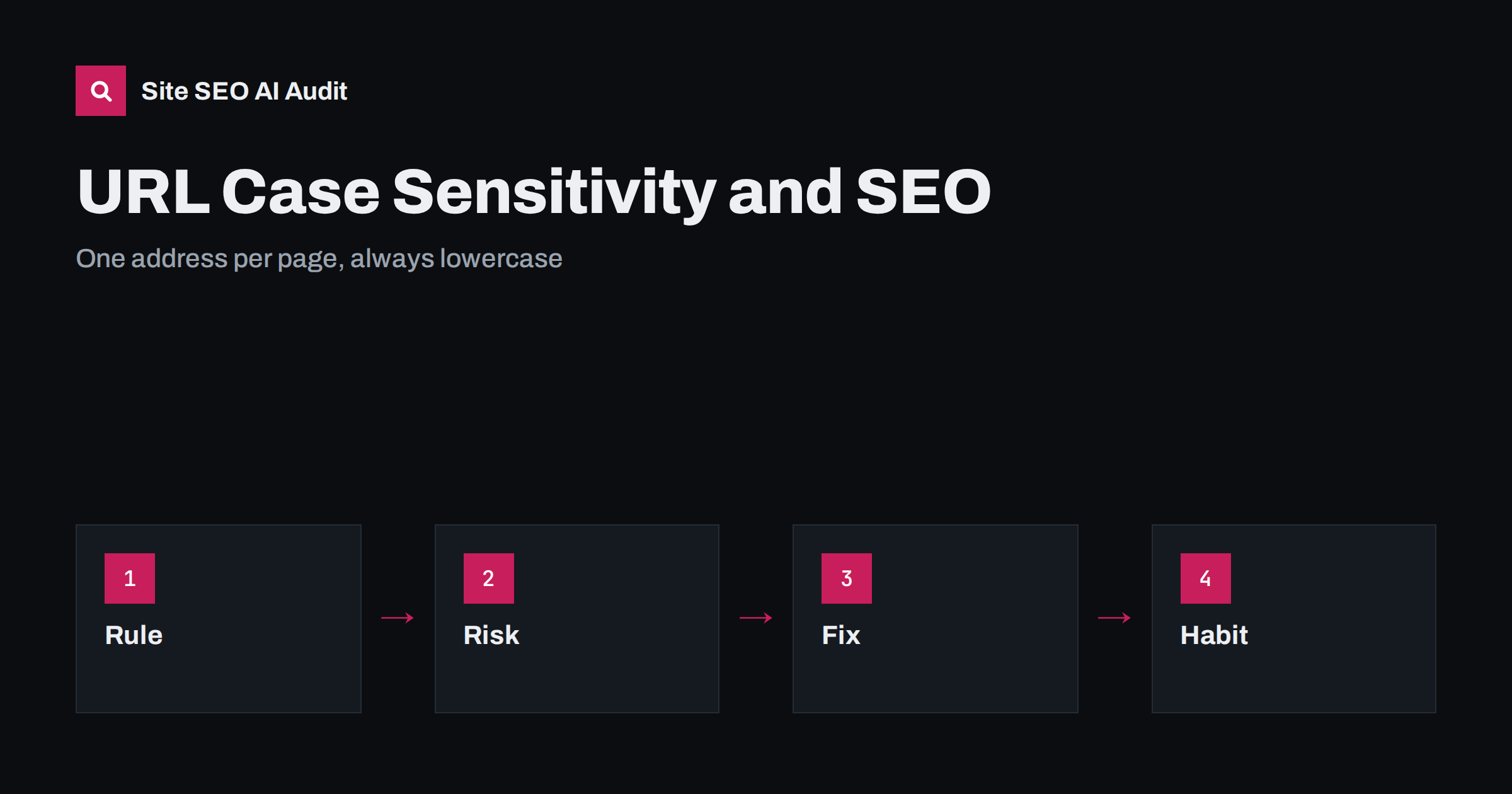
Short answer: In a web address, the domain name is not case sensitive, but the path after it often is, so /Shoes/ and /shoes/ can be two different pages on many servers. If both versions load, search engines see duplicates, links and signals are split and reports become confusing. Choose lowercase for every address, redirect any other version with a permanent redirect, use only the lowercase form in links, sitemaps and canonical tags, and check logs and crawls for variants that still appear.
Most visitors never notice whether a letter in a web address is capital or small, and neither does a person typing into a browser bar. A server, however, may treat a capital letter as a different character. This is a quiet source of duplicate content: a campaign link with a capital letter, an old page written in mixed case or a partner who copies an address by hand can create a second version of a page that works and looks identical. Search engines usually pick one, but they may pick the wrong one, and the effort of crawling the extra copies is wasted. The fix is simple and permanent once you set a rule. This guide explains how case works in addresses, where problems come from and how to standardise. For the broader topic of address design, see SEO-friendly URL slugs.
Which parts of an address are case sensitive
An address has several parts. The scheme, such as https, and the host name, such as the domain, are treated without regard to case: a capital letter in the domain leads to the same site. The path, the part after the domain, and the query string are different. Under the web standards, they may be case sensitive, and what happens depends on the server and its file system. Servers running on Linux commonly distinguish between capital and small letters in file names, so a request for a differently capitalised path may return an error. Servers on other systems, and many content management systems, treat the two as the same and show the page. The result is that the same site can behave differently on different hosts, and that a move between hosts can change behaviour without any warning.
How duplicate addresses appear
Duplicates of this kind come from ordinary habits. Someone writes a link with a capital letter in an email, a social post or a printed brochure. A developer names a file or category with capitals, and it is later used in links in a different case. An import from an old system keeps the original capitalisation of slugs. A redirect rule matches only one case. A tracking tool changes the case of a path when it builds a link. When the server serves the page for both versions, each can be linked, crawled and reported separately. If it returns an error for the unexpected version, visitors who follow that link meet a broken page, and any value in that link is lost. Both outcomes are worth fixing.
What search engines do with case variants
Search engines treat addresses that differ only in case as different addresses, because they may lead to different content. When they find identical content at two of them, they group the copies as duplicates and choose one version to show, which they call the canonical. You can influence the choice through redirects, canonical tags, internal links and sitemaps, but you cannot force it. Meanwhile, links pointing to different versions split their value, reports in Search Console show separate rows for each form, and crawling spends time on repeated pages. The wider logic of grouping duplicates is explained in the canonical tags guide, and the link between parameters and duplicates appears in URL parameters and duplicate content.
Choose one convention: lowercase
The safest convention is lowercase for the whole path, with hyphens between words. Lowercase is what people expect, what most tools generate and the easiest to keep consistent. Write the rule in your content guidelines and apply it to new pages, categories, tags, file names for images and documents, and campaign links. If your site already uses mixed case for important pages, decide whether changing them is worth the effort, since a change needs redirects. For older sites with a few mixed-case pages that rank well, a careful migration is often justified; for new sites the rule costs nothing. Consistency matters more than which convention you choose, but lowercase is the practical standard. Keep the same rule for language folders and country codes.
Redirect other versions with a permanent redirect
When a request arrives with capital letters, send it to the lowercase address with a permanent redirect in a single step. Most web servers and content management systems can do this with a rewrite rule or a setting, and many frameworks have a lowercase option for routes. Test several examples: a capitalised category, a capitalised file name, a capitalised page inside a folder. Make sure the redirect keeps the rest of the address and any necessary query string, and avoid chains in which the case fix is followed by a redirect for the trailing slash or the protocol. Combine rules into one hop wherever possible. The details of good redirect design are in the redirect chains guide, and the consistency of slashes and host names is covered in www and trailing slash consistency.
Keep links, sitemaps and canonicals consistent
Redirects are the safety net, but your own signals should already point to the right version. Use the lowercase address in internal links, navigation, breadcrumbs, XML sitemaps, canonical tags, hreflang annotations and structured data. Review templates and plugins that build links from titles, since some preserve capitals. Ask partners and campaign managers to use the exact address from your page, copied from the browser bar, instead of retyping it. In emails and printed material that use short addresses, choose lowercase there too. After a clean-up, update the sitemap so that it contains only the final versions, as suggested in the XML sitemap guide.
Special cases: files, parameters and encoding
A few details deserve care. File names for images and documents are part of the address, so they follow the same rule. Parameter names and values may be case sensitive, and a tracking parameter with different capitalisation can create new variants; strip or ignore parameters that do not change content. Characters outside basic Latin are encoded in addresses, and the encoded letters have their own case, so percent-encoded sequences should use one consistent form. Fragments after a hash sign are not sent to the server and do not create separate pages. If your site is multilingual, keep language codes lowercase in the path, with region codes in the form your hreflang annotations use. Check each special case after changes.
How to find and monitor case variants
Start with a crawl of the site and filter the list of addresses for capital letters. Compare the pages that exist in both forms and note which one receives links and visits. Check your server logs and Search Console for requests to capitalised addresses, and review referring links for variants. Search for your site with capital letters to see whether any version is indexed. After you add the redirect rule, retest a sample and add the check to your regular monitoring, so a new template or an import does not reintroduce the problem. Record the rule and the date, so future developers know why it exists.
Plan a clean-up for an existing site
If you already have mixed-case addresses in the index, plan the clean-up in steps. List the affected pages, choose the lowercase version of each as the target, add redirects and update internal links, sitemaps and canonical tags. Keep the redirects in place for at least a year, and longer if outside links still point to the old forms. Watch Search Console in the weeks after the change: the old addresses should fade from the reports while the lowercase ones take over. If a page behaves unexpectedly, check for conflicting rules, such as a canonical tag that still points to the old version.
Site SEO AI Audit crawls your pages like a search engine and checks status codes, redirects, canonical tags, duplicate titles and duplicate content, so address variants that return the same page can show up in the results. It does not rewrite your server rules, so the fix itself stays in your server or content management system. The first audit of up to 200 pages is free; larger sites can see the pricing page.
Related reading
The bottom line
Treat the path of every address as case sensitive. Choose lowercase, redirect other versions permanently in one step, use only the lowercase form in links, sitemaps and canonicals, and monitor for variants so duplicates do not return.
FAQ
Is the domain name case sensitive?
No. Capital letters in the domain lead to the same site. The path and query string after it may be case sensitive, depending on the server.
Do uppercase URLs hurt rankings?
Not by themselves, but if two versions of a page work, signals are split and crawling is wasted. One standard address avoids that.
Should I change existing mixed-case URLs?
For new pages, always use lowercase. For old pages that rank well, change them only with permanent redirects and updated links, and test the result.
Can a canonical tag replace redirects?
It helps, but a redirect is stronger because it also fixes the visitor’s experience. Use both, with the canonical pointing to the lowercase address.
How do I check if my site has case duplicates?
Crawl the site, filter addresses for capital letters, test a few variants in the browser and review server logs and Search Console for such requests.