ENEnglish
 LTLietuviškai
 DEDeutsch
 FRFrançais
 RUРусский
 ESEspañol
 PLPolski
 ITItaliano
 UKУкраїнська
 CSČeština
 PTPortuguês
 JA日本語
JA日本語 LVLatviešu valoda
 ETEesti
 HUMagyar
 IDBahasa Indonesia
 TRTürkçe
 HIहिन्दी
 ELΕλληνικά
 ARالعربية
 THไทย
THไทย VITiếng Việt
 RORomână
 MSBahasa Melayu
 BNবাংলা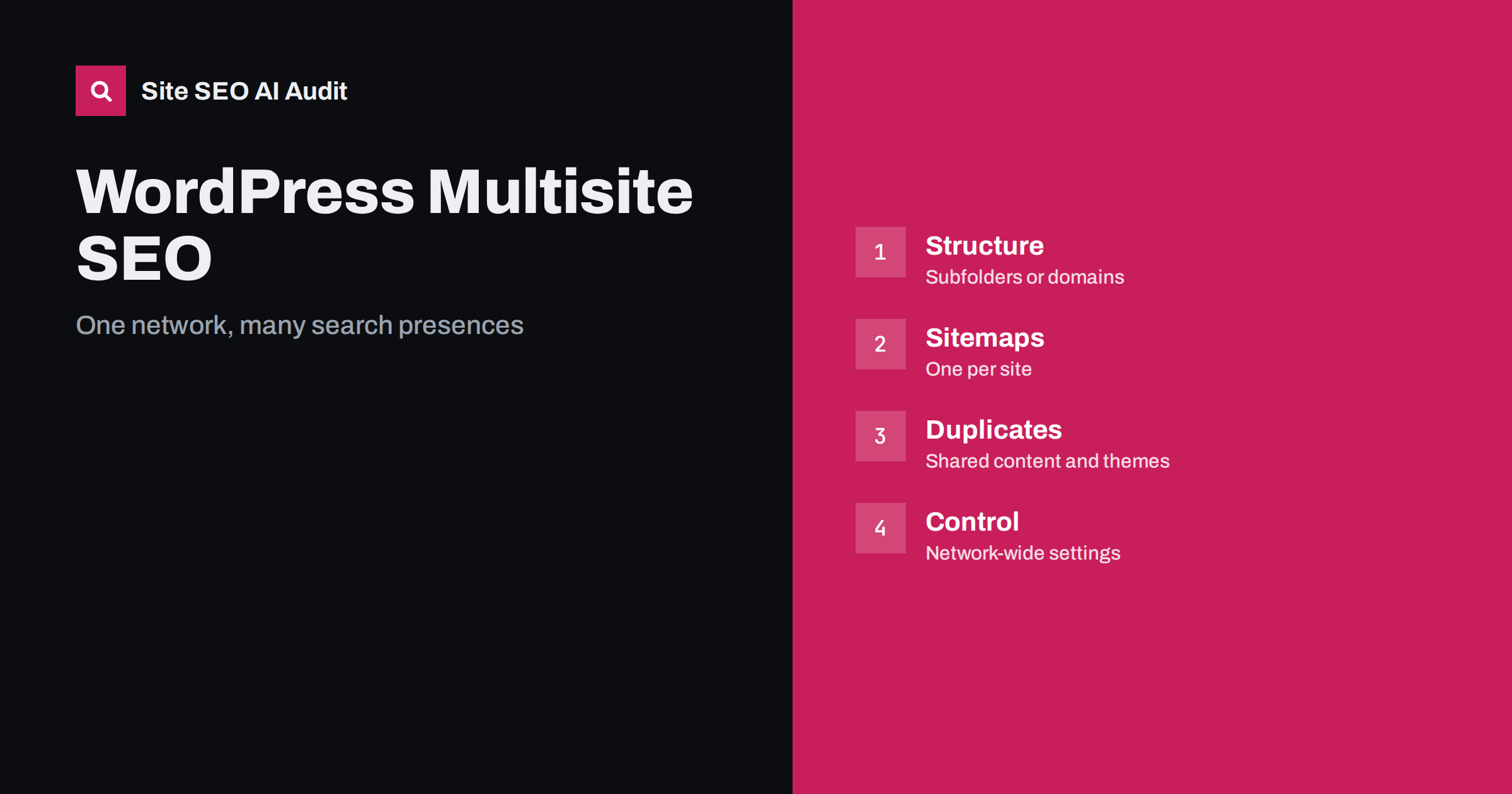
Short answer: WordPress Multisite can work well for search, but each site in the network is judged as its own website, so each needs its own sitemap, titles, canonical tags and settings. Decide early whether sites live in subfolders, subdomains or on mapped domains, avoid publishing the same content on several sites without canonical tags, keep network-wide plugins and themes from outputting identical metadata, and test every site separately. A network shares code and administration, not rankings.
Multisite lets one WordPress installation run many websites, which is attractive for franchises, universities, agencies, publishers and companies with country or brand sites. It saves time on updates and users, but it can also hide SEO problems, because a single mistake in a shared theme, plugin or setting repeats across every site at once. This guide explains how search engines see a network, which structure to choose, what to configure per site and how to audit the result. Many points also apply to any group of related sites, as discussed in ccTLD, subdomain or subfolder.
How search engines treat a network
Search engines see addresses, not installations. A subfolder site such as example.com/uk/ is part of the same host as the main site, a subdomain such as uk.example.com is a separate host that may be treated as related, and a mapped domain such as example.co.uk is a separate website. Authority does not move automatically between them just because they run on one network. Each needs its own links, content and technical health. Think of Multisite as shared plumbing: it makes it easy to create sites, but each site still has to earn its place in search results.
Choosing subfolders, subdomains or domains
WordPress offers subdirectory and subdomain networks, and domain mapping allows each site to use its own domain. The choice is about your business structure more than about ranking tricks.
| Structure | Best for | Watch out for |
|---|---|---|
| Subfolders | Related sections or languages of one brand | Shared host settings, one robots.txt per host, path conflicts with the main site |
| Subdomains | Distinct brands or departments | Separate verification and reporting, links between hosts |
| Mapped domains | Independent brands, countries or clients | DNS and certificate setup, separate authority, redirects from old domains |
Make the choice once, because changing it later means a migration with redirects, as covered in the site migration checklist. Make sure the primary version of each site uses HTTPS, one hostname and a consistent trailing slash policy, and redirect all variants to it.
Give every site its own sitemap and robots rules
Each site should publish an XML sitemap that lists only its own indexable pages. Check that a site does not include addresses from other sites, that the sitemap is reachable at the address the site declares and that it is referenced in the robots.txt for that host. On subdirectory networks there is only one robots.txt for the host, so test that its rules make sense for every folder and that no site is blocked by a rule meant for another. Submit each site, or each host, in Search Console so that you can see its indexing and performance separately. The rules for good sitemaps are in XML sitemap best practices.
Handle themes and plugins carefully
Network-activated plugins and shared themes are powerful and risky. A SEO plugin activated across the network can output the same default title pattern, the same social image and the same canonical rules on every site. A theme can hard-code a site name in the wrong place or a language attribute that is wrong for half the network. Review the settings per site after creating it and avoid copying a template site that still carries the old site’s titles, descriptions and tracking codes.
- Set a unique site title, tagline and default metadata for each site.
- Check that the language attribute matches the language of the site, see the HTML lang attribute.
- Confirm that the search visibility setting is not left on discourage search engines.
- Check that each site has its own analytics property or a clear view in a shared one.
- Remove demo content, sample pages and test posts before launch.
The discouraging setting deserves special attention. New sites on a network are sometimes created with search engines discouraged, and the setting is forgotten when the site goes live. It can also be switched on during development of a cloned site, as described in staging site indexed fix, which covers the opposite problem.
Avoid duplicate content across sites
Networks often reuse content: product descriptions, legal pages, news articles, location pages and templates. Identical text on several sites competes with itself and may cause search engines to pick one version arbitrarily. Decide which site is the primary home of each shared piece of content. If the copies must exist, use cross-domain canonical tags pointing to the primary version, or noindex the secondary copies, or rewrite them to serve the local audience. Do not use a plugin that syndicates posts to all sites by default without checking its canonical behaviour. The same logic applies to near-identical location or country pages, which is also a thin content risk, explained in thin content: how to find and fix it.
Languages and countries on a network
Multisite is a common base for multilingual websites, with one site per language and a plugin that links translations. If you do this, each language version needs hreflang annotations that reference each other, correct language and region codes and self-references, in the HTML or in the sitemaps. Make sure translated sites are real translations or localised pages, not machine output published without review, and that the language switcher links to the equivalent page rather than the homepage. Guidance is in the hreflang tags guide and multilingual WordPress SEO. A single-site multilingual plugin is sometimes simpler than a network, so compare both before building.
Internal and cross-site linking
Links between network sites are normal when they help users, such as a link from a brand site to its regional site or to a partner product. They are not a loophole for authority. Avoid sitewide footer links from every site to every other site with keyword anchors, because they look like a link scheme and add little value. Use clear, descriptive anchor text on links that readers will actually use. Within each site, build internal links as you would on any website, see internal linking strategy. Remember that the network admin menu is not a navigation structure for visitors, so check what links appear in the live templates.
Users, performance and maintenance
A shared database and shared code mean one slow query or heavy plugin affects every site. Use caching that supports Multisite, keep the PHP version current and monitor server response times, because slow hosting harms crawling and user experience across the network. Plan updates carefully, test them on a staging copy and keep a changelog, since a broken update affects many sites at once. Control who can install plugins and themes, and review user roles per site, so that editors cannot change network-wide settings. Back up the database and files regularly and test restoring a single site.
Audit each site separately
Run an audit on each site, not on the network as a whole. Check the status codes of key pages, the sitemap, robots rules, titles, canonical tags, structured data, language attributes, duplicate content and speed. Compare results across sites to spot shared problems, such as a template that always omits the canonical tag, and fix them once at network level. Then fix site-specific issues in order of impact, following how to prioritise SEO fixes, and repeat after each release.
Site SEO AI Audit crawls your site whichever system runs it, checks about 50 things per page across crawl, on-page, links, speed, structured data, languages and AI visibility, and ranks the fixes by the points they add. Running it per site shows which problems are shared. The first audit of up to 200 pages is free; larger sites can see the pricing page.
Related reading
- WordPress On-Page SEO
- WordPress Crawl Waste URLs
- Multilingual XML Sitemaps
- Technical SEO Audit Checklist
The bottom line
Multisite shares code, not rankings. Pick a structure that matches your business, give each site its own sitemap, metadata and verification, keep shared plugins and themes from repeating mistakes, control duplicate and translated content and audit every site on its own schedule. A network is easy to build and easy to get wrong, so check each site before and after launch.
FAQ
Is WordPress Multisite bad for SEO?
No. Search engines see each site as a website with its own addresses, so the quality of each site matters more than the software. Problems arise from shared settings that nobody checks per site.
Should I use subdomains or subfolders in a network?
Choose subfolders for closely related sections or languages and subdomains or mapped domains for independent brands. Both can rank, so base the decision on your structure and keep it stable.
Do all my sites share one sitemap?
They should not. Each site needs its own sitemap listing its own indexable pages, referenced from the robots.txt of its host and submitted in Search Console.
Can I publish the same article on several network sites?
You can, but search engines may choose only one version. Use a canonical tag to the primary article, or noindex the copies, or adapt the text for each audience.
How do I stop a new site from being hidden from search?
Check the search visibility setting in the reading options of every new site before launch, and test that important pages are indexable and listed in the sitemap.