 ENEnglish
 LTLietuviškai
 DEDeutsch
 FRFrançais
 RUРусский
 ESEspañol
 PLPolski
 ITItaliano
 UKУкраїнська
 CSČeština
 PTPortuguês
 JA日本語
 LVLatviešu valoda
 ETEesti
 HUMagyar
 IDBahasa Indonesia
 TRTürkçe
 HIहिन्दी
 ELΕλληνικά
 ARالعربية
 THไทย
 VITiếng Việt
 RORomână
 MSBahasa Melayu
 BNবাংলা
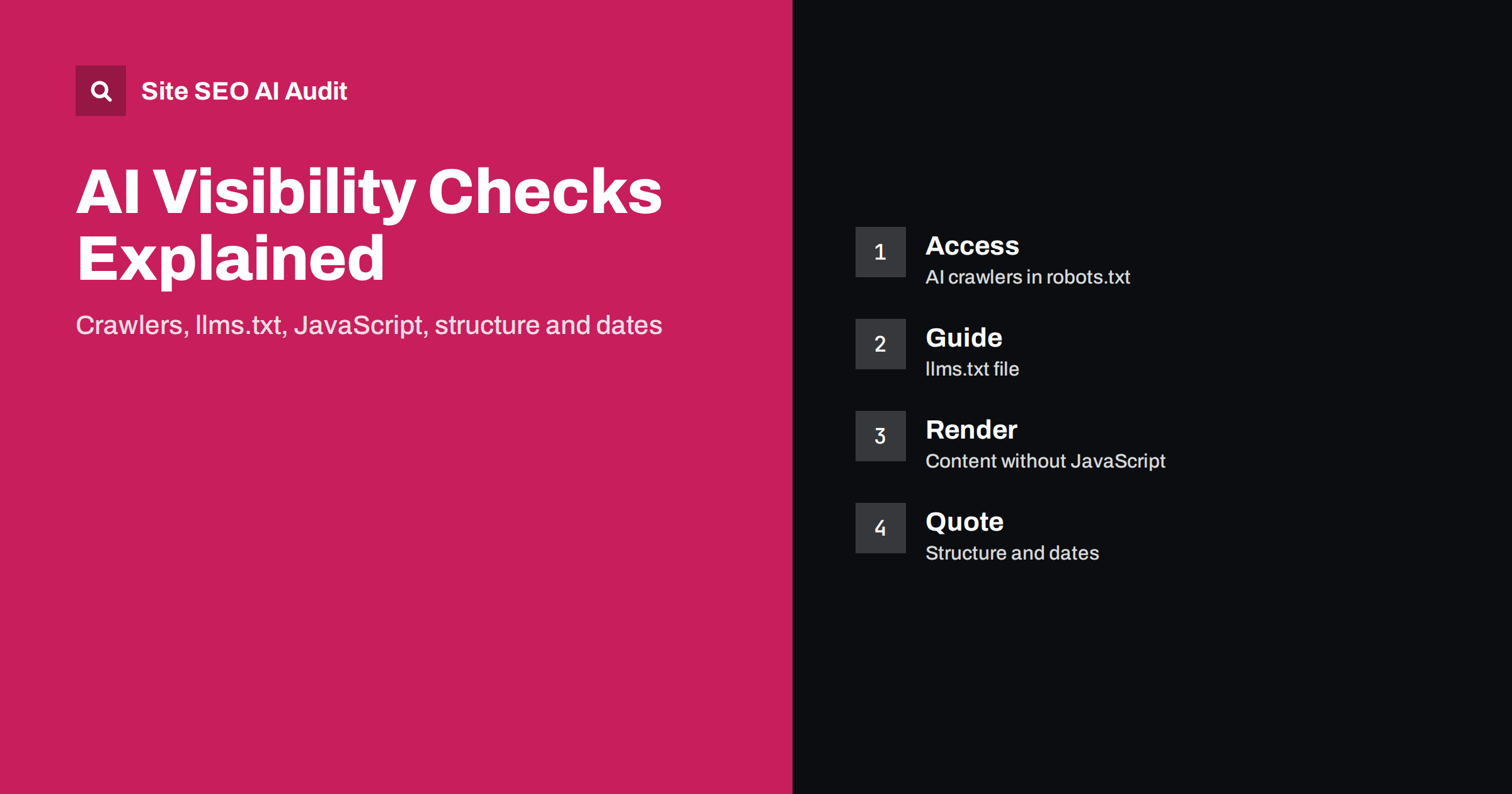
Short answer: The AI visibility area of Site SEO AI Audit checks whether AI crawlers may read your site, whether you have an llms.txt file, whether your content can be read without JavaScript, and whether the structure and dates of your pages are suited to being quoted in AI answers. It carries 8% of the total score. Each finding in the report comes with the points that fixing it adds, so you can decide quickly which changes are worth making first.
When someone asks an AI assistant a question, the answer may be built from pages that the assistant’s systems were able to fetch, read and understand. If your pages are blocked, hidden behind scripts or poorly structured, you may be left out through no fault of your content. Site SEO AI Audit includes a dedicated area for this, one of the seven areas of the audit. This article explains each check, why it matters, how to fix a finding and what the audit does not claim to measure. The background is covered in the AI search visibility checklist.
Where AI visibility sits in the audit
The audit crawls your whole site like a search engine and scores it across seven areas: crawl and index, on-page, links, speed, structured data, languages and AI visibility. Area scores are combined by weight, and AI visibility has 8%. That is smaller than crawl and index at 25%, which is sensible: a page that cannot be crawled or indexed has bigger problems than a missing llms.txt file. But the checks in this area are often cheap to fix, and a single change in robots.txt can open your whole site to a group of crawlers. The scoring logic is explained in how the audit score is calculated.
Check 1: AI crawlers in robots.txt
The first check looks at your robots.txt file and whether it blocks AI crawlers. Many sites block them unintentionally: a security plugin adds a blanket rule, a template copied from another site contains disallow lines, or a developer blocked all unknown bots during an incident and forgot to remove the rule. In the sample report shown on the product’s home page, a finding of this kind is listed as a warning, “AI assistants blocked in robots.txt”, with a small number of points attached.
To fix it, decide on purpose which crawlers you want to allow. Some organisations choose to block AI training bots but allow the crawlers that fetch pages to answer user questions; others allow all. The audit helps you see the current state, but the policy is your decision, and you can read more about the options in the guides to AI crawlers and robots.txt and the decision to opt out of AI training. After editing, fetch the file in a browser and re-run the audit to confirm.
Check 2: the llms.txt file
The second check looks for an llms.txt file, a plain text file in the root of your site that gives language-model systems a short, readable guide to your content: what the site is, which pages matter and where to find key documentation. It is a proposal that some tools and services use, not a rule that every assistant follows, so treat it as helpful rather than guaranteed. If you do not have one, the audit notes it as an opportunity.
Creating the file takes minutes. Write a short description of the site, then list your most important pages with a sentence each, grouped by topic. Keep it accurate and update it when the structure changes. Do not use it to make claims that are not on the visible pages. The format and limits are explained in the llms.txt guide, and WordPress users can follow the WordPress version.
Check 3: content that needs JavaScript
Many AI crawlers fetch the HTML of a page and do not run scripts the way a browser does. If your main content appears only after JavaScript executes, such as a single-page application that renders text on the client, those crawlers may see an empty shell. The audit checks whether your content can be read without JavaScript and flags pages where important text is missing from the initial HTML.
The fixes belong to development: render the content on the server, use pre-rendering for stable pages or make sure that the core text, headings, links and structured data are present in the HTML response. Test by viewing the page source and comparing it with what you see in the browser. A detailed discussion is in the guide to JavaScript content and AI crawlers.
Check 4: structure and dates that answers can quote
The last group looks at how your pages are organised for quoting. Clear headings, short direct answers near the start of a section, lists and tables for comparisons, and visible dates all help systems extract a reliable passage. Missing or confusing dates make it hard to judge freshness, and an AI answer may prefer a page that states when it was published or last updated.
To act on these findings, check your main templates. Make sure that titles and headings describe the topic, that each article states its publication or update date in a visible place, and that important facts are written as plain sentences rather than only inside images. The guide to content dates and freshness explains how to handle dates honestly.
Reading the findings in the report
In the report, AI visibility appears as an area score next to the others, and its issues appear in the same list as the rest, ranked by the points each fix would add. In the free audit you see every issue and full details for the top three. Paid plans unlock the details and the affected pages for all issues, which is useful when a finding concerns a template shared by hundreds of URLs. WordPress sites also get the exact steps in wp-admin and the SEO plugin on the plans that include fix steps.
Because the audit is based on a crawl, it shows what can be observed from outside. If a finding surprises you, open the file or page named in the issue and confirm it yourself. That habit prevents wrong fixes and builds trust in the report.
A practical order of work
If the audit reports several findings in this area, work in a sensible order. Start with access, because nothing else matters if crawlers are blocked. Open robots.txt, read every rule and remove any that you did not intend. Next, check rendering: pick three representative pages, view the source and confirm that the headline, the main text and the internal links are there. Then add llms.txt, which is quick once you know your key pages. Finally, improve structure and dates on the templates that produce most of your pages, so that one change helps hundreds of URLs.
After each change, run the audit again, or use the re-check on plans that include it, and compare the points. The report ranks fixes by the points each one adds, so the work with the greatest effect is always at the top. Keep a short note of what you changed and why. When a developer, a plugin update or a redesign later undoes a fix, the note shows you where to look, and a scheduled audit on the paid plans can alert you before the loss spreads.
Examples of typical findings
Some patterns appear again and again in audits. A site migrated from a staging copy still carries a rule that disallows everything for unknown crawlers, so all AI assistants are locked out while ordinary search works through a separate rule. A shop built as a single-page application serves product names and prices only after a script runs, so the HTML contains little more than a container. A news-style blog shows no publication date in the template, so every article looks undated to a machine. A company site has an llms.txt that lists pages that no longer exist, which is worse than having none.
Each of these is easy to confirm and usually quick to correct once someone owns the task. If you manage a site for clients, include these checks in your onboarding routine and in your regular reports. Showing a client that their robots.txt blocks assistants, with the points that fixing it adds, is a clear and honest way to demonstrate value without exaggerating what will happen next.
What these checks do not tell you
The checks measure readiness, not outcomes. They tell you whether AI crawlers may read your site, whether you have llms.txt, whether content can be read without JavaScript and whether structure and dates are suitable. They do not track whether a particular assistant mentions your brand or cites your pages in its answers. To observe that, test real questions in several assistants and record the results, as described in the guide to measuring brand visibility in AI answers.
A clean AI visibility area means you have removed common obstacles. Quality, originality and authority of the content still decide whether you are chosen.
You can check your own site in a few minutes: start the first audit, up to 200 pages, for free, or see the plans on the pricing page.
Related reading
The bottom line
Let AI crawlers read your site, publish an llms.txt, keep content in the HTML and make pages easy to quote, then fix by points.
FAQ
Do you check visibility in AI answers?
We check whether AI crawlers may read your site, whether you have llms.txt, and whether your content can be read without JavaScript and is structured to be quoted.
How much does AI visibility count in the score?
It carries 8% of the total score, alongside six other weighted areas.
Is llms.txt required?
No. It is a helpful guide that some systems use, so the audit reports its absence as an opportunity, not as a rule you must follow.
Should I allow every AI crawler?
That is your decision. The audit shows what is blocked so that the choice is deliberate, not accidental.
Do all plans show these findings?
The free audit lists every issue with full details for the top three. Paid plans unlock all details and affected pages.


