ENEnglish
 LTLietuviškai
 DEDeutsch
 FRFrançais
 RUРусский
 ESEspañol
 PLPolski
 ITItaliano
 UKУкраїнська
 CSČeština
 PTPortuguês
 JA日本語
JA日本語 LVLatviešu valoda
 ETEesti
 HUMagyar
 IDBahasa Indonesia
 TRTürkçe
 HIहिन्दी
 ELΕλληνικά
 ARالعربية
 THไทย
THไทย VITiếng Việt
 RORomână
 MSBahasa Melayu
 BNবাংলা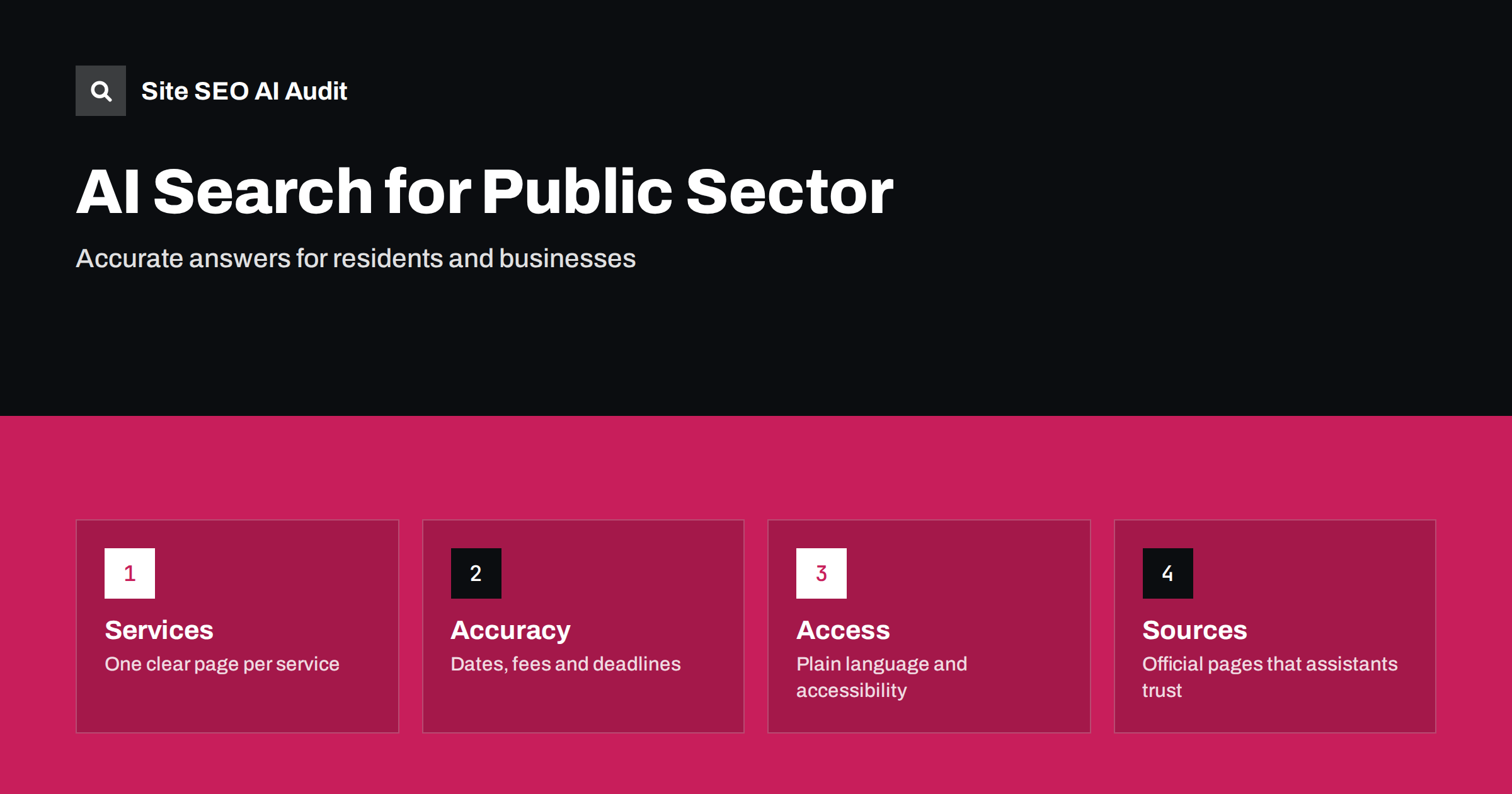
Short answer: People now ask assistants practical questions about public services: how to register a vehicle, when the recycling collection changes, what documents a building permit needs, where to pay a local tax. A municipality, agency or public body gets quoted correctly only if its website gives clear, current and complete answers in plain text. That means one authoritative page per service with the steps, documents, fees, deadlines, opening hours and contact details; visible update dates; plain language; accessible design; and no important information hidden in scanned documents, images or pages that need scripts. Because these topics affect money, health and legal rights, accuracy matters more than anywhere else, and an outdated page that an assistant repeats can send residents to the wrong office or the wrong form.
Public sector websites have a particular advantage: they are usually the primary source for what they describe, and search and AI systems tend to prefer official sources for such questions. They also have particular weaknesses. Content grows over decades, the same service is described in several departments, fees change without the old pages being removed, and key documents exist only as PDF files. Navigation often follows the organisation chart rather than what residents are trying to do. This guide explains how to prepare a public sector site for AI search while remaining accurate, accessible and easy for people. The principles behind trusted answers are in AI search for high-stakes topics and E-E-A-T and AI search.
Organise content around tasks, not departments
Residents search for “renew parking permit”, not for the name of the department that issues it. Create one page per service or task, named in everyday words, and make it the single place for that topic. If several departments are involved, say so on the page and link to the others, but avoid duplicating the instructions in several places that drift apart. Group services in clear categories such as moving, starting a business, building, waste and recycling, schools, transport and health, and keep the menu simple. Redirect old or duplicate pages to the authoritative one. This structure serves visitors, search engines and assistants at once, because the question and the answer are connected on one address. See answer-first introductions for how to open such pages.
Put the essentials at the top of each service page
Begin with a short answer: what the service is, who can use it, what it costs and how long it takes. Then list the steps in order, the documents required, how to apply online, in person or by post, the deadline or processing time, and what happens next. Add contact details specific to the service and opening hours, with notes about holidays. Use headings that match questions, such as “What documents do I need?” and “How much does it cost?”, because assistants often lift the text under a matching heading. Avoid sentences full of references to regulations without explanation; link to the legal text, but explain the practical meaning in plain words. The structure is similar to what is described in FAQ sections for AI answers.
Keep dates, fees and deadlines current
Outdated information is the main risk. Show a visible “last reviewed” date on each service page, review pages on a fixed schedule and assign a named owner for each section. When fees or rules change, update the page the same day and remove or redirect old versions so that nothing contradictory remains. Do not leave last year’s calendar or price list available at an address that still ranks. Use structured data for dates where it fits, and make sure that the visible date matches the markup. For time-sensitive notices, such as closures, strikes, elections or emergencies, publish a dedicated page that is easy to find and remove it when it expires. See content dates and freshness in AI answers.
Do not hide information in documents
Forms, tariffs and decisions are often published as PDF files or scanned images. Search engines can read many PDFs, but scanned pages without a text layer are invisible, and assistants prefer text on a web page. Publish the essential content as HTML and offer the PDF as a download for printing. Name files descriptively, keep one current version at a stable address, and add a text summary of what the document contains. Tables of fees or timetables should be real HTML tables, not images. The same applies to video and audio of council meetings: add transcripts and summaries so that the content can be found and quoted. More detail is in PDFs, images and video for AI search.
Plain language and accessibility
Public bodies serve everyone, including people with disabilities, older residents, people reading in a second language and those using a phone with a weak connection. Write short sentences, avoid jargon, explain unavoidable terms and use headings and lists. Meet accessibility requirements in design and code: proper heading structure, descriptive link text, labels on forms, alt text on informative images, sufficient contrast and keyboard operation. These practices overlap with SEO, since clear structure and text alternatives help crawlers as much as screen readers. Accessibility is also a legal duty for many public bodies, so treat it as a requirement, not an optimisation. See web accessibility and SEO.
Languages and local audiences
Many municipalities serve residents who speak several languages. Provide the most important service pages in the languages your community needs, with separate crawlable addresses and correct language attributes, rather than relying on a translation widget that changes text in the browser. Keep translated pages in sync with the original, because outdated translations are worse than none. Mark which version is official where legal texts exist only in one language. The structure of language versions is covered in SEO for multilingual countries.
Location, offices and entities
For offices, libraries, schools, recycling points and facilities, create a page for each with the address, map, opening hours, services available, accessibility information and contact details, and use local business or government organisation markup where appropriate. Keep the same details in business profiles and on the website, since assistants compare sources. Name the body clearly and consistently, including its official name, so that systems connect pages to the right organisation. See location pages SEO and legal pages and indexing for pages such as privacy notices that must remain accessible.
Crawlers, privacy and control
Decide your policy for AI crawlers and state it in robots.txt, understanding that blocking prevents quoting while allowing increases the chance that residents get answers from your own pages. Never expose personal data through search: keep case records, internal search results and application portals out of the index with noindex and access controls, not only robots rules. Monitor how assistants describe your services by asking common questions and recording the answers, then correct the source pages when something is wrong. Public bodies can also publish clear contact routes for reporting errors.
Use the data you already have. Search Console shows the queries that lead to your pages, the internal site search shows what visitors could not find, and the contact centre records the questions that staff answer every day. Turn the most frequent questions into pages or sections, and check each month whether the answers still match the rules. Test a list of twenty typical questions in the main assistants, note which sources they quote and where they get details wrong, and fix the cause on your own pages. A simple feedback link such as “Was this page helpful?” gives early warning when a process changes and the page does not.
Checklist and audit
- One authoritative page per service, named in everyday words.
- Short answer, steps, documents, fees, deadlines and contacts in text.
- Visible review dates and an owner for each page.
- Essential content in HTML, with PDFs as downloads only.
- Accessible design, plain language and translated key pages.
- Private data kept out of the index and AI crawler policy stated.
Site SEO AI Audit crawls your site, checks status codes, duplicate titles, orphan pages, structured data, language attributes and AI crawler rules, and gives a fix list ranked by points. The first audit of up to 200 pages is free; larger sites can see the pricing page.
Related reading
- AI Search for Health, Money and Legal Topics
- Web Accessibility and SEO
- AI Search for Nonprofits
- Content Dates and Freshness in AI Answers
The bottom line
Public sector sites are trusted sources, so their job is to be accurate and easy to quote. Organise pages around tasks, put the essentials in plain text, keep dates and fees current, publish documents as web pages, make everything accessible and protect private data. Do this and residents receive correct answers from your own site.
الأسئلة الشائعة
Why does accuracy matter more for public bodies?
Residents act on the answers: they pay fees, meet deadlines and submit forms. An outdated page repeated by an assistant can cause real cost and delay.
Are PDF files a problem for AI search?
Text PDFs can be read, but scanned images cannot, and web pages are quoted more reliably. Publish essentials as HTML and keep PDFs as printable downloads.
Should a municipality block AI crawlers?
That is a policy decision. Blocking prevents quoting from your pages; allowing lets assistants use official information. Whatever you choose, keep private data protected separately.
How often should service pages be reviewed?
On a fixed schedule with a named owner, and immediately when fees, rules or hours change. Show the review date on the page.
Do accessibility improvements help search visibility?
Often yes. Clear headings, descriptive links, alt text and plain language help crawlers and assistants understand content, as well as people using assistive technology.