ENEnglish
 LTLietuviškai
 DEDeutsch
 FRFrançais
 RUРусский
 ESEspañol
 PLPolski
 ITItaliano
 UKУкраїнська
 CSČeština
 PTPortuguês
 JA日本語
JA日本語 LVLatviešu valoda
 ETEesti
 HUMagyar
 IDBahasa Indonesia
 TRTürkçe
 HIहिन्दी
 ELΕλληνικά
 ARالعربية
 THไทย
THไทย VITiếng Việt
 RORomână
 MSBahasa Melayu
 BNবাংলা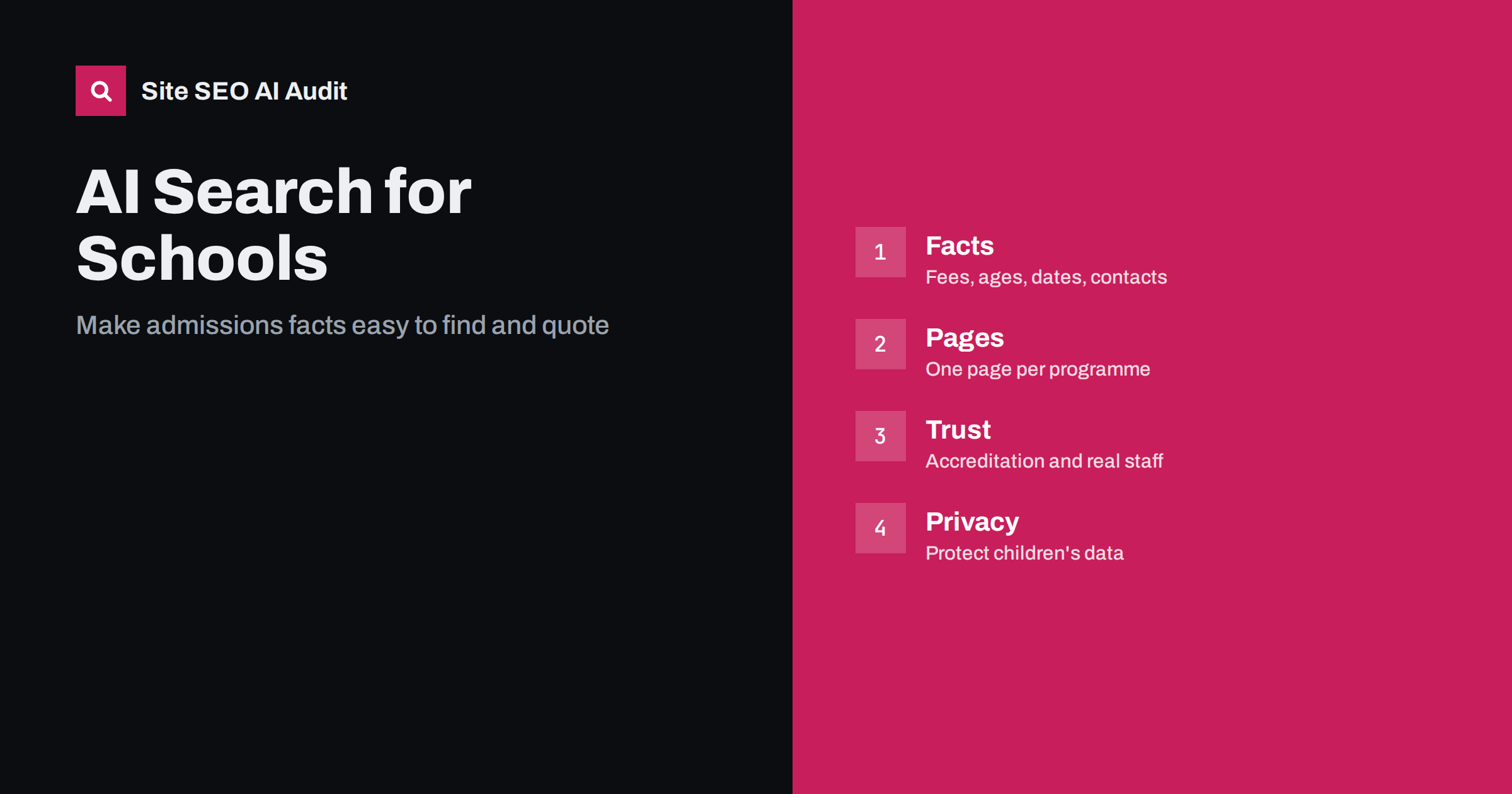
Short answer: Schools, nurseries, language centres and training providers show up in AI answers when their key facts are clear, current and easy to quote: who the programme is for, what it costs, when it starts, where it is and how to apply. Publish those facts on dedicated pages in plain text, keep them consistent with your listings, add structured data where it fits and never expose children’s personal data to make a page look more convincing.
Families used to choose an education provider by asking friends, reading a leaflet and comparing a few websites. Today many of them also type a question into an AI assistant or a search engine that shows an AI summary: which kindergarten near me has places for a three-year-old, which evening course prepares adults for a language exam, how much does a coding bootcamp cost. The answer is built from sources the system can read and trust. If your website hides the details in a PDF, a slideshow or a contact form, you are leaving the answer to someone else’s page. This guide covers what education providers should publish, how to structure it and what to protect.
What families and students actually ask
Questions about education are practical and specific. They tend to fall into a few groups, and a good site answers each one openly.
- Fit: which age group, level or prior knowledge the programme is for, and what the learner will be able to do at the end.
- Cost: tuition, registration fees, materials, meals, transport and any payment plans or discounts you really offer.
- Time: start dates, schedule, length of the day or course, holidays and application deadlines.
- Place: address, how to get there, whether lessons are online, in person or both.
- Quality: accreditation, teacher qualifications, class size, results that you can document.
- Process: how to apply, which documents are needed, what happens after the application.
An assistant that cannot find these facts on your site may pull partial or outdated information from a directory instead. Our overview of how AI search engines work explains why clear, retrievable pages are what get quoted.
Give every programme its own page
A single page called Our Programmes with a long list of bullet points is hard for people and machines to use. Create a page for each programme, age group or course. Each page should open with a short summary that answers the main question in two or three sentences: what it is, who it suits, how long it lasts and how to apply. Then add the details in sections with clear headings: curriculum, schedule, fees, requirements, teachers, location and frequently asked questions.
This structure follows the same logic as AI search for online courses, and it matches how assistants split a question into parts. A page about the evening French course for adults can then be quoted for a question about prices, one about level or one about the timetable, because each answer sits in a labelled section. Avoid putting the key facts only in images, scanned brochures or downloadable files. If you offer a brochure, repeat the main facts in HTML text on the page.
Keep fees, dates and policies current
Outdated information does more damage in education than in many other sectors, because families plan around deadlines and budgets. Review each programme page before every intake. If last year’s fees or dates remain visible, an assistant may repeat them with confidence. Add a visible line such as the academic year the information applies to, and remove or clearly label past editions. The article on content dates and freshness shows how to signal what is current without tricks.
Do not publish numbers you cannot stand behind. If you quote exam results, say what they measure, which year and which group. If you mention class sizes, give the real figure or a range you actually keep. Honest, precise facts are quoted more safely than marketing superlatives, and they protect your reputation if a statement is repeated.
Show real people and real credentials
Choosing a school or a course is a trust decision. Show who teaches and who runs the organisation: names, roles, relevant qualifications and a short description of their experience, with consent. Link to official registrations, accreditation bodies or inspection reports where they exist. These details help human readers and also work as signals of experience and authority, which is explained in the guide to E-E-A-T and AI search.
Education can touch sensitive areas such as child safety, special needs and exam outcomes. Be careful with claims. Avoid promising results, guaranteed places or specific grades. Explain your approach and your support, and let the evidence speak for itself.
Use structured data where it fits
Structured data helps machines identify what your organisation is. At minimum, mark up the organisation with its name, logo, address, contact details and official profiles; the principles are described in organization schema for AI systems. Schools and training centres with a physical location can use more specific types from schema.org, as long as the values match the visible page. Event-like items such as open days can be marked up with their dates and place, when the page shows the same facts; see event page SEO for the details to keep consistent.
Markup is not a ranking switch, and it does not replace good content. It simply reduces ambiguity. Test your pages after every template or plugin change, and make sure the data does not contradict the text.
Be consistent across your listings
An education provider usually appears in several places: the official site, a map profile, a regional education directory, social pages and sometimes a ministry or accreditation register. If the name, address, phone number and opening hours differ, an assistant may be unsure which version is right. Make a short master sheet with your official name, address, contact data, short description and opening hours, and update every listing from it. The advice for AI search for local businesses applies almost word for word to schools, with the addition that your enrolment details also need to match.
Open days, FAQs and the application process
Many families start with an open day or an information evening. Give each event a page with the date, time, place, who it is for and how to register, and keep the page after the event with a note that it has passed, pointing to the next one. Add a short FAQ to the main programme pages, written in the words that parents and students use. Questions such as what the daily schedule looks like, whether a trial lesson is possible, how to withdraw or how language support works are valuable. The format is covered in FAQ sections that AI answers can use.
Explain the application process as a short numbered list. Each step should say who does what and by when. A clear process page often becomes the source that an assistant quotes when someone asks how to enrol.
Protect children’s and students’ data
Education sites handle people who deserve extra care. Do not publish children’s full names, photographs or work without clear permission, and avoid combining a child’s image with a name, school and location. Use group photos with consent, illustrations or pictures of the building and classrooms instead. Do not put documents with personal data in folders that crawlers can reach. If you restrict some areas, such as a parent portal, check that robots rules and login protection are configured intentionally; see the guide to AI crawlers and robots.txt for how to decide what bots may read.
Privacy and visibility are not opposites. A site can answer every practical question about the programmes and still keep pupil information entirely out of public pages.
Check the basics with an audit
Before you work on content, make sure the technical basics are sound. Pages must return the right status codes, be indexable, load quickly on phones and have clear titles and headings. A crawl shows which programme pages are missing a description, which are duplicates and which are not linked from anywhere. Site SEO AI Audit scores your site across seven areas, including AI search visibility, and lists fixes ranked by impact. The first audit of up to 200 pages is free, and the pricing page shows how to repeat it before each new intake.
Related reading
- AI Search for Online Courses: How Learners Find Programs
- AI Search for Local Businesses: What to Fix First
- FAQ Sections That AI Answers Can Use
- E-E-A-T and AI Search: Showing Experience and Trust
The bottom line
AI assistants repeat what they can read and trust. Give each programme a clear page with fees, ages, dates, location and the application steps, keep it current, show real people and credentials, match your listings and protect personal data. Do that, and a family asking about your school gets an accurate answer, in your own words.
الأسئلة الشائعة
What should a school publish first for AI search?
Start with one page per programme that states who it is for, what it costs, when it starts, where it takes place and how to apply. These are the questions families ask most often.
Can I put fees in a PDF brochure only?
It is better to publish them as text on the page. Machines read HTML more reliably than documents, and a brochure may be outdated while the page is current.
Do accreditation and teacher profiles matter?
Yes. They are trust signals for people and for systems that look for evidence of experience. Link to official registers where they exist, and publish profiles with consent.
Is it safe to show pupils on the website?
Only with clear permission, and without pairing names with photographs and locations. Many providers use illustrations or images of the building to avoid the issue.
How often should education pages be reviewed?
Before every intake and whenever fees, dates or rules change. Visible dates or academic years on the page help readers and machines see what is current.