 ENEnglish
 LTLietuviškai
 DEDeutsch
 FRFrançais
 RUРусский
 ESEspañol
 PLPolski
 ITItaliano
 UKУкраїнська
 CSČeština
 PTPortuguês
 JA日本語
JA日本語 LVLatviešu valoda
 ETEesti
 HUMagyar
 IDBahasa Indonesia
 TRTürkçe
 HIहिन्दी
 ELΕλληνικά
 ARالعربية
 THไทย
THไทย VITiếng Việt
 RORomână
 MSBahasa Melayu
 BNবাংলা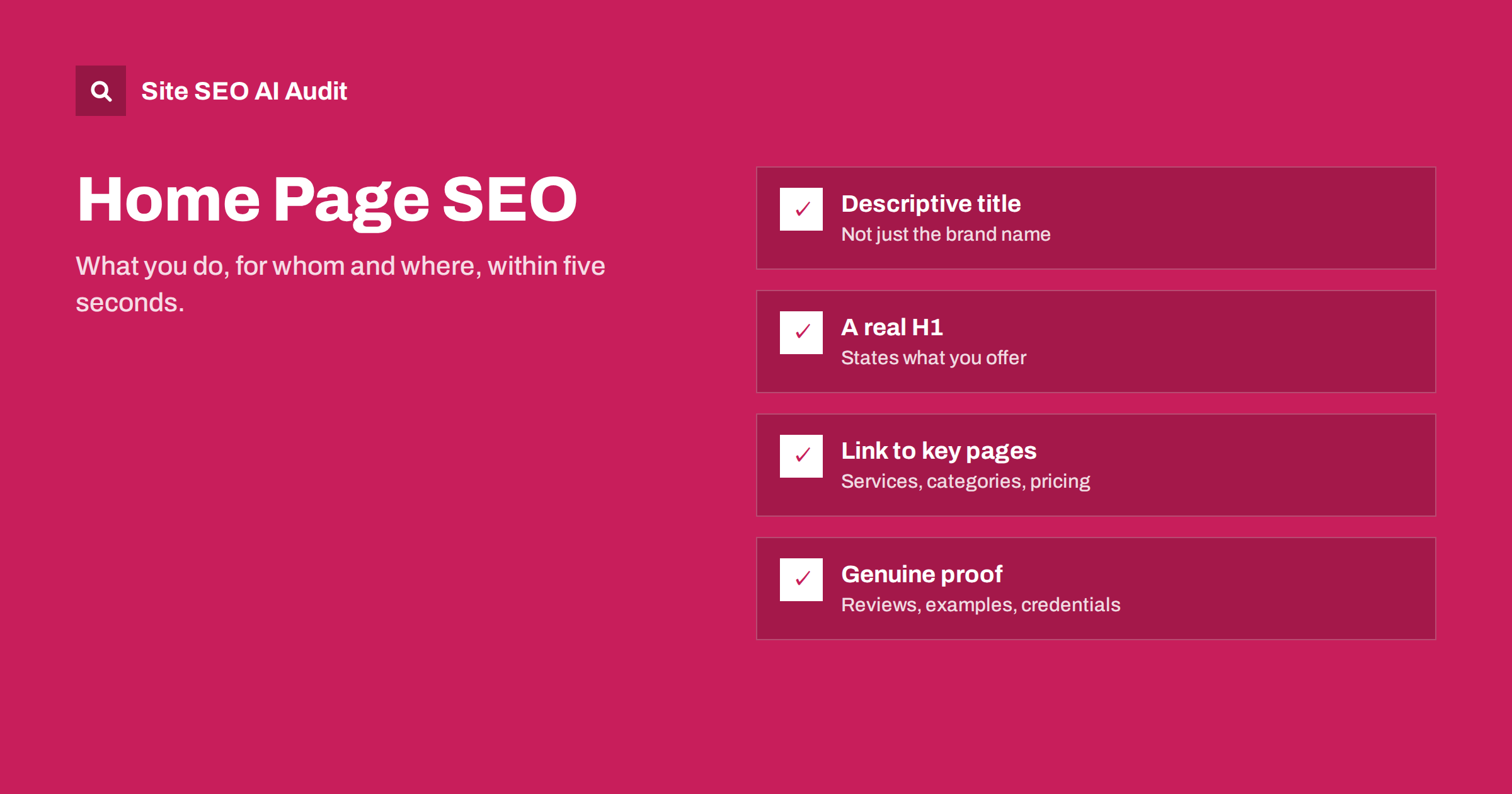
Short answer: A home page should tell visitors and search engines within seconds what the business does, for whom and where, and then route them to the right pages. Give it a descriptive title tag (not just the brand name), one H1 that states what you offer, a short explanation in plain words, clear links to your main services or categories, proof such as reviews or examples, and an obvious next step. It usually ranks for your brand and broad core terms; specific searches belong to deeper pages.
What the home page is for in search
The home page is often the most linked page on a site and the one most people see first, but it is rarely the best page for specific searches. Its jobs are different:
- Rank for the brand name and closely related searches, such as the brand plus “login”, “pricing” or “reviews”, together with deeper pages.
- Rank for the broadest description of the business, for example “accounting software for freelancers” or “family dental clinic in Kaunas”, especially for smaller sites.
- Pass visitors and link strength to the rest of the site through clear navigation and links to key pages.
- Establish trust for people who arrive from any page and want to know who is behind the site.
Trying to make the home page rank for every service and product at once usually makes it vague for all of them. Let it state the core offer clearly and hand specific searches to specific pages.
The five-second test
A useful way to judge a home page is to show it to someone unfamiliar with the business for five seconds, then ask: what does this company do, who is it for, and what would you click next? If they cannot answer, neither can a search engine reading the page’s main heading and opening text.
Common reasons home pages fail this test:
- A slogan instead of a description: “Empowering your tomorrow”.
- A rotating slider where each slide says something different and nothing stays long enough to read.
- A large image with no text that explains the business.
- Industry jargon that customers do not use.
- Too many competing messages and buttons above the fold.
You can run a rough version of this test yourself. Open the home page on a phone, look at the first screen only, and write down in one sentence what the business does based on what you see. Then compare it with how you would describe the business to a new customer. If the two sentences differ, the first screen needs work. Pay particular attention to what is visible without scrolling on a small screen, because cookie banners, large logos and navigation often push the actual message below the fold.
Title tag and meta description
Many home pages have a title that is just the brand name, or “Home | Brandname”. That wastes the most important on-page element on the most important page. A better pattern combines what you do with the brand:
- “Accounting Software for Freelancers | Brandname”
- “Family Dental Clinic in Kaunas | Brandname”
- “Handmade Leather Bags and Wallets | Brandname”
For well-known brands, the brand name can come first. For most small and mid-sized businesses, leading with the description helps new visitors who do not know the name yet.
The meta description should summarize the offer and what makes it distinctive in one or two sentences, for example: “Invoicing, expenses and tax estimates in one app built for freelancers. Try it free for 30 days, no card needed.” Only include claims that are true.
The H1 and opening text
The H1 is the main visible statement of what the business does. It should be a real text heading, not text baked into an image. It can be warmer than the title tag, but it should still describe:
- Weak: “Welcome to Brandname”
- Weak: “Quality you can trust”
- Better: “Accounting software built for freelancers”
- Better: “Family dentistry in central Kaunas, open six days a week”
Follow the H1 with one or two sentences that expand on it: who it is for, what problem it solves and what makes it different. This short passage is often what search engines and AI systems use to understand the business, so make it specific and factual.
Specific details beat adjectives. “Serving Kaunas families since 2009, with evening appointments on weekdays” tells a visitor more than “trusted, caring and modern”. If you have concrete facts that set you apart, such as opening hours, delivery times or guarantees, this is the place for them.
Sections that make a strong home page
- Hero: H1, short explanation and a primary call to action.
- Main offers: the key services, product categories or features, each with a short description and a link to its own page.
- How it works: three or four simple steps, if the process is not obvious.
- Proof: genuine reviews, client logos used with permission, certifications, examples of work, years in business.
- Who it is for: the types of customers or situations you serve.
- Frequently asked questions: a few questions that new visitors commonly have.
- Next step: contact, booking, sign-up or a link to pricing, repeated near the end.
- Contact details and location for local businesses, visible and consistent with other listings.
Each section should link to the deeper page that covers it in full. The home page summarizes; the linked pages explain.
Internal links from the home page
The home page usually carries the most authority on a site, because it receives the most links from other websites and appears in every navigation path. The pages it links to directly benefit from that. So choose them deliberately:
| Link from the home page to | Why |
|---|---|
| Main service or category pages | Your most valuable commercial pages; keeps them one click from the home page |
| Pricing page | A common next step for buyers |
| Key guides or resources | Supports pages that attract research traffic |
| About and contact pages | Trust and practical information |
| Location pages or hub | For businesses with several branches |
Use descriptive anchor text in these links, such as “boiler repair” or “women’s running shoes”, rather than “learn more” on every card. Avoid linking to dozens of low-priority pages from the home page; it dilutes attention for both people and search engines.
Common home page problems
- Brand-only title and no description of the business anywhere prominent.
- No H1, or the logo as H1 with no text alternative.
- Slider-heavy design where important messages are hidden in later slides.
- Heavy images and videos that make the first view slow, especially on phones.
- Several versions of the home page, such as
/index.php,/home/and the root, all accessible without redirects or canonicals. - Generic “read more” links to the main sections.
- Outdated content, such as last year’s promotion still in the hero.
Several of these, including missing or brand-only titles, missing H1s, empty anchors, slow loading and duplicate URL versions, can be spotted by a crawler. Site SEO AI Audit checks the home page along with every other page it crawls, across seven areas including on-page, links, speed and crawling, and ranks fixes by impact. The first audit is free: enter your address on the home page.
Home page SEO for different business types
- Local service businesses: state the service and location in the title and H1, show the address, phone number and service area, and link to each main service.
- Online stores: link clearly to top categories, show best sellers and key trust signals such as delivery and returns, and keep the page fast despite many images.
- Software and SaaS: explain what the product does in one sentence, show who it is for, link to features, pricing and sign-up.
- Publishers and blogs: make the topic of the site clear, surface the best and newest content, and link to topic hubs rather than only to a date-ordered list.
Related reading
- How to Write Title Tags: Length, Wording and Examples
- H1 Tag Best Practices: One Clear Heading Per Page
- Internal Linking Strategy: A Step-by-Step Guide for SEO
- Service Page SEO: How to Build Pages That Rank and Convert
The bottom line
The home page should say, within seconds, what you do, for whom and where, then send visitors to the right place. Give it a descriptive title and a real H1, explain the offer in plain words, link to your most important pages with descriptive anchors, show genuine proof and make the next step obvious. Let deeper pages handle specific searches, and keep the home page fast, current and consistent.
الأسئلة الشائعة
Should my home page title be just my brand name?
Usually not. Unless your brand is widely known, combine a short description of what you do with the brand name. That helps new visitors understand the result and gives search engines a clearer signal.
Can my home page rank for my main service?
For small sites with one main offer, yes, often. For sites with several services or categories, dedicated pages usually rank better for each specific service, while the home page ranks for the brand and the broadest description.
Do sliders hurt home page SEO?
Not directly, but they often hide important messages in slides few people see, add weight that slows the page, and sometimes contain several H1s. A single clear hero section usually works better.
How much text should a home page have?
Enough to explain what you do, for whom and why to choose you, plus short sections linking to your main pages. It does not need a long essay. Clarity and specific details matter more than word count.
Should the home page link to every page on the site?
No. Link to the most important pages: main services or categories, pricing, key guides, about and contact. Linking to everything dilutes attention and makes the page harder to use.


