 ENEnglish
 LTLietuviškai
 DEDeutsch
 FRFrançais
 RUРусский
 ESEspañol
 PLPolski
 ITItaliano
 UKУкраїнська
 CSČeština
 PTPortuguês
 JA日本語
JA日本語 LVLatviešu valoda
 ETEesti
 HUMagyar
 IDBahasa Indonesia
 TRTürkçe
 HIहिन्दी
 ELΕλληνικά
 ARالعربية
 THไทย
THไทย VITiếng Việt
 RORomână
 MSBahasa Melayu
 BNবাংলা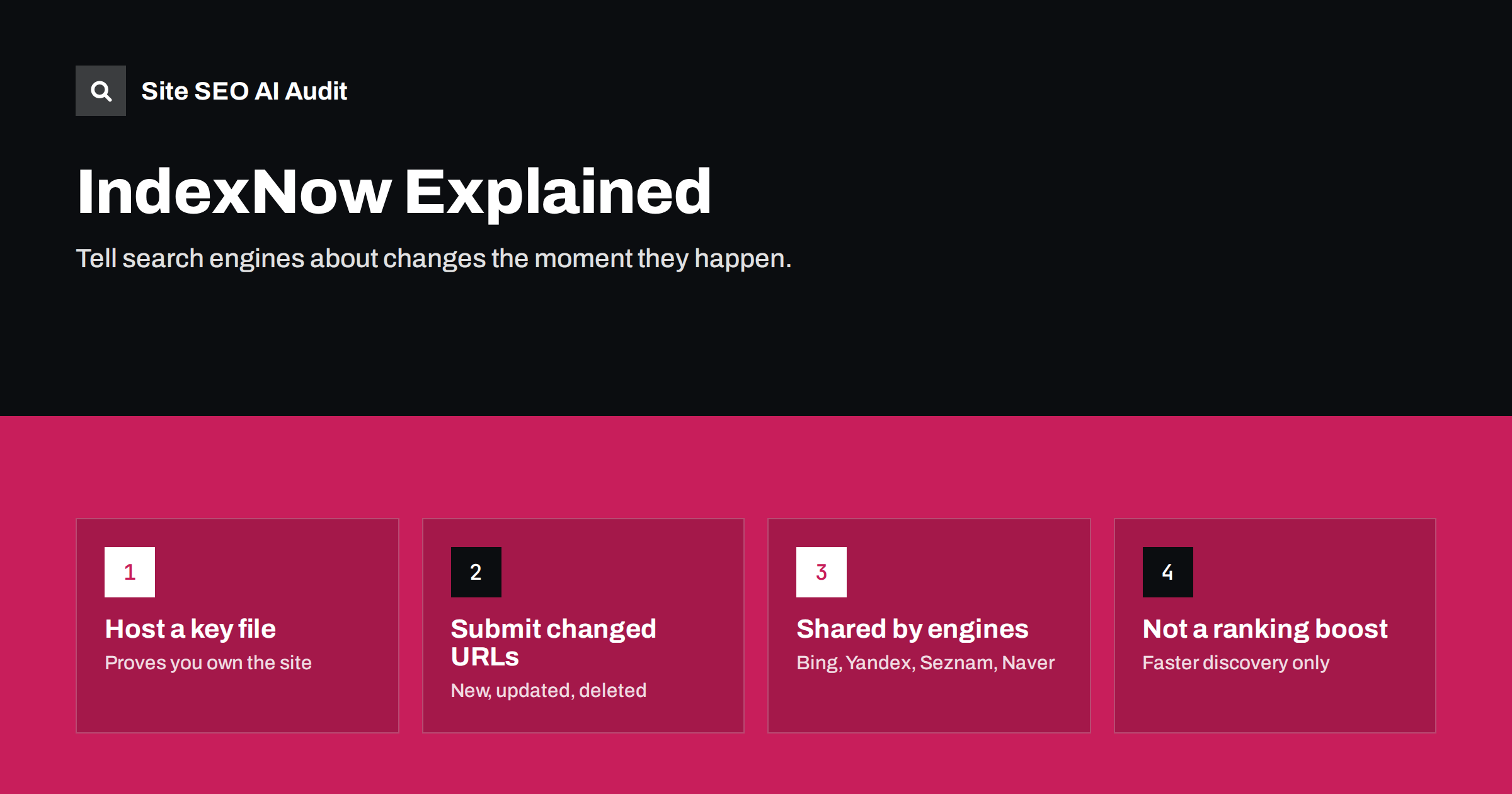
Short answer: IndexNow is an open protocol that lets a website notify participating search engines, including Bing, Yandex, Seznam and Naver, the moment a URL is added, updated or deleted, instead of waiting for them to recrawl. It is free, takes minutes to set up with a key file or a plugin, and helps changes reach those engines faster, which also matters for AI assistants that rely on Bing’s index. Google does not use IndexNow, so keep XML sitemaps for Google. It speeds up discovery; it does not guarantee indexing or improve rankings.
What IndexNow is and how it works
Search engines traditionally discover changes by crawling: they revisit pages periodically, read sitemaps and follow links. That works, but it means a price change or a new article may not be noticed for days. IndexNow reverses the direction. When something changes, your site sends a short notification listing the changed URLs, and the search engine can prioritise crawling them.
The protocol was launched in 2021 by Microsoft Bing and Yandex and is documented on indexnow.org. A key feature is that participating search engines share submissions with each other, so notifying one endpoint is enough to reach all of them.
The mechanism has three parts:
- A key: a random string you generate, between 8 and 128 characters of letters, numbers and dashes.
- A key file: a text file containing that key, hosted on your site, usually at
https://www.example.com/<key>.txt. It proves that whoever sends notifications controls the site. - Submissions: an HTTP request to an IndexNow endpoint with the changed URL and your key, or a POST request with a JSON list of up to 10,000 URLs at once.
The endpoint replies with a status code: 200 or 202 means the submission was received, while errors indicate a key problem, invalid URLs or too many requests.
Which search engines use IndexNow
| Search engine | Uses IndexNow | How to notify it of changes |
|---|---|---|
| Bing | Yes | IndexNow, XML sitemaps, Bing Webmaster Tools |
| Yandex | Yes | IndexNow, sitemaps, Yandex Webmaster |
| Seznam (Czech Republic) | Yes | IndexNow, sitemaps |
| Naver (South Korea) | Yes | IndexNow, sitemaps, Naver Search Advisor |
| No | XML sitemaps with accurate lastmod, internal links, URL Inspection for single pages |
The list of participating engines can change, so check indexnow.org for the current one. For markets where these engines matter, our guide to search engines beyond Google gives more context.
Why IndexNow matters for AI search
Bing’s index is used not only by Bing itself but also by other products, including AI assistants that rely on Bing for web results. When your pages change, the speed at which Bing notices affects how quickly those systems can find the new version. A corrected price, a new product or an updated guide reaches AI answers that depend on Bing sooner if Bing is told about it immediately.
This is one of the main reasons many site owners who ignored IndexNow a few years ago now add it. Our article on why Bing indexing matters for AI search visibility explains the connection in more detail.
How to set up IndexNow
You have three realistic options, from easiest to most flexible:
- CMS plugins: several popular WordPress SEO plugins include IndexNow support, and Microsoft publishes its own IndexNow plugin. Once enabled, they generate the key, host the key file and submit URLs automatically when you publish, update or delete content.
- CDN or hosting features: some CDNs and hosting platforms can send IndexNow notifications based on content changes they detect. Check whether yours does before adding a plugin, to avoid duplicate submissions.
- Custom integration: for custom-built sites or shops, add a small function to your publishing workflow that sends changed URLs to the IndexNow endpoint. Batch URLs where possible rather than sending thousands of single requests.
After setup, confirm that the key file is reachable in a browser, that it returns plain text containing only the key, and that submissions succeed. Bing Webmaster Tools shows IndexNow submissions it has received, which is a useful check.
What to submit and when
IndexNow is for real changes. Submit a URL when:
- A new page is published.
- An existing page changes meaningfully: new content, a price or availability change, a corrected fact, a new title.
- A page is deleted or redirected, so engines can recrawl it and see the 404, 410 or redirect.
Do not submit:
- Unchanged pages on a schedule, “just in case”.
- URLs with tracking parameters, session IDs or filter combinations you do not want indexed.
- Pages that are noindexed, blocked in robots.txt or canonicalised to another URL.
- The same URL repeatedly within minutes because of autosaves or minor edits.
Search engines can deprioritise sites that send large numbers of pointless notifications, so accuracy matters more than volume.
What IndexNow does not do
It is easy to expect too much from a notification protocol. IndexNow:
- Does not guarantee indexing. The search engine still decides whether a page is worth indexing, based on quality and other signals.
- Does not improve rankings. It affects when a page is crawled, not how it ranks.
- Does not replace sitemaps. Sitemaps give a complete list of your important URLs; IndexNow only reports changes. Keep both, and keep sitemap
lastmoddates accurate. Our XML sitemap best practices guide covers what to include. - Does not affect Google. Google has not adopted the protocol, so Google still relies on crawling, links and sitemaps.
- Does not fix blocked or broken pages. If a page returns errors or is blocked for crawlers, notifying search engines about it changes nothing.
Is IndexNow worth it for your site?
For most sites, yes, because the cost is so low. It is especially useful when:
- Content changes often and speed matters: news, shops with changing prices and stock, job listings, events.
- Bing, Yandex, Seznam or Naver bring meaningful traffic in your markets.
- You care about how quickly AI assistants that rely on Bing see updates.
- Your site is large and search engines recrawl deep pages slowly.
It matters least for small, rarely updated sites that are already crawled frequently, although even there a plugin setting costs nothing. If pages are slow to be indexed in Google, IndexNow will not help; our guide to the “Discovered, currently not indexed” status covers what does.
How IndexNow fits with your other discovery signals
Search engines find and prioritise pages through several channels at once, and IndexNow is only one of them. It helps to think of them as layers:
- Internal links are the foundation. A new page linked from the home page, a category or a hub is found quickly by every crawler, whether or not you notify anyone.
- XML sitemaps give search engines a complete inventory of the URLs you want indexed, with modification dates that help them decide what to revisit.
- IndexNow adds speed for participating engines by reporting changes as they happen, instead of waiting for the next sitemap read or crawl.
- Webmaster tools let you request crawling of individual important URLs, which is useful for one-off fixes but not for routine publishing.
- External links and mentions bring crawlers from other sites and signal that a page matters.
If a page is poorly linked, missing from the sitemap and thin, a notification will at best get it crawled once. If a page is well linked, listed in the sitemap and useful, IndexNow simply gets it noticed sooner by Bing and the other participants. Invest in the lower layers first, then add IndexNow as the fast lane on top.
Common setup problems
- Key file not reachable: blocked by a security rule, served with a redirect or returning HTML instead of plain text.
- Two tools submitting: a plugin and a CDN both sending notifications, doubling requests.
- Submitting the wrong host: URLs from a staging domain or a different hostname than the key file.
- Submitting non-canonical URLs: parameter versions or HTTP instead of HTTPS.
- Silent failures: nobody checks responses, so errors go unnoticed for months.
Before relying on any discovery mechanism, make sure the pages themselves are ready to be indexed. Site SEO AI Audit checks status codes, noindex, canonicals, sitemap contents, redirect chains and orphan pages across the whole site, so you know the URLs you submit are the right ones. Start with a free audit.
Related reading
- Crawl Budget Explained: When It Matters and How to Save It
- Crawled – Currently Not Indexed: Causes and Real Fixes
- How to Remove a Page From Google Search, Step by Step
The bottom line
IndexNow is a simple way to tell Bing and other participating search engines about new, changed and deleted pages immediately. Set it up with a plugin, CDN feature or small integration, submit only real changes to canonical URLs, and keep XML sitemaps for Google. It speeds up discovery, including for AI systems that rely on Bing, but indexing and rankings still depend on the quality of the pages themselves.
الأسئلة الشائعة
Does Google support IndexNow?
No. Google has not adopted IndexNow. Use XML sitemaps with accurate lastmod dates, good internal linking and, for individual pages, the URL Inspection tool in Search Console.
Is IndexNow safe to use?
Yes. It only tells search engines which URLs changed. The key file proves you control the site, and search engines still decide what to crawl and index.
Will IndexNow get my pages indexed faster?
It usually gets them crawled sooner by participating engines, which often leads to faster indexing. It does not guarantee indexing; low-quality or duplicate pages may still be left out.
Do I need IndexNow if I have an XML sitemap?
They do different jobs. A sitemap lists all important URLs; IndexNow reports changes as they happen. Using both is common and costs little.
How many URLs can I submit with IndexNow?
A single POST request can include up to 10,000 URLs. Submit only URLs that have actually changed, and avoid resubmitting the same URLs repeatedly.


