 ENEnglish
 LTLietuviškai
 DEDeutsch
 FRFrançais
 RUРусский
 ESEspañol
 PLPolski
 ITItaliano
 UKУкраїнська
 CSČeština
 PTPortuguês
 JA日本語
JA日本語 LVLatviešu valoda
 ETEesti
 HUMagyar
 IDBahasa Indonesia
 TRTürkçe
 HIहिन्दी
 ELΕλληνικά
 ARالعربية
 THไทย
THไทย VITiếng Việt
 RORomână
 MSBahasa Melayu
 BNবাংলা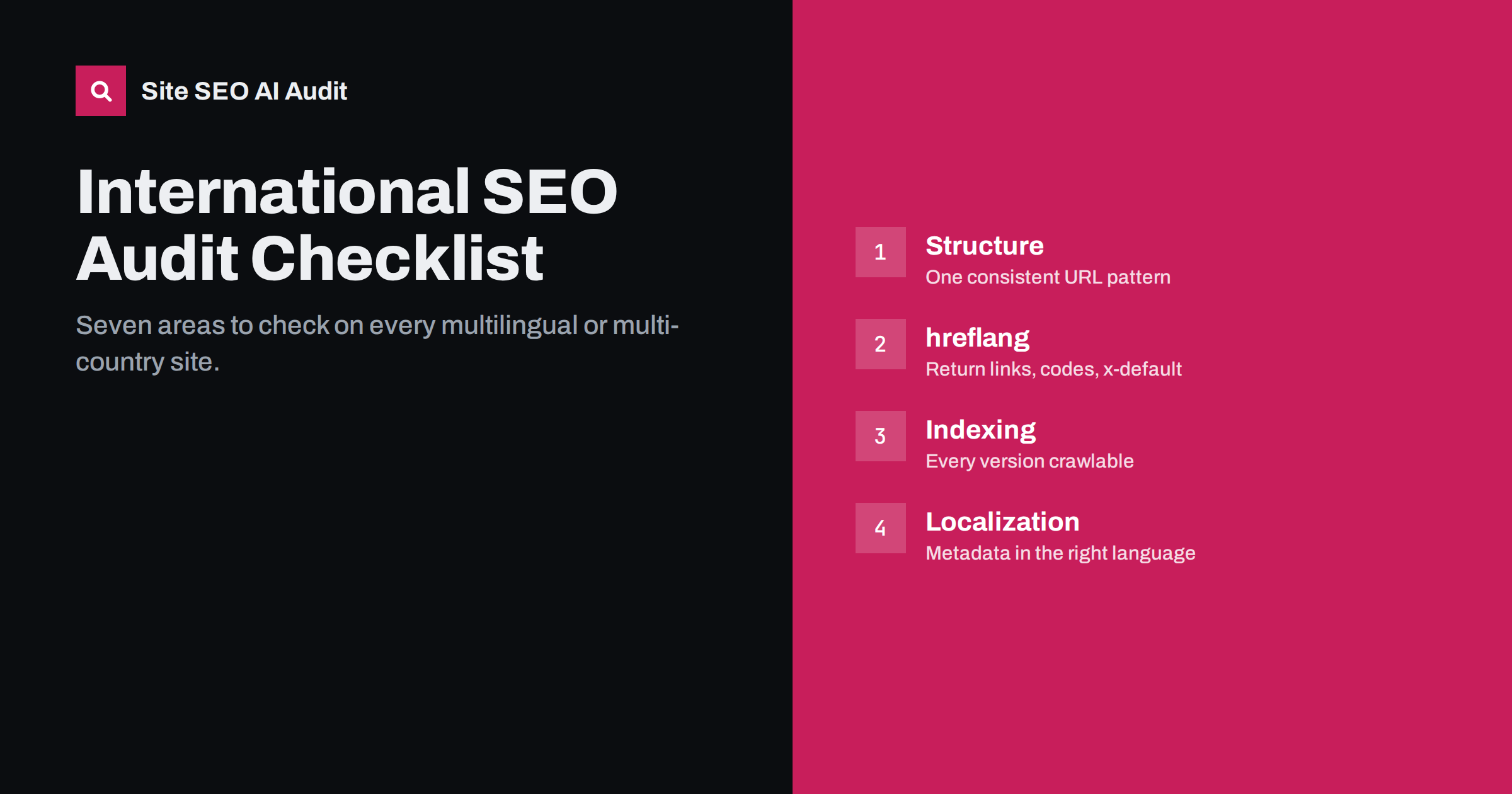
Short answer: An international SEO audit checks whether every language and country version of a site can be crawled, indexed and shown to the right searchers. Work through seven areas: URL structure, hreflang, canonicals and indexing, redirects and geo-detection, localized on-page elements, sitemaps and internal linking, and measurement per market. Crawl the whole site for the technical checks, and review a sample of pages in each language by hand for content quality.
Before you start: define the scope
An international audit goes wrong when nobody agrees what the site is supposed to do. Before running any tools, write down:
- Target markets: which languages and which countries the site is meant to serve, and which version is meant for each.
- Intended structure: folders, subdomains or country domains, and the URL pattern for each version.
- Expected coverage: should every page exist in every language, or only a subset? Many sites translate only key pages, and that is a valid choice.
- Known changes: recent migrations, plugin changes, new markets or redesigns, which are the most likely sources of problems.
With this in hand, every finding can be judged against intent: a missing German version of a blog post is a problem only if a German version was supposed to exist.
Area 1: URL structure
- Each language or country version has its own URL; no version depends on cookies, sessions or parameters alone.
- One consistent pattern is used everywhere, such as /de/ or /de-de/, not a mix.
- No language is served via ?lang= parameters that can be dropped or cached incorrectly.
- Country domains, if used, all resolve on https with a single preferred host (www or non-www).
- The root URL returns a real page, a language selector or a default version, not a location-dependent redirect.
Structure problems are rarely dramatic, but they multiply everything else. A site that mixes /de/ and /de-de/, or serves some languages through parameters, generates duplicate URLs, inconsistent hreflang and confusing reports. If the audit finds a mixed structure, note it as a strategic issue: fixing it is a migration, so it should be planned rather than patched page by page.
Area 2: hreflang
hreflang is where most international sites have errors, and most of them are invisible in the browser. Check on every page, not a sample:
- Every page with translations has a hreflang block listing all versions, including itself.
- Every hreflang link is returned by the target page (no missing return links).
- Codes are valid: ISO 639-1 language, optional ISO 3166-1 alpha-2 region, hyphen separator. Watch for en-uk, se, dk, jp and underscores.
- Every target URL returns status 200 directly, without redirects, and is indexable.
- Every target URL is the canonical URL of that page.
- x-default, where used, is identical across the cluster and points at a working page.
- Only one method is used per page (head, sitemap or header), or the methods agree exactly.
- No duplicate or conflicting hreflang blocks from a theme and a plugin at the same time.
Google’s reference for these rules is its guide to localized versions of a page.
Area 3: Canonicals, indexing and language signals
- Each language version has a self-referencing canonical; no canonical crosses from one language to another.
- No language version is accidentally set to noindex, often a leftover from staging.
- robots.txt does not block any language folder or country domain.
- The lang attribute on the html element matches the page language on every version.
- The visible content is really in the language the page claims; no half-translated templates.
- In Search Console, indexed page counts per language folder or domain are roughly in line with the number of pages published in that language.
The last check is a useful sanity test. If you publish 400 pages in German and only 60 are indexed, something is holding the rest back: thin content, canonicals, noindex, poor internal linking or crawl problems.
Area 4: Redirects and geo-detection
- No URL redirects based on IP address or browser language, except possibly the root, and even then with a fallback.
- Requests without an Accept-Language header, as crawlers usually send, get every version directly.
- Language switcher links point at equivalent pages, not only at language home pages.
- Old language URLs from previous structures redirect in one hop to their current equivalents, not to the home page.
- No redirect chains between http, https, www and trailing-slash variants inside language folders.
Test this area from the outside, not only in your own browser. Your browser sends your language preferences and your location, so it may never trigger the redirect a crawler would see. Request a few URLs from each language with a command-line tool and no language header, and from a different country if possible. Any 3xx response on a language URL deserves a closer look.
Area 5: Localized on-page elements
This area needs both a crawl and human eyes. The crawl finds patterns; a fluent reviewer judges quality.
- Titles and meta descriptions are translated. Identical titles across languages usually mean untranslated fields.
- H1s and headings are in the page language and match local search terms.
- Image alt texts are translated; missing alt texts often appear only in translated templates.
- Structured data uses local names, prices, currency and availability that match the visible page.
- Menus, footers, buttons, forms, cookie banners and 404 pages are translated.
- Prices, currency, units, contact details and legal information fit each market.
- A fluent reviewer confirms that a sample of important pages reads naturally and uses the right terminology.
Area 6: Sitemaps and internal linking
- XML sitemaps include every indexable URL in every language, and nothing that redirects, 404s or is noindex.
- If hreflang lives in the sitemap, each alternate has its own url entry with the full list.
- The sitemap index is submitted in Search Console for each property (each domain or subdomain).
- Every language version is linked from its own navigation, not only from the language switcher.
- Important pages in each language are reachable within a few clicks from that language’s home page.
- No orphan translated pages that exist only in the sitemap.
Internal linking is easy to overlook on international sites because the language switcher creates the impression that everything is connected. In reality, a translated page that is linked only from the switcher of its original has very few internal links in its own language. Search engines treat such pages as less important. Translated category pages, related-post blocks and in-content links are what give each language version real internal structure.
Area 7: Measurement per market
- Search Console properties exist for every domain and subdomain, or a domain property covers all of them.
- Performance can be filtered by country and by language folder, and someone reviews it per market.
- Analytics segments separate language versions and countries.
- You can spot the wrong version appearing in a market, for example English URLs getting most German impressions.
- There is a baseline for each market so future changes can be measured.
Without per-market reporting, international problems hide inside site-wide averages. A drop in German traffic can be masked by growth in English, and a hreflang failure that swaps versions may barely change total clicks. Reviewing each market separately, even briefly once a month, is often how teams discover technical problems long before a full audit would.
How to run the audit efficiently
Doing all of this by hand is slow, and hreflang in particular cannot be checked reliably without a crawler. A practical order is:
- Crawl the entire site, including all language versions, with a tool that follows hreflang links.
- Fix site-wide technical problems first: indexing, canonicals, redirects and hreflang, because they affect every page in a language.
- Then review on-page localization, starting with the pages that bring the most traffic or revenue.
- Recrawl after fixes and compare results.
Site SEO AI Audit follows this approach. It crawls a site like a search engine, scores it across seven areas, including Languages (hreflang return links, broken language versions, x-default, lang attributes), crawl and indexing, on-page, links, speed, structured data and AI visibility, and ranks fixes by how many points each adds. The first audit is free, and paid plans add re-audits and comparisons over time.
Related reading
- hreflang return links: how to fix “no return tags” errors
- Canonical tags and hreflang: how to use them together
- Multilingual WordPress SEO: a checklist for translated sites
- Automatic language redirects: why they hurt international SEO
The bottom line
An international SEO audit is about one question: can each version of your site be found by the people it was made for? Define the intended markets, then check structure, hreflang, canonicals and indexing, redirects, localized on-page elements, sitemaps and internal links, and reporting per market. Crawl for the technical checks, use fluent reviewers for quality, fix site-wide issues first and recrawl to confirm.
الأسئلة الشائعة
How often should I audit an international site?
Run a full audit at least once or twice a year and a crawl after every major change, such as a plugin update, redesign, migration or new market. hreflang breaks easily and silently.
Can I audit hreflang without a crawler?
You can spot-check a few pages by reading the source, but you cannot confirm return links and targets across a whole site by hand. A crawler is the only practical way on sites with more than a few dozen pages per language.
What is the most common international SEO problem?
Broken hreflang is the most common technical issue, especially missing return links and links to redirected URLs. Untranslated titles and descriptions are the most common content issue.
Does every page need to exist in every language?
No. Define which pages should be translated for each market and audit against that plan. Pages without equivalents simply have no hreflang alternates.
How do I measure results for one country in Search Console?
Filter the performance report by country and by page, for example URLs containing a language folder. Comparing these views over time shows how each market is developing.


