 ENEnglish
 LTLietuviškai
 DEDeutsch
 FRFrançais
 RUРусский
 ESEspañol
 PLPolski
 ITItaliano
 UKУкраїнська
 CSČeština
 PTPortuguês
 JA日本語
JA日本語 LVLatviešu valoda
 ETEesti
 HUMagyar
 IDBahasa Indonesia
 TRTürkçe
 HIहिन्दी
 ELΕλληνικά
 ARالعربية
 THไทย
THไทย VITiếng Việt
 RORomână
 MSBahasa Melayu
 BNবাংলা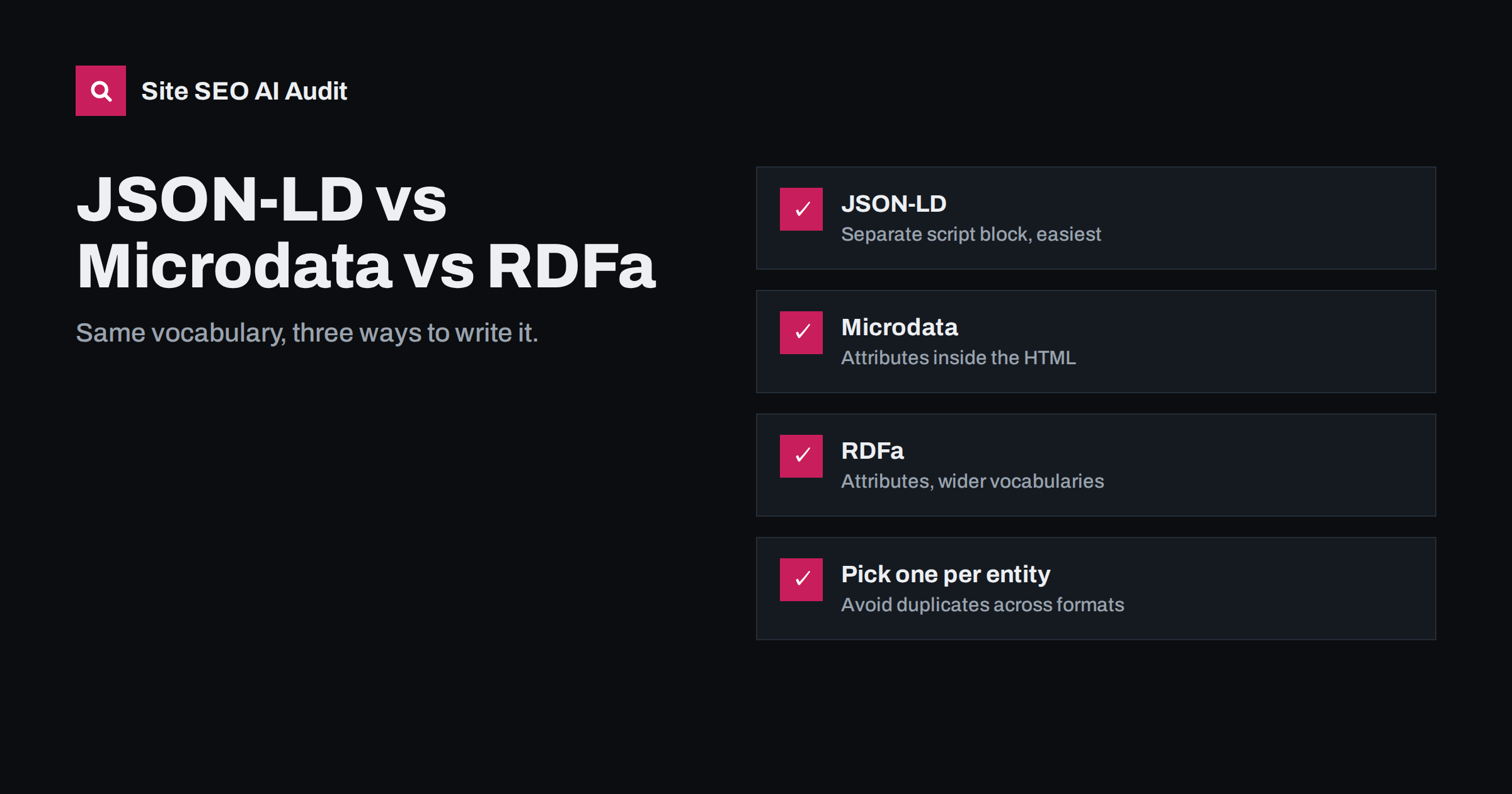
Short answer: JSON-LD, Microdata and RDFa are three syntaxes for adding the same Schema.org structured data to a page. JSON-LD puts the data in a separate script block; Microdata and RDFa add attributes to the visible HTML elements. Google supports all three but recommends JSON-LD because it is easier to write, maintain and generate from data. For new work, use JSON-LD; for existing Microdata that is valid, migrate only when you are rebuilding templates anyway.
What they have in common
All three formats express structured data: machine-readable statements such as “this page is a Product named Trail X, priced 89 euros, in stock”. In SEO, the vocabulary used is almost always Schema.org, which defines types such as Product, Article, Organization, LocalBusiness, Event and BreadcrumbList, and their properties. The format is just the way those statements are written into the page.
Choosing a format is therefore mostly a question of maintenance, not of search performance. The format decides who can edit the markup, how easily it is generated from your data, how likely it is to break during a redesign and how quickly problems can be found. Those practical questions should drive the choice, especially on sites where content is edited by several people and templates change over the years.
Search engines read the statements, not the format. A valid Product in JSON-LD and the same valid Product in Microdata are equivalent for rich result eligibility. Google’s introduction to structured data lists the supported formats and recommends JSON-LD.
The three formats
Here is how each format looks in practice, with its main strengths and weaknesses. The examples describe simple entities; real pages usually combine several types, such as an Organization, a WebPage and a Product or Article.
JSON-LD
JSON-LD (JavaScript Object Notation for Linked Data) places the data in a <script type="application/ld+json"> block, usually in the head or at the end of the body:
<script type="application/ld+json">
{
  "@context": "https://schema.org",
  "@type": "Organization",
  "name": "Example Ltd",
  "url": "https://www.example.com/",
  "logo": "https://www.example.com/logo.png"
}
</script>
Strengths:
- Separate from the HTML, so designers can change the layout without breaking the markup.
- Easy to generate from database fields with a JSON encoder.
- Easy to read and test: one block per entity or one
@graphwith connected entities. - Supports linking entities with
@id, for example connecting an Article to its author and publisher.
Weakness: because it is separate, it can drift out of sync with the visible content, for example showing an old price, if it is not generated from the same data.
Microdata
Microdata adds attributes to existing HTML elements: itemscope, itemtype and itemprop:
<div itemscope itemtype="https://schema.org/Product">
  <h1 itemprop="name">Trail X</h1>
  <div itemprop="offers" itemscope itemtype="https://schema.org/Offer">
    <span itemprop="price" content="89.00">€89</span>
    <meta itemprop="priceCurrency" content="EUR">
  </div>
</div>
Strengths:
- Tied to visible content, so what is marked up is what visitors see.
- Common in older themes and shop templates, so it often already exists.
Weaknesses:
- Fragile: redesigns and template changes easily break nesting or remove attributes.
- Harder to read and debug, because the data is spread through the HTML.
- Awkward for data not shown on the page, which needs extra
metaelements.
RDFa
RDFa (Resource Description Framework in attributes) also uses HTML attributes, such as vocab, typeof and property. It is more general than Microdata and can mix several vocabularies, which is why it appears in some publishing and government systems and in certain CMS platforms. For typical business websites and shops, it offers no advantage over JSON-LD and has the same fragility as Microdata.
Side-by-side comparison
| JSON-LD | Microdata | RDFa | |
|---|---|---|---|
| Location | Separate script block | Attributes in HTML | Attributes in HTML |
| Google recommendation | Recommended | Supported | Supported |
| Ease of maintenance | High | Low to medium | Low to medium |
| Risk from redesigns | Low | High | High |
| Risk of mismatch with page | Medium, if not generated from same data | Low | Low |
| Linking entities | Easy with @id and @graph |
Possible, clumsy | Possible |
| Typical source | SEO plugins, modern frameworks | Older themes, shop templates | Some CMS and publishing systems |
Mixing formats: the duplicate problem
You can use different formats on the same page, but describing the same entity twice, once in Microdata from the theme and once in JSON-LD from a plugin, is a common source of problems. Search engines may see two Products with slightly different data, two Organizations with different logos, or two BreadcrumbLists with different paths. Results range from ignored markup to warnings in Search Console.
Before adding JSON-LD through a plugin, check the page source for itemscope, itemtype and typeof attributes. If the theme already outputs Microdata for the same types, disable one of the sources.
Migrating from Microdata to JSON-LD
- Inventory the types and properties currently marked up on each template, using the Rich Results Test or a crawl that extracts structured data.
- Build equivalent JSON-LD from the same data sources the template uses, so values stay identical to what is displayed.
- Remove the Microdata attributes in the same release, to avoid a period of duplicates.
- Test on staging with the Rich Results Test for every template.
- Monitor Search Console’s enhancement reports for a few weeks after release.
If the existing Microdata is valid and complete, there is no urgency. Migration is best done during a theme update or redesign, when templates are being rewritten anyway. Until then, focus on keeping the existing markup accurate and complete.
Connecting entities with @id and @graph
One of JSON-LD’s practical advantages is how easily it connects entities. Instead of repeating the full Organization inside every Article as publisher, you describe the Organization once with an @id, such as https://www.example.com/#organization, and refer to it from other entities by that identifier. A @graph array holds all the entities for the page in one block:
- the WebSite, with its name and URL;
- the Organization, with name, logo and contact details;
- the WebPage, pointing to the WebSite it belongs to;
- the main entity, such as an Article or المنتج, pointing to the WebPage and the Organization;
- a BreadcrumbList for the page’s position in the site.
Many SEO plugins produce exactly this structure. The benefit is consistency: the organisation’s name and logo are defined once, so they cannot drift apart between templates. When debugging, check that every @id reference points to an entity that actually exists in the graph.
Which types most sites need
The format question matters less than choosing the right types. For most small business sites, shops and blogs, a short list covers the essentials:
- Organization or LocalBusiness on the home page or site-wide, with name, logo, address and contact details where relevant.
- WebSite with the site name.
- BreadcrumbList on pages with breadcrumbs.
- Article or BlogPosting on articles, with headline, dates, author and image.
- المنتج with Offer on product pages, with price, currency and availability.
- Event, Recipe, JobPosting or other specialised types only when the page genuinely contains that content.
Adding every possible type does not help. Accurate, complete markup for the content you actually have does.
Where to place JSON-LD
- In the
<head>or anywhere in the<body>; both work. - In the initial server HTML rather than injected later by JavaScript, so every crawler sees it.
- One script per page with a
@graph, or several scripts for separate entities; both are valid. - Generated by the same code that renders the visible content, to keep prices, dates and names in sync.
- Encoded with a proper JSON encoder, never assembled by joining strings, so quotes and special characters in names and descriptions cannot break the block.
- Kept free of HTML tags inside values, since properties such as descriptions expect plain text.
How Site SEO AI Audit checks structured data
Structured data is one of the seven areas in the audit. SEOAuditBot reads the Schema.org markup on each page and reports invalid JSON-LD and pages without structured data, along with Open Graph tags and share images. Because issues are weighted by how many pages they affect, a template that outputs broken JSON or no markup at all stands out clearly. WordPress sites get the steps to fix it in the relevant plugin. See plans.
Related reading
- Structured data errors: how to find and fix invalid schema
- Breadcrumbs for SEO: navigation and BreadcrumbList markup
- Does structured data help in AI search? An honest look
- Open Graph tags: how to control link previews everywhere
The bottom line
JSON-LD, Microdata and RDFa carry the same Schema.org data in different ways. Use JSON-LD for new work because it is easiest to generate, test and maintain; keep valid existing Microdata until you rebuild the templates; and never describe the same entity twice in different formats.
الأسئلة الشائعة
Is JSON-LD better for SEO than Microdata?
Not for rankings or eligibility: search engines treat valid data in either format the same way. JSON-LD is recommended because it is easier to implement and less likely to break.
Can I use JSON-LD and Microdata on the same page?
Yes, but avoid describing the same entity in both. Duplicate, conflicting descriptions of the same product or organization can cause the markup to be ignored or produce warnings.
Does JSON-LD have to be in the head?
No. It can be placed in the head or the body. What matters is that it is in the page’s HTML and valid.
Should I convert my existing Microdata to JSON-LD?
If it is valid and complete, there is no urgency. Convert when you are redesigning or rebuilding templates anyway, and remove the Microdata in the same release.
Can JSON-LD include information not shown on the page?
It should describe the page’s content. Some supporting details, such as identifiers, are acceptable, but important facts like prices, ratings and availability must match what visitors see.


