ENEnglish
 LTLietuviškai
 DEDeutsch
 FRFrançais
 RUРусский
 ESEspañol
 PLPolski
 ITItaliano
 UKУкраїнська
 CSČeština
 PTPortuguês
 JA日本語
JA日本語 LVLatviešu valoda
 ETEesti
 HUMagyar
 IDBahasa Indonesia
 TRTürkçe
 HIहिन्दी
 ELΕλληνικά
 ARالعربية
 THไทย
THไทย VITiếng Việt
 RORomână
 MSBahasa Melayu
 BNবাংলা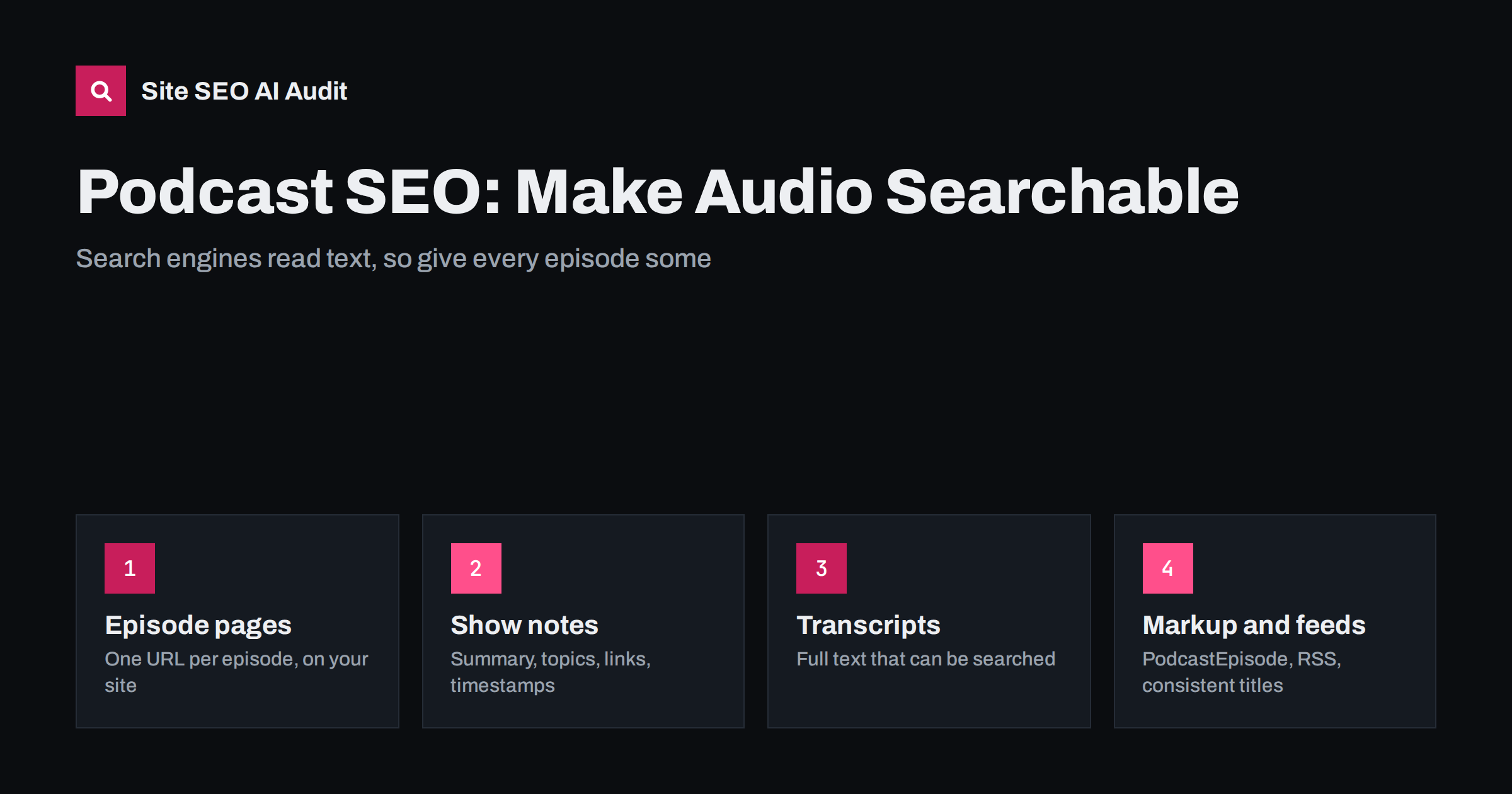
Short answer: Search engines cannot reliably understand audio, so podcast SEO means giving every episode a text presence on your own website. Publish a dedicated page for each episode with a clear title, a summary, show notes with links and timestamps, and a full transcript. Describe the show and episodes with structured data, keep your RSS feed tidy, and link episodes to related articles. This makes the content searchable, quotable by AI assistants and useful for people who prefer to read or skim.
Podcasts hold a lot of knowledge: interviews, explanations, stories, answers to customer questions. But audio is a closed box for most search tools. A listener can search inside a podcast app for a title, yet a search engine reading your website sees only a player and a few words. If the page does not describe the episode in text, the episode is nearly invisible for the questions it answers. The solution is straightforward, but it requires a little editorial discipline.
Give every episode its own page
Do not rely only on podcast directories and hosting platform pages. Your own site should have one indexable URL per episode, with a stable address such as /podcast/episode-title/. That page can collect everything about the episode in one place and earn links, mentions and rankings that otherwise go to a third-party platform.
Useful elements for an episode page:
- A clear H1 with the episode’s real topic, not just “Episode 47”.
- The audio player and links to the main listening apps.
- A short summary in the first paragraph that states the question the episode answers.
- The guest’s name, role and a link to their website or profile.
- The publication date, the length and the show’s name.
- Show notes and a transcript, as described below.
Also create an index page for the whole show, with a short description, the latest episodes and an archive that crawlers can follow through normal links. For site structure, see click depth and site architecture.
Write show notes that people want to read
Show notes are often an afterthought: a few lines pasted from the host. Treated seriously, they are the part of the page that helps most:
- A two- or three-sentence summary that tells the reader what they will learn, without spoilers that make listening pointless.
- Key takeaways as a short list of the main points.
- Timestamps for the main topics, so listeners and searchers can jump to what they need.
- Links to everything mentioned: books, tools, articles and the guest’s work. Use descriptive anchor text.
- Related episodes and articles, which keeps readers on your site.
Write them for humans first. A list of keywords at the bottom does not help anyone, and it reads as spam. If the episode covers a topic that you also treat on your blog, link the two. This is the same logic as in topic clusters and pillar pages.
Publish a transcript
The transcript is the single most valuable addition. It turns an hour of speech into text that can rank for many specific phrases, and it lets AI assistants quote your guests accurately. It also helps people who are deaf or hard of hearing, readers who cannot listen right now and visitors who prefer to scan.
Practical advice:
- Put the transcript on the episode page as HTML text. Do not hide it in a PDF or an image.
- Clean it up. Automatic transcription is a good first draft, but names, technical terms and sentence breaks need a human check.
- Label speakers and add subheadings at topic changes, so the page is not a wall of text.
- Do not duplicate it elsewhere. If you also publish it as a blog post, either make the post a genuine rewrite or use a canonical tag.
- Consider length. A long transcript can sit in a collapsible section, as long as the text is in the page’s HTML. See tabs and accordions.
Accuracy matters. A transcript that misquotes a guest is worse than none, particularly when assistants repeat it.
Use structured data and a clean feed
Schema.org includes types for podcast series and podcast episodes. On an episode page you can describe the episode’s name, description, date, duration, the audio file and the series it belongs to. Keep the data identical to what the page shows. The general approach is explained in structured data for AI search.
The RSS feed is equally important, because directories and apps read it. Keep it consistent with your website:
- Use the same episode titles and descriptions as on your site.
- Include a link from each feed item to its episode page.
- Keep the artwork, show title and category stable. Frequent changes confuse listeners and directories.
- Do not change episode URLs after publishing. If you must move the feed, use the redirect options that your hosting platform provides.
Note that the Google Podcasts app was discontinued in 2024, so do not build a strategy around it. Make sure your show is listed with the major apps that remain, and use your own site as the permanent home.
Optimise titles and descriptions
An episode title has two jobs: attract a listener in an app and describe the page to a search engine. A title like “How to prepare a site for migration with Anna Lee” works for both. Titles that consist only of numbers or inside jokes do not. Keep the page title under about 60 characters, put the topic first and the show name last if there is space. See the title tag writing guide for the method.
Write the meta description as a concise summary of the episode, with a reason to click. If you also publish a video version, see video SEO for embedded videos.
Promote and reuse the episode
A podcast page rarely ranks on its own. Give it support:
- Link to the episode from relevant articles and product or service pages, using descriptive anchors.
- Turn highlights into short posts, quotes or clips for social channels, linking back to the episode page.
- Ask guests to link to the page from their own sites. A link from the guest’s site is a genuine reference.
- Update older episode pages when facts change, and note the update date.
These steps follow the same principles as internal linking strategy and make the archive work as a library instead of a list of dates.
Common podcast SEO mistakes
- Publishing only on a hosting platform and never on your own domain.
- Titles such as “Episode 12” with no topic.
- Show notes copied unchanged from the feed, so that many sites carry identical text.
- No transcript, or a transcript image.
- Moving to a new platform without redirects, so that old episode links break.
- Episode pages marked noindex or missing from the sitemap.
Measure what the episode pages achieve
Treat the episode pages as normal content when you measure results. In Search Console, look at which queries bring impressions to the episode URLs, and compare them with the topics you intended. If an episode attracts searches you did not expect, adjust the title, summary or headings to match, and add a section that answers the question directly. Check which episodes earn clicks from search and which are found only through the app, and learn from the difference.
Also watch engagement on the page itself. If visitors leave immediately, the summary may not match the promise in the title, or the player may be hard to find. Small changes such as a clearer first paragraph, a visible table of timestamps and a link to the next related episode often help. Repeat the review every few months, and refresh the pages of your best episodes when facts, tools or guests’ roles change.
Check your episode pages
Episode archives grow quickly and often hide technical gaps, such as missing descriptions, duplicate titles, broken links in show notes or pages that no other page links to. Site SEO AI Audit crawls your site like a search engine and checks titles, descriptions, H1 headings, broken links, orphan pages and structured data on every page. The first audit of up to 200 pages is free.
Related reading
The bottom line
Podcast SEO is about translating audio into text that machines and people can use. Give each episode its own page, write show notes that help, publish an accurate transcript, add structured data and keep the RSS feed consistent with your website. Link episodes to your other content and keep the archive tidy. The audio is the product, but the text is how most people will discover it.
الأسئلة الشائعة
Do I need a transcript for every episode?
It is strongly recommended. A transcript makes the episode searchable, quotable and accessible. Even a lightly edited transcript adds far more searchable text than show notes alone.
Should I host episode pages on my own website?
Yes. Pages on your domain build your own authority, and you control the content and the URL. Hosting platform pages can be a useful extra, but they should not be your only home.
Can the same transcript also be a blog post?
It can, but avoid publishing identical text in two places. Either rewrite the content into a proper article or point one version to the other with a canonical tag.
Does the length of the episode affect SEO?
Not directly. What matters is the text around it, the usefulness of the page and how well it answers a question. A short episode with strong notes can outperform a long one with none.
Which structured data should I use?
Schema.org has types for podcast series and episodes. Use them to describe the visible facts of the episode, and keep the data identical to the text on the page.