ENEnglish
 LTLietuviškai
 DEDeutsch
 FRFrançais
 RUРусский
 ESEspañol
 PLPolski
 ITItaliano
 UKУкраїнська
 CSČeština
 PTPortuguês
 JA日本語
 LVLatviešu valoda
 ETEesti
 HUMagyar
 IDBahasa Indonesia
 TRTürkçe
 HIहिन्दी
 ELΕλληνικά
 ARالعربية
 THไทย
 VITiếng Việt
 RORomână
 MSBahasa Melayu
 BNবাংলা
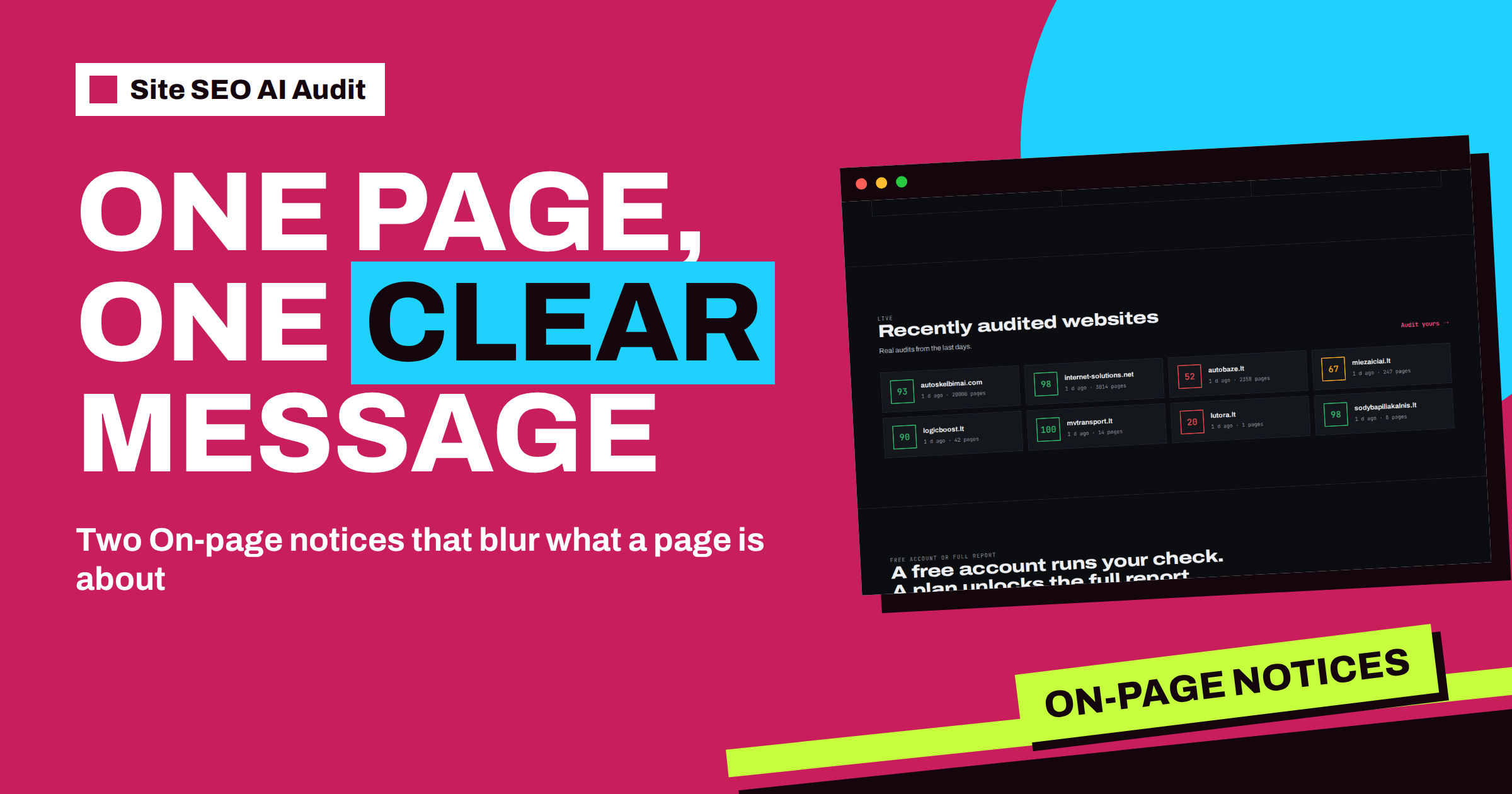
Short answer: In the On-page area of Site SEO AI Audit, “Duplicate meta descriptions” and “Several H1 headings” are both notices. The first means that different pages share the same snippet text, so they look alike in search results. The second means that a page has more than one main heading, which blurs what it is about. Each counts one point, multiplied by the share of pages affected. Write a unique description for every page, keep one H1 per page and turn the other H1s into H2, then run a new check.
These two notices have something in common: they usually come from a template, not from careless writing. A theme that repeats the same default description on every page, or a layout that wraps the logo, the page title and a banner slogan in three H1 tags, can create hundreds of findings from one setting. That makes them cheap to fix and a good first target when you want to raise the On-page score quickly.
Where the two notices live
Both belong to the On-page area, which carries 20 percent of the overall SEO score. Its other findings are the missing page title, duplicate titles, titles that are too long or too short, missing meta descriptions, missing H1, thin content, duplicate content and images without alt text. The missing H1 is a warning, so it counts four points instead of one. Several H1s are only a notice, because the page still has a main heading, just not a single one.
Both notices follow the same scoring formula as all other findings: severity weight one, multiplied by the share of indexable pages affected, raised to the power of 0.6. So a few affected pages cost almost nothing, while a template that repeats the problem everywhere costs much more.
Duplicate meta descriptions: what the audit reports
The meta description is the summary that search engines may show under the title in results. The audit explains the problem this way: identical snippets make pages look the same in results. The advice is to write a unique description for each page.
The finding is different from the warning about missing meta descriptions. There, the page has no summary at all, and Google shows a random piece of text. Here, the summary exists, but it is shared. Visitors who see two listings with the same text cannot tell which one answers their question, and neither listing earns the click as well as it could.
One detail keeps the list clean. Pages whose canonical points to another address are not evaluated for duplicate titles, descriptions or content, because they are not asking to rank. If a page seems to be missing from the list, check whether its canonical points elsewhere.
Where duplicate descriptions come from
- A default value. The SEO plugin or the theme fills every empty description with the same text, often the site tagline.
- Copy and paste. A page was duplicated to make a new one, and its description was never changed.
- Variants. Products or services that differ only by size, colour or city share one description from a template.
- Paginated lists. Page 2, 3 and 4 of a category carry the description of page 1.
To write better descriptions, the guide to meta descriptions gives length rules and examples. The audit itself suggests 120 to 160 characters that make people want to click.
A useful test is to read three affected pages side by side. If the descriptions are word for word the same, a default is at work. If they are almost the same with one word changed, a template with a variable is at work, and the variable needs to be more specific.
Several H1 headings: what the audit reports
The H1 is the main heading of a page. The audit’s explanation is that more than one main heading blurs what the page is about, and the fix is to keep one H1 and turn the others into H2. A page with several H1 tags is not broken, and modern search engines cope with it. But one clear main heading is still the simplest way to say what the page is for, and it also helps people who use screen readers to jump through the structure.
The H1 tag best practices article describes what a good main heading looks like. For the wider structure below it, read the guide to heading structure.
Where several H1s come from
- Theme logos and site titles. The site name in the header is wrapped in an H1 on every page, and the page title is another H1.
- Page builders. A hero block, a banner slogan and a section title each use a top-level heading.
- Widgets and sidebars. A promotional box or a newsletter form uses H1 for its title.
- Content pasted from other sources. An article imported from a document brings its own H1 into the body.
How to fix both with one pass
- Open both lists. Look at the affected pages and sort them by how many there are. If a notice lists most of your pages, the cause is a template.
- Fix the template first. For descriptions, change the default so that it is built from the page itself, such as the excerpt or the page title, not from a fixed sentence. For headings, change the logo wrapper in the header from H1 to a simple paragraph or a div.
- Write unique descriptions for important pages by hand. Start with the pages that bring visitors: the home page, service pages, product categories and best articles.
- Use the SEO plugin on WordPress. Each page has fields for title and description, and the issue cards in the report give the steps for your plugin.
- Turn extra H1s into H2. Keep one H1 that matches the page topic, and use H2 for section titles, so that the outline of the page reads like a table of contents.
- Run a new check. Starter, Pro and Agency allow re-checks, and the pricing page shows the number of checks for each plan.
A worked example
A small online shop has 300 product pages and a theme that fills every empty description with the shop tagline. The audit lists 240 pages under “Duplicate meta descriptions”. The same theme puts the logo in an H1 and the product name in a second H1, so the notice for several H1 headings lists 300 pages. Two notices, 540 findings, and two causes.
The owner changes the theme setting so that an empty description is built from the first sentence of the product text, and moves the logo out of the H1. The next check shows the description notice down to a few products with no text at all, and the heading notice gone. Only the pages that really need a handwritten description remain, and that list is short enough to finish in an hour. This is the pattern to expect: the first fix removes the bulk, and the second pass handles the exceptions.
How the notices differ from their warning siblings
It helps to see the four findings side by side, because they ask for different amounts of work.
- Missing meta description (warning). The page has no summary. Write one.
- Duplicate meta descriptions (notice). The summary is shared. Make each one unique.
- Missing H1 (warning). The page has no main heading. Add one.
- Several H1 headings (notice). The page has too many. Keep one.
When time is short, deal with the two warnings first, because a warning is weighted at four points and a notice at one. The notices then become a tidy-up that makes the On-page area close to perfect.
What not to do
Keep the fixes honest. Do not fill descriptions with keywords to make them different. A description that is unique but unreadable does not earn clicks. Do not remove the main heading to avoid the notice either, because a missing H1 is a warning and costs more. And do not edit every page by hand when a template is the cause; you will spend hours and the next new page will repeat the problem.
Checking the result is simple. After the changes, compare the two lists with the previous report. A good result is a shorter list that holds only the pages you chose to leave, for example a thank-you page or a legal page. For a broader view of what to fix next, the article on fixing issues by impact shows how the report ranks every finding by the points it adds.
Related reading
- Duplicate Titles Across Pages: Fix Them With Your Report
- Missing Meta Descriptions: Find and Fix Them in Bulk
- Heading Structure for SEO: How to Use H2 to H6 Properly
The bottom line
Both notices are small, and both are usually one template away from gone. Give each page its own description and a single H1, then check again and watch the On-page area improve.
FAQ
Are duplicate meta descriptions a ranking problem?
The audit calls them a notice. Identical snippets make pages look the same in results and can lower the click rate, so they are worth fixing, but they are not an emergency.
Is more than one H1 allowed?
Pages with several H1 tags still work, but the audit recommends one H1 and H2 for the rest, because a single main heading states the topic most clearly.
Why does a notice list so many pages?
Usually because a template or default setting repeats the same value everywhere. Fix the source and the list shrinks at once.
Does the audit check pages that point to another canonical address?
No. Pages whose canonical points to another address are not evaluated for duplicate titles, descriptions or content.
Can I see these notices on a free account?
A free account runs one check and shows the report locked. A paid plan unlocks every issue, the affected pages and the fixes.