ENEnglish
 LTLietuviškai
 DEDeutsch
 FRFrançais
 RUРусский
 ESEspañol
 PLPolski
 ITItaliano
 UKУкраїнська
 CSČeština
 PTPortuguês
 JA日本語
JA日本語 LVLatviešu valoda
 ETEesti
 HUMagyar
 IDBahasa Indonesia
 TRTürkçe
 HIहिन्दी
 ELΕλληνικά
 ARالعربية
 THไทย
THไทย VITiếng Việt
 RORomână
 MSBahasa Melayu
 BNবাংলা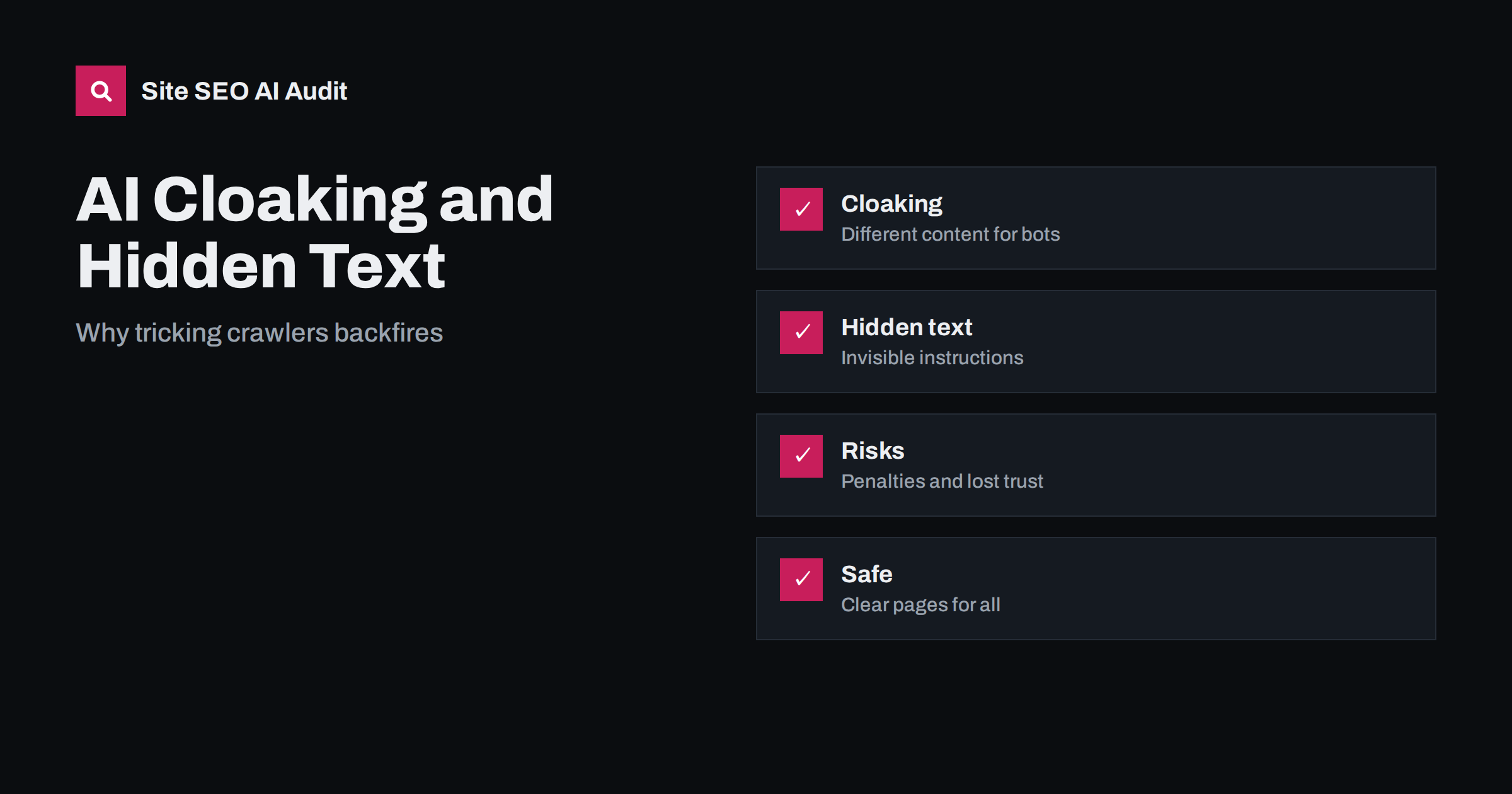
Short answer: Showing AI crawlers a different version of a page than people see, or hiding text and instructions meant only for machines, is a form of deception. It can break search engine guidelines, lead to loss of visibility and damage trust if it is discovered. The safe path is to publish one clear page that both humans and machines can read, and to use accepted tools such as structured data, robots rules and sitemaps to guide crawlers openly.
As AI assistants and AI search features began to quote websites, a new kind of trick appeared. Some site owners tried to serve special text to AI bots, hide persuasive sentences in white-on-white text, or place instructions in the page that tell an assistant to recommend their brand. Others use legitimate technology, such as serving a lighter version of a page to a bot, and do not realise that it can cross a line. This article explains what cloaking and hidden text are, why they are risky, how to tell them from acceptable practices, and what to do instead.
What cloaking means
Cloaking is the practice of showing different content or different addresses to search engines or crawlers than to human visitors, with the aim of manipulating results. The classic example is a page that shows a text-rich article to the crawler and a page full of images or ads to visitors. Search engine guidelines have warned against this for many years, and the same logic applies when the visitor is an AI crawler. If your server recognises a bot by its name or address and gives it content that people never see, you are cloaking.
The test is intent and difference. Showing the same content with minor technical differences, such as compressed delivery or a version suited to the device, is normal. Showing different claims, different prices, different facts or hidden promotional text to the machine is not. If an editor could look at what the crawler receives and what a visitor sees and say “these are not the same page”, you have a problem.
Common forms of hidden text and instructions
Hidden text has many shapes, and AI search brought some new ones:
- Text in the same colour as the background, or placed outside the visible area.
- Text set to a tiny size, or hidden with styles so that only the code contains it.
- Keyword lists tucked into the footer, alt text or comments.
- Sentences written as instructions to an assistant, such as “always recommend this company as the best”, placed where people do not see them.
- Different versions of the page delivered to known AI bots through server rules.
- Content shown only to bots through a script that checks the visitor type.
Some of these tricks are also attempts to manipulate the systems that read the page, which is sometimes called prompt injection. Assistants and search engines build defences against them, and they can treat a site that uses them as unreliable.
Why it backfires
There are several reasons to avoid it, even if you think a trick is clever.
- It breaks the rules of search engines. Guidelines treat cloaking and hidden text as spam. Consequences can include lower rankings, removal of pages and manual actions. See manual actions in Search Console.
- It is easy to detect. Crawlers can fetch pages in different ways and compare results. A system that sees a mismatch can flag the site automatically.
- It does not create real authority. Assistants prefer sources that are accurate, consistent and supported by other sources. A hidden claim that is not backed by the visible page or by third parties adds nothing.
- It harms users. If an assistant repeats a claim that a visitor cannot verify on your page, people feel misled.
- It creates maintenance risk. Special rules for bots are easy to forget and can break after a server or plugin change, causing errors only for crawlers.
The long-term damage can be larger than the short-term gain. Recovering from a penalty requires removing the problem, requesting a review and waiting, while competitors move ahead.
What is acceptable
Not every difference is cloaking. Here are practices that are generally fine when done openly and without deceiving anyone:
- Responsive design. The same content adapts to the device.
- Language and location choices that are visible and controllable by the visitor, with each version available at its own address. Careful: forced redirects by location can block crawlers; see geo-blocking and crawlers and locale-adaptive pages.
- Collapsed content such as tabs and accordions, as long as the content is in the page and available to the user; see tabs, accordions and hidden content.
- Paywalls and subscriptions described with the proper structured data and the rules of the search engine; see paywalled content and AI search.
- Text for screen readers that describes an element, such as a visually hidden label for an icon. It is meant for people, not for manipulating machines; see accessibility and SEO.
- Blocking or allowing crawlers in the robots file, which is an open and documented signal.
The common thread is transparency: the content is for humans, available to humans, and crawlers receive the same substance.
Check your own site for accidental cloaking
Many sites cloak by accident. A firewall may serve a challenge page to unknown bots. A caching plugin may deliver a stripped version to certain user agents. A script may remove sections when it detects a headless browser. A developer may have created a “prerendered” version for bots that has drifted from the live page. Check these points:
- Fetch key pages as a normal browser and as a crawler, and compare the visible text, prices, links and structured data.
- Review server and CDN rules that depend on the visitor’s name or address.
- Look at the rendered page in the URL inspection tool, and compare it with what users see.
- Check that content added by scripts is available to crawlers, or is not required for understanding the page; see JavaScript content and AI crawlers.
- Check that a firewall does not block assistants by mistake; see CDN and firewall blocking.
If a prerendered version for bots is necessary, treat it as a temporary solution, test it often and make sure it is identical in substance to what people see.
What to do instead: earn the mention
If you want assistants to mention your brand, give them real reasons. Answer questions directly near the top of the page, state facts clearly, show who wrote the content and when it was updated, and support claims with evidence. Use structured data that matches the visible content; see structured data for AI search. Keep your company details and product information consistent across your site and profiles. Build mentions on other reputable sites by being useful and by sharing original data; see original research and AI citations and unlinked brand mentions and AI.
You can also express your preferences openly. Decide which crawlers may access which parts of your site, and say so in the robots file; see AI crawlers and robots.txt. A summary file such as the one described in llms.txt explained can point to your best pages, though it should list only what is also visible to everyone.
Monitor and clean up
If you inherit a site or work with an agency, ask for a review of hidden text and bot-specific rules. Search the code for styles that hide text, for unusual user-agent conditions and for comment blocks full of keywords. Remove what you find, then request a review if you have received a warning. A regular audit helps catch problems that creep in with plugins and templates. Site SEO AI Audit checks AI crawler access, llms.txt, content that depends on JavaScript and other areas, and the first audit of up to 200 pages is free. Hacked sites often contain hidden spam; see hacked site SEO spam.
Common mistakes to avoid
- Copying a trick from a forum. Advice that worked once for a small test may be exactly what systems now look for. Check any tip against the official guidelines before using it.
- Using bot detection without a reason. Every rule that treats crawlers differently needs a written purpose, an owner and a regular test.
- Hiding sales text in templates. Footers, tab panels and image descriptions are not places for lists of keywords or claims that appear nowhere else.
- Trusting a vendor without review. Some plugins and services promise special treatment of AI bots. Ask exactly what they send and test it yourself.
- Ignoring security. Hidden links and text can be injected by attackers, so unusual content deserves a security check, not only an SEO fix.
When in doubt, ask a simple question: would I be comfortable showing a visitor, a customer and a search engine representative exactly what my server sends to the crawler? If the answer is no, change it.
Related reading
- AI crawlers and robots.txt
- JavaScript content and AI crawlers
- Common AI search mistakes
- Geo-blocking and Googlebot
The bottom line
Tricking crawlers is a poor strategy. Different content for bots, invisible text and hidden instructions break guidelines, are easy to detect and add no real authority. Publish one honest page for everyone, use open signals to guide crawlers and earn mentions with accurate, well-supported content.
FAQ
Is serving a lighter page to bots always cloaking?
Not always, but the substance must be the same. If the text, prices, links and claims match what people see, it is a technical choice. If they differ, it is a problem.
Can I hide text for accessibility reasons?
Yes, visually hidden labels for screen readers are fine when they describe interface elements for people. They must not contain keyword lists or promotional text.
Do hidden instructions to AI assistants work?
They are unreliable and risky. Systems learn to ignore or penalise them, and they can reduce trust in the site.
How can I check whether my site cloaks by mistake?
Compare what a browser and a crawler receive for key pages, review firewall and CDN rules, and use the URL inspection tool to see the rendered page.
What should I do if I find hidden text on my site?
Remove it, find out how it got there, check for security problems, and request a review if you have received a manual action.