ENEnglish
 LTLietuviškai
 DEDeutsch
 FRFrançais
 RUРусский
 ESEspañol
 PLPolski
 ITItaliano
 UKУкраїнська
 CSČeština
 PTPortuguês
 JA日本語
 LVLatviešu valoda
 ETEesti
 HUMagyar
 IDBahasa Indonesia
 TRTürkçe
 HIहिन्दी
 ELΕλληνικά
 ARالعربية
 THไทย
 VITiếng Việt
 RORomână
 MSBahasa Melayu
 BNবাংলা
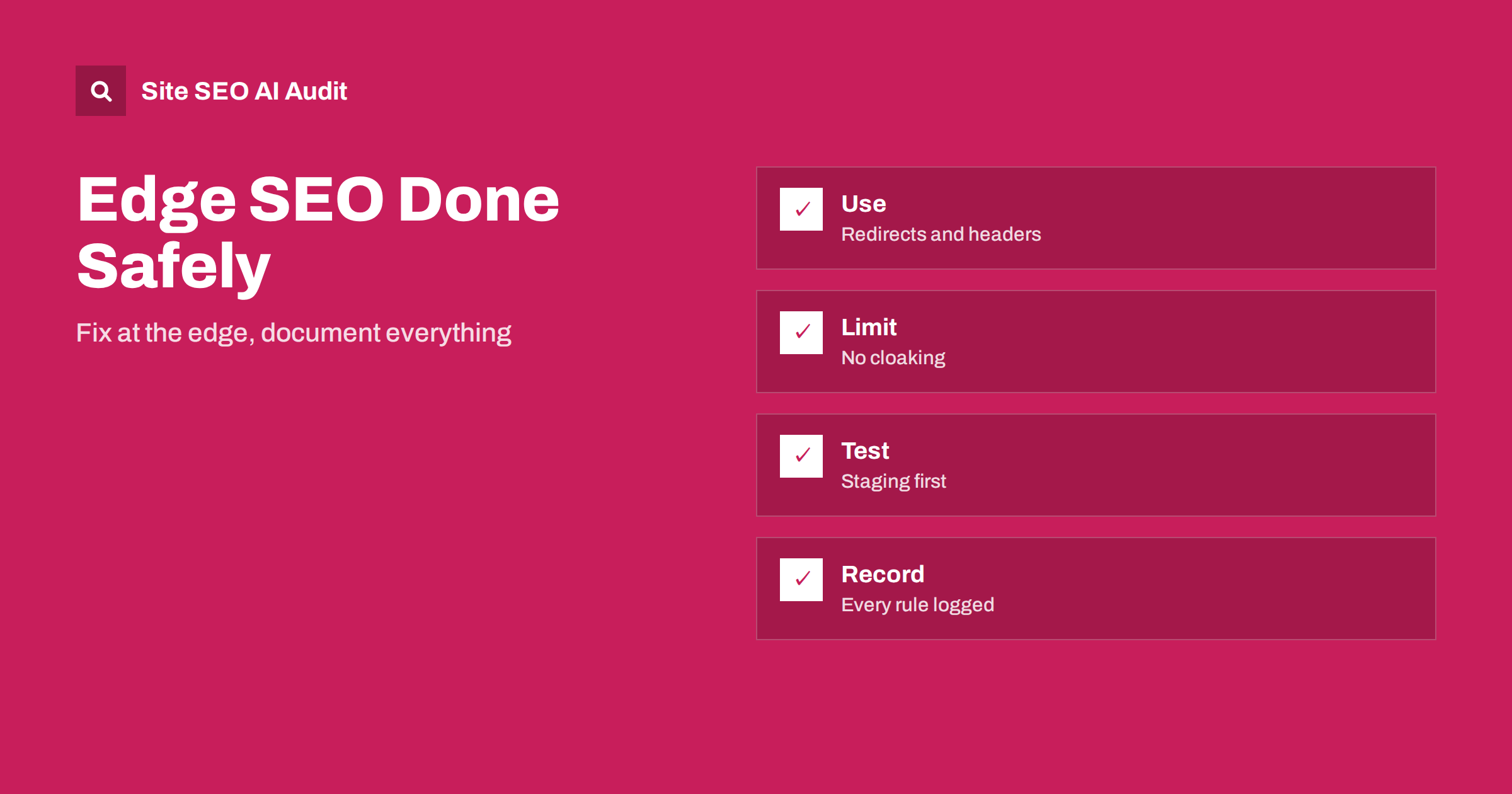
Short answer: Edge SEO means making changes to responses at the content delivery network, between your server and the visitor, using rules or small scripts called workers. It can add redirects, headers, canonical tags or small HTML changes when the main system cannot be changed quickly. It is powerful and risky: use it for clear, tested fixes, show crawlers and visitors the same content, document every rule and plan to move the fix into the source system.
Many sites sit behind a content delivery network that caches pages and can also run code. This layer gives SEO teams a way around slow release cycles. If a content management system cannot send a certain header, or a legacy platform cannot create redirects in bulk, a rule at the edge can do it within hours. This approach is often called edge SEO. This guide explains where it helps, where it creates danger and how to run it responsibly. For the basics of delivery networks, see the guide to CDN SEO setup.
What the edge layer is
When a visitor or crawler requests a page, the request goes first to a server of the network near them. That server may return a cached copy or fetch a fresh one from your origin server. Rules and scripts at this point can inspect the request and change either the request or the response. They can redirect, set headers, rewrite parts of the HTML, block certain traffic or choose which origin to ask.
The key point for SEO is that crawlers see the final response from the edge, not what your origin produced. So a rule at the edge changes what search engines and AI crawlers receive, just as a change at the origin would.
What edge changes can do well
Several tasks suit the edge. Redirects are the clearest case: a list of old addresses can be mapped to new ones without touching the legacy system, and the response is fast. See the guide to redirects on common servers for the equivalents at the origin. Headers are another: sending an X-Robots-Tag or a language header for file types that cannot carry tags, as described in the guide to the X-Robots-Tag header. Caching rules, compression settings and security headers also fit here, as covered in the guide to caching headers.
Smaller HTML changes can be done too, such as inserting a canonical tag, adjusting a title on a group of pages or adding hreflang annotations. These are possible with scripts that rewrite the response, but they require more caution, as explained below.
What not to do at the edge
The main rule is that visitors and crawlers must receive the same content. Using the edge to show different text to search engines than to people is cloaking and violates search engine policies. Changes that are applied to everyone are fine. Changes based on whether the requester is a bot are not, unless the difference is only technical, such as serving a prerendered version of the same content, which is discussed in the guide to server-side rendering and prerendering.
Do not use the edge to hide serious problems that should be fixed at the source, such as slow pages, broken templates or duplicate content. And do not rewrite large amounts of content on the fly, because it is fragile, slow and hard to debug. Keep edge logic simple and narrow.
Risks to understand
The first risk is invisibility. A rule at the edge is often not visible in the content management system or the code repository, so a developer may be surprised by behaviour that seems to come from nowhere. The second is conflict: an edge redirect and an origin redirect can form a loop or a chain, as described in the guide to redirect chains and loops. The third is caching: a wrong rule can be cached and served widely, and removing it takes time. The fourth is performance: scripts add processing time, and mistakes can slow every request.
There is also an access risk. Edge platforms are powerful, and an error in a rule can take a whole site offline or block crawlers. Treat access like production code access, with reviews and limited permissions. Remember that firewalls and bot rules at this level may block AI crawlers by mistake, a problem covered in the guide to CDNs and firewalls that block AI crawlers.
A safe process
Treat each edge change as a small project. Write down the problem, the rule, the pages affected and the way to check success. Test on a staging environment or on a limited set of addresses first, then widen. Check the actual response with a tool that shows headers and the final HTML, as seen by a crawler, including cached and uncached versions. Keep a way to switch the rule off quickly.
After release, crawl the affected area and compare before and after, and watch Search Console reports and server logs for unexpected effects. Record the change in your change log with the date, the owner and the reason, as in the guide to an SEO changelog. This will help you to explain later why traffic changed.
Plan the exit
Edge rules should usually be a bridge, not a permanent home. A long-term home for redirects, canonical tags and titles is the platform that produces the pages, because that is where editors and developers will look. Schedule the work to implement the fix at the source, and remove the edge rule after it is live and verified. Remove old rules regularly, since a forgotten rule can interfere with future changes, for example during a site migration, described in the guide to the site migration checklist.
Give developers a clear list of what the edge currently does. The document should be part of the requirements, as in the guide to SEO requirements for developers.
Roles and approvals
Decide who may create and approve rules. A good model is that SEO specialists propose changes with a precise description, a developer or infrastructure engineer reviews and deploys them, and another person verifies the result. This avoids both silent changes and long waits. For urgent fixes, define an emergency path with a requirement to document the change afterwards.
Include edge rules in the monitoring you already have. Alerts on spikes in errors, redirects or response times will catch many mistakes quickly. See the guide to technical SEO monitoring.
Testing what crawlers receive
Do not trust the browser alone. Request the address with a crawler user agent and without cookies, compare the status code, headers and HTML with what a normal browser gets, and check both a cached and a fresh response. Look at the final address after all redirects and count the number of hops. If your rules depend on country, device or language, test those cases too, because a rule that works for one group may do harm to another, such as blocking visitors from a country where your audience lives.
Use a crawl to test at scale. Compare a crawl before the change with one after, and look for new redirects, changed titles or canonical tags, new errors and differences in response time. Keep the results with the change record so that you can show what was verified and when.
When not to use the edge
If you can change the origin within a reasonable time, do it there. Simple redirects, titles and canonical tags are best handled by the system that creates the pages. The edge is a good choice when the origin cannot do the job, when the release cycle is too slow for an urgent problem or when you need to protect many sites with one rule. Avoid it when the team has no clear owner for the rules, when you have no way to test safely or when the change would hide a problem that you would rather fix. A short written policy that states these conditions prevents the edge from becoming a place where every quick idea is deployed without review.
Here is a short example. A company with an old platform wanted to move product pages to new addresses, but the platform could not create redirects for thousands of pages. The team created a mapping table and loaded it into an edge rule that returned permanent redirects. They tested a sample, checked that no chains formed and logged the rule. Six months later, the new platform handled the redirects itself, and the edge rule was removed.
A second example is a site that needed a noindex header for downloadable files that could not carry tags. A simple edge rule sent the header for a folder, and a crawl confirmed it. Without the edge, the change would have required a long release.
Site SEO AI Audit crawls your website like a search engine and reports status codes, redirect chains, canonical tags, noindex, hreflang, page speed and AI crawler settings in robots.txt, which helps you to check what your edge rules actually deliver. It does not see or edit your CDN configuration. The first audit of up to 200 pages is free, and larger sites can see the pricing page.
Related reading
The bottom line
Use the edge for clear, tested fixes that treat crawlers and visitors alike, and document every rule so that it can be moved or removed.
FAQ
What is edge SEO?
It is making SEO changes such as redirects, headers or small HTML edits at the CDN layer, before the response reaches the visitor or the crawler.
Is edge SEO cloaking?
Not if everyone sees the same content. Showing different content to search engines than to people is cloaking.
Is it better than fixing the origin?
It is faster for some fixes, but the source system is the better long-term home, so plan to move the change there.
Can an edge rule break my site?
Yes. A wrong rule can create loops, block crawlers or slow responses, so test first and keep a quick switch-off.
How should I document edge rules?
Record the problem, the rule, the pages affected, the date, the owner and the plan to remove it, in your change log.