 ENEnglish
 LTLietuviškai
 DEDeutsch
 FRFrançais
 RUРусский
 ESEspañol
 PLPolski
 ITItaliano
 UKУкраїнська
 CSČeština
 PTPortuguês
 JA日本語
 LVLatviešu valoda
 ETEesti
 HUMagyar
 IDBahasa Indonesia
 TRTürkçe
 HIहिन्दी
 ELΕλληνικά
 ARالعربية
 THไทย
 VITiếng Việt
 RORomână
 MSBahasa Melayu
 BNবাংলা
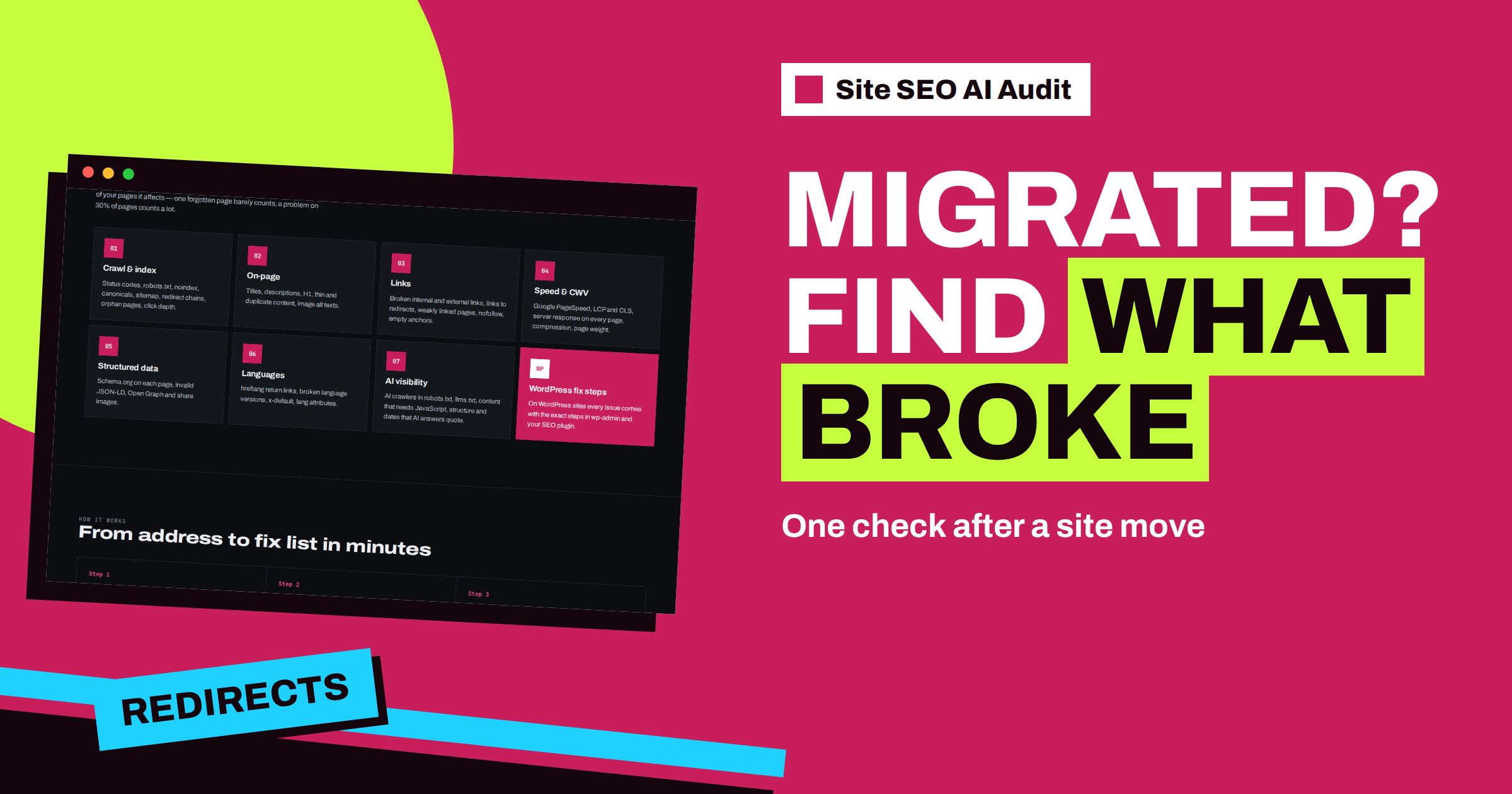
Short answer: After a migration, the site looks fine in the browser while addresses, redirects, canonicals and sitemaps may still point to the old setup. Run a Site SEO AI Audit check within a day of the move and read these issues first: pages returning errors, broken internal links, redirect chains, links to redirects, canonicals that point to redirected pages and sitemaps that list old addresses. Fix them in that order, re-check, and repeat after a week.
A migration is any change that moves your pages: from http to https, from one domain to another, from one content system to another, from one folder structure to another, or from one host to another. The goal is that visitors and search engines notice nothing except that things are better. In practice, migrations leave traces. A forgotten redirect, an old address in a menu, a canonical that was never updated. Each trace is small, and together they can cost a lot of traffic. A crawler is the right tool to find them, because it walks every link and compares what it finds with your sitemap. This article describes what to read in the report after the move.
What a migration can break
| Type of migration | Typical damage |
|---|---|
| http to https | Mixed content, internal links and canonicals still using http, redirect chains |
| New domain | Missing redirects, absolute links to the old domain, sitemap and canonicals with the old host |
| New CMS or platform | Different addresses, lost titles and descriptions, dropped structured data |
| New URL structure | Broken internal links, incomplete redirect map, stacked redirects |
| New host or CDN | Slower responses, blocked crawlers, changed headers, robots rules |
The checklists in the site migration SEO checklist and the https migration checklist describe the preparation. This article starts where those end: the moment the new setup is live, and you need to know whether it works.
Run the check at the right time
Run the first check within a day of the move. By then, caches have refreshed and DNS changes have settled, so the crawler sees the real new site. Enter the address of the new site as visitors will use it. If you changed the domain, the new domain is a separate website in the tool, so keep the report of the old domain as your reference and compare the two by hand. If you have a baseline check from before the move, you will be able to see what changed. If you do not, the report still shows the state of the new site, which is enough to find the faults.
Large sites can take up to about twenty minutes to crawl, and the check runs in the background on a paid plan. Plan the first check, a re-check after the first repairs and a follow-up a week later. Starter’s five monthly checks cover this for one site.
Tell everyone involved when the check will run, and agree who reads the report. Migrations often involve a developer, a hosting provider and a marketer, and the first hours are the best time to fix problems, because the old setup is still fresh in everyone’s mind. Keep the report open during the repair work, and tick off the lists as they shrink.
Read in this order
A migration report can be long, so a fixed reading order saves time. Start with what loses visitors and rankings fastest.
- Blocks. Is the whole site blocked by robots.txt or noindex? That caps the score at 20 and stops everything.
- Errors. “Pages return an error (4xx)” and “Pages return a server error (5xx)” show addresses that no longer work. Compare with your redirect map: each old address that mattered should redirect, not fail.
- Broken internal links. Links in menus, footers and content that lead to dead addresses. They are critical in the report.
- Canonicals. “Canonical points to a broken or redirected page” is the typical migration leftover, with canonical tags that still name the old host or the old path.
- Redirects. “Redirect chains” and “Internal links point to redirects” show stacked or unnecessary hops.
- Sitemap. “Sitemap lists pages that do not work” appears when the sitemap still contains old addresses.
- Titles, descriptions and structure. Missing or duplicate titles and descriptions, missing H1 headings and structured data errors show lost templates.
- Speed and AI visibility. New hosting and templates can change response time, compression and robots rules for AI crawlers.
Verify the redirects
Redirects are the heart of most migrations, and the report tests them indirectly. Where your own links still point to old addresses, the crawler follows the redirect and lists the link as pointing to a redirect, so you see which old addresses are in use. Where a redirect is missing, the old address shows up as an error. Where redirects are stacked, they appear as chains. Together, the three lists tell you whether the map works.
Add your own spot-check. Take twenty old addresses that mattered for traffic, including top pages and pages with many links, and open each one. Each should land on the correct new page in one step. If you prepared a redirect map, the process in the guide to redirect maps shows how to test it systematically. Do not delete old redirects soon after the move; the article on how long to keep 301 redirects explains why they need to stay for a long time.
Check the signals around the address
A page can load correctly and still send the wrong signals. Open the page list and sample a few important pages. Check that each is indexable, that its title and word count match what you expect and that it sits at a sensible click depth. Open an issue about canonicals and look for old hosts in the addresses. For multilingual sites, check the Languages area: hreflang annotations often keep the old addresses after a move, and return links break. The article on international site migration covers this in depth.
Look also at the mix of http and https. After a move to https, “mixed content” and internal links that still use http create redirects and warnings. The guide to mixed content shows how to clean it.
A worked example
A furniture retailer moves its 600-page shop from an old platform to a new one and changes the product address structure. The first check, a day after the switch, shows 210 broken internal links and 95 pages returning 404. Sorting the lists, the team sees that the menu and footer still use old paths, which explains 150 of the broken links, and that 90 of the 95 errors are old product addresses missing from the redirect map. They fix the menu, add the missing redirects and clear caches. The re-check shows the broken links down to 12 and the errors to 5. It also shows a new problem: canonicals on all category pages still name the old host. A single template change fixes that, and the third check, a week later, is clean.
Mistakes after a migration
- Assuming redirects cover everything. They catch outsiders; your own links should be updated to the new addresses.
- Removing the old site too early. Old addresses must keep redirecting for a long time.
- Forgetting non-page files. PDFs, images and downloads often have links from other sites.
- Not updating the sitemap and robots.txt. Both often still describe the old structure.
- Judging by the first week. Rankings may move for a few weeks. Judge by the lists in the report and by trends in Search Console.
Repair in batches, then re-check
Fix the blocking and error items first, then canonicals, redirects and links, then the sitemap and metadata. Work by cause: one setting may fix hundreds of canonicals, and one rule may clean thousands of links. After each batch, clear caches and run a re-check. The article on the repair cycle describes the method. When the main faults are gone, repeat the check a week later to catch pages that crawlers reached late, and again after a month.
Watch the other tools as well
A crawl checks the site as it is now. Search engines show how they react. Watch Search Console for sudden rises in errors or drops in indexed pages, check your analytics for traffic changes by section and keep a note of the date of the migration, so that movements in rankings can be explained. If you move to a new domain, tell search engines through the address-change tools where available. To prepare your own migration, create a free account and run your check on the current site, and choose a plan on the pricing page to unlock the report and the re-checks.
Related reading
- Website Migration SEO Checklist: Before, During and After
- HTTP to HTTPS Migration: An SEO Checklist That Works
- Switching Web Hosts Without Losing Rankings: A Checklist
The bottom line
Run a check within a day of any migration. Read blocks, errors, broken links, canonicals, redirects and sitemaps in that order, verify your redirect map, repair by cause and re-check again after a week.
FAQ
When should I run the first check after a migration?
Within a day, when caches and DNS changes have settled and the crawler can see the real new site.
What is the most common migration leftover?
Canonical tags and sitemaps that still name the old host or old addresses.
How do I check that my redirects work?
Read the error, redirect and chain lists in the report, and spot-check about twenty important old addresses by hand.
Is a new domain a new website in the tool?
Yes. Keep the report of the old domain as a reference and compare the two reports by hand.
How many checks does a migration need?
A launch check, a re-check after repairs and a follow-up a week later. Starter’s 5 checks per month cover this.


