ENEnglish
 LTLietuviškai
 DEDeutsch
 FRFrançais
 RUРусский
 ESEspañol
 PLPolski
 ITItaliano
 UKУкраїнська
 CSČeština
 PTPortuguês
 JA日本語
 LVLatviešu valoda
 ETEesti
 HUMagyar
 IDBahasa Indonesia
 TRTürkçe
 HIहिन्दी
 ELΕλληνικά
 ARالعربية
 THไทย
 VITiếng Việt
 RORomână
 MSBahasa Melayu
 BNবাংলা
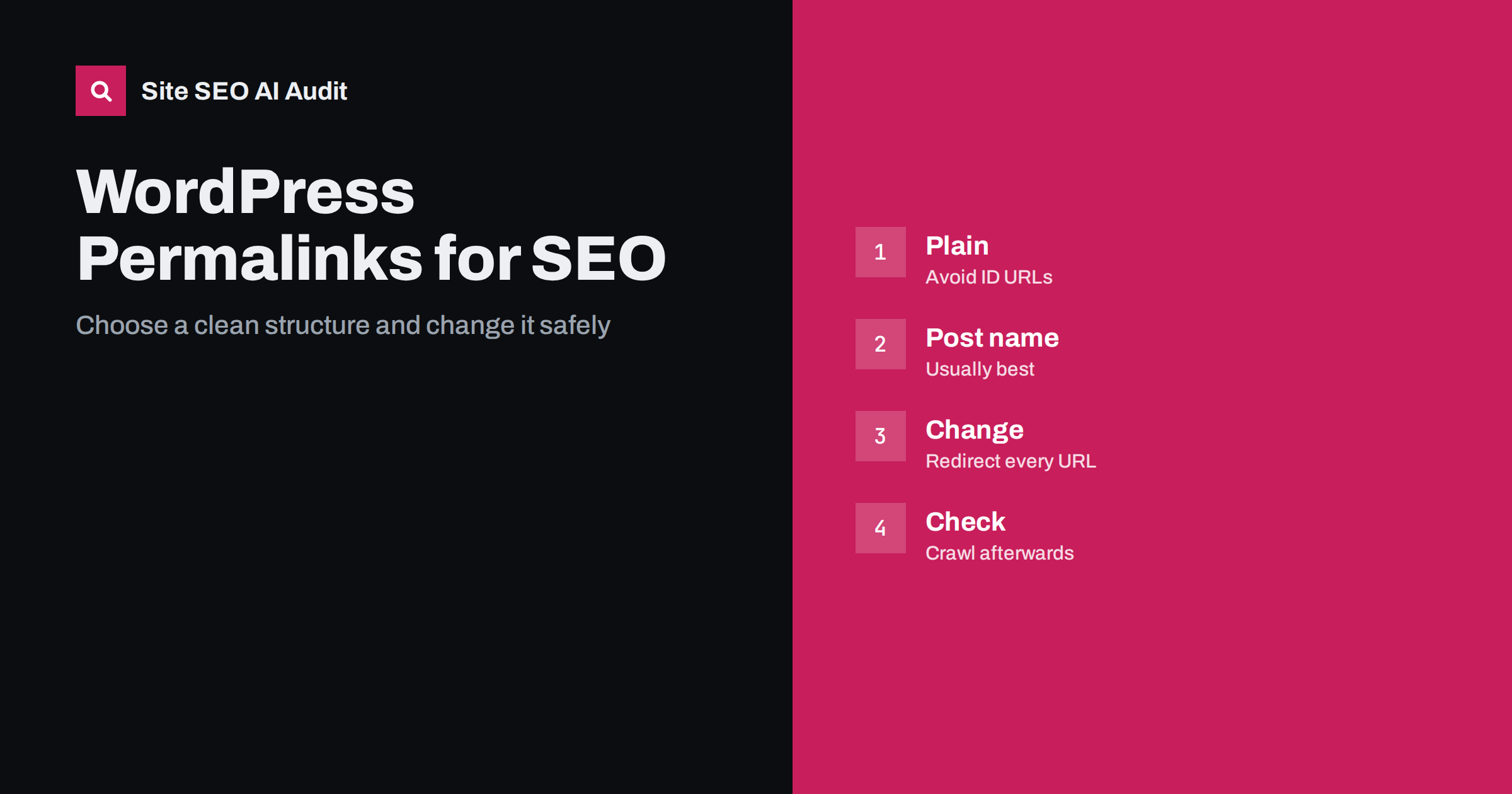
Short answer: For most WordPress sites the best permalink structure is Post name, which gives short, readable addresses such as /page-title/. It is easy to read, easy to share and does not carry dates or numbers that make old content look stale. Avoid the default plain structure with question marks and numbers. If you already use another structure and have traffic, change it only when there is a clear reason, and then redirect every old address to its new one and check the result.
The permalink setting is one of the first choices made when a WordPress site is created, and it is easy to ignore afterwards. It decides how every post and page address is built. A good structure is stable, readable and free of unnecessary parts. A poor one can create long addresses, duplicate paths and a painful migration later. This guide compares the options, explains what matters for search and shows how to change the structure without losing visitors. For writing the part of the address that you choose for each page, see the guide to SEO-friendly URL slugs.
What the built-in options mean
WordPress offers several ready structures. Plain uses an address with a question mark and the post number, which tells nobody what the page is about. Day and name and Month and name add the date before the title. Numeric uses an archive path with the post number. Post name uses only the title slug. Custom structure lets you build your own from tags such as the category, the author or the post name.
Search engines can crawl all of them, and no structure gives a ranking boost on its own. The differences are about clarity for people, the cost of future changes and the risk of duplicate or messy addresses. See the guide to URL parameters and duplicate content for how parameters create extra copies.
Why Post name is usually the best choice
A short address is easier to read in results, to remember and to paste into messages. It also stays valid when the content is updated, because there is no year or month in it. A post written in 2022 and refreshed in 2026 does not carry an old date in its path, which keeps the page looking current, in line with the guide to refreshing old posts.
The structure also makes moving content easier. If the address contains only the slug, you can reorganise categories or authors without changing any URL. Keep slugs short, in lower case and with hyphens, and avoid filling them with extra words.
Dates in the address
Date-based permalinks are common on news sites, where the date is a natural part of the story and readers expect it. For other sites they cause problems. The year in the path makes an evergreen guide look old, and when you update the article the address and the date no longer match. The path also becomes longer, and a change of the structure later requires redirects for every post.
If you run a news or magazine site and want dates in the path for archive reasons, that is a valid choice. Make sure that the visible date, the date in the markup and the date in the address agree, as explained in the guide to content dates and freshness.
Categories in the address
Adding the category to the path can show a clear hierarchy, for example a category and then the post name. It has costs. The address changes when you move a post to another category, a post in several categories can be reachable by more than one path unless the site chooses a primary one, and long category names make long addresses. If you use categories in the path, keep the category tree small and stable, and set a single primary category for each post.
For most blogs a flat structure with the category shown in menus and breadcrumbs is simpler and as good for search. The role of breadcrumbs is covered in the guide to breadcrumbs, and the structure of categories in the guide to tag and category pages.
Pages, posts and the blog base
Pages in WordPress live at the root with their own slug, while posts follow the permalink structure. If your blog sits under a base, such as a folder named after the blog, set that base on purpose and keep it. Do not rely on a fixed prefix that WordPress adds to categories and tags unless you have chosen it. The prefix for category and tag archives can be changed in the same settings screen, but changing it later requires redirects.
When the blog is served from a subfolder on another system, the setup is different, as explained in the guide to a reverse proxy for a blog in a subfolder.
Trailing slashes and canonical form
WordPress normally uses a trailing slash on pretty permalinks and redirects the version without it. Keep one form and make sure that internal links, sitemaps and canonical tags use it. A mixed use creates redirects on many links and wastes crawling, as described in the guide to www and trailing slash consistency. Check that the canonical tag of each post points to its permalink and not to a plain address with a number.
Changing the structure safely
If you must change the structure, treat it as a small migration. First list all current URLs from the sitemap and the crawl. Decide on the new structure and test it on a copy of the site. Then prepare a redirect from every old address to the new one with a permanent redirect, as covered in the guide to redirects on Apache, Nginx and WordPress. WordPress can sometimes guess the right post from the slug when the old path no longer exists, but do not rely on it for all cases, especially for pages with changed slugs, archives and attachments.
After the change, update the sitemap, internal links and canonical tags to the new form, so that no link depends on a redirect. Crawl the site and check for chains, loops and errors, using the guide to a redirect map spreadsheet. Keep the redirects for a long time, as discussed in the guide to how long to keep 301 redirects.
Common mistakes
The first mistake is changing the structure on a live site with no redirect plan, which turns every shared and indexed address into an error. The second is leaving the plain structure in place on a site that will grow, and moving later when there are thousands of pages. The third is using a custom structure with several variable parts, such as author, category and date, which makes addresses long and fragile. The fourth is editing slugs after publication for small wording improvements, which creates a new address each time.
Other problems appear on the side: attachment pages that get their own addresses, archives by date that are indexed with no value and old plain addresses that still respond with content. Check that each of these either redirects to the main page or is kept out of the index, using the approach in the guide to WordPress crawl waste.
Open Settings and the permalink screen, note the current structure and the category and tag prefixes, and then open a few posts, pages and archives. Look at the canonical tag in the page source, the address in the sitemap and the internal links. If you see more than one form of the same address, find where it comes from, such as a theme, a plugin or old content with hard-coded links. Fix the source, then request a recrawl.
What to watch after the change
Track impressions and clicks in Search Console for the affected pages, and look at the index report for new errors. A short dip is normal as pages are recrawled, but a long decline or many not found errors suggest missing redirects. Compare traffic for the same pages before and after, and keep a note of the date. The general method is in the site migration checklist.
Here is a short example. A small blog used day and name permalinks and had many evergreen guides with the publication year in the path. The owner switched to Post name on a copy first, built a redirect for every post, updated the sitemap and links and crawled the site. Search traffic dipped for a short period and then returned, and the shared addresses became shorter and cleaner.
Site SEO AI Audit crawls your website and checks status codes, redirects, titles, descriptions, canonical tags, broken links, structured data and AI visibility settings, so you can see old addresses, chains and errors after a permalink change. It does not edit your WordPress settings. The first audit of up to 200 pages is free, and larger sites can see the pricing page.
Related reading
The bottom line
Use Post name, keep slugs short and stable, and redirect every old URL if you ever change the structure.
FAQ
Does the permalink structure affect rankings?
Not by itself. Clear, stable addresses help users and crawling, and a bad change can cause losses if redirects are missing.
Should I change my structure if I use dates?
Only if there is a reason, such as evergreen content that looks old. Plan redirects for every URL before you change it.
Are category names in the URL good for SEO?
They can show hierarchy, but they make addresses longer and change when posts move. A flat structure is simpler for most blogs.
Will WordPress redirect old URLs automatically?
Sometimes it guesses from the slug, but not for every case. Set up and test explicit redirects.
How long should the redirects stay?
As long as the old addresses have links or visitors, which in practice means a year or more, and ideally permanently.