ENEnglish
 LTLietuviškai
 DEDeutsch
 FRFrançais
 RUРусский
 ESEspañol
 PLPolski
 ITItaliano
 UKУкраїнська
 CSČeština
 PTPortuguês
 JA日本語
 LVLatviešu valoda
 ETEesti
 HUMagyar
 IDBahasa Indonesia
 TRTürkçe
 HIहिन्दी
 ELΕλληνικά
 ARالعربية
 THไทย
 VITiếng Việt
 RORomână
 MSBahasa Melayu
 BNবাংলা
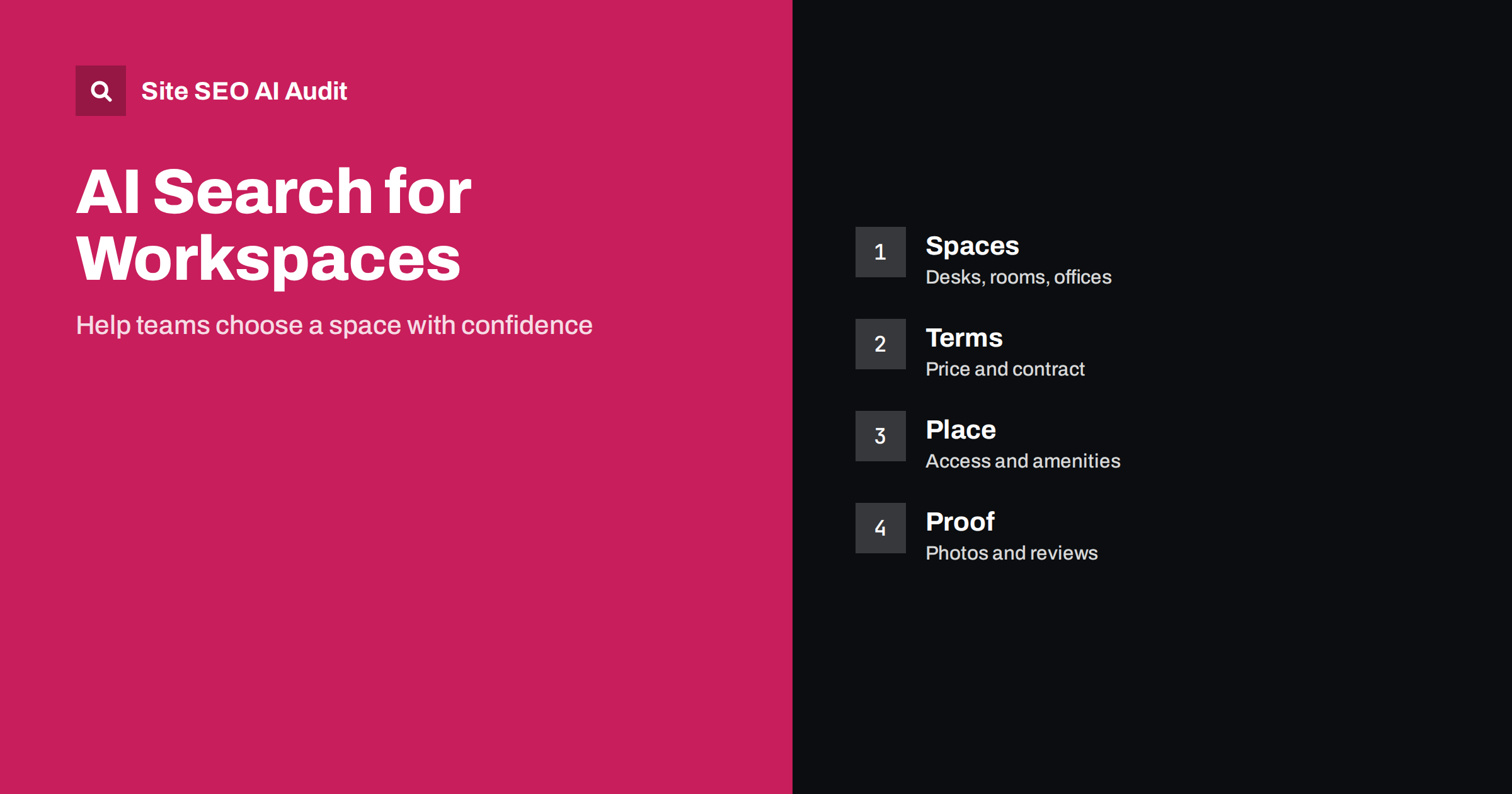
Short answer: Freelancers, start-ups and companies ask AI assistants where to rent a desk, a meeting room or an office. Coworking operators, serviced offices and commercial landlords are named when their pages describe each type of space, the price logic and contract terms, the location and access, amenities, rules and availability in plain words, with real photos and genuine reviews. Specific, current facts for each location work better than general claims of a great community.
Choosing a workspace is a practical decision with real costs and commitments. People ask how much a desk costs, whether they can use a space at night, how long the contract is, if there is parking, whether meetings can be held and which area has good transport. Assistants combine information from operators, directories, maps and reviews to answer. Providers who publish clear, complete and current facts become the easy answer. For property in general, see the guide to AI search for real estate.
How people ask about workspace
Early questions are about types: coworking or private office, hot desk or fixed desk, virtual office or meeting room by the hour. Next come questions about fit: a quiet place for a writer, a space for a team of eight, an office with a business address, a studio with equipment. Then come the practical details: price, contract length, deposit, opening hours, access, parking, internet speed, printing, kitchen, accessibility and rules about guests. Finally, people ask about reputation: what is the community like, how is the service and what do current members say.
Each of these groups needs a clear page. If you answer them all in one general page, assistants have little to quote, and a visitor needs to hunt for the answer.
One page for each type of space
Create a page for each type you offer: hot desk, dedicated desk, private office, meeting room, event space, virtual office. For each one state what is included, the capacity, the typical user and the price or the price logic, such as per day, per month or per person. Add photos that show the real space, a floor plan if you have one and a short description of the atmosphere in plain words. Mention extras separately, with costs, so that the base price is clear.
If you have several locations, give each its own set of pages instead of a general overview. The advice for multi-site businesses is in the guide to AI search for multi-location businesses and the guide to location pages.
Publish prices and contract terms
Price and flexibility are the first filter. Give current prices where you can, or a range with the factors that change it, such as size, floor or length of the term. State the contract type, the minimum period, notice rules, deposit, what happens when the term ends and whether members can move to another size. Mention fees that people often discover late: cleaning, access cards, printing, parking, and taxes. Mark the date on which prices were last confirmed. See the guide to pricing pages.
Do not publish offers that are no longer valid. Old prices in an assistant’s answer cause disappointment and wasted calls. If rates change by season or by demand, say how they are set.
Location, access and surroundings
Show exactly where the space is and how to reach it: address, map, nearest public transport, parking, bicycle storage, accessibility for wheelchairs and the step-free route from the entrance. Describe the neighbourhood in practical terms: cafes, shops, hotels for visiting clients and other offices nearby. State the opening hours and whether members have access outside them, and how security and reception work.
Keep your business profile on maps and directories identical to your website, using the same name, address, phone number and hours. Differences make it harder for assistants to trust the details. The method is in the guide to business profile and website alignment and the guide to local business and AI search.
Amenities and rules in plain words
List what is included in a way that a reader can check: internet speed and backup, meeting rooms and booking, phone booths, printing, lockers, kitchen and coffee, showers, events, post handling, mail address and cleaning. Give the numbers where they exist, for example the capacity of each room and the number of phone booths. State the rules: guest policy, noise, food, pets, smoking, and whether members can have a business registered at the address.
Describe the community with real details: the types of companies, how many members, which events happen and how members can meet. Avoid empty claims such as inspiring and innovative, which every operator uses and which carry no information.
Business lets and commercial listings
Landlords and agents of shops, offices and warehouses should list each unit with area, layout, condition, services, rent, charges, lease length, available date and any use restrictions. Provide plans and photos, energy information where required and contact details of a named person. Keep the status current and remove units that are let, or mark them clearly. Explain terms that tenants often ask about: rent-free periods, break clauses, service charges and what repairs are included.
For vacancies that change often, use a clear, stable address for each unit and update the page when the status changes, instead of creating new addresses each time. This keeps links and reviews attached to the same page.
Reviews, tours and proof
People want to see and hear from others. Offer a clear way to book a tour, with a short description of what happens during it. Publish photos and a short video walk-through. Ask members for honest reviews at times such as after the first month and when they leave, and respond to the critical ones calmly. Case descriptions of companies that grew in your space, published with permission, show what the environment is like. For the principles of reviews, see the guide to reviews and AI recommendations.
Show your own details too: who operates the space, how long it has existed and how to contact the manager. Transparency helps trust.
Events and meeting rooms
Many operators also rent rooms for meetings, workshops and events. Describe each room with capacity in different layouts, equipment, catering options, price per hour or day and booking rules. Provide a calendar of public events with dates and prices. See the guide to event pages for a clean structure. For event businesses, the guide to AI search for events and creatives adds more ideas.
Keeping information current
Workspace information changes quickly: desks fill up, prices move, rooms are refurbished and new locations open. Name one person who owns the facts, and review every location page at least monthly. Update availability as often as practical, or state clearly that availability changes and give a fast way to ask. Remove old promotions and closed locations, and redirect their addresses to the closest current page instead of deleting them.
Do a regular check of what assistants say about your spaces. Ask typical questions, such as the price of a hot desk in your area, which coworking spaces have meeting rooms for ten people or where to find an office on a short lease, and compare the answers with your pages. If something is wrong, find the source, which is often an old directory entry or a review site, and correct it. Over a few months you will see which pages are used and which facts need to be made clearer.
Finally, keep promises modest and checkable. State the real internet speed, the real capacity of a room and the real opening hours. A dependable fact is worth more than an impressive adjective, both to a member who will rely on it and to an assistant that must decide whether to repeat it.
Here is a short example. A coworking space described itself as a vibrant hub for innovators and gave no prices. Assistants listed competitors with clear price tables. The operator created pages for each desk and office type with prices, contract terms and photos, added a transport and parking section and published a guide to choosing between a hot desk and a private office. The space then began to be named for queries about quiet desks near the central station.
A second example is a landlord of small offices who gave each unit its own page with a plan and the exact service charge. Enquiries became more focused, and fewer visits were wasted on units that did not fit.
Site SEO AI Audit crawls your website and checks status codes, titles, descriptions, duplicate and thin content, broken links, structured data, page speed and AI visibility settings, which helps you find weak or duplicated space and location pages. It does not manage bookings or listings. The first audit of up to 200 pages is free, and larger sites can see the pricing page.
Related reading
- AI Search for Rental and Equipment Hire
- AI Search for Professional Services
- FAQ Sections That AI Answers Can Quote
The bottom line
Publish clear pages for each space type and location, with current prices, terms, amenities and honest proof from real members.
KKK
Should a coworking space publish prices?
Yes, where possible. If prices vary, give ranges and explain the factors, and show the date they were confirmed.
Do I need a page for every location?
Yes. Each location has its own address, access, amenities and prices, so it needs its own pages.
What contract terms should I explain?
Minimum period, notice, deposit, extra fees, what happens at the end and whether members can change space.
How can I show the community?
With real details: member types, events, case descriptions published with permission and honest reviews.
How do I handle units that are let?
Mark them clearly or remove them, and keep stable addresses for units that come back to the market.