ENEnglish
 LTLietuviškai
 DEDeutsch
 FRFrançais
 RUРусский
 ESEspañol
 PLPolski
 ITItaliano
 UKУкраїнська
 CSČeština
 PTPortuguês
 JA日本語
JA日本語 LVLatviešu valoda
 ETEesti
 HUMagyar
 IDBahasa Indonesia
 TRTürkçe
 HIहिन्दी
 ELΕλληνικά
 ARالعربية
 THไทย
THไทย VITiếng Việt
 RORomână
 MSBahasa Melayu
 BNবাংলা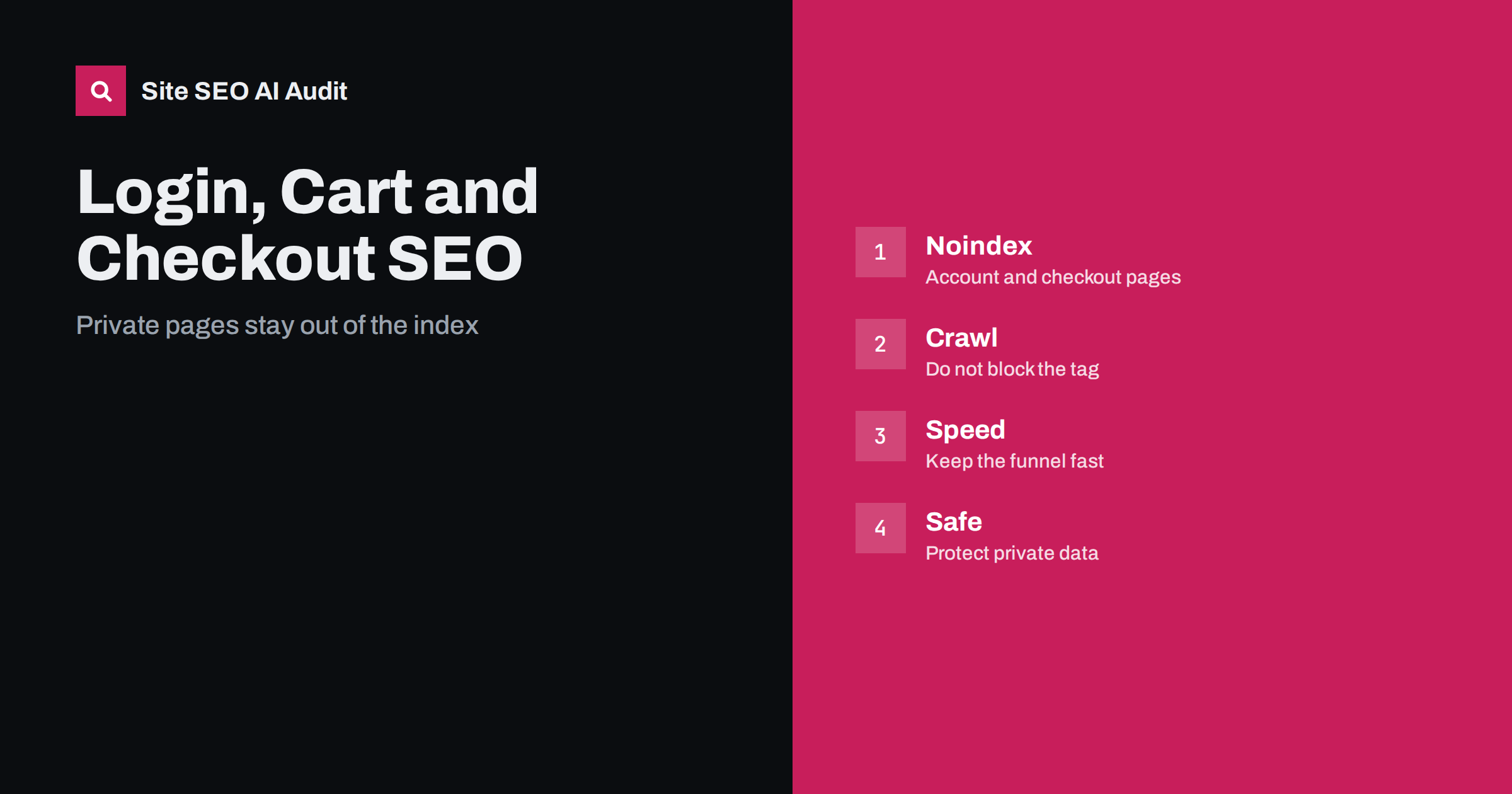
Short answer: Login, account, cart and checkout pages serve individual users and have no value as search results, so they should carry a noindex instruction, be left out of sitemaps and not be linked prominently in crawlable navigation beyond the usual header links. Do not rely on robots.txt alone, since a blocked page cannot show its noindex tag. Focus on speed, security and clear steps, because these pages decide whether visitors complete a purchase.
Shops and membership sites have a set of functional pages that visitors must reach but search engines have no reason to show: the login form, the registration form, the account area, the basket, the checkout steps and the order confirmation. They are often forgotten in SEO work, and they cause three kinds of trouble. They can appear in results and confuse people, they can create thousands of useless addresses through session or cart parameters, and they can be slow, which costs sales. This guide explains how to handle each. It builds on the comparison of noindex and robots disallow.
Which pages belong in this group
Pages that depend on a person, a session or a transaction belong here: login, registration, password reset, account dashboard, order history, saved addresses, wishlist, cart, checkout steps, payment return pages and order confirmation. Pages that only look similar, such as a public page that explains how to create an account or a help page about returns, are ordinary content and should be indexed, as discussed in the guide to shipping and returns pages. Make a list of all functional addresses on your platform, including those added by plugins, so that nothing is missed.
Use noindex on private and functional pages
Add a robots meta tag with noindex to these pages, or send the same instruction in an HTTP header. This tells search engines not to show the page in results. Combine it with a follow value if you like, although the links on such pages are of little interest. Keep the instruction on the page for as long as it exists, and check that a platform update or a theme change has not removed it. For account pages that require a login, search engines normally cannot see the content anyway, but the login screen they do see should still be marked.
Do not block what you want search engines to read
A common mistake is to disallow these folders in robots.txt and assume the problem is solved. A blocked page cannot be fetched, so the noindex tag is never read, and if other pages link to the address it can still be listed without a description. A better pattern is to allow crawling, use noindex and, once the pages have dropped out of the index, decide whether a block is needed to save crawl capacity. For small and medium shops, noindex alone is usually enough. Also make sure that the files needed to display these pages are not blocked, since a broken layout in tests can hide problems.
Control addresses created by carts and sessions
Some platforms add session identifiers, cart tokens or tracking values to addresses, producing endless variants of the same page. Where possible, store the session in a cookie and not in the address, and keep addresses of functional pages fixed. Do not link to cart or checkout addresses from the content of pages in a way that creates crawlable parameters. The issues are similar to those in the guide to URL parameters and duplicate content. If a plugin generates action links such as add to cart as plain links, use buttons or forms for them, so that crawlers do not follow each one.
Keep the funnel fast and simple
For a shop, these pages are where revenue is made or lost. Reduce scripts, avoid heavy images and delay non-essential third-party tags until after the order is placed. Test on a mid-range phone with a normal connection. Make forms short, label fields clearly, support autofill and show errors beside the field. A fast, simple checkout also helps measures such as interaction speed, a point covered in the INP guide. Do not add promotions or pop-ups that distract from completing the purchase.
Security and trust
All these pages must use https, with a valid certificate and no mixed content, a problem described in the guide to mixed content errors. Do not expose personal details in addresses, such as an email address or an order number that can be guessed. Protect account areas with strong authentication, and keep software updated. Show clear contact details, return and privacy information near the checkout, since visitors look for signs of trust before paying. Security warnings from the browser damage both sales and reputation.
Links to these pages
Visitors expect to find the login, the account and the cart in the header. These links can stay, because they are part of normal navigation, but avoid adding them to body text, footers on every page with keyword-rich anchors, or sitemaps. Do not use them as targets of large numbers of internal links that you want to rank; the aim is to serve users, not to pass strength. For internal search, filters and similar functional pages, review the advice in the guide to internal search pages.
Guest checkout and abandoned carts
Some visitors leave the cart and later return from an email or an advertisement. The links in such messages should lead to a page that works without exposing private data, and they should not use addresses that search engines can find. Make guest checkout available, since forced registration reduces completed orders. If you recover abandoned carts, remember that the emails are not an SEO tool, but the landing page experience still matters. Measure the whole funnel with events so that you can tell whether problems come from search visitors or from the process itself.
Check what is already indexed. Search for your domain together with words such as login, cart, checkout and account, and review the page indexing report in Search Console for addresses of this kind. If any are indexed, add noindex, wait for them to be recrawled and confirm the removal. The article on index bloat cleanup describes a method for cleaning up unwanted addresses.
Review these pages after every platform or plugin update. Updates sometimes reset settings, rename addresses or add new functional pages, such as a quick-buy or a subscription portal, without the noindex instruction. A short checklist for each release, covering the indexing instruction, status codes, speed and security, takes little time and prevents surprises.
Consider a realistic case. A shop built on a popular platform finds, during a routine check, that forty addresses containing the word cart and a long string of characters are indexed. They came from a plugin that adds a unique token to each shared basket link, and a few customers posted these links on a forum. Nothing in the pages is secret, but the results look untidy, and a customer who clicks one lands on an empty basket. The fix has three parts: add noindex to the basket page, change the plugin setting so that tokens are not placed in crawlable links, and request removal of the forty addresses. Within a few weeks, the results are clean.
Membership sites face a similar issue with profile pages. If members have public profiles, decide deliberately whether those should be indexed, since they hold personal information. A public directory can be useful for a professional community, but it needs the consent of the members and clear controls. Where profiles are private by default, mark them noindex and require a login. Where they are public, give each member control over what is shown, and keep thin or empty profiles out of the index so that search results are made of useful pages.
Finally, think about error handling. A visitor who tries to open the account page without logging in should see a clear login form or be redirected to one, not a blank page or a technical error. A visitor who opens the cart when it is empty should see a friendly message with links to popular categories. These small details affect how people feel about the shop, reduce wasted visits and prevent crawlers from meeting confusing responses, such as soft error pages that return a success status with no useful content.
Site SEO AI Audit crawls your site and checks noindex tags, status codes, https and mixed content, canonical tags, sitemaps, page weight and broken links, so you can see whether functional pages are open to search engines or leaking into sitemaps. It does not test payment flows or account security. The first audit of up to 200 pages is free; larger sites can see the pricing page.
Related reading
The bottom line
Add noindex to login, account, cart and checkout pages, keep them crawlable, leave them out of sitemaps, and spend your effort on speed, security and a simple checkout.
KKK
Should the cart page be indexed?
No. It is personal and has no value as a search result, so use noindex.
Can I block these pages in robots.txt?
You can, but noindex is more reliable, since a blocked page cannot show its tag.
Should I remove the login link from the header?
No. Visitors expect it, and it is normal navigation.
Do these pages affect crawl budget?
Only on large sites with many generated addresses. Fixed addresses and noindex are usually enough.
Is the order confirmation page private?
Yes. Protect it, mark it noindex and avoid guessable addresses.