ENEnglish
 LTLietuviškai
 DEDeutsch
 FRFrançais
 RUРусский
 ESEspañol
 PLPolski
 ITItaliano
 UKУкраїнська
 CSČeština
 PTPortuguês
 JA日本語
JA日本語 LVLatviešu valoda
 ETEesti
 HUMagyar
 IDBahasa Indonesia
 TRTürkçe
 HIहिन्दी
 ELΕλληνικά
 ARالعربية
 THไทย
THไทย VITiếng Việt
 RORomână
 MSBahasa Melayu
 BNবাংলা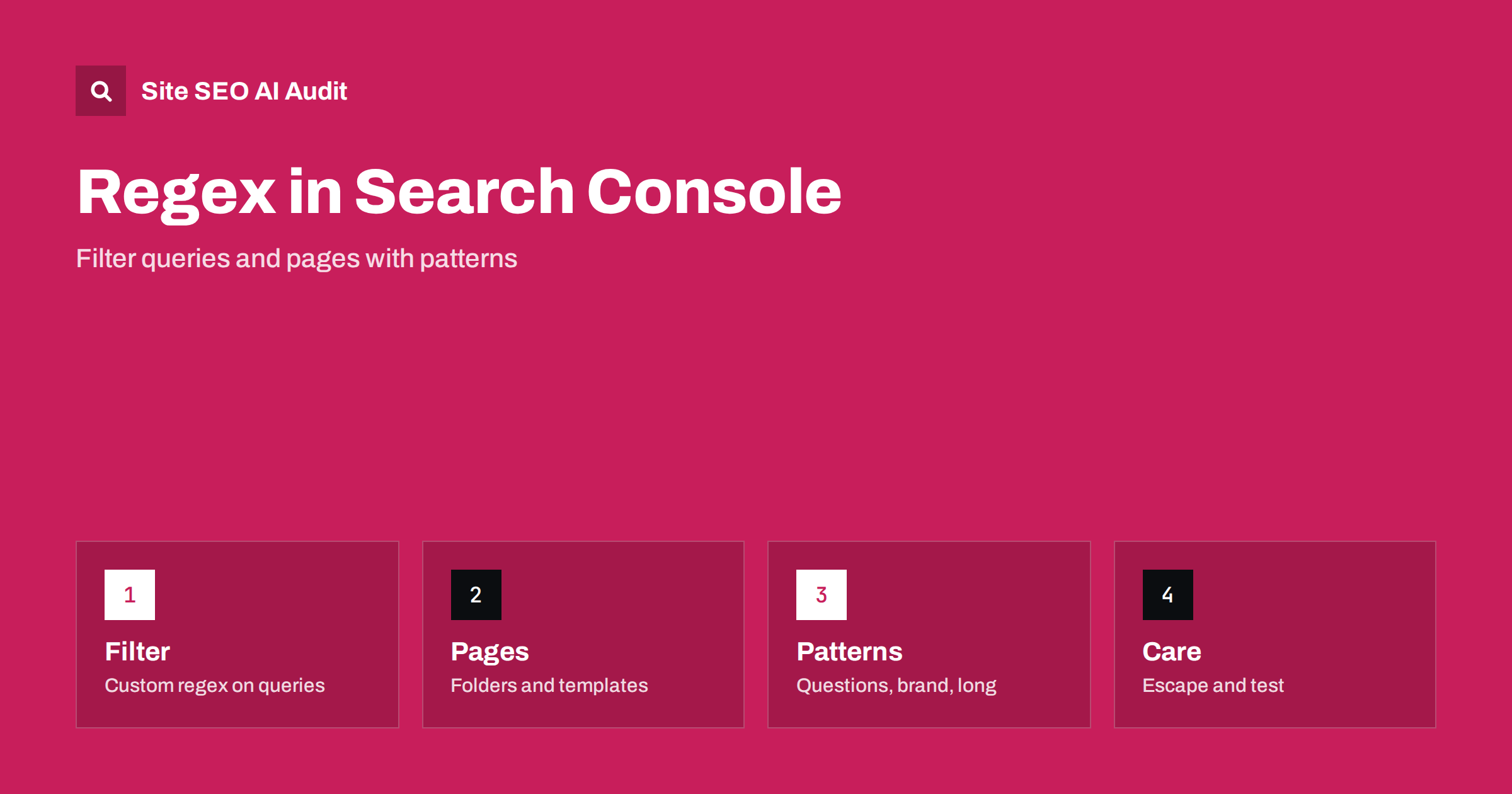
Short answer: The Search Console performance report lets you filter queries and pages with a custom regular expression, which is a compact pattern that matches many values at once. With a few patterns you can separate branded from non-branded queries, list question searches, find long queries and isolate whole folders or page types. Patterns are case sensitive unless you ask otherwise, and they follow a limited syntax, so test them on small examples first.
The ordinary filters in the performance report are limited: they can include or exclude queries that contain, or equal, a single piece of text. Many questions need more, such as all queries that start with a question word, or all pages in two folders but not in a third. Regular expressions answer these questions without exporting data to a spreadsheet. This guide shows where to find the option, the small set of symbols that cover most needs, and a list of patterns for common tasks. It supports the work described in the guide to the Search Console performance report.
Where to find the regex filter
Open the performance report for search results, choose to add a filter for queries or pages, and then pick the option for a custom filter. In the dialogue, a menu offers conditions such as contains, does not contain, exactly matches, and two options that use regular expressions: matches regex and does not match regex. Type the pattern, apply the filter and the table and chart update. You can add several filters at once, for example a regex on queries and a date range or a country. The same custom option exists for pages.
The small set of symbols you need
A pattern is made of ordinary characters and a few special ones. A vertical bar means or, so brand|shop matches either word. A dot matches any single character, and a dot followed by an asterisk matches any run of characters, including none. The caret anchors the start of the text and the dollar sign anchors the end. Round brackets group parts together, a question mark makes the previous item optional, and a plus sign means one or more. A backslash before a special character makes it literal, which is needed for a real dot or question mark. The tool uses a standard syntax with some limits, so very complex patterns may be rejected.
Separate branded and non-branded queries
Branded searches contain your name, and non-branded searches do not, and the two behave very differently. List your brand name, common variants and typical misspellings separated by vertical bars, for example the name, the name without spaces and a shortened form. Apply it as matches regex to see branded queries, and as does not match regex to see the rest. Compare clicks, impressions and click-through rate for both groups. This split is the basis of the analysis in the guide to branded and non-branded search, and it shows whether growth comes from people who already know you or from new audiences.
Find questions and long searches
Question searches often begin with words such as how, what, why, when, where, who, can, does or is. A pattern that starts with a caret, then a group of these words, then a space, matches such queries. Add the word are or should if your audience uses them. Long queries can be found by matching at least five words: a pattern that repeats a group of non-space characters followed by a space four times, then another word. These lists reveal the full-sentence searches that suit answer sections, as in the guide to People Also Ask, and long phrases that point to specific needs, as explored in the long-tail keyword guide.
Filter pages by folder or template
For pages, regular expressions let you look at sections of the site. A pattern that begins with the domain and a folder name followed by a slash matches everything in that folder. Combining two folders with a bar shows both at once. A pattern that matches addresses ending in a certain word, or containing a number pattern such as a year, finds a type of page. Use does not match regex to exclude a folder such as a blog from a report about product pages. This approach is the quickest way to check how a template, a language folder or a new section performs.
Find problems with patterns
Patterns help find clues. Search for queries that contain a typo of your brand to see where people misspell it. Search for addresses with parameters by matching a question mark, which must be escaped, to see whether parameter pages receive impressions, a problem related to URL parameters. Look for pages that match words such as test, staging or old. Check queries in a language you do not serve, to find demand for a translation. Combine with a minimum impressions filter in your own analysis to avoid chasing rare queries.
Case and escaping
Regular expressions in this tool are case sensitive by default, so Brand and brand are different. Add the flag for case-insensitive matching at the start of the pattern, written as a question mark, the letter i inside round brackets, or type both cases in the pattern. Characters with special meaning, such as the dot, the question mark, the plus sign and brackets, must be escaped with a backslash when you mean the plain character. A forgotten escape is the most common reason for a pattern that matches too much. When a result looks wrong, simplify the pattern and add parts one at a time.
Know the limits of the data
The performance report does not show every query. Rare queries are anonymised to protect privacy, so totals by query may be lower than the total for the property. The report keeps data for sixteen months, and tables show a limited number of rows, which is why exporting is covered in the guide to exporting Search Console data. A pattern cannot reveal queries that are not in the data. Treat the results as a sample that is large enough for direction, not as a complete census, and compare periods of equal length when you measure changes.
Save your useful patterns in a document that the team can use. Write a short description of each, the date you last tested it and what to watch for. When the brand adds a product or changes its name, update the branded pattern. A shared list prevents people from rebuilding patterns each month and from using slightly different versions that produce different numbers.
Practise on a small example before you rely on a pattern. Type a pattern, check the first twenty results, and ask whether each belongs. Then check a few queries that should have matched but did not appear. Fix the pattern until both checks pass. This ten-minute habit prevents decisions based on a wrong filter, such as concluding that branded traffic fell when the pattern missed a new spelling.
Regex filters are a convenience, not a requirement. If the syntax feels heavy, start with only the bar for alternatives and the caret for the start of a query. These two cover most uses and are easy to read. Add other symbols when a specific need arises, and keep patterns short enough that a colleague can understand them at a glance.
Here are some patterns to adapt, described in words so that you can type them in the filter. For questions: a caret, then an opening bracket, the words how, what, why, when, where, who, can, does, is, separated by bars, a closing bracket and a space. For branded queries: your name, the name without a space and common misspellings, separated by bars. For long queries: a group that matches one word and a space, repeated four times, followed by one more word. For a folder: a caret, the full address of the site, the folder name and a slash. For two sections at once: the same pattern with a bar between the folder names inside brackets. For pages with a year in the address: a group of four digits that begins with the number twenty. Write your versions down and test them on your own data.
A worked example shows the value. Suppose a store compares its blog with its product pages. The owner filters pages by the blog folder and queries that start with a question word, and finds that the blog earns many impressions for how-to questions but few clicks, with an average position near eight. A look at the matching articles shows that their titles do not repeat the question. After rewriting the titles and adding a direct answer at the top of each article, the owner uses the same filters a month later and compares the period with the previous one. The pattern did not fix anything by itself, but it made the problem visible in minutes.
A second example concerns international sites. With language folders such as one for German and one for French, a page filter for each folder lets you compare clicks and impressions by language without leaving the report. Add a country filter to see whether the German folder gets traffic from the countries you expect, or from elsewhere. If most visitors to the German folder come from another country, your targeting or your translations may not match the audience, an idea explored in the guide to Search Console for international sites.
Site SEO AI Audit crawls your site and checks titles, descriptions, headings, status codes, canonical tags and structured data for each page, which gives you the page-level facts to act on after Search Console shows you which pages need attention. It does not read your Search Console data. The first audit of up to 200 pages is free; larger sites can see the pricing page.
Related reading
- Low CTR and Impressions Without Clicks
- Search Console for International Sites
- Keyword Research Guide
The bottom line
Use matches regex and does not match regex to split brand from non-brand, find questions and long queries, and isolate folders, and test each pattern before trusting the numbers.
KKK
Is regex in Search Console case sensitive?
Yes by default. Add a case-insensitive flag or list both cases in the pattern.
Can I use regex on pages and queries?
Yes. Both filters offer matches regex and does not match regex options.
Which regex syntax does it use?
It uses a standard syntax with some limits, so very complex patterns may be rejected.
Why do my totals not match?
Rare queries are anonymised, so the sum of queries can be lower than the total for the property.
Do I need to know programming?
No. A few symbols such as the bar, the caret and the dot cover most needs.